




 here!
I’m your shopping assistant for PC builds, upgrades, and everything tech.
Got questions? Ask away!
Start a conversation
here!
I’m your shopping assistant for PC builds, upgrades, and everything tech.
Got questions? Ask away!
Start a conversation







Any questions? Ask CelesteSM will help you find out quickly.
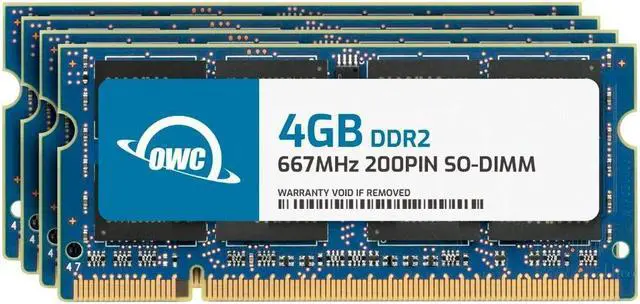
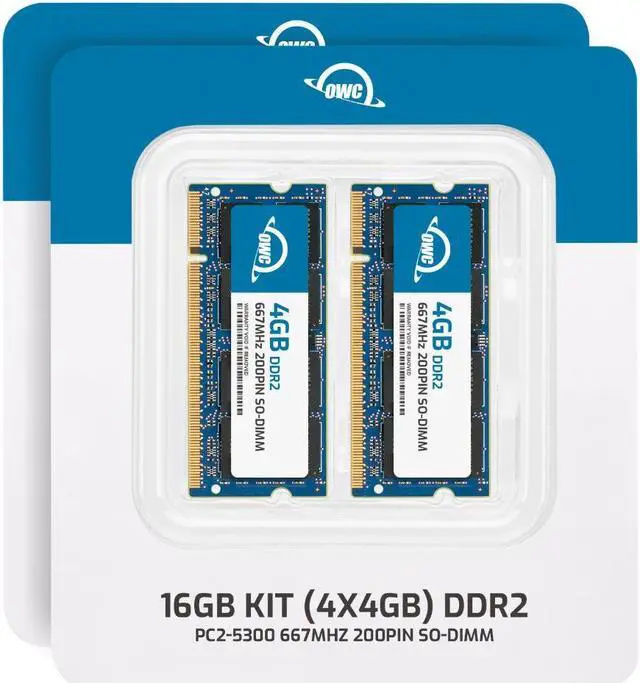
The OWC 16GB DDR2 667 kit includes four 4GB 200-pin SO-DIMM modules for compatible laptops, all-in-one PCs, and NAS systems that use 1.8V PC2-5300 memory.
| Attribute | Value |
|---|---|
| Best For | Memory upgrades for laptops, all-in-one systems, and NAS systems |
| Capacity And Kit Configuration | 16GB kit with four 4GB modules, configured for dual-channel use |
| Memory Type And Speed | DDR2-667 (PC2-5300) SO-DIMM memory with CL5 latency |
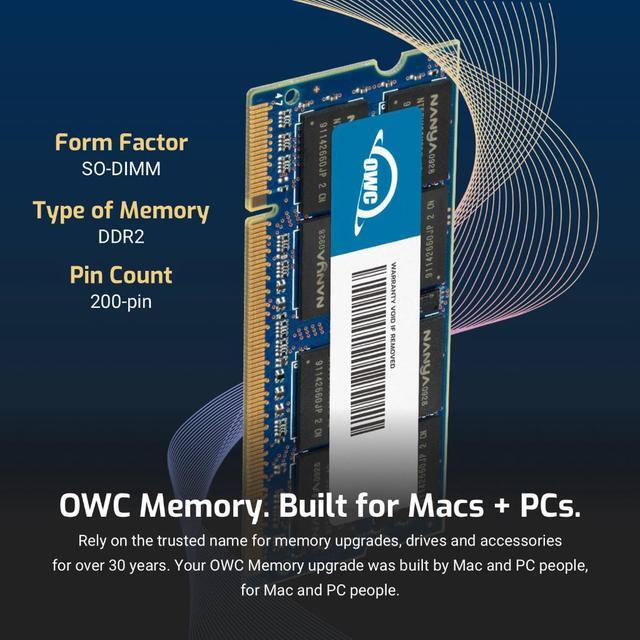
| Module Format And Electrical Specs | 200-pin, 1.8V SO-DIMM modules |
| Error Correction And Buffering | Non-ECC and unbuffered |
| Module Design | No heat spreader; black chips |
| Model Identifiers | OWC; part number 5S3D22R8016S; model number OWC5S3D22R8016S-B958-SF |
Q: OWC 16GB DDR2-667 vs OWC 8GB DDR2-667: which should I choose?
A: Choose this 16GB (4 × 4GB) kit when you want more total memory and your system supports 16GB and 4GB modules. Both OWC kits use DDR2-667 PC2-5300, 200-pin SO-DIMMs; the 8GB kit contains four 2GB modules.
Q: Should I get the OWC 16GB DDR2-667 kit or the OWC 4GB DDR2-667 kit?
A: The 16GB kit is the higher-capacity choice: it provides four times the memory of OWC’s 4GB (2 × 2GB) kit, while retaining the DDR2-667 PC2-5300 specification. Choose it if your system supports 16GB and 4GB SO-DIMMs and you want more memory for running multiple applications or working with larger files.
Q: OWC 16GB DDR2-667 4 × 4GB vs OWC 16GB DDR2-667 8 × 2GB: what’s different?
A: Both OWC kits provide 16GB of DDR2-667 PC2-5300 memory. This product uses four 4GB modules; the alternative uses eight 2GB modules. Choose this kit when your system supports 4GB modules and its memory configuration calls for four modules.
Q: Will this 16GB kit work in my laptop?
A: Only if the exact laptop model supports DDR2 667 (PC2-5300), 200-pin SO-DIMMs, 4GB per module, and 16GB total. Check the computer’s specifications or service manual before buying; matching the memory type alone does not confirm compatibility.
Q: Does my laptop need four memory slots for this kit?
A: The kit contains four 4GB modules, so confirm that the computer has four compatible slots and supports the kit’s full 16GB configuration. Many laptops have fewer slots; a two-slot system cannot install all four modules at once.
Q: Can this memory improve an older computer’s performance?
A: It may help a compatible computer that slows down when running low on memory, especially during multitasking. It will not increase performance beyond what the computer supports, and it may not resolve slowdowns caused by other components or software.
Q: Is this a straightforward DIY upgrade?
A: It can be a DIY upgrade if the computer has accessible, compatible memory slots. Follow the computer’s service instructions and verify that the system recognizes the installed memory afterward; installation steps vary by model.
Q: Will this 16GB kit work in my DDR2 laptop?
A: Not necessarily. The kit contains four 4GB 200-pin DDR2 SO-DIMMs, so check that your system has four usable slots and supports both 4GB modules and 16GB total. Reddit discussions and laptop-upgrade videos show that maximum memory varies by model; some older laptops support only 4GB or 8GB.
Q: Will my laptop recognize the full 16GB?
A: Only if the laptop’s chipset and firmware support 16GB and the operating system can address it. Check the exact laptop model’s maximum capacity and per-slot limit before buying; a compatible DDR2 type and speed alone do not guarantee that the full capacity will be recognized.
Q: Is this upgrade worth it for an old laptop?
A: It may make sense for a compatible laptop used for legacy or specific tasks, especially if it currently lacks memory. It is less compelling if the laptop is already limited by its processor or other hardware; Reddit users also report that older DDR2 upgrades can be costly relative to the value of the machine.


