




 here!
I’m your shopping assistant for PC builds, upgrades, and everything tech.
Got questions? Ask away!
Start a conversation
here!
I’m your shopping assistant for PC builds, upgrades, and everything tech.
Got questions? Ask away!
Start a conversation







Any questions? Ask CelesteSM will help you find out quickly.
| Technology | DDR5 |
|---|---|
| Speed | PC5-38400 4800MHz CL40 |
| Form Factor | 262PIN ECC SO-DIMM |
| ECC Type | ECC UNBUFFERED |
| Voltage | 1.1v |
| Compatibility | Laptops, Notebooks, , NAS System, All In One, Servers |
















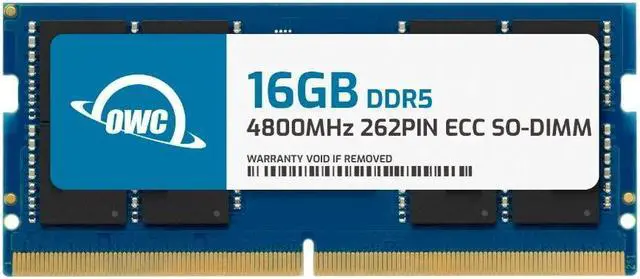
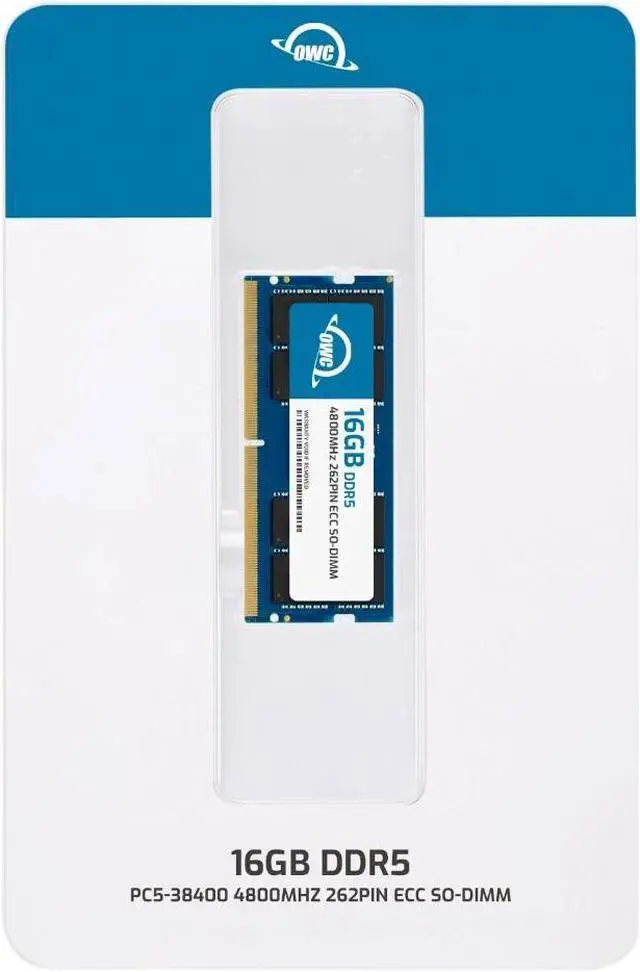
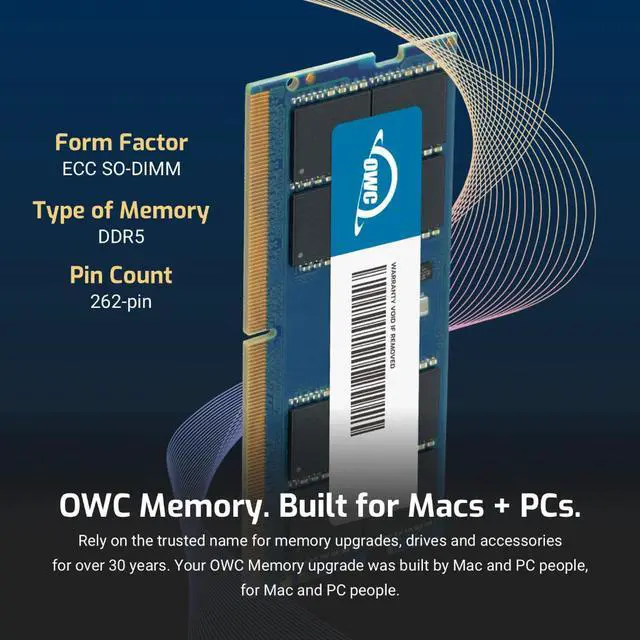
The OWC 16GB DDR5-4800 ECC unbuffered SO-DIMM is a laptop-memory upgrade for compatible laptops, all-in-one systems, and NAS devices that support 262-pin DDR5-4800 ECC memory. It runs at CL40 and 1.1V and is listed as a replacement for Kingston KSM48T40BS8KM-16HM.
| Attribute | Value |
|---|---|
| Best For | Laptops, all-in-one systems, and NAS systems |
| Capacity And Module Format | 16GB DDR5 SO-DIMM with a 262-pin connection |
| Memory Speed And Latency | DDR5-4800 (PC5-38400), with a listed data transfer rate of 16 Gigabits per second and CL40 latency |
| Memory Configuration And Power | ECC, unbuffered, 1.1V, with no heat spreader |
| Model Identifiers | OWC, part number 4C8D51R816GB; model number OWC4C8D51R816GB-B790-SF |
Q: OWC 16GB DDR5-4800 ECC or 16GB DDR5-5600 ECC—which should I choose?
A: Choose this OWC DDR5-4800 module when your laptop, all-in-one, or NAS specifies DDR5-4800 ECC SO-DIMM memory. Choose OWC’s 16GB DDR5-5600 ECC SO-DIMM when your system supports that speed. Both are 16GB ECC SO-DIMMs; the listed data rates are 4800 and 5600 MT/s, respectively.
Q: Should I get this 16GB OWC module or the 32GB OWC ECC kit?
A: Choose this single 16GB module when you want one 16GB stick. Choose OWC’s 32GB kit when you want 32GB total as two matched 16GB DDR5-4800 ECC SO-DIMMs; check that your system supports the kit’s capacity and two-module configuration.
Q: When should I choose this OWC 16GB ECC module over OWC’s 16GB non-ECC DDR5-4800 module?
A: Choose this module when your system specifies ECC DDR5 SO-DIMM memory. Choose OWC’s non-ECC 16GB DDR5-4800 module when your system specifies non-ECC memory. Both are 16GB DDR5-4800 SO-DIMMs, so match the memory type required by your device.
Q: Will this memory work in my laptop?
A: Only if the laptop supports 16GB DDR5-4800, 262-pin SO-DIMM memory and specifically supports ECC unbuffered modules. Check the laptop’s exact model specifications, memory capacity limit, and ECC support before buying; the product details alone do not confirm compatibility with a particular laptop.
Q: Can I add this to my laptop’s existing RAM?
A: Possibly. This is one 16GB module, so adding it requires an available memory slot and a laptop that supports this module’s DDR5-4800 SO-DIMM format and ECC unbuffered memory. If there is no free slot, it may need to replace an existing module. Confirm the exact laptop model’s supported capacity and memory configuration first.
Q: Can I use this in a DDR4 laptop?
A: No. This is DDR5 memory and is intended for a compatible DDR5 system; it is not a DDR4 replacement. The laptop must also support the module’s 262-pin SO-DIMM form factor, 4800 speed, and ECC unbuffered memory.
Q: Will this 16GB DDR5 ECC SO-DIMM work in my laptop or NAS?
A: Only if the system supports 262-pin DDR5 SO-DIMMs at a compatible speed and accepts this ECC unbuffered module. Reddit users report that memory compatibility can vary by system, and matching the physical format alone does not guarantee the module will boot. Check the system maker’s supported memory specifications before buying.
Q: Will the system actually use this module’s ECC error correction?
A: Not necessarily. The module is specified as ECC, but the computer’s processor and motherboard must support ECC for that function to be enabled. Reddit discussions describe ECC SO-DIMMs working in some systems with ECC disabled; confirm ECC support for your exact system if error correction is the reason for buying it.
Q: Is 16GB enough for a NAS or mini PC?
A: It depends on the workload and the system’s memory limit. One Reddit discussion notes that 16GB may be adequate for some uses while other workloads need more; this module adds 16GB, but your total capacity depends on whether you are replacing or adding memory and on the system’s supported configuration.


