




 here!
I’m your shopping assistant for PC builds, upgrades, and everything tech.
Got questions? Ask away!
Start a conversation
here!
I’m your shopping assistant for PC builds, upgrades, and everything tech.
Got questions? Ask away!
Start a conversation








Any questions? Ask CelesteSM will help you find out quickly.
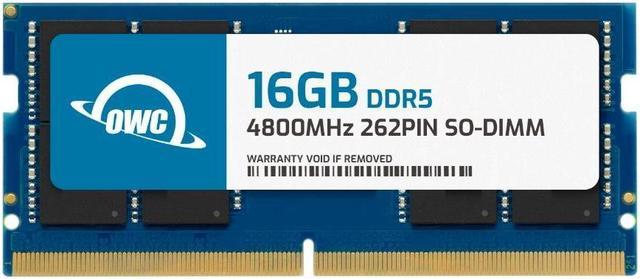
| Technology | DDR5 |
|---|---|
| Speed | PC5-38400 4800MHz CL40 |
| Form Factor | 262PIN SO-DIMM |
| ECC Type | NON ECC UNBUFFERED |
| Voltage | 1.1v |
| Compatibility | Laptops, Notebooks, , NAS System, All In One |
















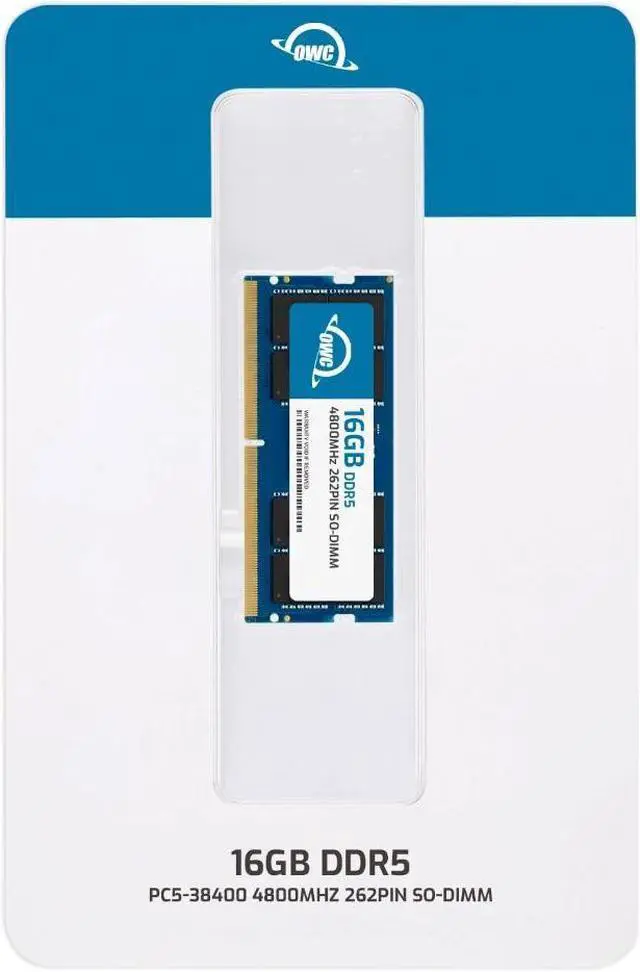
The OWC 16GB DDR5-4800 SO-DIMM is a laptop memory upgrade and replacement for compatible systems using Micron part MTC8C1084S1SC48B; it suits users whose laptops support 262-pin, 1.1V, non-ECC memory.
| Attribute | Value |
|---|---|
| Best For | A memory upgrade for laptops, all-in-one systems, and NAS systems, with laptop compatibility also specified |
| Capacity | 16GB |
| Memory Type And Form Factor | DDR5 4800 SO-DIMM module with 262 pins |
| Speed And Latency | 4800 MHz (PC5-38400) memory speed, 16 Gbps data transfer rate, and CL40 latency |
| Voltage And Configuration | 1.1V, non-ECC, unbuffered, and without a heat spreader |
| Model Identifiers | OWC; part number 4S8D51R816GB; model number OWC4S8D51R816GB-B836-SF |
Q: Should I choose this OWC 16GB DDR5-4800 module or OWC’s 32GB kit?
A: Choose this 16GB module when you want to add or replace one 16GB stick. Choose OWC’s 32GB kit when you want 32GB total from two 16GB sticks. Check your system’s supported capacity and available slots before choosing.
Q: How does this OWC 16GB module compare with an OWC 8GB DDR5-4800 module?
A: This module provides 16GB of memory, twice the capacity of OWC’s 8GB DDR5-4800 SO-DIMM. Choose the 16GB module when you want to add or replace a 16GB stick; choose the 8GB module when an 8GB stick matches your planned capacity and system configuration.
Q: For 16GB total, should I use this OWC 16GB stick or OWC’s 2×8GB kit?
A: Both options provide 16GB in total. Choose this single 16GB module when you want one stick for a compatible system; choose OWC’s 2×8GB kit when you want the 16GB split across two modules. Confirm the number of available slots and your system’s memory configuration before purchasing.
Q: Will this 16GB DDR5-4800 SO-DIMM work in my laptop?
A: It will work only if the laptop supports 262-pin DDR5 SO-DIMM memory, the 4800 MT/s speed, and a 16GB module. Check the exact laptop model’s specifications for memory type, slot availability, and maximum capacity before buying; DDR4 and DDR5 are not interchangeable.
Q: Can I add this RAM alongside the memory already in my laptop?
A: Possibly. This product is one 16GB module, so it can be added if the laptop has an available SO-DIMM slot and supports the resulting total capacity. If the existing memory is soldered or there is no open slot, the module may not be addable. Check the laptop’s service information before ordering.
Q: Will this memory run at 4800 MT/s in my computer?
A: The module is rated for DDR5-4800, but its actual operating speed depends on the laptop’s processor, motherboard, and memory configuration. A system that supports a lower speed may run it below 4800 MT/s. Verify the supported memory speed for your exact model.
Q: Is this a good choice for a DIY laptop memory upgrade?
A: It can suit a DIY upgrade if the laptop has an accessible, compatible SO-DIMM slot and supports this module’s specifications. OWC describes installation as a DIY task in many cases, but the laptop’s service instructions should determine whether the memory is user-accessible and how to install it safely.


