




 here!
I’m your shopping assistant for PC builds, upgrades, and everything tech.
Got questions? Ask away!
Start a conversation
here!
I’m your shopping assistant for PC builds, upgrades, and everything tech.
Got questions? Ask away!
Start a conversation







Any questions? Ask CelesteSM will help you find out quickly.
| Technology | DDR5 |
|---|---|
| Speed | PC5-38400 4800MHz CL40 |
| Form Factor | 262PIN SO-DIMM |
| ECC Type | NON ECC UNBUFFERED |
| Voltage | 1.1v |
| Compatibility | Laptops, Notebooks, , NAS System, All In One |
















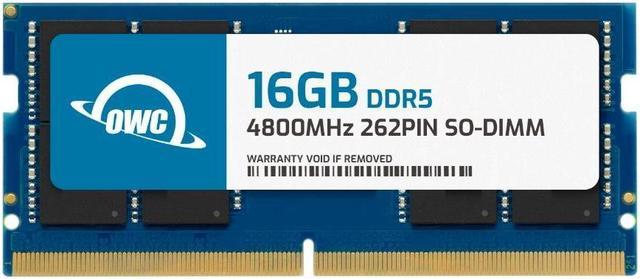
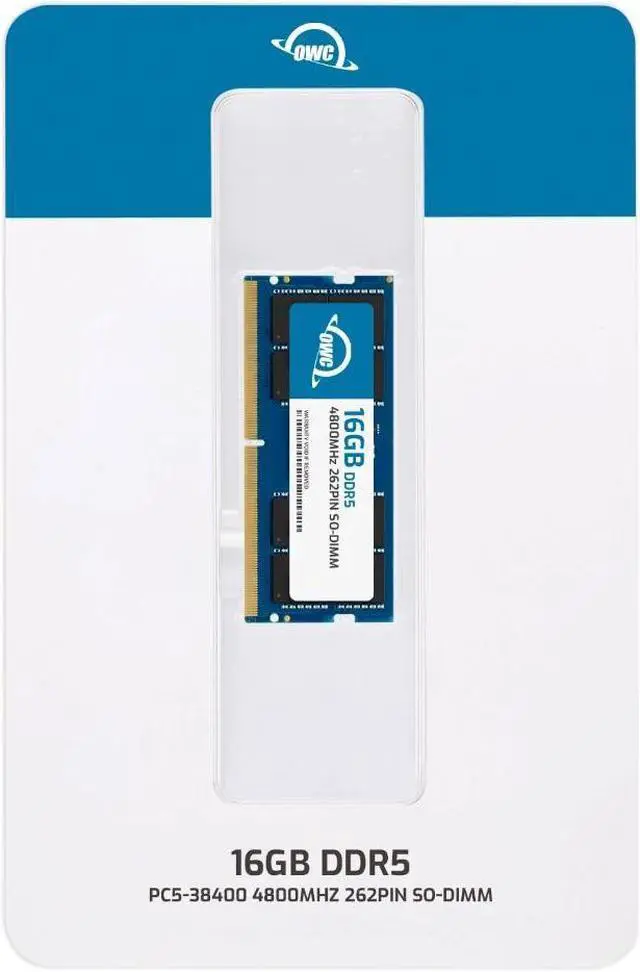
The OWC 16GB DDR5-4800 SO-DIMM is a non-ECC, unbuffered laptop memory module for upgrading or replacing RAM in compatible laptops, all-in-one systems, and NAS systems; it matches Crucial part number CT16G48C40S5.
| Attribute | Value |
|---|---|
| Best For | Laptop, all-in-one, and NAS systems that use a 16GB DDR5-4800 SO-DIMM |
| Capacity | 16GB |
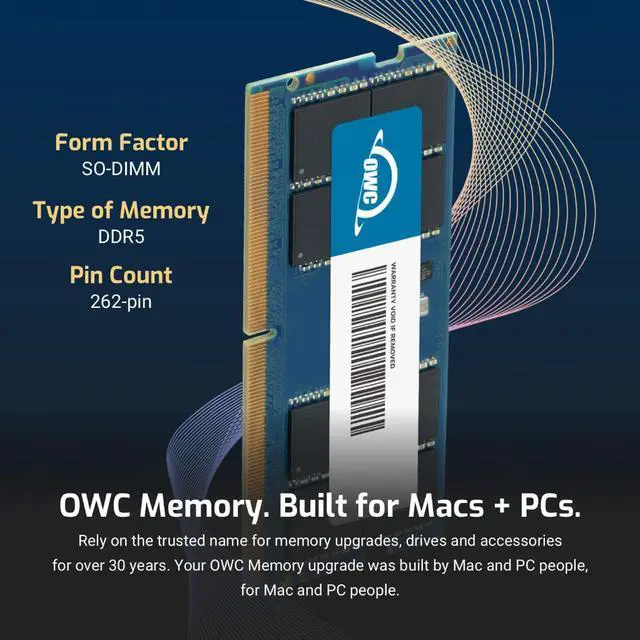
| Memory Type And Form Factor | DDR5 SO-DIMM with a 262-pin connector |
| Speed And Latency | 4800 MHz (PC5-38400), with a 16 Gigabits Per Second data transfer rate and CL40 latency |
| Electrical And Error Correction | 1.1V, non-ECC, unbuffered |
| Physical Design | No heat spreader |
| Model Identifiers | OWC; part number 4S8D51R816GB; model number OWC4S8D51R816GB-B822-SF |
Q: Should I choose this OWC 16GB DDR5-4800 module or an OWC 32GB DDR5-4800 module?
A: Choose the 16GB module for a 16GB memory upgrade or replacement; choose the 32GB module when you want twice the capacity for larger workloads or more simultaneous apps. Both are 262-pin DDR5-4800 SO-DIMMs, so confirm the laptop supports the selected capacity.
Q: How does this OWC 16GB DDR5-4800 stick compare with the OWC 32GB (2 x 16GB) kit?
A: Both options provide DDR5-4800 memory. Choose this single 16GB module for a one-module upgrade or replacement; choose the 32GB kit when you want 32GB total across two 16GB modules and your system supports that configuration.
Q: Is this OWC 16GB module worth choosing over the OWC 8GB DDR5-4800 module?
A: Choose the 16GB module when you want twice the memory capacity in one SO-DIMM. Both OWC modules are DDR5-4800, CL40, non-ECC and 262-pin; select the capacity that matches your upgrade plan and system support.
Q: Should I get this OWC DDR5-4800 module or an OWC 16GB DDR4-3200 module?
A: Choose this DDR5-4800 module for a laptop that uses compatible DDR5 SO-DIMM memory; choose the OWC DDR4-3200 module for a system designed for DDR4. Match the memory generation and supported speed to the laptop.
Q: Will this memory work with my laptop?
A: It will work only in a system that supports DDR5 262-pin SO-DIMM memory and a 16GB module at DDR5-4800 or a compatible supported speed. Check the laptop’s exact model, memory limit, and available slots before buying; a similar-looking model name alone may not confirm compatibility.
Q: Can I use this in a laptop that currently has DDR4 memory?
A: No. This is a DDR5 SO-DIMM module and is not a replacement for DDR4 memory. Confirm the memory generation supported by your laptop before ordering.
Q: Can I add this module alongside the RAM already in my laptop?
A: Possibly, if the laptop has an accessible memory slot and supports the combined capacity. Check the laptop’s specifications and current memory configuration first. When modules with different speeds are used together, the system may run them at a speed it supports for the configuration.
Q: Is installing this memory plug-and-play?
A: The module does not require separate software, but installation depends on how the laptop is built. Confirm that its memory is upgradeable, follow the manufacturer’s service instructions, and check that the module is seated correctly before powering the system on.
Q: Who is a 16GB memory module suitable for?
A: It is suited to a compatible laptop, all-in-one system, or NAS that needs a 16GB DDR5-4800 SO-DIMM upgrade. Whether 16GB is enough depends on the system’s total memory after installation and the applications you use.


