here!
I’m your shopping assistant for PC builds, upgrades, and everything tech.
Got questions? Ask away!
Start a conversation
here!
I’m your shopping assistant for PC builds, upgrades, and everything tech.
Got questions? Ask away!
Start a conversation







Any questions? Ask CelesteSM will help you find out quickly.
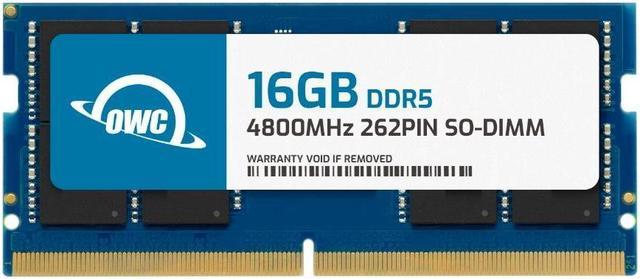
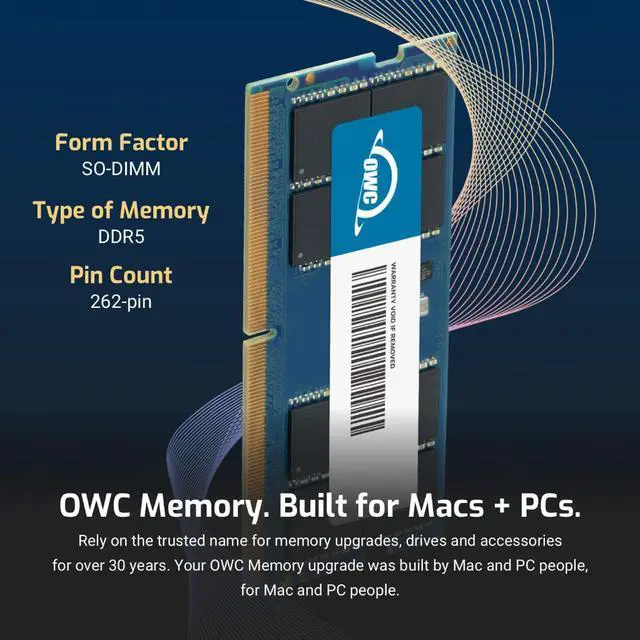
| Technology | DDR5 |
|---|---|
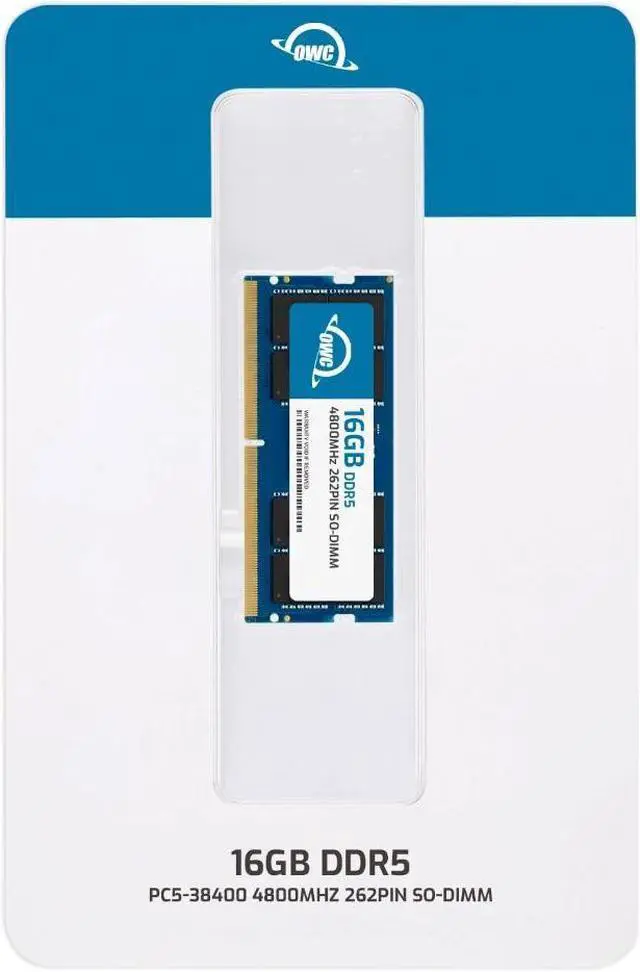
| Speed | PC5-38400 4800MHz CL40 |
| Form Factor | 262PIN SO-DIMM |
| ECC Type | NON ECC UNBUFFERED |
| Voltage | 1.1v |
| Compatibility | Laptops, Notebooks, , NAS System, All In One |
















The OWC 16GB DDR5-4800 SO-DIMM is a laptop memory upgrade for compatible laptops, all-in-one systems, and NAS devices that use 262-pin, 1.1V non-ECC DDR5 memory; it is listed as compatible with Kingston part KVR48S40BS8-16.
| Attribute | Value |
|---|---|
| Best For | Laptop, all-in-one, and NAS memory upgrades |
| Capacity | 16GB |
| Memory Type And Form Factor | DDR5 SO-DIMM, 262-pin |
| Speed And Latency | DDR5-4800 (PC5-38400), CL40; listed data transfer rate of 16 Gigabits Per Second |
| Electrical And Error Correction | 1.1V, non-ECC, unbuffered, with no heat spreader |
| Model Identifiers | OWC; part number 4S8D51R816GB; model number OWC4S8D51R816GB-B831-SF |
Q: Should I choose the OWC 16GB DDR5-4800 module or the 32GB version?
A: Choose the OWC 16GB DDR5-4800 module when 16GB is the capacity you want to add. Choose the OWC 32GB DDR5-4800 module when you want a single module with twice the capacity. Both are 262-pin DDR5-4800 SO-DIMMs; confirm the capacity your system supports before buying.
Q: Is one OWC 16GB DDR5-4800 stick different from the 32GB two-stick kit?
A: The 16GB module is one stick; the OWC 32GB kit contains two 16GB DDR5-4800 SO-DIMMs. Choose the single module for a 16GB addition, or the kit when you want 32GB total across two modules and your system supports that configuration.
Q: Should I get OWC DDR5-4800 or OWC DDR5-5600 memory?
A: Choose this OWC DDR5-4800 module when your system specifies DDR5-4800. Choose OWC DDR5-5600 when your system supports that rated speed. The 5600 model has a higher rated data rate, but the speed actually used depends on system support.
Q: Will this memory work in my laptop?
A: Only if the laptop supports DDR5-4800 262-pin SO-DIMM memory, has an upgradeable slot, and supports a 16GB module. Check the laptop’s service or memory specifications for its maximum capacity and supported configuration before buying; this product’s specifications alone cannot confirm compatibility with a particular model.
Q: Can I add this to the memory already in my laptop?
A: Possibly, if the laptop has a free SO-DIMM slot and supports the combined capacity. This is one 16GB module, not a two-module kit. Whether it works alongside existing memory depends on the laptop and its supported memory configuration, so check the system specifications before mixing modules.
Q: Is this a single 16GB stick, and is it easy to install?
A: It is a single 16GB SO-DIMM module. Installation is a DIY upgrade on many compatible laptops, but the process varies by model and some systems have memory that is not user-upgradeable. Check your laptop’s service instructions before opening it.
Q: Who is this 16GB memory module suitable for?
A: It is for someone upgrading or replacing memory in a compatible laptop, all-in-one system, or NAS that accepts DDR5-4800 262-pin SO-DIMMs. It provides 16GB of system memory; it is not storage, and it does not guarantee a particular performance increase.