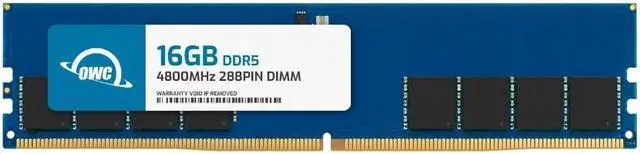
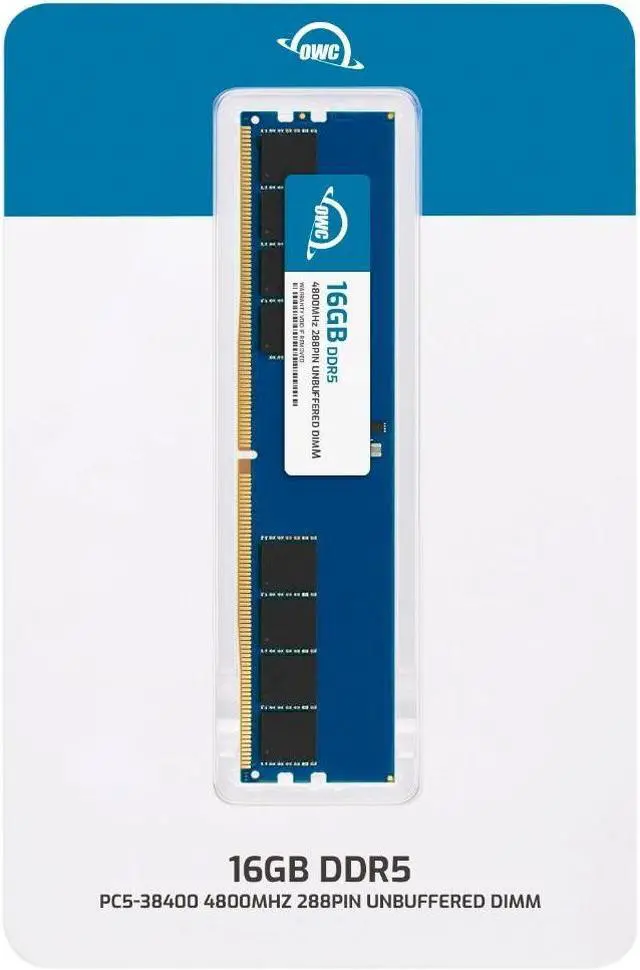
The OWC 16GB DDR5-4800 CL40 UDIMM is a single desktop memory module for Alienware Aurora R13 and R15 owners seeking a compatible RAM upgrade. It is non-ECC, unbuffered, 288-pin memory rated at 1.1V.
Recommended For
- Alienware Aurora R13 owners with an open memory slot who are running out of RAM during multitasking, gaming, or other memory-heavy work and want to add 16GB without replacing their existing modules. Check your current configuration and Dell’s recommended slot arrangement before installing.
- Aurora R13 or R15 owners replacing a failed 16GB DDR5-4800 desktop memory module who want a single non-ECC UDIMM rather than a multi-module kit. Confirm the exact system variant and memory configuration first.
- R13 or R15 owners whose current memory is a single 16GB module and who want to move to 32GB by adding another compatible 16GB stick, provided the system has a suitable free slot.
Real-World Use Scenarios
- Gaming with a browser, voice chat, or launchers open — If an Aurora R13 or R15 is running short on memory, adding this module may reduce memory-related slowdowns while those apps and a game are open; it does not guarantee higher frame rates.
- Upgrading a low-memory configuration — For an R13 or R15 setup that is constrained by its current RAM, adding this 16GB module may provide more room for everyday apps and games. The capacity increase depends on whether it is added or replaces an existing module.
- Running several everyday apps at once — When memory is the bottleneck, additional capacity can help an Aurora stay more responsive with a browser, office apps, and other programs open together.
- Rendering or working with large creative projects — If a project is exhausting available system memory, adding this module may reduce slowdowns caused by memory pressure; the benefit depends on the project and the PC’s resulting total RAM.
- Running a local virtual machine alongside the desktop environment — If the current system is short on memory, adding capacity can leave more RAM available for the host PC while a virtual machine is running; check that the final installed capacity suits the workload.




 here!