




 here!
I’m your shopping assistant for PC builds, upgrades, and everything tech.
Got questions? Ask away!
Start a conversation
here!
I’m your shopping assistant for PC builds, upgrades, and everything tech.
Got questions? Ask away!
Start a conversation







Any questions? Ask CelesteSM will help you find out quickly.
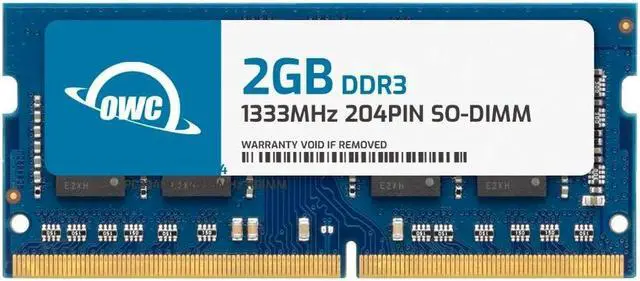
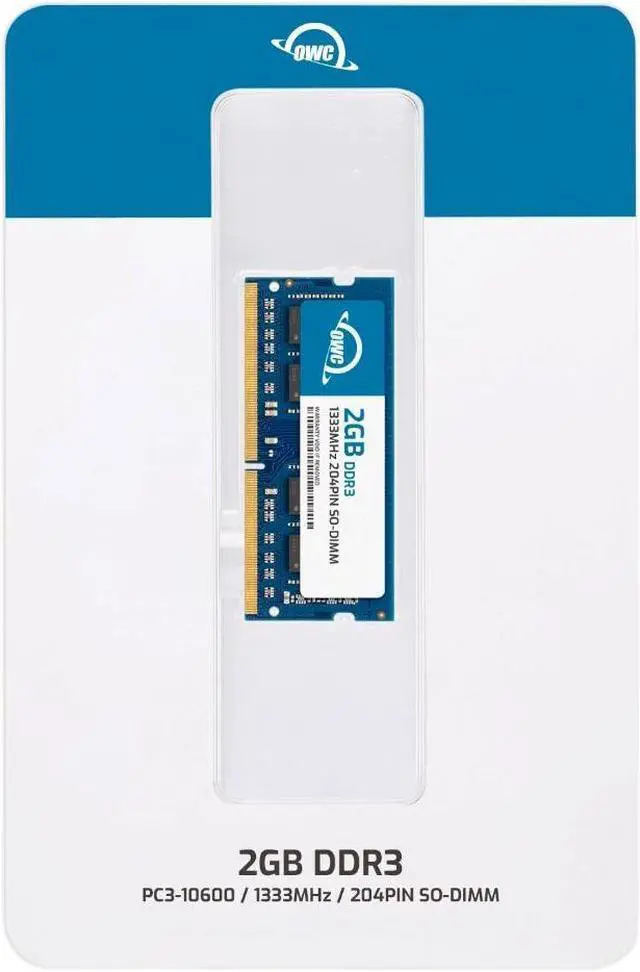
The OWC 2GB DDR3-1333 SO-DIMM is a single 204-pin, 1.5V non-ECC laptop memory module for users upgrading or replacing RAM in a compatible laptop, all-in-one, or NAS system that supports DDR3 PC3-10600.
| Attribute | Value |
|---|---|
| Best For | Memory upgrades for laptops, all-in-one systems, and NAS systems |
| Capacity And Configuration | 2GB in a single memory module |
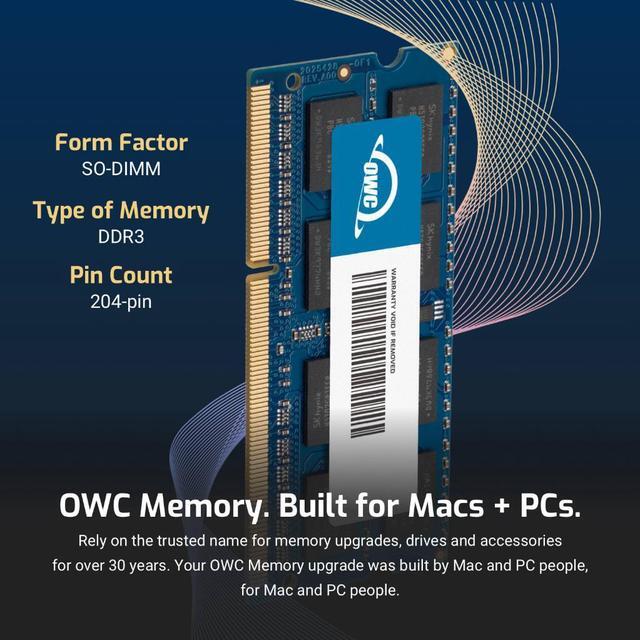
| Memory Type And Compatibility | DDR3 SO-DIMM with a 204-pin interface |
| Speed And Latency | 1333 MHz (PC3-10600) with CL9 latency |
| Voltage And Error Correction | 1.5V, non-ECC, unbuffered, and without a heat spreader |
| Brand And Model Identifiers | OWC (Other World Computing); part number 1S3D31R802GB; model number OWC1S3D31R802GB-B228-SF |
Q: Should I choose OWC 2GB DDR3-1333 or the OWC 4GB DDR3-1333 module?
A: Choose the OWC 2GB module when you need a 2GB stick to match your system’s memory configuration. Choose the OWC 4GB module when your compatible system supports a 4GB module and you want twice the capacity in one stick. Both are 204-pin DDR3-1333 SO-DIMMs rated at 1.5V.
Q: OWC 2GB DDR3-1333 stick or OWC 4GB (2 x 2GB) DDR3-1333 kit—which should I get?
A: Choose the 2GB stick when you need one module for an existing compatible setup. Choose the 4GB kit when you want two 2GB modules for a compatible system with two available memory slots. Both options use DDR3-1333, 204-pin SO-DIMMs, and 1.5V memory.
Q: OWC 2GB DDR3-1333 or OWC 2GB DDR3-1066—which matches my laptop?
A: Choose this OWC DDR3-1333 module when your laptop’s memory specifications call for DDR3-1333 or PC3-10600. Choose the OWC DDR3-1066 module when the specifications call for DDR3-1066 or PC3-8500. Both are 2GB, 204-pin, 1.5V SO-DIMMs; match the speed listed for your system.
Q: OWC 2GB DDR3-1333 or OWC 2GB DDR3-1600—which speed should I choose?
A: Choose this OWC DDR3-1333 module for a compatible system specified for DDR3-1333 or PC3-10600. Choose the OWC DDR3-1600 module for a compatible system specified for DDR3-1600 or PC3-12800. Both are 2GB, 204-pin, 1.5V SO-DIMMs, so use your laptop’s supported memory speed to guide the choice.
Q: How can I tell if this memory will work in my laptop?
A: Check your laptop’s manual or specifications for support for DDR3, a 204-pin SO-DIMM slot, 1.5V memory, and the system’s maximum memory capacity. This module is DDR3-1333 (PC3-10600), non-ECC, and unbuffered; matching only the speed is not enough to confirm compatibility.
Q: Can I add this module to the RAM already in my computer?
A: Possibly, if the computer has an open memory slot and supports this module’s specifications and capacity. Check the computer’s maximum total RAM and per-slot limit first; the product is one 2GB module, and the provided specifications do not guarantee compatibility with every existing module.
Q: Is this the right type of RAM for a desktop computer?
A: Usually not. This is a 204-pin SO-DIMM intended for compatible laptops, all-in-one systems, and NAS systems. Most standard desktop motherboards use a different memory form factor, so check the device’s manual and slot type before buying.
Q: Is one 2GB module enough for a memory upgrade?
A: It adds 2GB of RAM, so it may suit a compatible older system that needs a small capacity increase. Whether that is enough depends on the computer’s existing RAM and intended workload; check the system’s supported total capacity and requirements before choosing a module.
Q: Will this work in my laptop or Mac?
A: Only if the computer supports 204-pin DDR3 SO-DIMM memory at 1333 MHz (PC3-10600) and 1.5V, and supports a 2GB module. Check the exact model’s memory requirements before buying; matching the speed alone does not guarantee compatibility.
Q: Is a single 2GB stick enough for a useful upgrade?
A: It adds 2GB, so it may help when a compatible older computer needs a small memory increase. It is not a high-capacity upgrade: an OWC memory-upgrade video describes moving from 2GB to 4GB because 2GB was not enough for the user’s video use.
Q: Can I mix this with the RAM already in my computer?
A: Possibly, but confirm that the computer supports the resulting capacity and the module’s DDR3 speed and voltage. A Reddit discussion about a Mac mini notes that matching memory speed is preferred; check the computer’s requirements rather than assuming any DDR3 module will work.


















