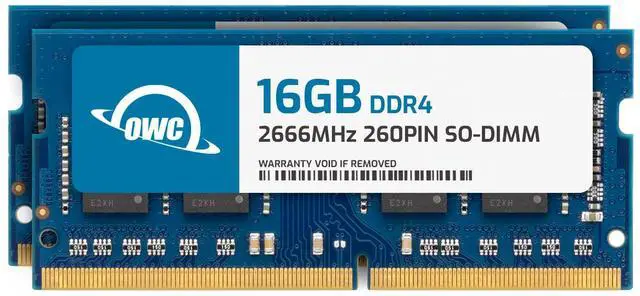
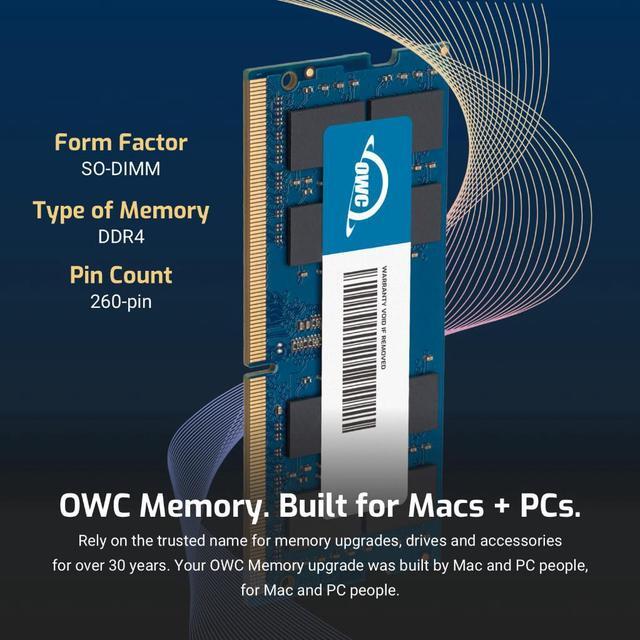
The OWC 32GB DDR4-2666 dual-channel SO-DIMM kit includes two 16GB, 260-pin modules for compatible laptops, all-in-one systems, and NAS devices that use non-ECC, unbuffered memory.
Recommended For
- Laptop users who regularly run many browser tabs and work apps at once and are running short of memory; the 32GB kit is aimed at reducing memory pressure, not speeding up every task.
- Developers, IT learners, and testers running a virtual machine alongside their host system or several development tools; community discussions commonly identify VMs and development environments as reasons to move beyond 16GB.
- Users editing lighter 4K video projects on a compatible, upgradeable laptop who need more room for the editor and other open applications; 32GB can suit lighter projects, while heavier editing may need more.
- Owners of compatible DDR4 laptops who want a matched two-module kit for a memory upgrade; confirm the laptop supports 32GB total, DDR4-2666, and 260-pin SO-DIMMs before installing.
Real-World Use Scenarios
- When you keep many browser tabs, video calls, documents, and work apps open together, moving to 32GB can give the laptop more memory headroom and help reduce slowdowns caused by memory pressure; the difference depends on how much memory your current workload uses.
- For photo editing with large images, layers, or several creative apps open, 32GB can provide more room for editing tasks and background apps; benchmark testing found that 16GB could fall behind higher capacities on some Photoshop workloads.
- For hobbyist video editing—especially when working with 4K footage or keeping other apps open—32GB can reduce memory constraints compared with 16GB, though complex professional projects may need more and RAM alone does not determine editing speed.
- When developing or studying with virtual machines, containers, or local test environments alongside the regular desktop, 32GB gives the host and guest systems more memory to share; how many can run comfortably depends on their individual workloads.