




 here!
I’m your shopping assistant for PC builds, upgrades, and everything tech.
Got questions? Ask away!
Start a conversation
here!
I’m your shopping assistant for PC builds, upgrades, and everything tech.
Got questions? Ask away!
Start a conversation







Any questions? Ask CelesteSM will help you find out quickly.
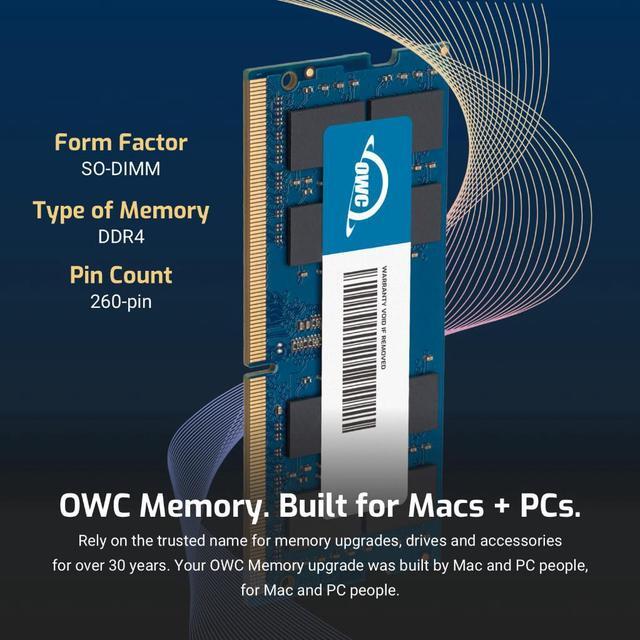
| Technology | DDR4 |
|---|---|
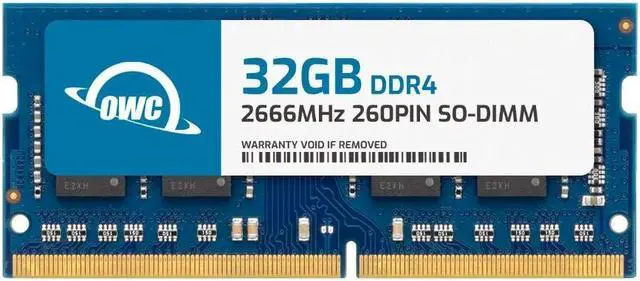
| Speed | PC4-21300 2666MHz CL19 |
| Form Factor | 260PIN SO-DIMM |
| ECC Type | Non ECC |
| Voltage | 1.2v |
| Compatibility | Laptops, Notebooks, Mini Desktops, Micro Servers, NAS Systems, POS |
| Backward Compatibility | Backwards Compatible with 2400MHz and 2133MHz |
















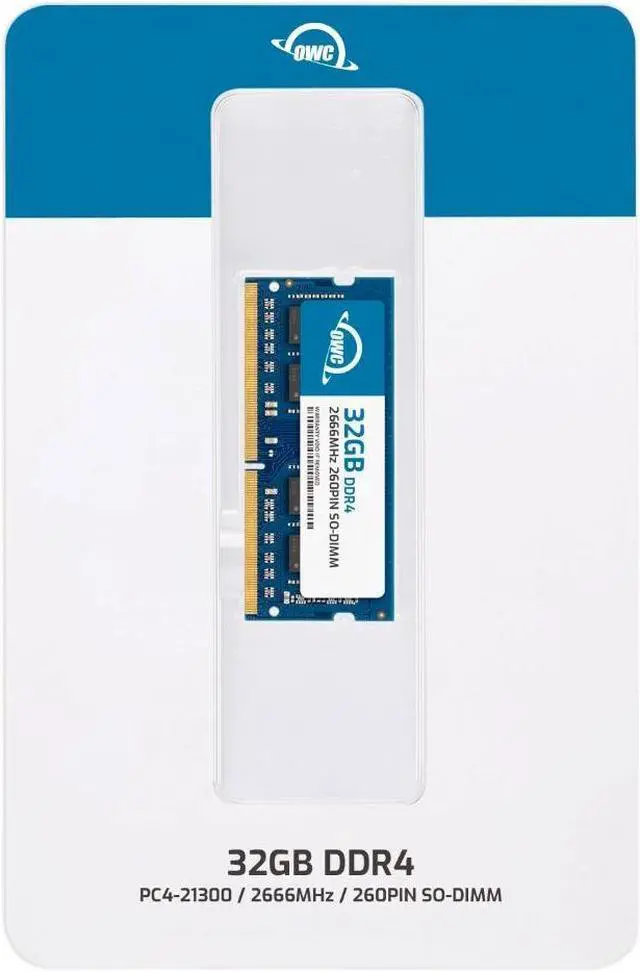
The OWC 2S6D42R832GB is a 32GB DDR4-2666 (PC4-21300) 260-pin SO-DIMM memory module for upgrading or replacing RAM in compatible laptops, all-in-one computers, and NAS systems that support non-ECC, unbuffered memory.
| Attribute | Value |
|---|---|
| Best For | Laptop, all-in-one, and NAS systems that use compatible 32GB DDR4 SO-DIMM memory |
| Capacity | 32GB memory module |
| Memory Type And Compatibility | DDR4 SO-DIMM, 260-pin laptop memory |
| Speed And Timing | DDR4-2666 (PC4-21300), CL19 |
| Electrical And Module Design | 1.2V, non-ECC, unbuffered, with no heat spreader |
| Model Identifiers | OWC part number 2S6D42R832GB; model OWC2S6D42R832GB-B599-SF |
Q: OWC 32GB vs 16GB DDR4-2666 SO-DIMM: which should I choose?
A: Choose this 32GB module if you want 32GB of memory from one module; an OWC 16GB module provides half the capacity per module. Confirm that your system supports a 32GB SO-DIMM.
Q: Should I get this OWC 32GB module or the OWC 32GB 2x16GB kit?
A: Choose this single 32GB module when you want 32GB on one stick. Choose the OWC 2x16GB kit when you want the same total capacity split across two modules. Check your system’s slot count and memory configuration before choosing.
Q: Is this OWC 32GB module or the OWC 64GB 2x32GB kit a better fit?
A: Choose this module for a 32GB, single-module upgrade. Choose the OWC 64GB kit when you want 64GB across two 32GB modules and your system supports that total capacity and module arrangement.
Q: Will this RAM work in my laptop or NAS?
A: It may work if the device supports a 32GB, 260-pin DDR4-2666 SO-DIMM at 1.2V and accepts non-ECC, unbuffered memory. Check your exact device model’s specifications and maximum memory capacity before buying; matching the memory type alone does not guarantee compatibility.
Q: Can I add this to the RAM already installed in my device?
A: Possibly, but first confirm the device has an open memory slot and supports the resulting total capacity. Check the device manual for rules about mixing module capacities or specifications; this product is one 32GB module, not a matched pair.
Q: Is this one 32GB memory stick or a two-module kit?
A: It is a single 32GB SO-DIMM module. Check your device’s available slots and supported memory configuration to confirm whether one module is suitable for your upgrade.
Q: Is this a good choice for upgrading a QNAP NAS?
A: It is specified as a replacement for QNAP part RAM-32GDR4T0-SO-2666 and is a 32GB DDR4-2666, non-ECC, unbuffered SO-DIMM. Confirm that your specific NAS model supports this capacity and memory configuration before installing it.
Q: Will this 32GB module work in my QNAP NAS?
A: Not necessarily. The module’s specifications match the listed QNAP part, but Reddit reports show that RAM compatibility varies by NAS model and module; some users also report third-party RAM that would not boot or caused instability. Check your exact NAS model’s memory requirements before buying. The reports below concern other RAM modules, not this specific OWC module.
Q: Is upgrading to 32GB worthwhile for a QNAP NAS?
A: It is most relevant if your NAS is running memory-heavy tasks, such as virtual machines, or regularly runs short of RAM. In Reddit discussions, some users wanted the extra capacity for VMs, while others reported that their usual workloads did not use much of their existing memory.
Q: Will adding 32GB of RAM make my QNAP NAS faster?
A: Only if memory is limiting the tasks you run. A Reddit user upgrading to 32GB noted no performance difference for their current use, and another discussion cautions that extra RAM will not overcome a processor bottleneck.
Q: Is installing RAM in a QNAP NAS a DIY job?
A: It can be: a YouTube video demonstrates a memory upgrade on a QNAP TS-464eU and says the process is similar on other models. Confirm your NAS’s access and installation requirements first; the video does not demonstrate this specific OWC module.


