




 here!
I’m your shopping assistant for PC builds, upgrades, and everything tech.
Got questions? Ask away!
Start a conversation
here!
I’m your shopping assistant for PC builds, upgrades, and everything tech.
Got questions? Ask away!
Start a conversation







Any questions? Ask CelesteSM will help you find out quickly.
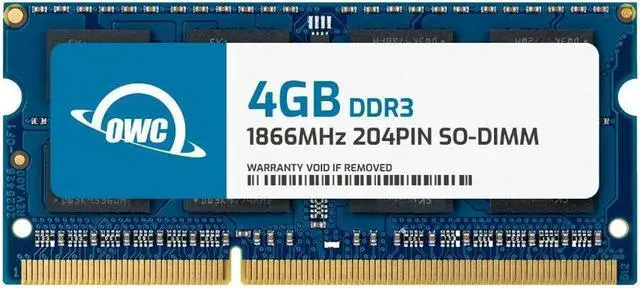
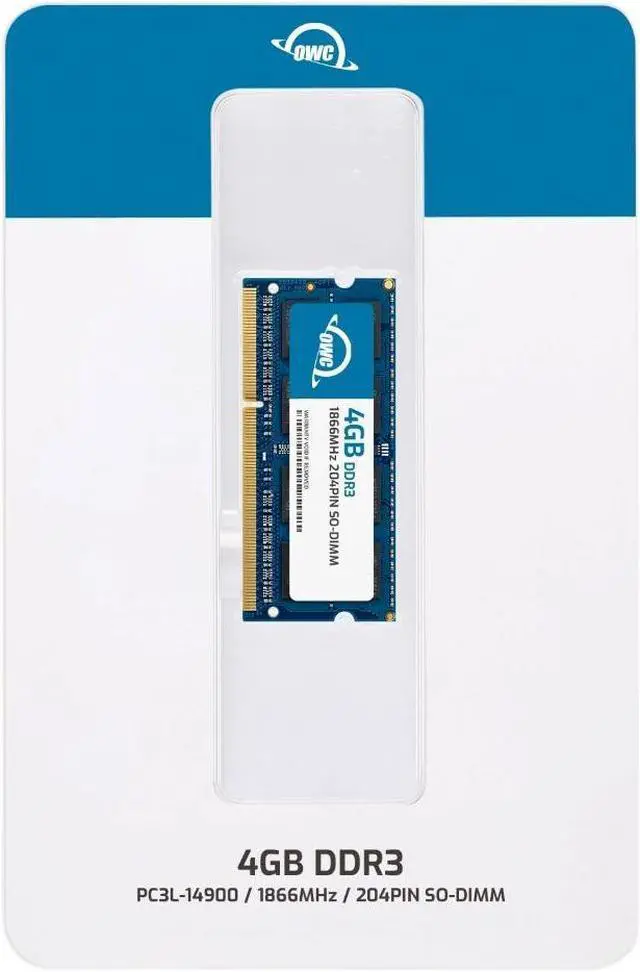
The OWC 4GB DDR3-1866 SO-DIMM is a non-ECC memory module with the same specifications as QNAP part RAM-4GDR3LA0-SO-1866, suited to compatible QNAP NAS systems and other devices that require this memory type.
| Attribute | Value |
|---|---|
| Best For | Laptops, all-in-one systems, and NAS systems |
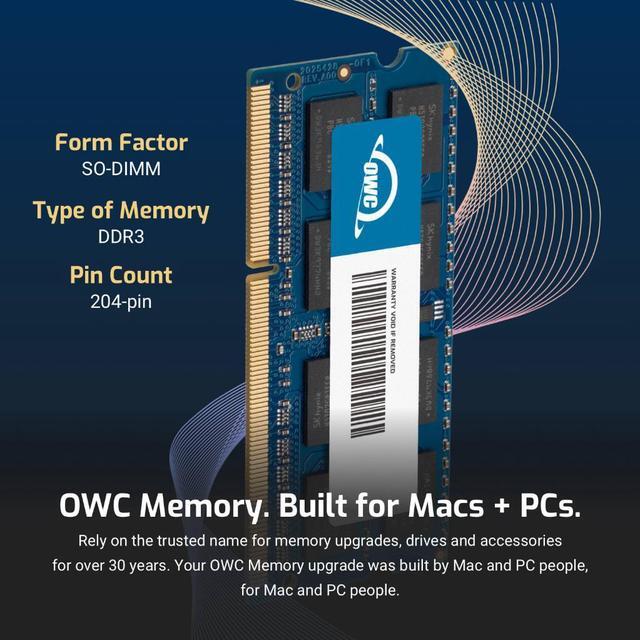
| Memory Capacity And Configuration | 4GB DDR3-1866 (PC3-14900) 204-pin SO-DIMM, CL13, 1.5V, non-ECC and unbuffered, with no heat spreader |
| Model Identifiers | OWC memory module; part number 1S8D31R804GB; model OWC1S8D31R804GB-B574-SF |
Q: Should I choose this OWC 4GB DDR3-1866 module or OWC's 8GB DDR3-1866 SO-DIMM?
A: Choose the 8GB module when you want more memory per slot and your system supports its capacity. Choose this 4GB module when matching a 4GB configuration or planning an upgrade around 4GB modules. Both are 204-pin DDR3-1866 SO-DIMMs; check your device’s memory limits and configuration before choosing.
Q: How does this OWC 4GB DDR3-1866 compare with OWC's 4GB DDR3-1600 SO-DIMM?
A: Both provide 4GB in a 204-pin SO-DIMM format. This module is rated for DDR3-1866, while OWC’s alternative is rated for DDR3-1600. Choose the 1866 module when that speed matches your system’s supported memory specification; choose the 1600 module when your system calls for DDR3-1600.
Q: For a laptop or NAS, should I get this OWC 204-pin SO-DIMM or OWC's 240-pin DDR3-1866 DIMM?
A: Choose this 204-pin SO-DIMM for a compatible laptop, all-in-one, or NAS that uses SO-DIMM memory. OWC’s 240-pin DIMM is the desktop-format option. Match the module’s physical form factor to the memory slot in your device.
Q: Is this OWC 4GB DDR3-1866 a better match than OWC's 4GB DDR3-1333 SO-DIMM?
A: Both are 4GB, 204-pin SO-DIMMs. This module is rated for DDR3-1866; the OWC DDR3-1333 option is rated for a lower data rate. Choose this module when your device supports DDR3-1866, and select the 1333 version when that is the speed specified for your system.
Q: How do I check whether this RAM is compatible with my laptop or NAS?
A: Check the device’s specifications or manual for support for a 4GB, 204-pin DDR3-1866 SO-DIMM operating at 1.5V, non-ECC and unbuffered. Also confirm the device’s maximum memory capacity and supported module configuration; matching the connector alone does not guarantee compatibility.
Q: Can I install this alongside the RAM already in my device?
A: Possibly, if the device supports the combined capacity and the existing module is compatible. Check the device’s memory limits and module requirements first; the product specifications alone can’t confirm whether it will work with a particular installed module.
Q: Is this a suitable replacement for a QNAP NAS memory module?
A: It is specified as a 4GB replacement for QNAP part RAM-4GDR3LA0-SO-1866. Confirm that your specific NAS model supports this memory specification and 4GB module capacity before buying.
Q: Will this fit any device with a 204-pin memory slot?
A: No. A 204-pin slot is not enough to establish compatibility. The device must also support DDR3 at the module’s speed and voltage, as well as non-ECC, unbuffered memory in this capacity.
Q: Will this memory work in my QNAP NAS?
A: It is listed as matching QNAP part RAM-4GDR3LA0-SO-1866, but compatibility depends on the exact NAS model. Confirm that the model supports a 4GB, 204-pin DDR3-1866, 1.5V, non-ECC SODIMM; Reddit users report that some QNAP models are sensitive to memory type and voltage.
Q: Can I use third-party RAM instead of QNAP-branded memory?
A: QNAP users report using third-party memory, but successful use depends on matching the NAS model’s requirements. This module is described as a replacement with the same specifications as QNAP part RAM-4GDR3LA0-SO-1866; verify those specifications against your device before buying.
Q: Is upgrading memory in a QNAP NAS a DIY job?
A: It can be: a YouTube walkthrough demonstrates replacing memory in a QNAP NAS. The procedure varies by model, so check your NAS’s service instructions and power it down before installation.


















