




 here!
I’m your shopping assistant for PC builds, upgrades, and everything tech.
Got questions? Ask away!
Start a conversation
here!
I’m your shopping assistant for PC builds, upgrades, and everything tech.
Got questions? Ask away!
Start a conversation







Any questions? Ask CelesteSM will help you find out quickly.
| Technology | DDR3 |
|---|---|
| Speed | PC3L-12800 1600MHz CL11 |
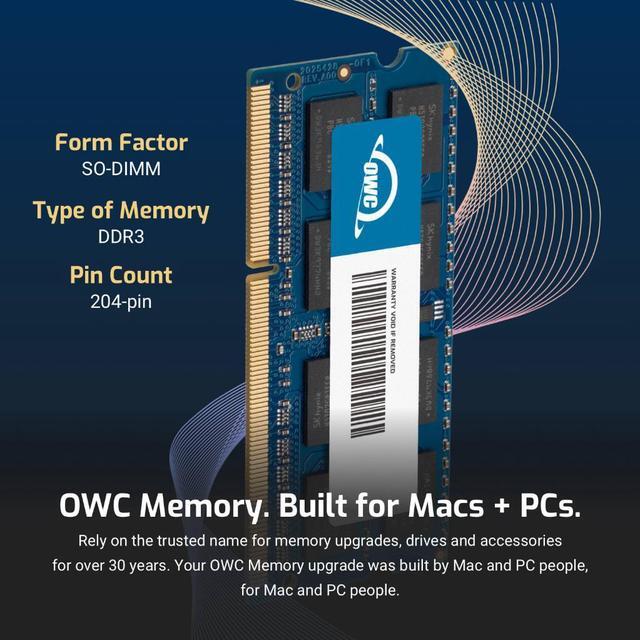
| Form Factor | 204PIN DIMM |
| ECC Type | NON ECC |
| Voltage | 1.35v |
| Compatibility | LAPTOP, MINI PC, NAS SYSTEM |
















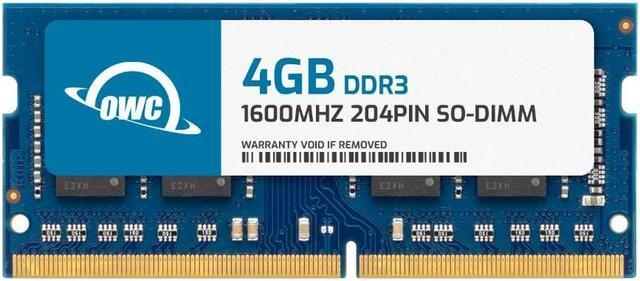
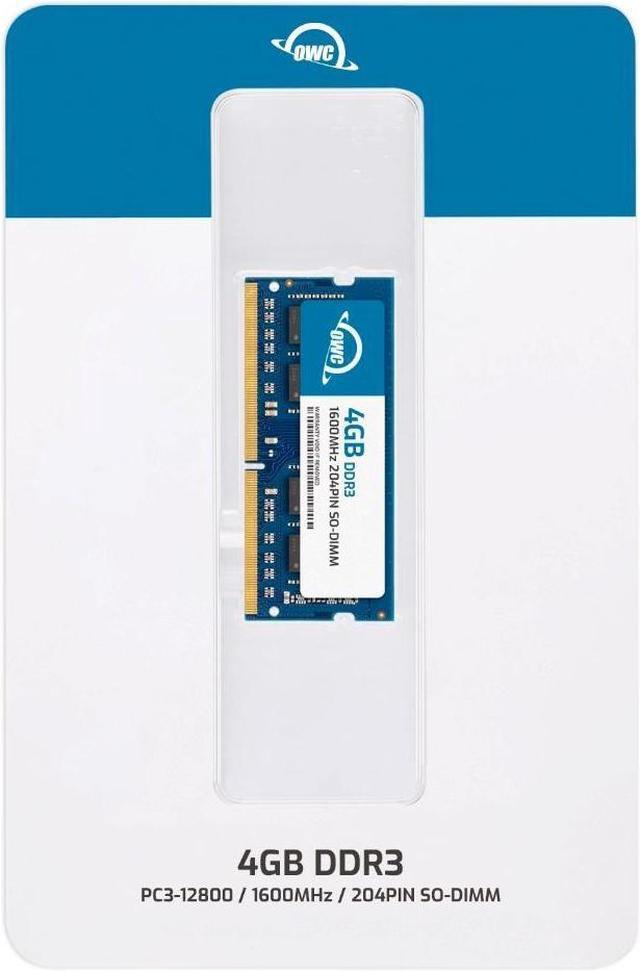
The OWC 4GB DDR3L 1600 SO-DIMM is a single 204-pin, 1.35V laptop memory module for upgrading compatible laptops, all-in-one systems, or NAS devices that support DDR3L-1600 memory.
| Attribute | Value |
|---|---|
| Best For | Memory upgrades for laptops, all-in-one systems, and NAS systems |
| Capacity And Module Quantity | 4GB single memory module |
| Memory Type And Form Factor | DDR3L 1600 SO-DIMM, 204-pin |
| Speed And Latency | 1600 MHz (PC3L-12800) with CL11 latency |
| Electrical And Error Correction | 1.35V, non-ECC, unbuffered/unregistered |
| Compatibility | Listed for Dell Inspiron, HP Pavilion, Lenovo ThinkPad, Synology, and iMac devices |
| Physical Design | No heat spreader |
| Brand And Model Identifiers | OWC; part number 1S6T32R804GB; model number OWC1S6T32R804GB-B231-SF |
Q: OWC 4GB DDR3L-1600 vs an OWC 8GB DDR3L-1600 module: which should I choose?
A: Choose this 4GB module when you need a 4GB stick; choose OWC’s 8GB module when your computer supports 8GB per slot and you want more memory from one module. Both are 204-pin DDR3L-1600 SO-DIMMs, so confirm your system’s supported module capacity and memory type before choosing.
Q: Should I get this OWC 4GB stick or OWC’s 8GB (2 x 4GB) kit?
A: Choose this single 4GB module when you want one 4GB stick. Choose the OWC 8GB kit when you want two 4GB DDR3L-1600 SO-DIMMs for 8GB total. Check your computer’s available slots and supported total memory to match the configuration to your upgrade plan.
Q: OWC 4GB DDR3L-1600 vs an OWC 16GB (2 x 8GB) kit: which gives me more upgrade capacity?
A: The 16GB kit provides 16GB total across two 8GB modules, while this product is one 4GB module. Choose the kit if your computer supports two 8GB DDR3L-1600 SO-DIMMs and you want that total capacity; choose this module when a single 4GB stick fits your planned configuration.
Q: How do I know if this RAM is compatible with my laptop?
A: Check the laptop’s service manual or specifications. The system must support 4GB DDR3L-1600 (PC3L-12800), 204-pin SO-DIMM memory, and the module’s 1.35V voltage. Also confirm the laptop’s maximum memory capacity and slot configuration; this module is not universally compatible with every laptop.
Q: Can I add this module to the RAM already in my laptop?
A: Possibly. This is one 4GB module, so it can be added if the laptop has an available compatible memory slot and supports the resulting total capacity. Check the laptop’s memory limits and requirements before combining it with an existing module; compatibility is not guaranteed just because both modules fit physically.
Q: Will adding this 4GB module make my laptop faster?
A: It may help if the laptop is running short of memory during your usual tasks and the module is compatible. It adds 4GB of RAM, but it does not upgrade the processor or graphics hardware, and the benefit depends on the laptop’s existing memory and workload.
Q: Is this RAM suitable for a DIY laptop upgrade?
A: The module is designed for laptop SO-DIMM memory slots, and its listing describes installation as a DIY upgrade in most cases. Whether installation is practical depends on the laptop: access to its memory slots may require removing a panel or other components, so check the device’s service instructions first.
Q: How can I tell whether this RAM will work in my laptop or Mac?
A: Check the computer’s supported memory type, capacity, voltage, and module layout before buying. This module is a 4GB, 204-pin DDR3L-1600 (PC3L-12800) SO-DIMM rated at 1.35V; matching those specifications does not guarantee compatibility if the computer has different requirements.
Q: Do I need Mac-specific RAM, or will a module with matching specifications work?
A: The Reddit discussion points to matching the computer’s supported memory specifications rather than choosing RAM solely because it is labeled for Mac. This module is 204-pin DDR3L-1600 SO-DIMM, but confirm that your exact Mac supports its capacity and voltage before purchasing.
Q: Can I add this DDR3L module alongside existing DDR3 RAM?
A: It depends on the computer and the installed memory. A Reddit discussion about mixing DDR3 and DDR3L in a MacBook Pro reflects that compatibility is system-specific. This module is DDR3L at 1.35V; check the computer’s supported voltage and memory configuration rather than assuming mixed modules will work.
Q: Is one 4GB module enough for a RAM upgrade?
A: One module adds 4GB; whether that is enough depends on the computer’s existing memory and the capacity it supports. Reddit upgrade discussions consider larger totals, so check your current configuration and system limit before choosing a single 4GB module.


