




 here!
I’m your shopping assistant for PC builds, upgrades, and everything tech.
Got questions? Ask away!
Start a conversation
here!
I’m your shopping assistant for PC builds, upgrades, and everything tech.
Got questions? Ask away!
Start a conversation







Any questions? Ask CelesteSM will help you find out quickly.
| Technology | DDR4 |
|---|---|
| Speed | PC4-21300 2666MHz CL19 |
| Form Factor | 260PIN SO-DIMM |
| ECC Type | Non ECC |
| Voltage | 1.2v |
| Compatibility | Laptops, Notebooks, Mini Desktops, Micro Servers, NAS Systems, POS |
| Backward Compatibility | Backwards Compatible with 2400MHz and 2133MHz |
















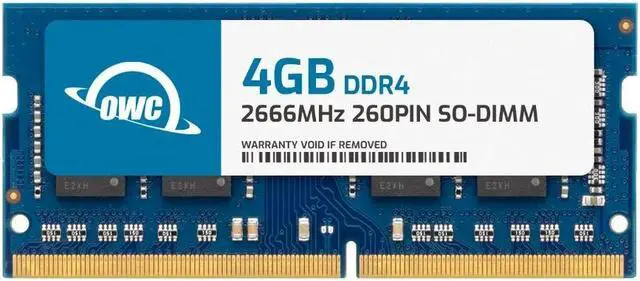
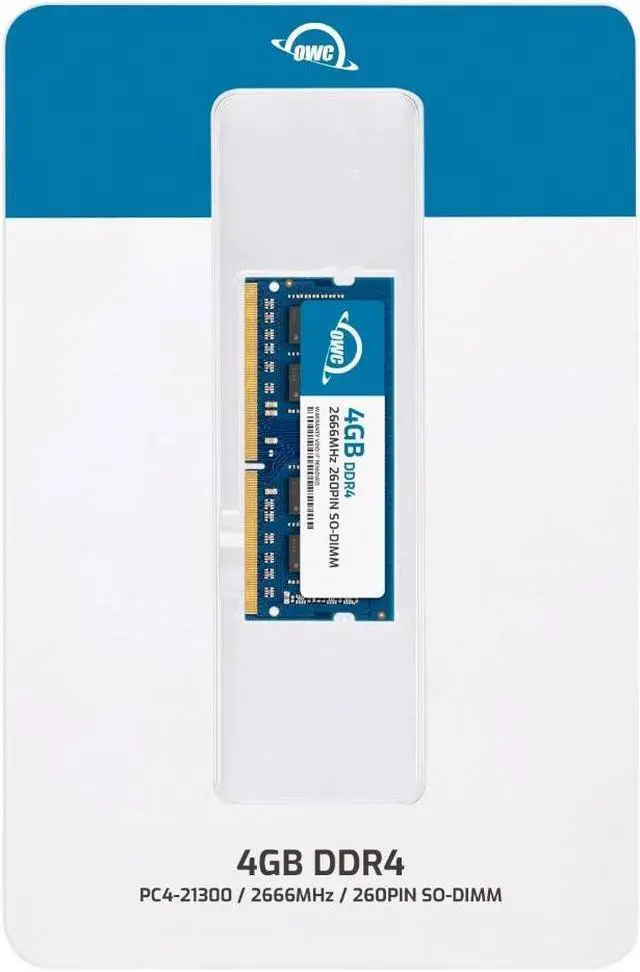
OWC 2S6D41R804GB is a 4GB DDR4-2666 260-pin SO-DIMM memory module for compatible laptops, all-in-one systems, and NAS devices, including systems specified for QNAP RAM-4GDR4A0-SO-2666, RAM-4GDR4T0-SO-2666, or RAM-4GDR4T1-SO-2666 memory.
| Attribute | Value |
|---|---|
| Best For | Laptop upgrades, all-in-one systems, and NAS systems; also listed as compatible with laptops |
| Capacity | 4GB |
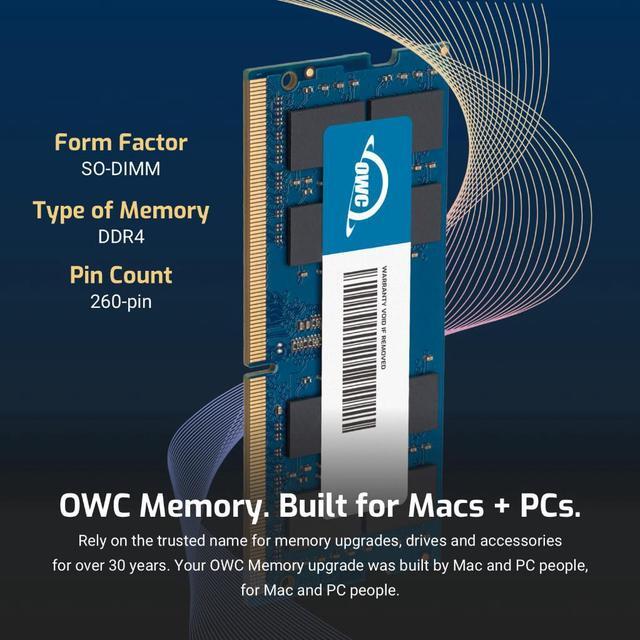
| Memory Type And Form Factor | DDR4 SO-DIMM, 260-pin |
| Speed And Latency | DDR4 2666 (PC4-21300), CL19 |
| Memory Configuration And Power | 1.2V, non-ECC, unbuffered, without a heat spreader |
| Brand And Model Identifiers | OWC; part number 2S6D41R804GB; model OWC2S6D41R804GB-B596-SF |
Q: Should I choose the OWC 4GB or 8GB DDR4-2666 SO-DIMM?
A: Choose the OWC 4GB module when you want a 4GB replacement or addition. Choose the OWC 8GB module when your compatible system supports that capacity and you want a larger single-module upgrade. Both are DDR4-2666, 260-pin SO-DIMMs; check your system’s supported capacity before choosing.
Q: OWC 4GB or 16GB DDR4-2666 SO-DIMM—which capacity should I get?
A: Choose the OWC 4GB module for a 4GB replacement or a smaller capacity increase. Choose the OWC 16GB module when you want more memory from one module and your system supports 16GB modules. Both are 260-pin DDR4-2666 SO-DIMMs; confirm the system’s maximum memory and module capacity before buying.
Q: OWC 4GB DDR4-2666 or 4GB DDR4-2133—which speed should I choose?
A: Choose the OWC 4GB DDR4-2666 module when your system specifies DDR4-2666; choose the OWC 4GB DDR4-2133 module when it specifies DDR4-2133. Both provide 4GB in a 260-pin DDR4 SO-DIMM, and the system’s memory support determines the operating speed.
Q: Will this RAM work in my laptop or NAS?
A: It can work only if the device supports 4GB DDR4-2666, 260-pin SO-DIMM memory at 1.2V. It is specified as a replacement for QNAP RAM-4GDR4A0-SO-2666, RAM-4GDR4T0-SO-2666, and RAM-4GDR4T1-SO-2666; confirm compatibility with your exact device model before buying.
Q: Can I use this in a standard desktop PC?
A: Usually not. This is a 260-pin SO-DIMM made for laptops and other compact systems; a desktop must specifically support DDR4 SO-DIMM memory rather than standard desktop DIMM memory.
Q: Can I add this to the RAM already in my device?
A: Possibly, if the device has an available SO-DIMM slot and supports the resulting total capacity and memory configuration. Check the device’s maximum RAM and supported module specifications; this module is one 4GB, non-ECC DDR4-2666 SO-DIMM.
Q: Is this a good choice if I need more memory for everyday use?
A: It adds 4GB of RAM, so its usefulness depends on your device’s current memory and workload. Check how much additional memory your system supports and needs; this module alone does not guarantee a particular performance improvement.
Q: Will this OWC 4GB module work in any QNAP NAS?
A: No. The module matches the listed QNAP part numbers’ specifications, but that alone does not establish compatibility with every NAS model. Check the memory requirements for your exact QNAP model before buying. Reddit reports about comparable OWC 2666 SODIMM modules describe different results across NAS setups.
Q: Can third-party OWC RAM cause boot or stability problems in a QNAP?
A: It can. Reddit users report that comparable OWC 16GB modules either failed to boot or were associated with unusual NAS interface behavior, while other users report successful aftermarket RAM. These anecdotes concern different modules and setups, so they do not establish how this 4GB module will behave in a specific NAS.
Q: Is third-party RAM worth considering instead of QNAP-branded memory?
A: It may be worth considering if the module is confirmed compatible with your exact NAS model. Reddit discussions include users who prefer aftermarket RAM and others reporting problems with OWC or other third-party modules. The discussions do not establish a consistent reliability advantage for either option.


