




 here!
I’m your shopping assistant for PC builds, upgrades, and everything tech.
Got questions? Ask away!
Start a conversation
here!
I’m your shopping assistant for PC builds, upgrades, and everything tech.
Got questions? Ask away!
Start a conversation







Any questions? Ask CelesteSM will help you find out quickly.


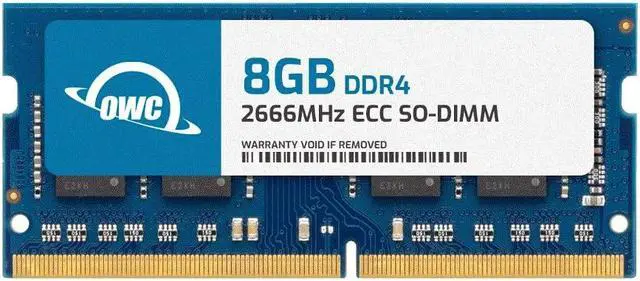
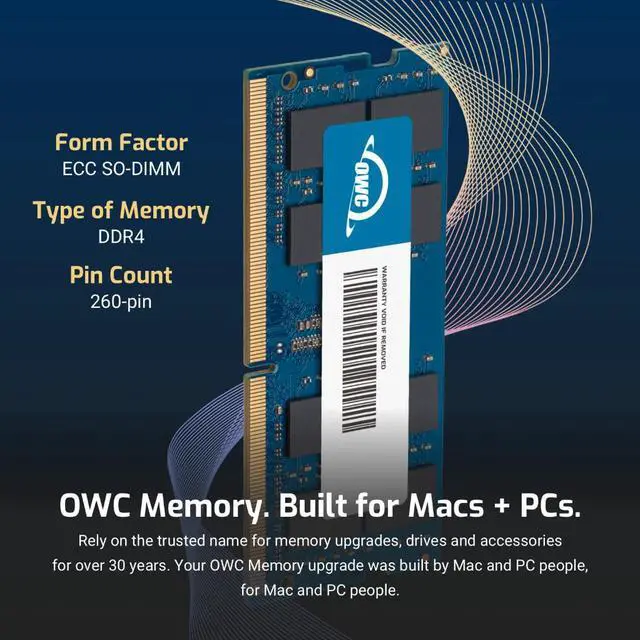
| Technology | DDR4 |
|---|---|
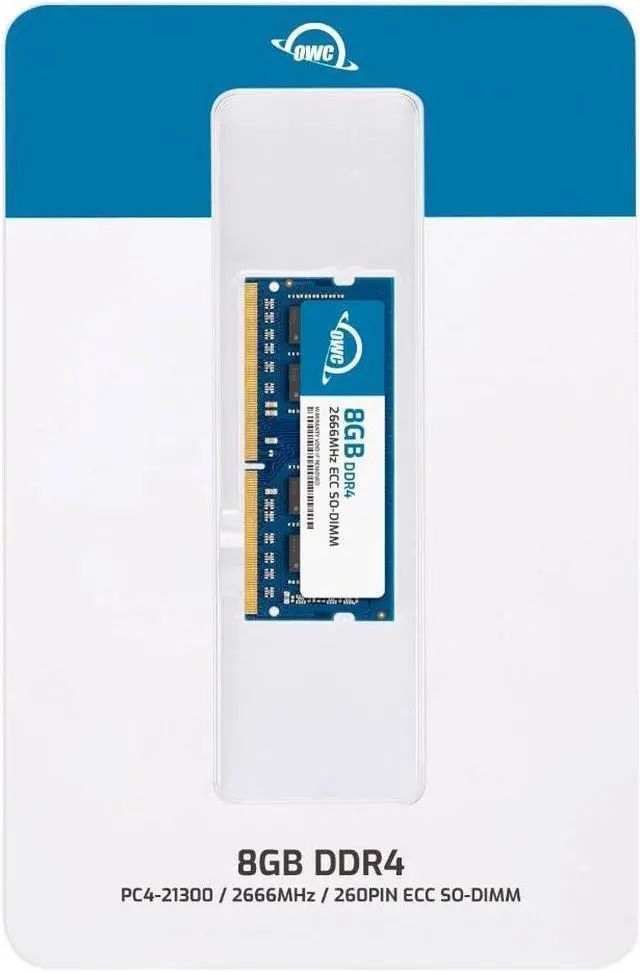
| Speed | PC4-21300 2666MHz CL19 |
| Form Factor | 260PIN SO-DIMM |
| ECC Type | ECC |
| Voltage | 1.2v |
| Compatibility | Micro Servers, NAS Systems, POS |
| Backward Compatibility | Backwards Compatible with 2400MHz and 2133MHz |


The OWC 8GB DDR4-2666 ECC unbuffered SO-DIMM is a memory upgrade for compatible Synology NAS systems, including the DiskStation DS723+ and DS923+, for users looking to add RAM to their NAS.
| Attribute | Value |
|---|---|
| Best For | Memory upgrades for compatible NAS and server systems that use DDR4 SO-DIMM modules |
| Capacity And Quantity | One 8GB memory module |
| Memory Technology And Performance | DDR4 memory rated at 2666 MHz with CL19 latency and ECC support |
| Module Configuration | 260-pin SO-DIMM |
| Electrical Specifications | 1.2V |
| Model Identifiers | OWC model OWC2C6D41R808GB |
Q: For a Synology DS923+, should I choose this OWC 8GB module or two OWC 8GB modules?
A: Choose this single 8GB module when an 8GB module is your target. Choose two matching 8GB modules when you want 16GB total; Synology lists an 8GB + 8GB configuration in its DS923+ memory guide.
Q: OWC 8GB or 16GB memory module: which should I choose?
A: Choose the OWC 8GB module for an 8GB-per-module configuration or to pair with another matching 8GB module for 16GB total. Choose the OWC 16GB module when you want more capacity per module; Synology lists configurations using two 16GB modules for 32GB total.
Q: Is this OWC 8GB module a better fit than an OWC 4GB module for a DS923+?
A: Choose the OWC 8GB module when you want 8GB per module or plan to use a matching pair for 16GB total. The OWC 4GB module is the lower-capacity option; Synology also lists a matched 4GB + 4GB configuration for 8GB total.
Q: For a DS723+, how does this 8GB module compare with its factory 2GB of memory?
A: The DS723+ comes with 2GB of memory, while this OWC module provides 8GB in one SO-DIMM. Choose the OWC module when you want an 8GB module; for a 16GB total configuration, Synology lists two matching 8GB modules.
Q: Is this RAM compatible with a Synology DS723+ or DS923+?
A: The product title claims compatibility with both models, but its detailed bullet list omits them and gives conflicting rank specifications (2Rx8 in the title, 1Rx8 in the bullet). Confirm the exact module specification and compatibility with the seller before buying; don’t rely on the title alone.
Q: Can I add this 8GB module to the RAM already in my NAS?
A: It is a single 8GB module, but whether you can add it or need to replace installed memory depends on your NAS model, its available slots, and its supported memory configuration. Check those details before ordering.
Q: Will adding this RAM make my NAS faster?
A: It increases installed memory by 8GB. It may help if your NAS workload is limited by available RAM, but the upgrade does not guarantee faster performance for every task.
Q: Is adding RAM worthwhile if my Synology NAS runs containers or databases?
A: It can help when memory is a bottleneck. DS923+ users report smoother container and database performance after adding RAM, but those reports do not establish that this specific 8GB OWC module will produce the same results. If memory use is already low, the benefit may be limited.
Q: Is an 8GB upgrade enough for a few small containers?
A: It may be enough for a light workload: a DS1522+ owner described 8GB as probably sufficient for a few small containers. That is one user’s experience, not a guarantee for every NAS or workload; memory needs rise with additional services and databases.
Q: Can I add this ECC module alongside the NAS’s existing RAM?
A: The product listing identifies this as an 8GB ECC unbuffered SODIMM. Reddit users report some successful upgrades alongside factory memory, but community reports also describe problems with certain module combinations. Check that the existing memory is compatible ECC RAM, then verify the total is recognized and run a memory test after installation.
Q: Is installing RAM in a DS923+ a difficult DIY upgrade?
A: Community reports describe the DS923+ RAM upgrade as straightforward: power down the NAS, access the memory slots, install the module, and check that the system recognizes it. Follow the NAS’s instructions and confirm recognition after rebooting.


