




 here!
I’m your shopping assistant for PC builds, upgrades, and everything tech.
Got questions? Ask away!
Start a conversation
here!
I’m your shopping assistant for PC builds, upgrades, and everything tech.
Got questions? Ask away!
Start a conversation







Any questions? Ask CelesteSM will help you find out quickly.
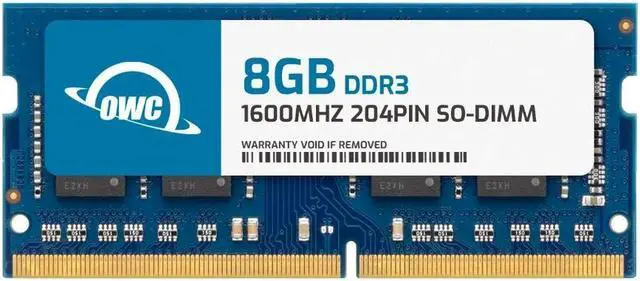
| Technology | DDR3 |
|---|---|
| Speed | PC3L-12800 1600MHz CL11 |
| Form Factor | 204PIN DIMM |
| ECC Type | NON ECC |
| Voltage | 1.35v |
| Compatibility | LAPTOP, MINI PC, NAS SYSTEM |
















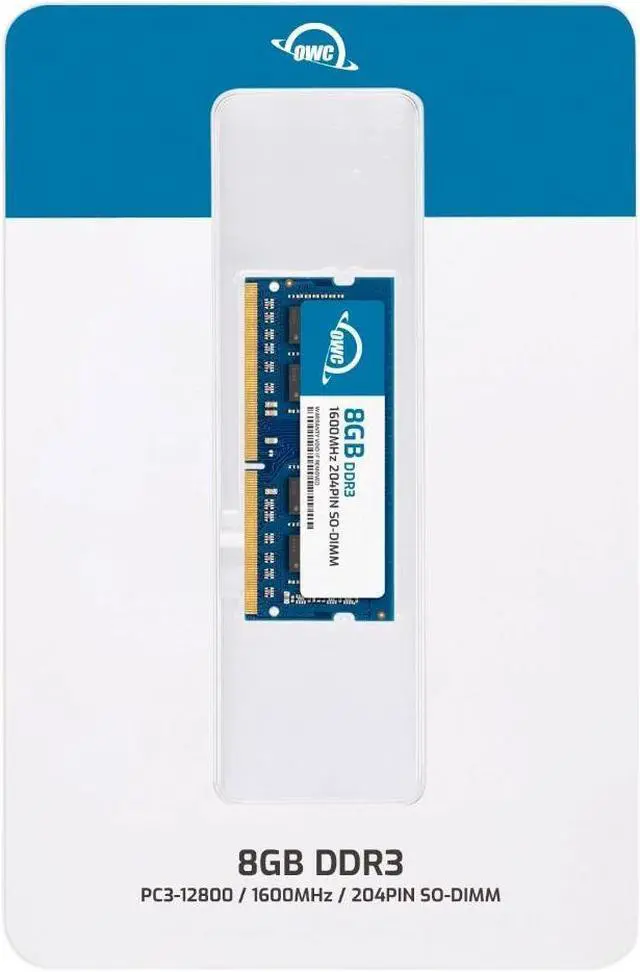
The OWC 8GB DDR3L-1600 SODIMM is a non-ECC, unbuffered laptop memory module for systems compatible with NCR part numbers 497-0506041, 497-0514577, 7702-K138, or 7761-K131.
| Attribute | Value |
|---|---|
| Best For | Memory upgrades for laptops, all-in-one systems, and NAS systems; the listed compatible device type is laptop |
| Memory Capacity | 8GB |
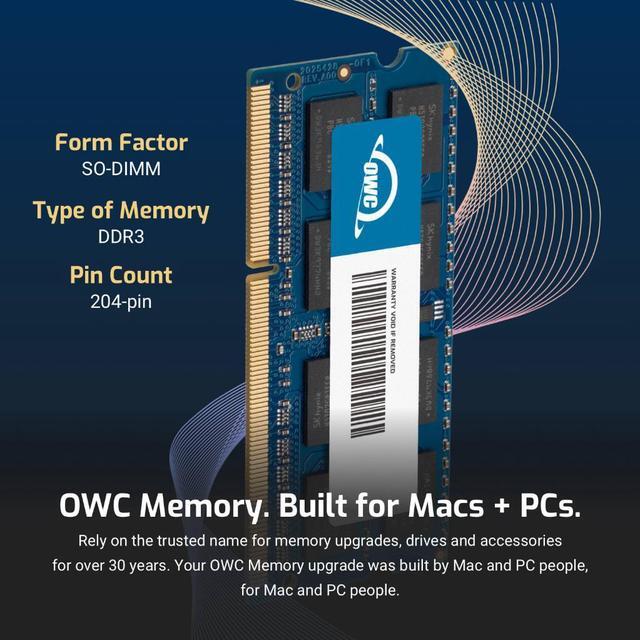
| Memory Type And Form Factor | DDR3L 204-pin SO-DIMM memory |
| Speed And Latency | 1600 MHz (PC3L-12800), with a 12,800 MB/s data transfer rate and CL11 latency |
| Electrical And Error Correction | 1.35V, non-ECC, unbuffered |
| Module Construction | Black chips; no heat spreader |
| Model Identifiers | OWC part number 1S6T32R808GB; model number OWC1S6T32R808GB-B938-SF |
Q: OWC 8GB vs 4GB DDR3L for an NCR 7702 or 7761—which should I choose?
A: Choose this 8GB module when you want the 8GB memory configuration listed for the compatible NCR part numbers. Choose a 4GB module when you want the NCR 4GB configuration. Both are DDR3 1600 memory options identified in NCR’s upgrade documentation; the 8GB module provides twice the capacity per module.
Q: Should I use one OWC 8GB module or two OWC 4GB modules for 8GB total?
A: Both configurations provide 8GB total. Choose this single 8GB module when the system supports an 8GB module and you want to use one memory slot; choose two 4GB modules when the system supports that layout and you want to populate two slots. OWC lists both configurations, so check the system’s supported memory layout before choosing.
Q: Is this OWC 8GB module a match for the NCR 7761-K131 8GB memory option?
A: This module is a 204-pin, 8GB DDR3L-1600 SO-DIMM, and NCR identifies the 7761-K131 as an 8GB, 1600MHz memory upgrade. It is the relevant OWC option when matching that 8GB capacity and speed; confirm the system’s memory requirements before installation.
Q: How can I tell whether this memory is compatible with my computer?
A: Check your computer’s manual or existing memory specifications for a 204-pin DDR3L SO-DIMM, 1.35V, and support for an 8GB module. The product is listed as a replacement for NCR part numbers 497-0506041, 497-0514577, 7702-K138, and 7761-K131. Matching the memory type alone does not confirm that your computer supports the module’s capacity or speed.
Q: Will DDR3L memory work in a computer that uses DDR3?
A: Do not assume it will. This module is DDR3L rated at 1.35V, so check the computer’s specifications for support of DDR3L and its voltage requirements before buying. The product details do not establish compatibility with every DDR3-only system.
Q: Can I add this 8GB module to the memory already in my computer?
A: Possibly, if the computer has an available 204-pin SO-DIMM slot and supports an additional 8GB DDR3L-1600 module. Check the computer’s maximum memory capacity, number of slots, and existing memory configuration first; this listing does not confirm those details for your specific system.
Q: Is this suitable for a laptop or all-in-one computer memory upgrade?
A: It is intended for compatible systems that use 204-pin DDR3L SO-DIMM memory. The listed use includes laptops, all-in-one systems, and NAS systems. It is an 8GB, 1600 MT/s, non-ECC, unbuffered module; confirm the system supports those specifications before purchasing.


