




 here!
I’m your shopping assistant for PC builds, upgrades, and everything tech.
Got questions? Ask away!
Start a conversation
here!
I’m your shopping assistant for PC builds, upgrades, and everything tech.
Got questions? Ask away!
Start a conversation





Any questions? Ask CelesteSM will help you find out quickly.
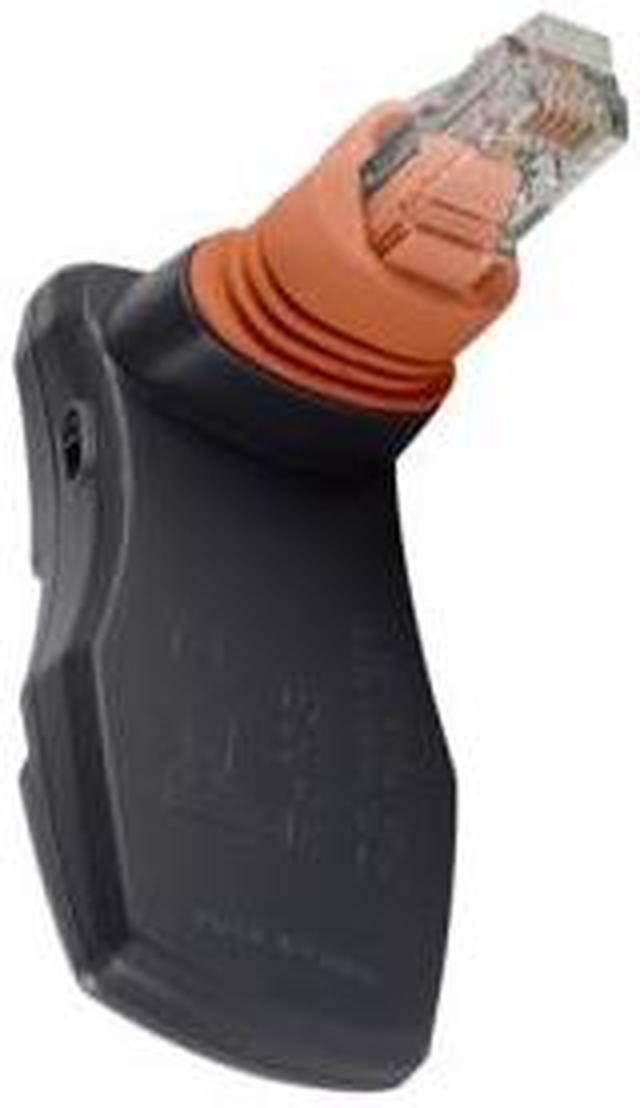
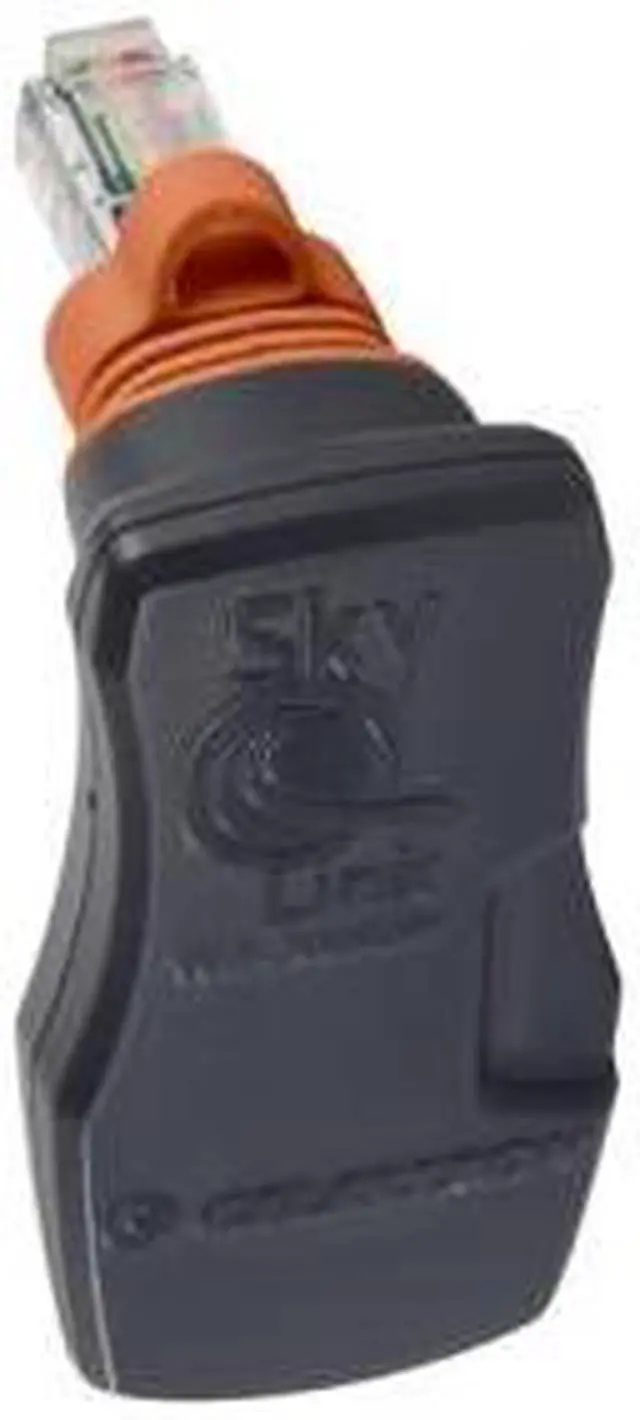
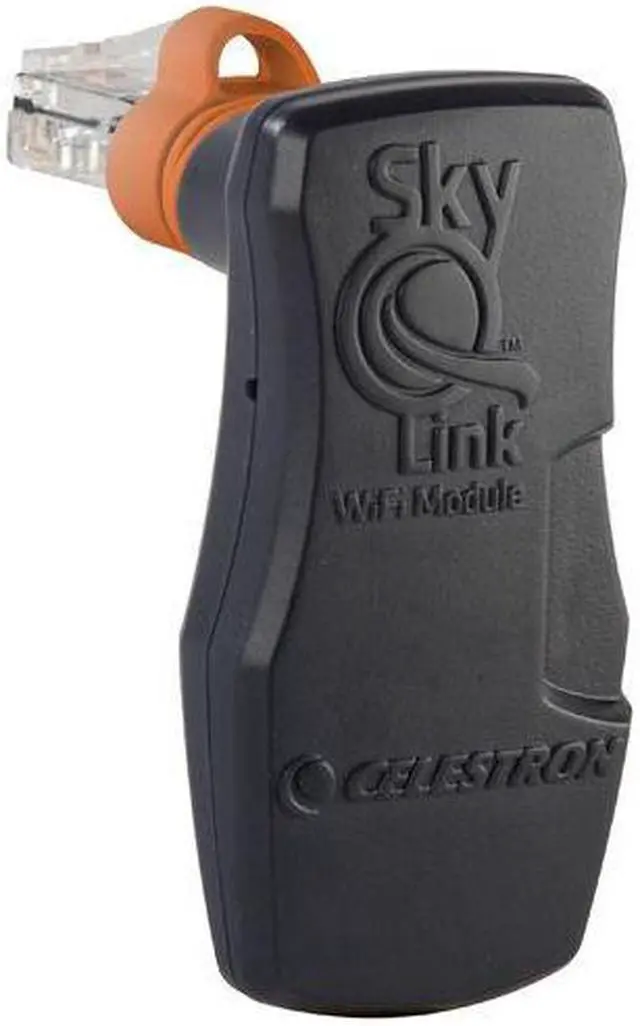
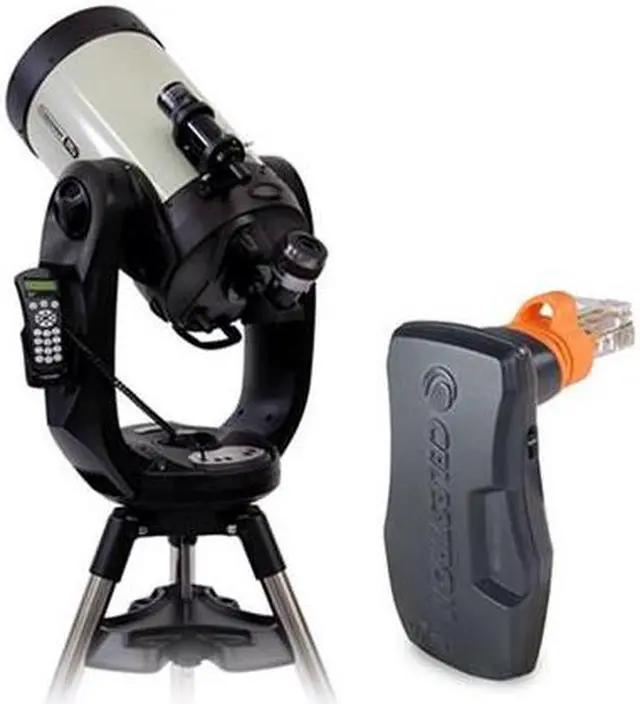
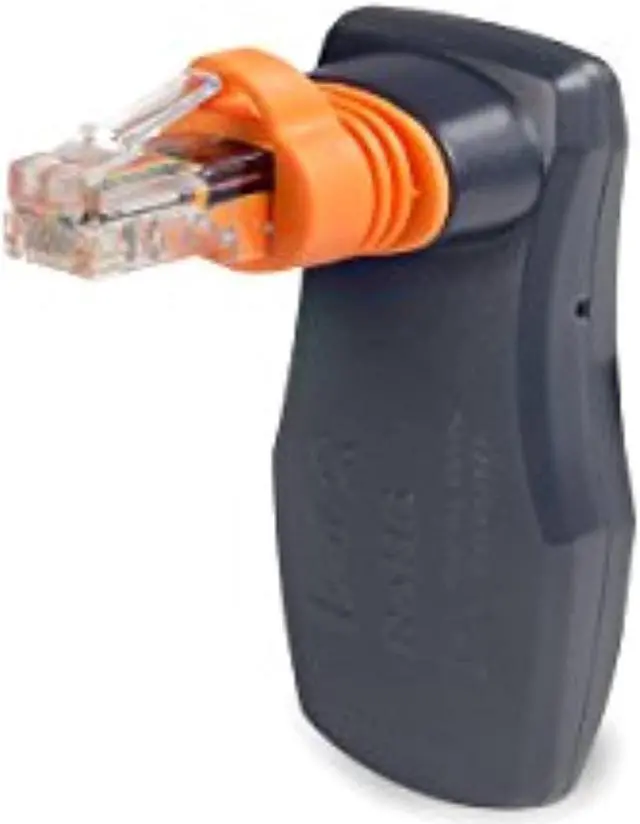
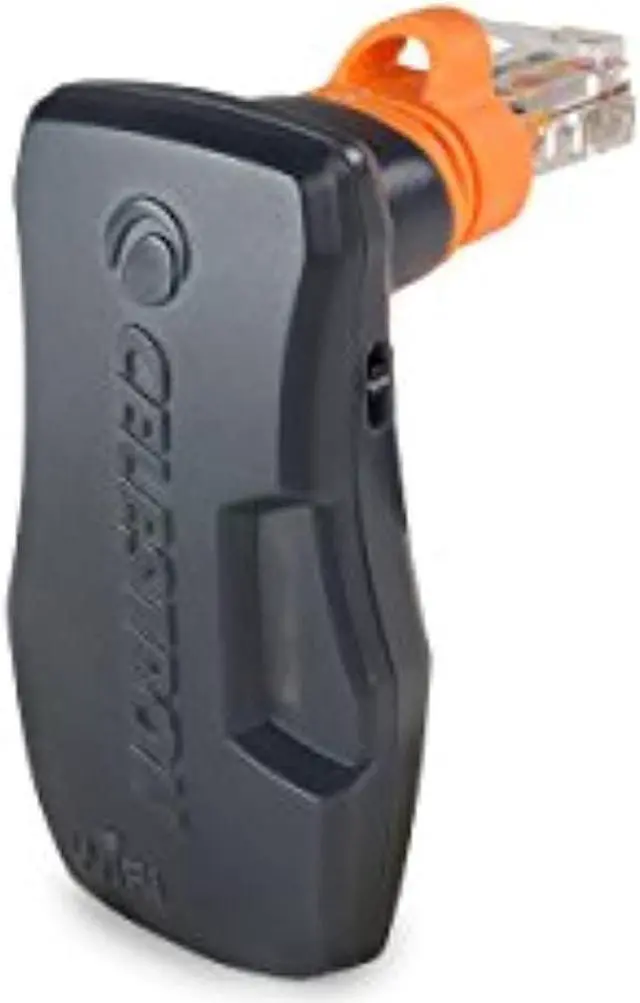
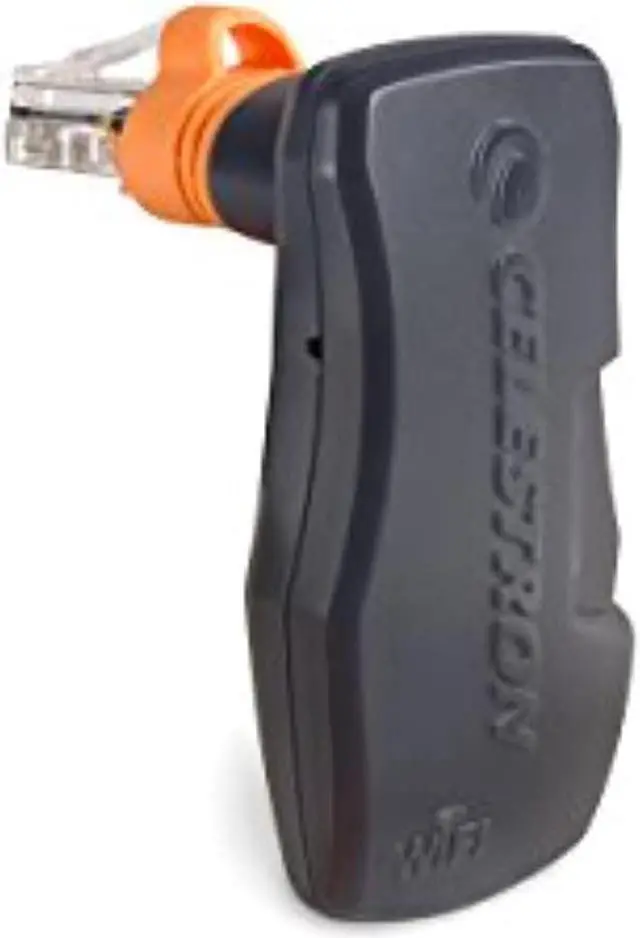
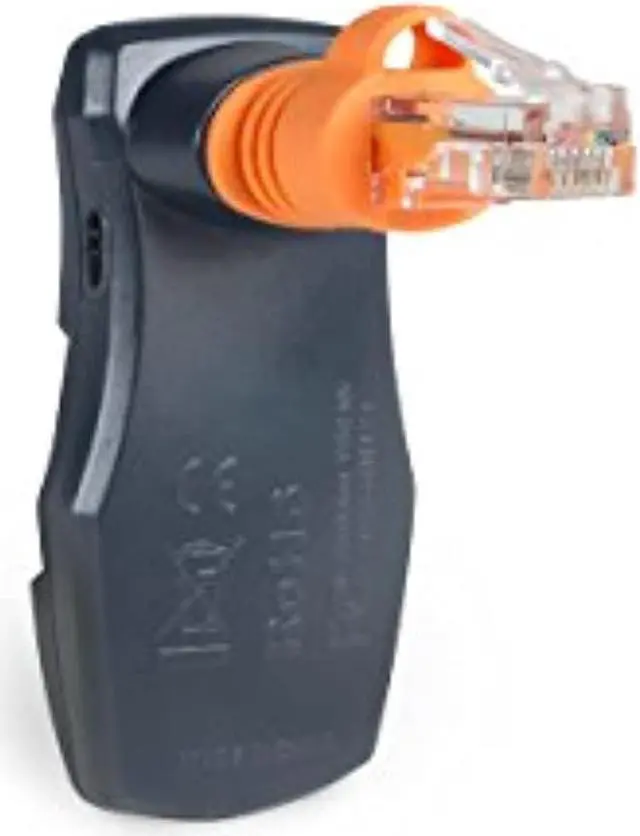
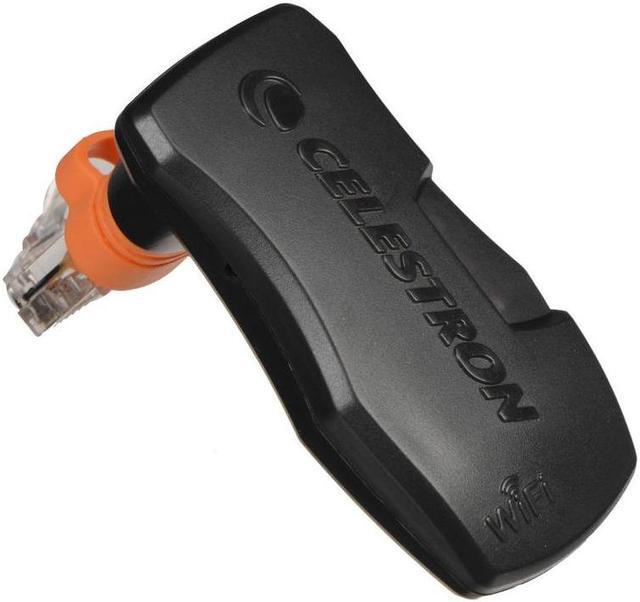
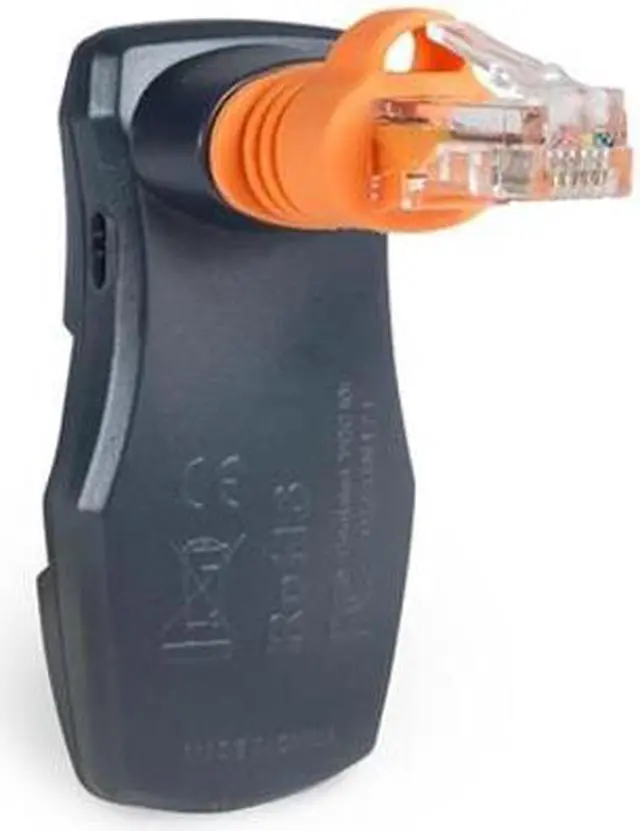
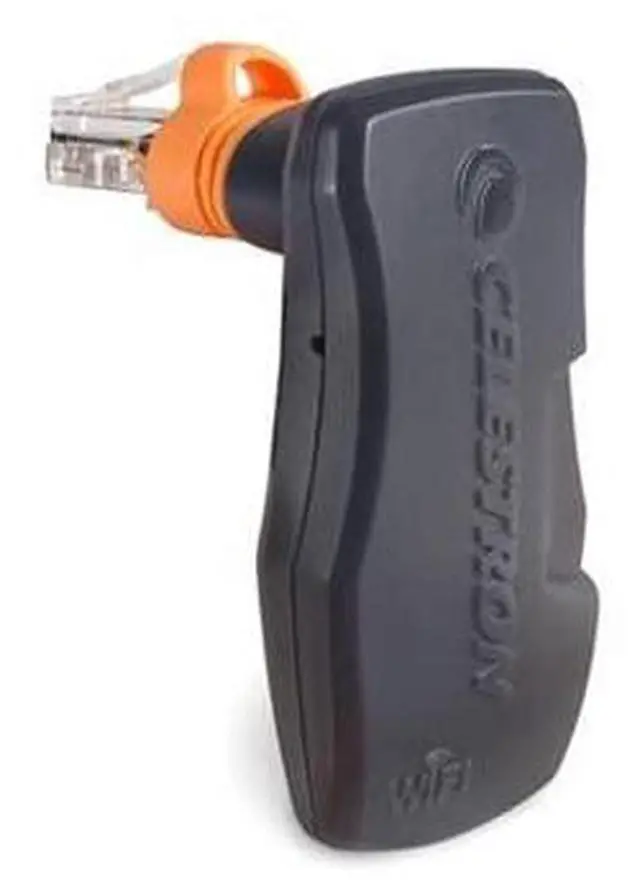
The Celestron SkyPortal WiFi Module lets users control a compatible Celestron computerized telescope wirelessly from a smartphone or tablet, making it a good fit for stargazers who want app-based navigation and object selection.
| Attribute | Value |
|---|---|
| Best For | Telescope owners seeking wireless smartphone or tablet control and celestial-object navigation with compatible Celestron computerized telescopes |
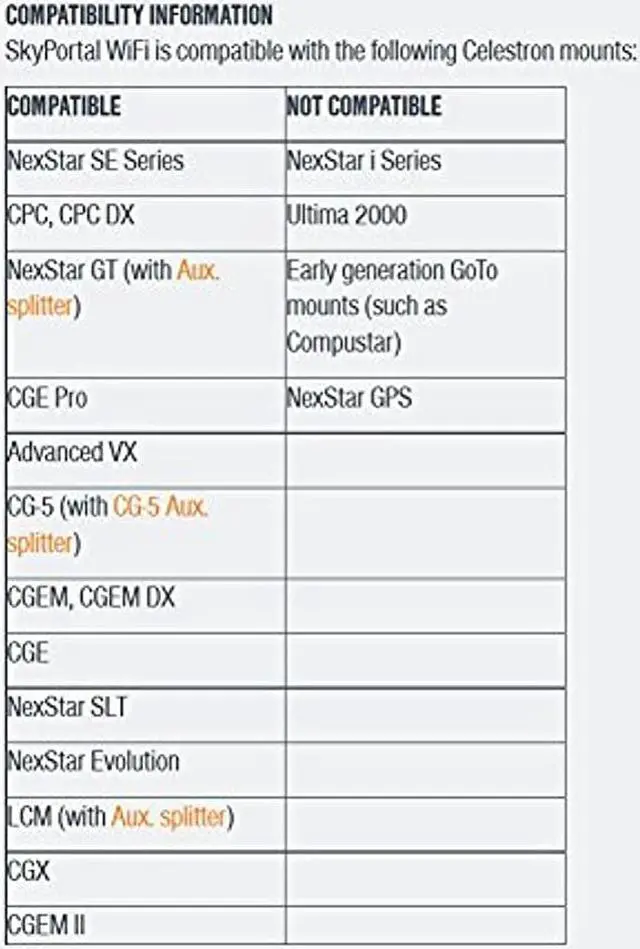
| Wireless Control And Compatibility | Connects to a compatible telescope’s Hand Control or AUX port to enable wireless device-based alignment and slewing; compatible with current Celestron computerized telescopes and select older models, with audio descriptions |
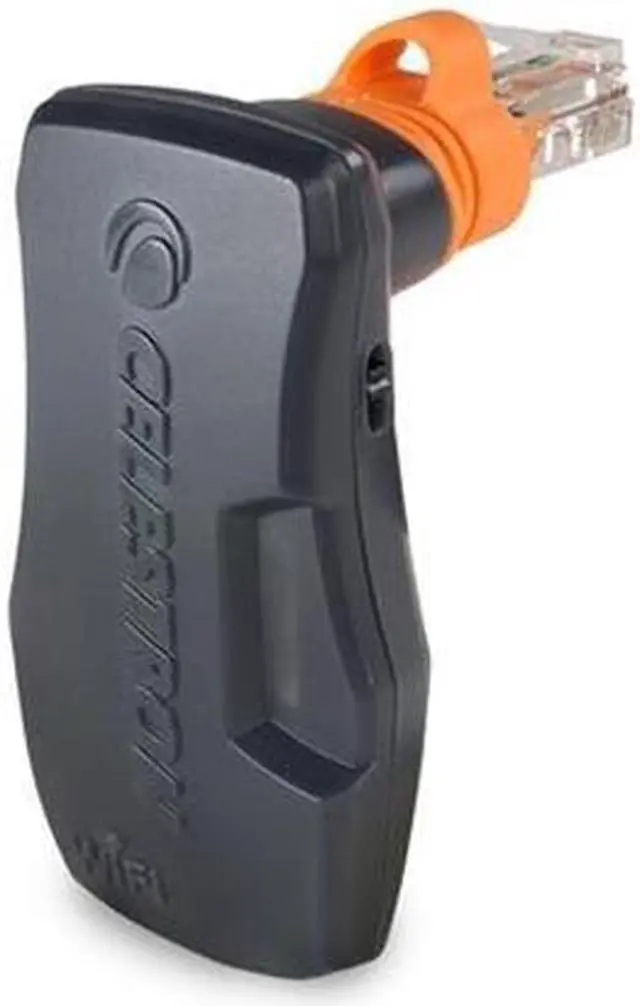
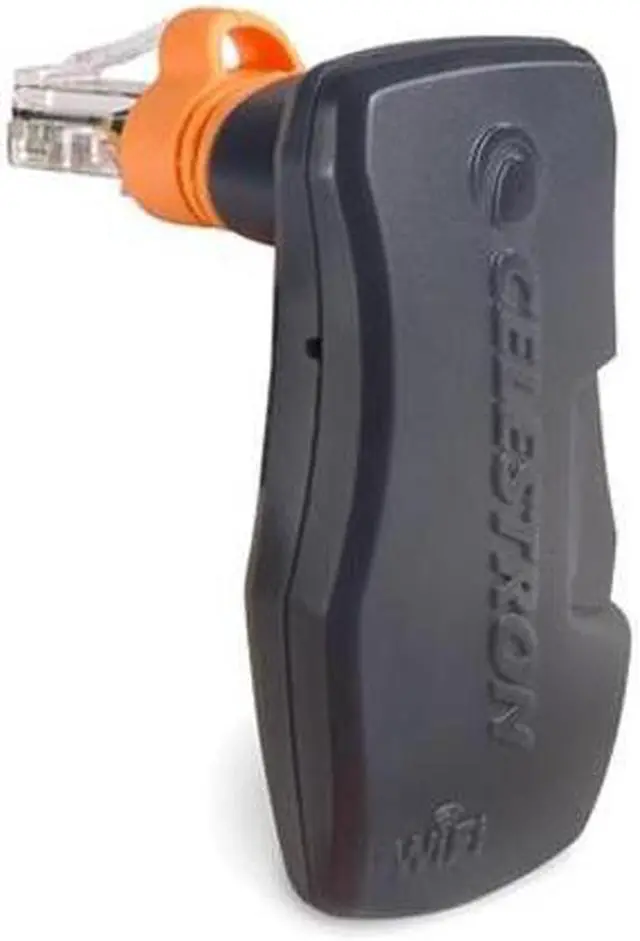
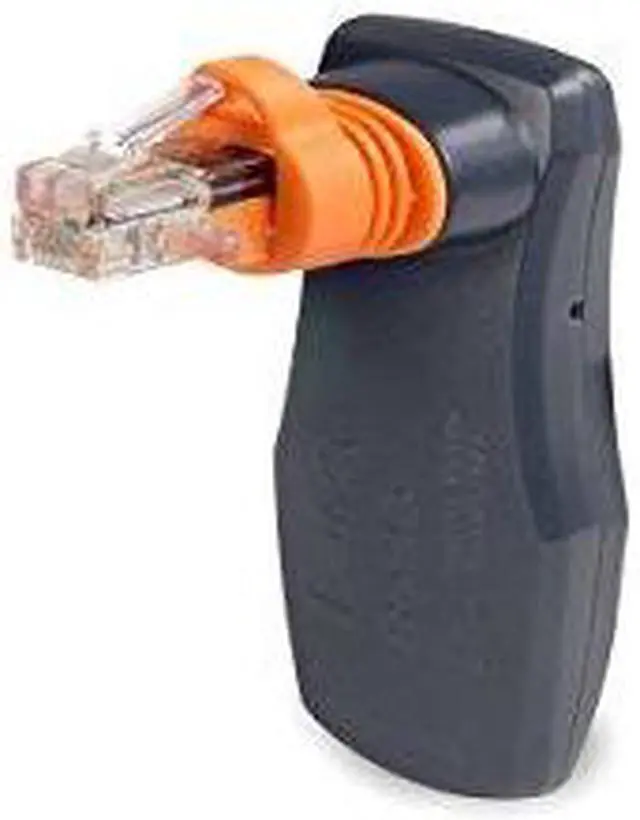
| Physical Specifications | Black module measuring 3 × 2 × 2 inches |
| Package Details | Standard package measuring 5.6896 × 5.8928 × 9.398 cm and weighing 0.041 kg; one item in one box |
| Model Identifiers | Celestron SkyPortal WiFi Module, also identified as SkyQ Link 2 WiFi Module; model 93973-CGL |
Q: Should I add the SkyPortal WiFi Module or choose a Celestron mount with built-in WiFi?
A: Choose the SkyPortal WiFi Module to add phone or tablet control to a compatible Celestron mount that has an AUX port. A mount such as the NexStar Evolution has WiFi built in, so it provides app-based control without a separate module.
Q: SkyPortal WiFi Module or NexStar+ hand control—which gives me app-based telescope control?
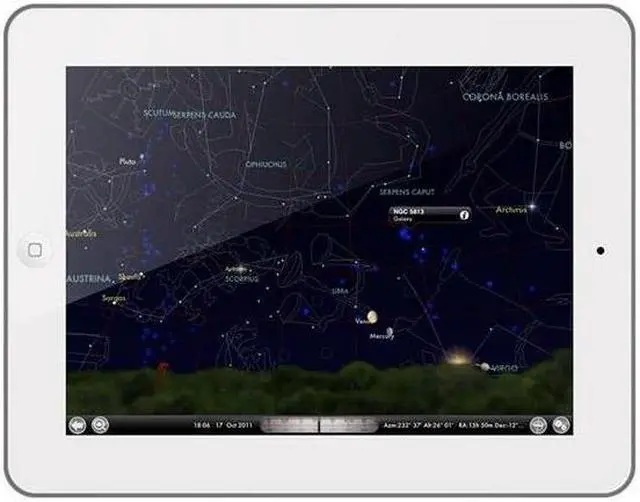
A: Choose the SkyPortal WiFi Module to control a compatible mount from a smartphone or tablet through Celestron’s SkyPortal app, with an interactive planetarium display and tap-to-slew navigation. The NexStar+ hand control is the physical-control option; the module adds wireless app control to compatible mounts.
Q: Can the SkyPortal WiFi Module add wireless control to my existing Celestron mount?
A: Yes—if your computerized Celestron mount is on the module’s compatibility list and has an AUX port, the module connects through that port and enables wireless control using the SkyPortal app. It is a retrofit option for compatible mounts that do not have built-in WiFi.
Q: Will the SkyPortal WiFi Module work with my telescope?
A: It works with compatible computerized Celestron mounts that have a Hand Control or AUX port; it is not a universal telescope adapter. Check your exact mount model before buying, since some older models are incompatible and some mounts require an AUX splitter.
Q: Can I control my telescope with a phone or tablet using this module?
A: Yes. On a compatible computerized Celestron mount, the module connects wirelessly to a smartphone or tablet running the SkyPortal app, which can help with alignment and let you select objects for the telescope to slew to.
Q: Can I use the module without a Wi-Fi router while observing outdoors?
A: Yes. In Direct Connect mode, the module creates a Wi-Fi signal that your phone or tablet connects to directly, so an external router is not required. The module draws power from the telescope mount.
Q: Does the module show a live image of what the telescope sees?
A: No. It provides wireless telescope control and object information through the app, but it does not transmit a live view through the eyepiece to your phone or tablet.
Q: Does the SkyPortal WiFi Module improve GoTo accuracy, or mainly make the telescope easier to control?
A: It mainly adds phone-based control and object selection; it does not by itself guarantee more accurate GoTo results. A Reddit discussion notes that alignment procedure and accurate setup still matter, and that the module is largely a different control interface.
Q: Is it worth buying if I already use the telescope’s hand controller?
A: It may be useful if you want to browse celestial objects and control the mount from a phone or tablet. If you prefer physical buttons for aiming and centering, the module may add less value; one user discussion describes touchscreen slewing during alignment as awkward.
Q: Can I use the module at a dark-sky site away from my home Wi-Fi?
A: A Reddit discussion describes using Direct Connect, where the phone connects to the telescope’s Wi-Fi network rather than a home network. Users also report that connection stability can vary, so test the setup before relying on it for an observing session.
Q: Are connection or alignment problems a trade-off to consider?
A: Yes. Reddit users report connection failures, lost connections, and alignment difficulties on some setups. These reports are individual experiences, not evidence that every module or telescope will have problems; compatibility, setup, and power conditions may matter.


