




 here!
I’m your shopping assistant for PC builds, upgrades, and everything tech.
Got questions? Ask away!
Start a conversation
here!
I’m your shopping assistant for PC builds, upgrades, and everything tech.
Got questions? Ask away!
Start a conversation
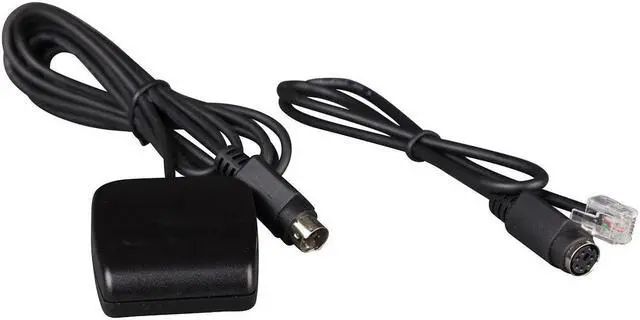



Any questions? Ask CelesteSM will help you find out quickly.
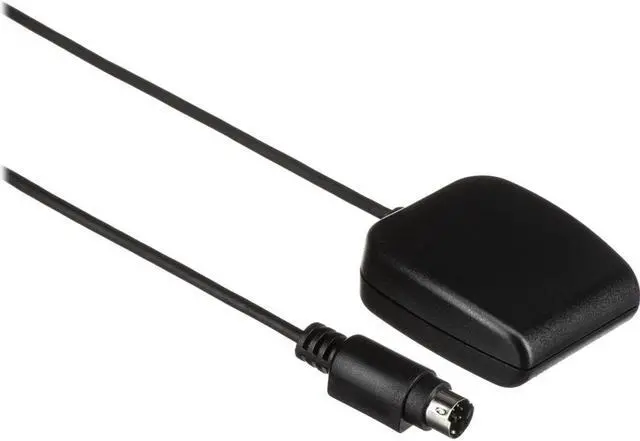
The Sky-Watcher SynScan GPS Module automatically supplies location data to a SynScan telescope system, helping users simplify setup and align their telescope for observing.
| Attribute | Value |
|---|---|
| Best For | Adding GPS-based location input to telescope mounts that use a SynScan hand controller |
| Compatibility And Navigation | Compatible with all mounts using a SynScan hand controller; uses GPS satellite navigation |
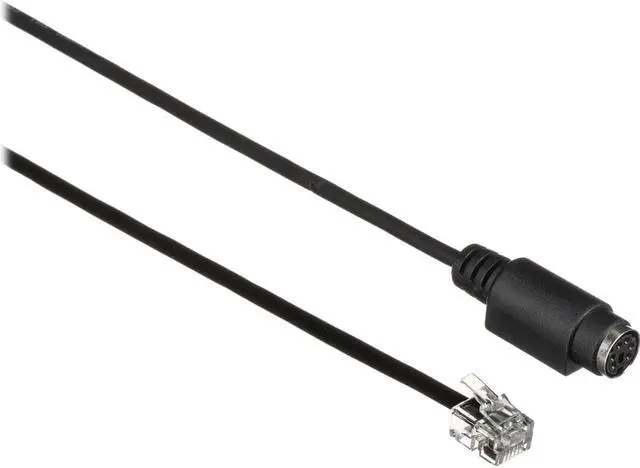
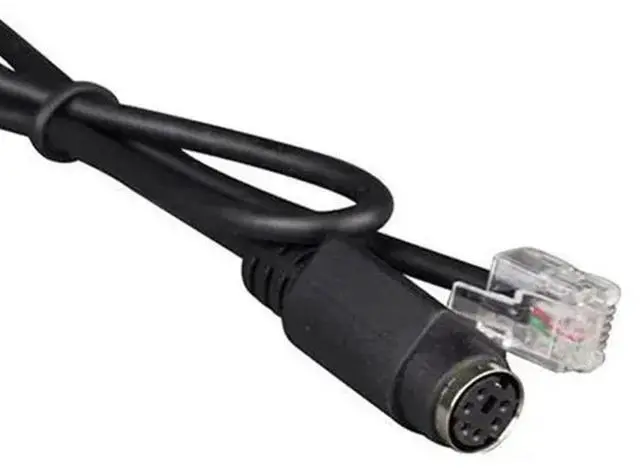
| Included Components | GPS module with AZ and EQ cables |
| Mounting And Power | Panel-mount design; batteries are not required or included |
| Display | LED display; not a color screen |
| Dimensions And Weight | Module dimensions: 8.19 × 2.28 × 2.01 inches; item and package weight: 0.13 kg each; package dimensions: 5.1 × 5.8 × 20.8 cm |
| Model Identifiers | Sky-Watcher SynScan GPS Module, model S30104 |
| Package Quantity | 1 |
Q: Is the SynScan GPS Module better than entering location and time manually on the hand controller?
A: Choose the GPS Module if you use a SynScan hand controller and want it to receive date, time, and location data automatically. It simplifies setup, especially when observing from different locations; you still set the time zone and daylight-saving option during initialization.
Q: Should I use the SynScan GPS Module or SynScan Pro on my phone?
A: Choose the GPS Module if you prefer controlling the mount through the SynScan hand controller and want GPS-supplied setup data. Choose SynScan Pro if you prefer controlling a compatible Sky-Watcher mount through the app; the app can use a mobile device’s location sensor when available.
Q: SynScan GPS Module or SynScan Wi-Fi Adapter—which should I add?
A: Choose the GPS Module to supply date, time, and location data to a SynScan hand controller. Choose the SynScan Wi-Fi Adapter to operate a compatible SynScan GoTo mount with the SynScan Pro app. They support different setup preferences: handset-based data input or app-based mount control.
Q: What does the SynScan GPS Module do?
A: It supplies date, time, and location data to a SynScan hand controller, reducing the need to enter those details manually during telescope setup. It does not replace the hand controller.
Q: Will it work with my telescope mount?
A: It is compatible with mounts that use a SynScan hand controller. The module requires that controller and a compatible mount; it is not a standalone telescope controller.
Q: Does the GPS module need to stay connected while I observe?
A: B&H’s product Q&A says to keep it connected so GPS information remains available to the hand controller. If you plan to unplug it after setup, check the controller’s instructions for your intended use.
Q: Does this module provide Wi-Fi control for the telescope?
A: No. It provides GPS-derived date, time, and location data to the SynScan hand controller; it is not a Wi-Fi adapter or wireless telescope-control device.
Q: Do I need the SynScan GPS Module if I control my telescope with the SynScan app?
A: Not necessarily. A Reddit user reports that the SynScan app can use location data from a phone with location services enabled, so the separate module may be redundant for that setup.
Q: Is the SynScan GPS Module worth buying for a SynScan setup?
A: Its clearest benefit is convenience: it can provide location data automatically instead of requiring you to enter it manually. It may be less useful if you already use the SynScan app with phone location services or are comfortable entering location and time yourself.
Q: Does the GPS Module guarantee more accurate GoTo pointing?
A: No. It supplies location data, but discussions also identify alignment and calibration as factors in GoTo accuracy. One Reddit user also reported a GPS module not being recognized by a SynScan controller, so compatibility and operation should be confirmed for your setup.


