Your Browsing History
Best Sellers
+
+
Overview
Specs
Reviews
Any questions? Ask CelesteSM will help you find out quickly.
Try me now
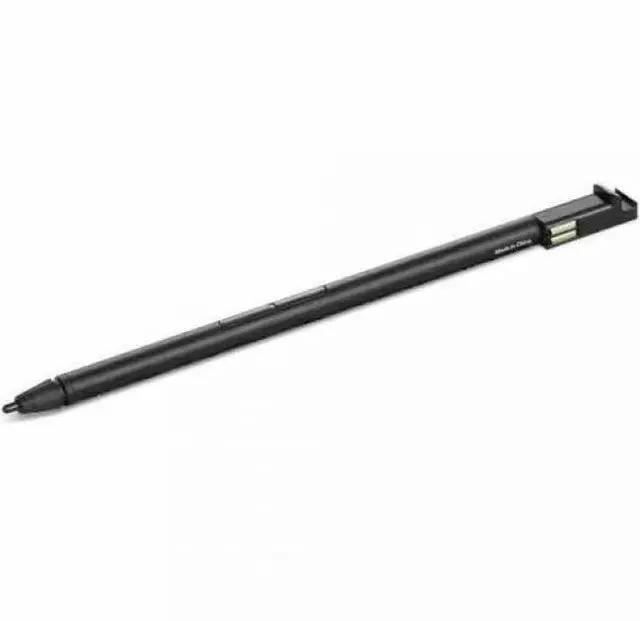
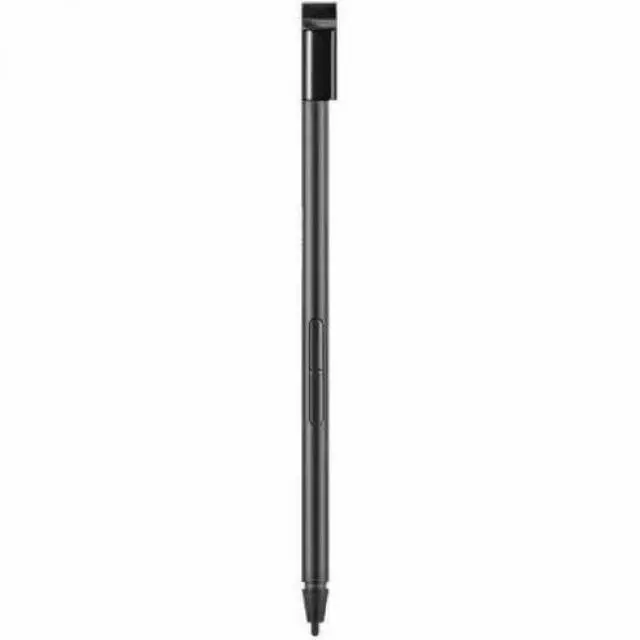
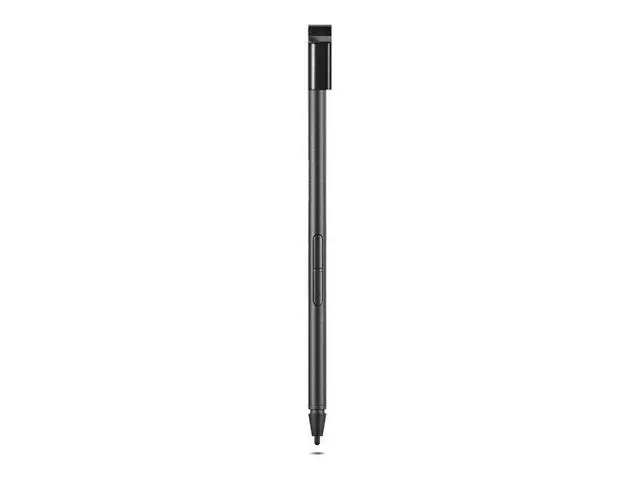
Lenovo Stylus
- Notebook Device Supported
Warranty & Returns
Warranty, Returns, And Additional Information
Return Policies
- Return for refund until: January 31, 2027
- Return for replacement until: January 31, 2027
- This item is covered by Newegg.com's Extended Holiday Return Policy.
- Read full return policy for details.
We want to ensure your holiday shopping this year is hassle-free. That’s why we’re automatically extending our return policies on almost every product! For purchases placed between November 1st, 2026 and December 31, 2026 you will have until January 31, 2027 to return your product.
Manufacturer Contact Info
LOADING...
LOADING...
The Lenovo Stylus is a notebook accessory for users seeking a stylus for a supported notebook device; check your notebook’s compatibility before choosing it.
Recommended For
- Owners of a Lenovo notebook that Lenovo specifically lists as compatible with this pen, who want to write or annotate directly on the screen. The listing does not identify compatible models, so verify the exact laptop before buying.
- Students or meeting participants with a compatible Lenovo notebook who want to handwrite notes or mark up on-screen material instead of relying only on a keyboard.
- People who want a pen for occasional screen writing or selection on a supported Lenovo notebook, and are willing to confirm the pen’s compatibility with their specific model first.
Real-World Use Scenarios
- On a Lenovo notebook that supports this pen, jot down meeting notes or sketch a quick idea when typing would interrupt the conversation; the notes stay on-screen for later reference.
- When reviewing a document on a compatible pen-enabled notebook, mark passages, add handwritten comments, or sign a form; the annotated file can then be shared without printing it.
- During class or training, use a compatible Lenovo notebook to write notes directly on screen; handwritten material can be kept with digital course documents instead of separate paper notes.
- For an early project or room-layout discussion, sketch a rough diagram on a compatible pen-enabled notebook and show it to collaborators; it provides a quick visual to discuss and revise.
- For casual digital sketching on a compatible Lenovo notebook, draw or add details in a supported app; the result is a digital image that can be saved and edited, though the experience depends on the notebook, pen protocol, and app.
Spec Summary
| Attribute | Value |
|---|---|
| Best For | Stylus use with the Lenovo X13 Yoga Gen4 notebook |
| Compatibility And Operating System | Compatible with the Lenovo X13 Yoga Gen4 notebook; requires Windows 11 |
| Battery And Power | Uses one AAAA battery; one battery is included |
| Color And Dimensions | Multicolor; 8.6 × 2.9 × 1.7 inches |
| Package Contents And Weight | One item; package weight is 1 pound and item weight is 0.13 pounds |
| Model Identifiers | Lenovo model 4X81M52316; model name also lists 26368890 |