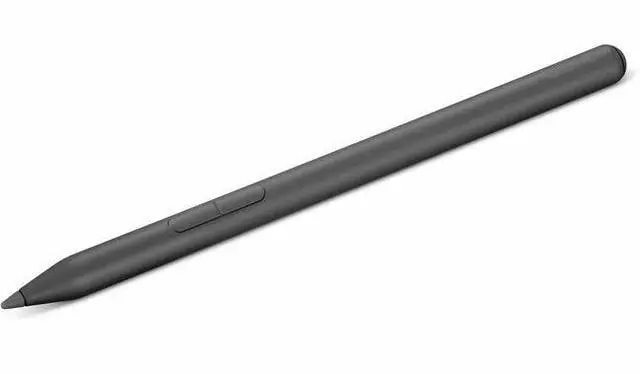
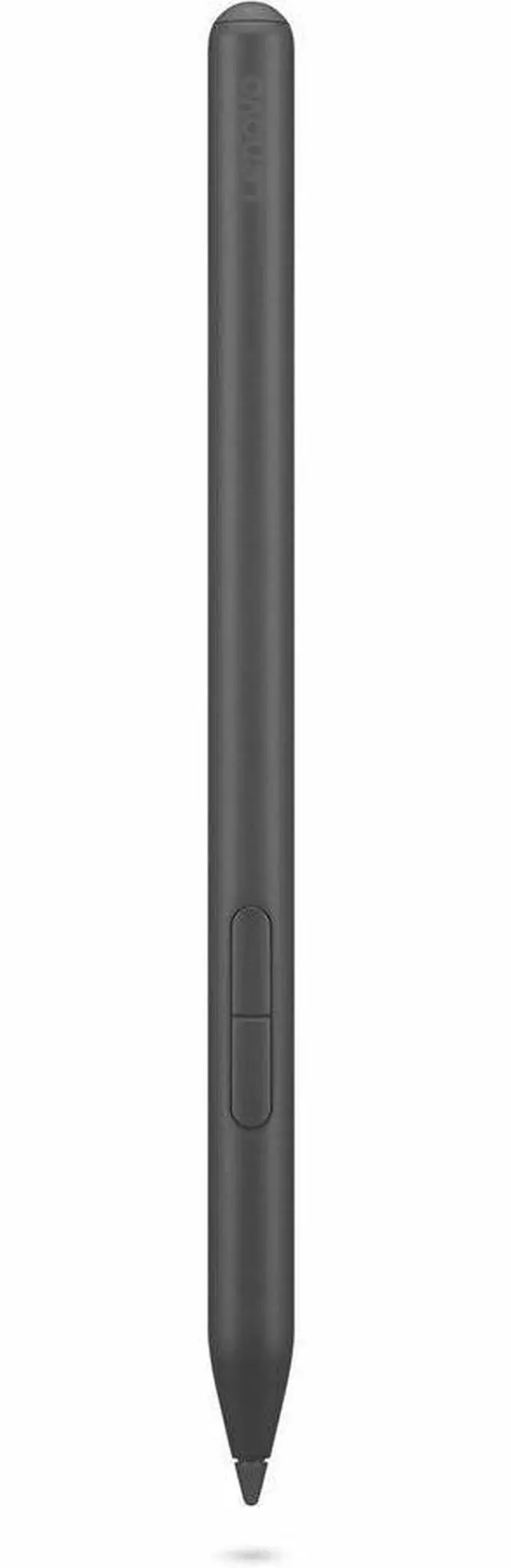
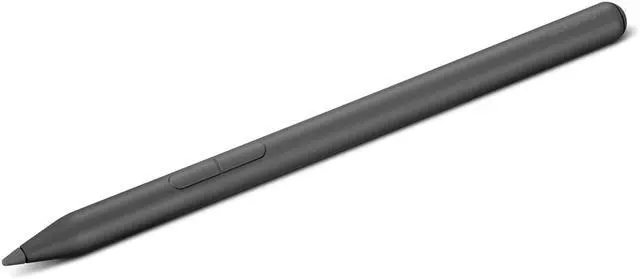
The Lenovo Yoga Pen is a gray stylus for people who want to draw, doodle, or take notes on a compatible device, with precision and tilt responsiveness designed to make digital writing feel natural.
Recommended For
- People using a compatible 2-in-1 laptop in meetings who want to jot down notes or sketch ideas on screen instead of switching to paper.
- Office workers who regularly sign contracts, edit drafts, or mark up documents directly on a compatible touchscreen.
- Students and mobile workers with a compatible Windows 11 device who want a rechargeable pen for handwriting, annotations, or quick sketches while away from a desk.
- Casual digital sketchers who want pressure and tilt input for doodling or shading on a compatible device, rather than a separate drawing tablet.
Real-World Use Scenarios
- In a class or meeting, use the Yoga Pen on a compatible pen-enabled screen to jot down notes or sketch an idea; the notes can be captured digitally without switching to paper.
- When reviewing a PDF or contract on a compatible 2-in-1, use the pen to mark up text, add comments, or sign; the edits stay with the digital document.
- For quick visual explanations at work or school, draw a diagram or rough layout directly on the touchscreen; it helps communicate an idea without opening a separate drawing device.
- For casual doodling or sketching in a compatible app, use the pen’s pressure and tilt support to vary strokes; the result depends on the device, app, and pen compatibility.
- When carrying a compatible Yoga laptop between workspaces, attach the pen magnetically to the device so it is easier to keep with the laptop for the next note-taking or markup task.




 here!

 Top Rated