here!
I’m your shopping assistant for PC builds, upgrades, and everything tech.
Got questions? Ask away!
Start a conversation
here!
I’m your shopping assistant for PC builds, upgrades, and everything tech.
Got questions? Ask away!
Start a conversation






Any questions? Ask CelesteSM will help you find out quickly.


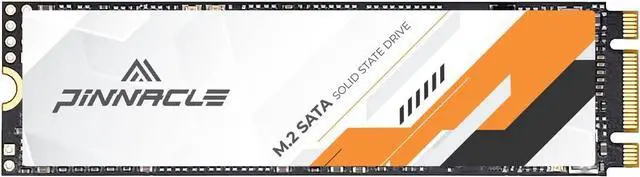
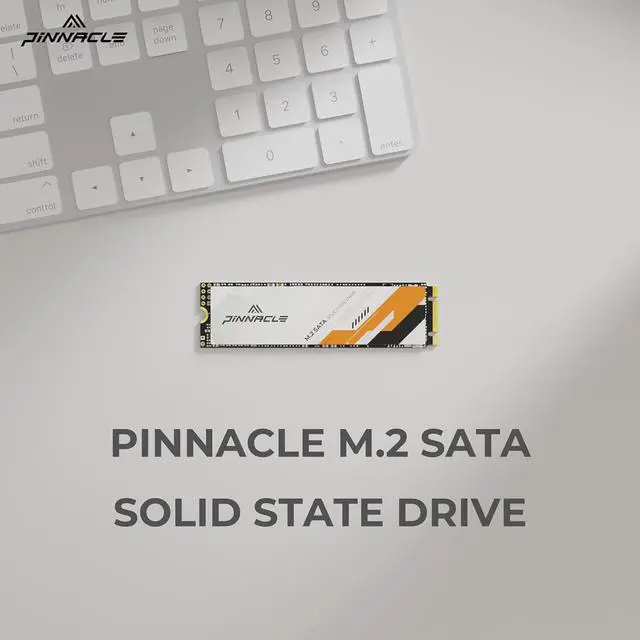
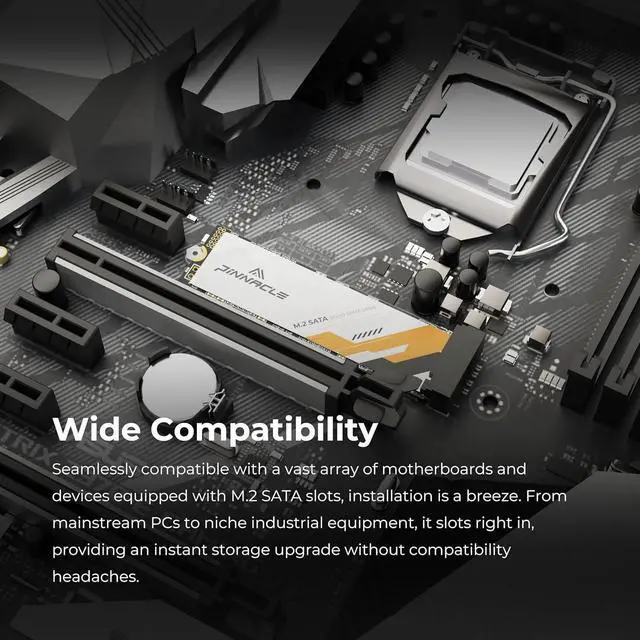
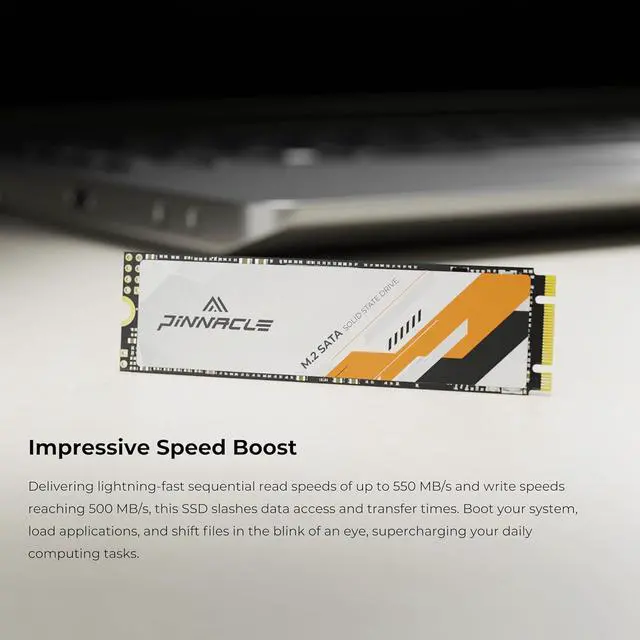
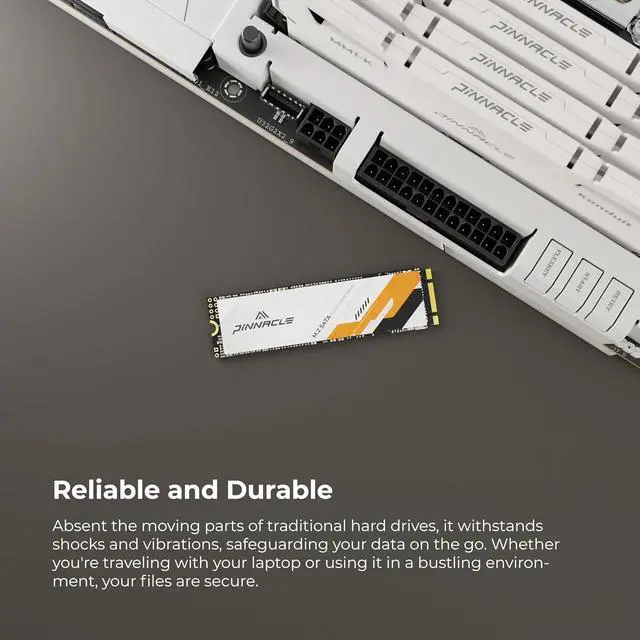
The Timetec Pinnacle 256GB is an M.2 2280 SATA III SSD for desktops and laptops with a compatible SATA M.2 slot, offering sequential speeds up to 550MB/s read and 500MB/s write for everyday computing and storage upgrades.
| Attribute | Value |
|---|---|
| Best For | Internal storage for desktop and laptop systems that support an M.2 SATA drive |
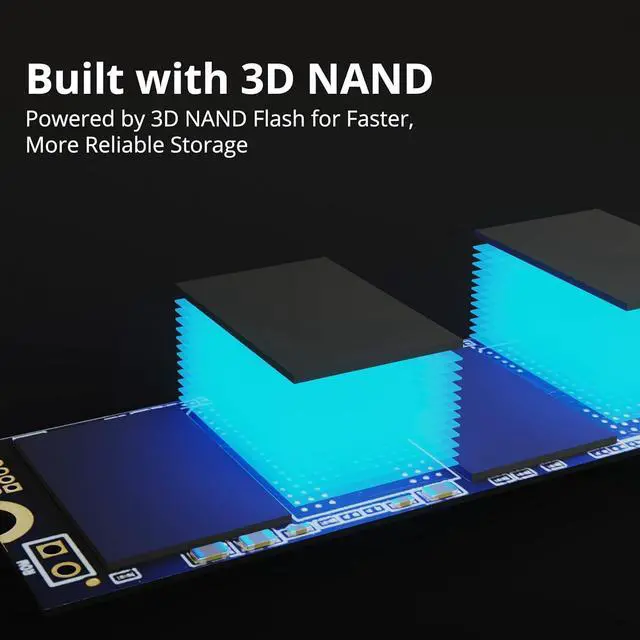
| Capacity And Memory | 256 GB 3D NAND solid-state storage |
| Interface And Form Factor | M.2 form factor with a Serial ATA interface supporting SATA 6.0 Gb/s |
| Read And Media Speed | Listed read speed of 550 MB/s; media speed is also listed as 500 MB/s |
| Model Identifiers | Timetec Pinnacle |
Q: Timetec Pinnacle 256GB SATA vs. Timetec 512GB SATA: which capacity should I choose?
A: Choose the 512GB Pinnacle when you want twice the storage for apps and files. Timetec lists the same rated sequential speeds—up to 550MB/s read and 500MB/s write—for both capacities; its listed endurance is 128TBW for 256GB and 160TBW for 512GB.
Q: Timetec Pinnacle 256GB SATA vs. Timetec Pro 1TB PCIe Gen 4: which is faster?
A: The Timetec Pro 1TB PCIe Gen 4 is the performance-focused option, with rated speeds up to 7,400MB/s read and 6,100MB/s write, compared with the Pinnacle 256GB’s up to 550MB/s read and 500MB/s write. Choose the Pinnacle for a compatible M.2 SATA system; choose the Pro for a compatible M.2 NVMe PCIe Gen 4 system when higher transfer speeds and 1TB capacity are priorities.
Q: Timetec Pinnacle 128GB SATA vs. 256GB SATA: what do I gain by choosing 256GB?
A: The 256GB Pinnacle doubles the storage capacity and has a higher listed endurance rating: 128TBW versus 64TBW for the 128GB version. Both capacities are rated for up to 550MB/s read and 500MB/s write, so the choice is mainly about storage space and rated writes.
Q: Will this SSD work in my laptop or desktop?
A: It will work only in a system with an M.2 2280 slot that supports SATA SSDs. M.2 describes the drive’s shape, not its interface, so an NVMe-only slot may not support this SATA drive. Check the computer or motherboard specifications before buying.
Q: Can I use this as a boot drive for everyday computing?
A: Yes, if the computer supports booting from an M.2 SATA SSD. The drive is rated for sequential speeds up to 550 MB/s read and 500 MB/s write, and its 256GB capacity can suit an operating system and everyday applications, though it may leave limited room for larger files.
Q: Is 256GB enough storage?
A: 256GB may be enough for an operating system, everyday applications, and a modest collection of files. It can feel restrictive if you plan to store many large games, videos, or other bulky files on the drive.
Q: Does the package include the M.2 mounting screw?
A: No. The listed package includes the SSD only; screws, cables, and brackets are not included. Check whether your computer already has the required mounting screw before installation.
Q: Will this SSD work in an M.2 slot that supports NVMe?
A: Not necessarily. This is an M.2 SATA drive, not an NVMe drive, so the computer’s M.2 slot must explicitly support SATA. Check the device or motherboard specifications before buying; the M.2 form factor alone does not guarantee compatibility.
Q: Is the Timetec Pinnacle 256GB suitable for a basic or light-duty PC?
A: It may suit a compatible system needing modest-capacity storage for everyday or light-duty use. Its listed maximum speeds are up to 550MB/s read and 500MB/s write, and its 256GB capacity may be limiting if you need space for many large files or applications.
Q: What is the trade-off compared with an M.2 SATA SSD that has DRAM?
A: A Reddit discussion comparing this 256GB model with a DRAM-equipped alternative identifies the Pinnacle as lacking DRAM. The product information lists SLC cache, which is a separate feature; it does not establish how the drive performs in every workload. Consider a DRAM-equipped option if that distinction matters for your use.
Q: Is it a dependable choice for important data or sustained workloads?
A: The available Reddit discussions include both positive reports about Timetec drives and reliability concerns, but they are anecdotal and do not establish failure rates for this exact 256GB model. The listing specifies 128TBW and a three-year limited warranty; keep separate backups for important data.