




 here!
I’m your shopping assistant for PC builds, upgrades, and everything tech.
Got questions? Ask away!
Start a conversation
here!
I’m your shopping assistant for PC builds, upgrades, and everything tech.
Got questions? Ask away!
Start a conversation Top Rated
 Hot Seller Hot Seller


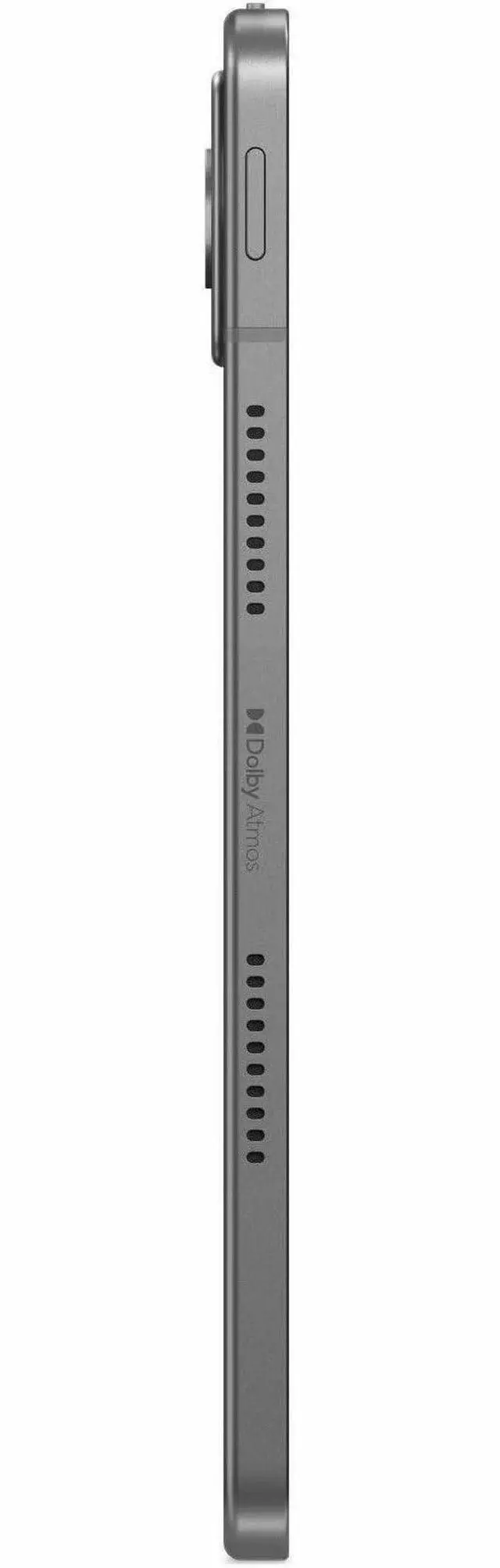
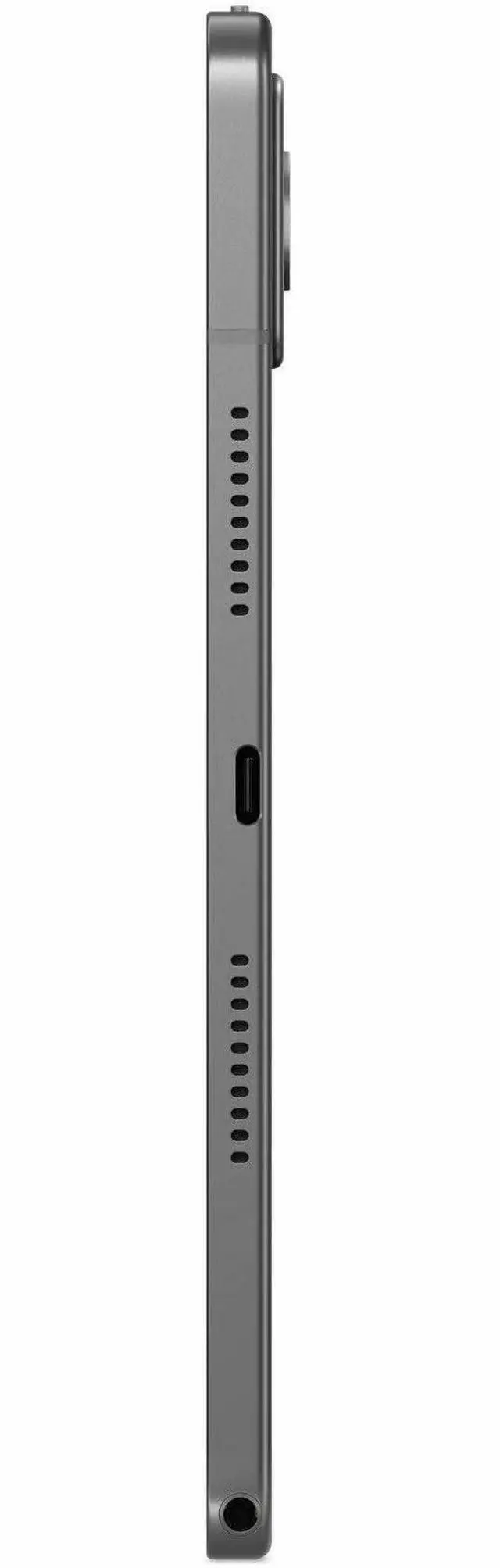
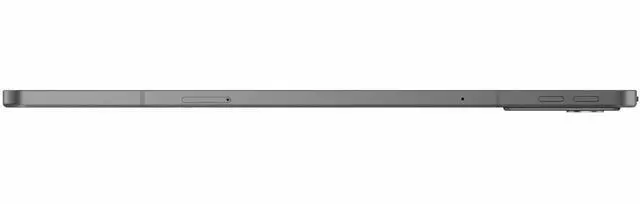



Any questions? Ask CelesteSM will help you find out quickly.
We want to ensure your holiday shopping this year is hassle-free. That’s why we’re automatically extending our return policies on almost every product! For purchases placed between November 1st, 2026 and December 31, 2026 you will have until January 31, 2027 to return your product.
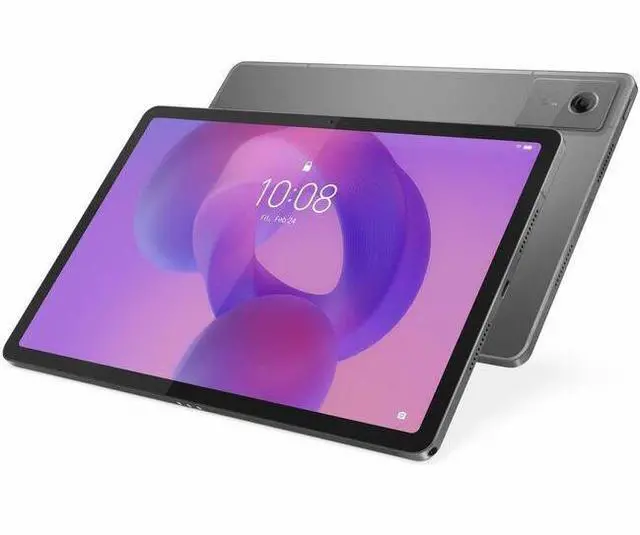
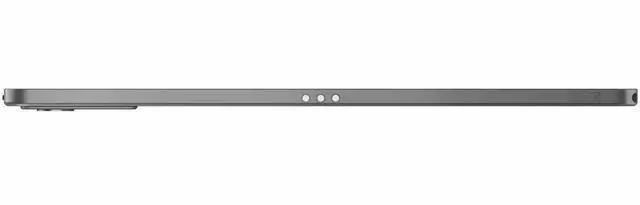
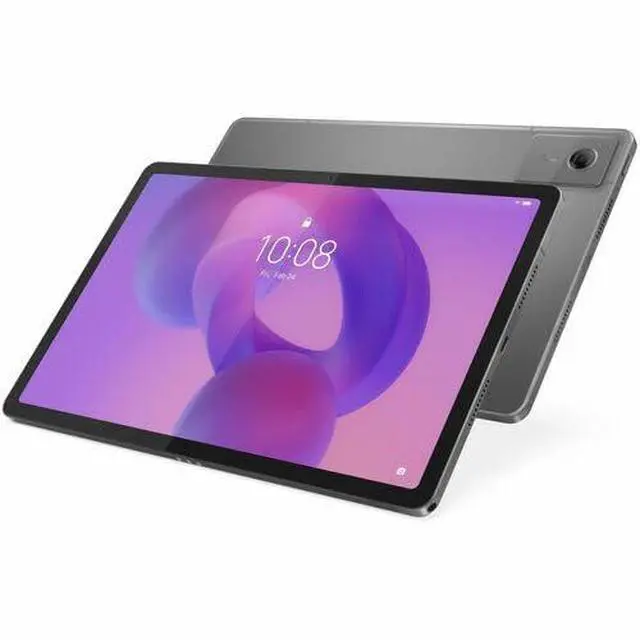
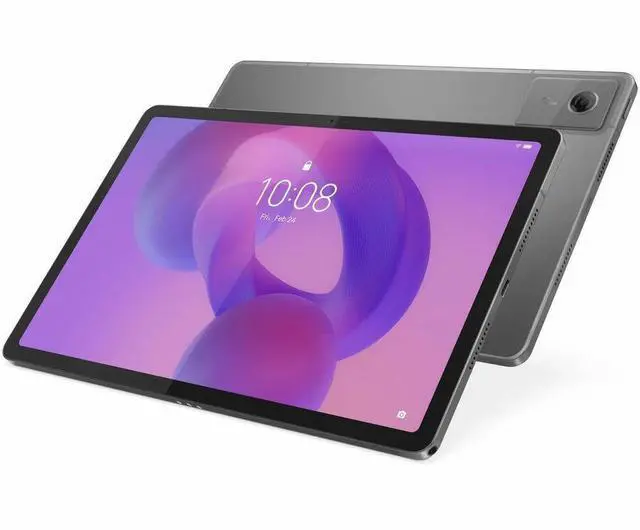
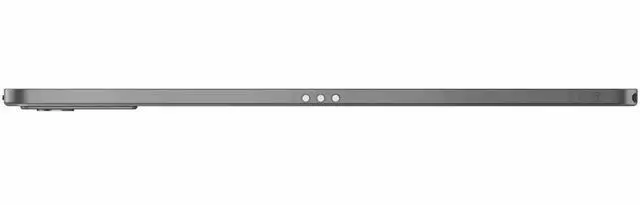
The Lenovo Tab K11 Gen 2 is an 11-inch Android 15 tablet with a 2.5K display, 8GB RAM, 128GB storage, and 5G connectivity, making it a strong fit for students, commuters, and everyday users who want a sharp screen and mobile internet access beyond Wi-Fi.
| Attribute | Value |
|---|---|
| Best For | Entertainment and general-purpose mobile use on an 11" 2.5K Android tablet with 5G cellular and 8 GB RAM |
| Processor And Core Count | MediaTek Dimensity 6300 octa-core (Cortex A76 dual-core 2.40 GHz + Cortex A55 hexa-core 2.00 GHz) |
| Display Spec | 11" IPS 2.5K (2560 x 1600) display, 16:10 aspect ratio, 90 Hz refresh rate, maximum brightness 500 nit |
| Memory Configuration | 8 GB RAM |
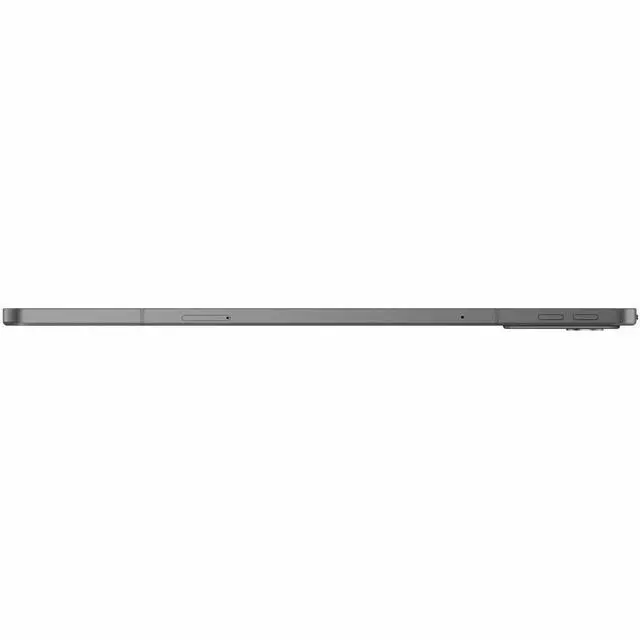
| Storage And Expansion | 128 GB internal storage with microSD expansion supported |
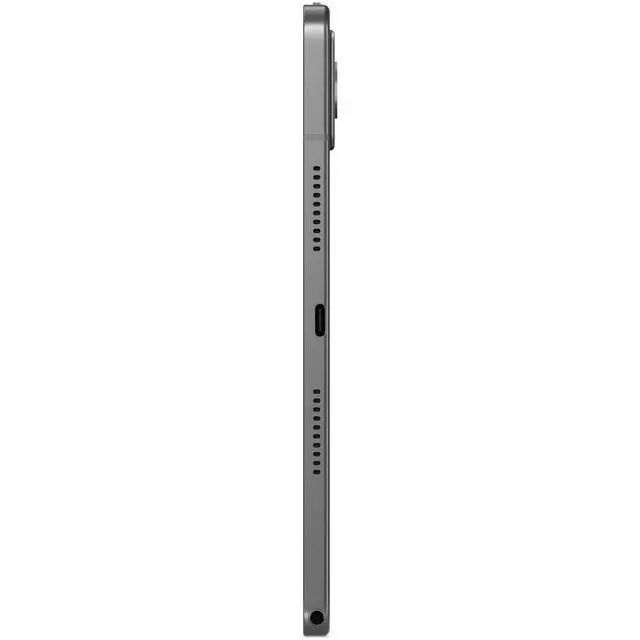
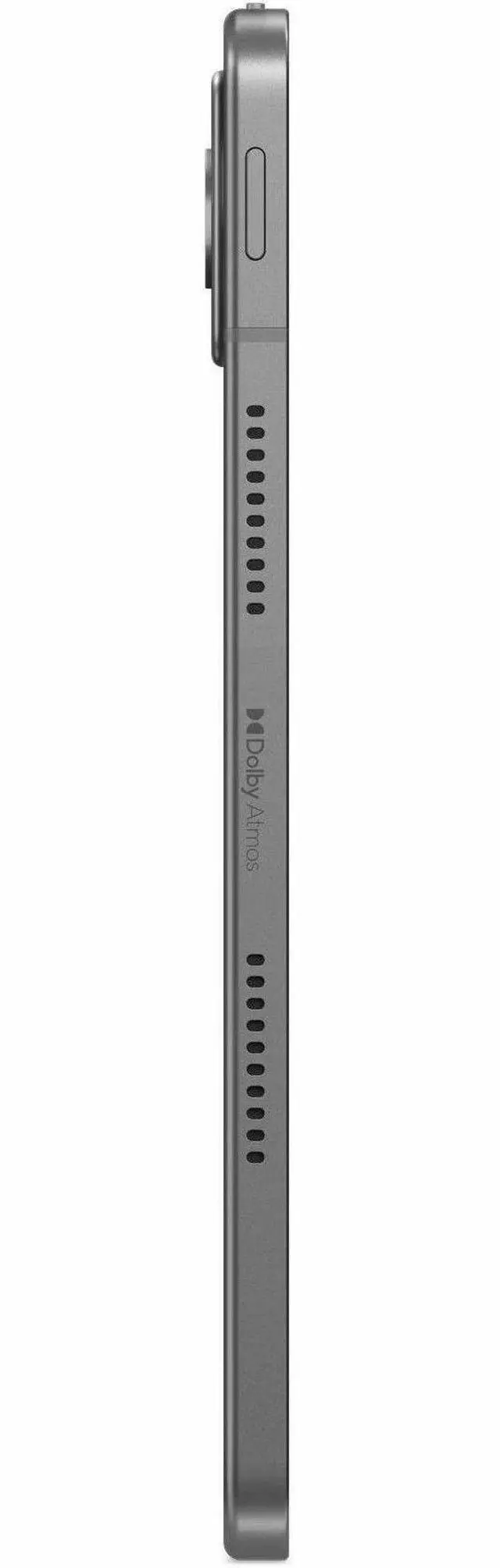
| High Speed I O | USB Type-C port |
| Wired And Wireless Networking | 5G and 4G cellular support, Wi‑Fi 802.11ac (Wi‑Fi 5), Bluetooth 5.2 |
| Battery And Power | Battery average life 8 hours |
| Cameras | 8 MP front camera and 13 MP rear camera (photo) |
| Input And Control | Touchscreen: No |
| Dimensions And Weight | 10.7 x 7.2 x 1.8 inches; weight 1.00 lbs |
| Model Identifiers | Lenovo Tab K11 Gen 2, model/part ZAGX0007US (Edition: Tab K11 Gen 2, 2nd Generation) |
| Operating System | Android 15 |
Q: Should I buy the Lenovo Tab K11 Gen 2 or Samsung Galaxy Tab A9+?
A: Choose the Lenovo Tab K11 Gen 2 if you want a sharper 11-inch 2560x1600 display, built-in 5G on this configuration, GPS support, microSD expansion, and Lenovo’s pen-ready productivity positioning. Choose the Galaxy Tab A9+ if you prefer Samsung’s software ecosystem and a more mainstream budget-tablet alternative. In practical use, the Lenovo model is the better fit for reading, document work, and users who value higher display resolution, while the Samsung option is the simpler pick for casual streaming and everyday Android use.
Q: Is the Lenovo Tab K11 Gen 2 a better buy than the Redmi Pad Pro 5G?
A: Buy the Lenovo Tab K11 Gen 2 if you want a more compact 11-inch tablet with 5G, lighter travel use, and a clearer focus on note-taking and work-style features. Buy the Redmi Pad Pro 5G if you want a larger 12.1-inch display, a 120Hz panel, and stronger performance for heavier multitasking or gaming. The main trade-off is portability versus screen size and extra performance headroom.
Q: Should I choose the Lenovo Tab K11 Gen 2 5G or a cheaper Wi‑Fi-only tablet?
A: Choose the Lenovo Tab K11 Gen 2 5G if you need connectivity away from Wi‑Fi, such as commuting, field work, travel, or school use across multiple locations. A cheaper Wi‑Fi-only tablet makes more sense if you mainly use it at home and want to reduce monthly carrier cost. The value of this Lenovo configuration comes from combining 5G, GPS, high-resolution display, and expandable storage in one mid-range tablet rather than from raw speed alone.
Q: Is the 8GB/128GB Lenovo Tab K11 Gen 2 worth it over a lower-memory tablet?
A: Yes, the 8GB/128GB configuration is the safer choice if you keep many apps open, use split-screen often, or plan to keep the tablet for several years. It gives the Tab K11 Gen 2 more room for multitasking and local storage before relying on microSD. A lower-memory tablet can still work well for lighter streaming, browsing, and reading, but this configuration is the better match for productivity-oriented use.
Q: What is the difference between the Lenovo Tab K11 Gen 2 and Lenovo Idea Tab?
A: In most markets, these two models are positioned as near-identical tablets with the same general platform, while Lenovo markets the Tab K11 Gen 2 more toward commercial or productivity use and the Idea Tab more toward mainstream consumer retail. If pricing is similar, choose based on the exact bundle, warranty, pen inclusion, and regional configuration rather than expecting a major performance difference.
Q: Is the Lenovo Tab K11 Gen 2 a good fit for note-taking, meetings, and class use?
A: Yes, if you want an Android tablet for handwritten notes, reading, video meetings, and light multitasking. The 11-inch 2560 x 1600 display and 8 GB RAM are better suited to note-heavy use than entry-level 4 GB tablets, and closely comparable Lenovo 11-inch models are repeatedly discussed around stylus support and note-taking. The main caveat is that this Newegg listing does not clearly confirm that a pen is included, so buyers who need handwriting should verify pen compatibility and bundle contents before purchase.
Q: Is it worth buying as a travel work device?
A: It works best as a light travel tablet, not a laptop replacement. The strengths are low weight, 5G cellular, expandable storage up to 2 TB, and an 11-inch high-resolution screen for email, documents, streaming, and remote access on the go. The trade-off is productivity setup: comparable Lenovo retail Q&A pages repeatedly ask about keyboard support, and one Lenovo model in this family requires a Bluetooth keyboard rather than a dedicated keyboard connector. That makes the Tab K11 Gen 2 more practical for portable consumption and light office tasks than for long-form typing.
Q: Who is this tablet most suitable for?
A: This model is best for users who want a mid-range Android tablet with mobile data: students, field users, commuters, and casual business users who need web apps, video calls, media, and cloud files away from Wi-Fi. It is less suitable for buyers who specifically want a desktop-style productivity setup, a guaranteed bundled keyboard, or a large app ecosystem optimized for pro creative work.
Q: What are the main trade-offs versus a Wi-Fi-only Lenovo tablet like the Tab M11 or Idea Tab?
A: The main advantage of the Tab K11 Gen 2 is mobility: it adds 5G cellular, which is a meaningful upgrade if you often work or stream away from Wi-Fi. It also matches or exceeds the common mid-range Lenovo tablet baseline with 8 GB RAM, 128 GB storage, and a 2.5K 11-inch display. The trade-offs are that Wi-Fi-focused alternatives may be simpler buys if you only use tablets at home or school, and some competing Lenovo bundles more clearly include accessories such as a pen or folio case.
Q: Can this replace a small laptop for office work?
A: For light office work, yes; for full laptop-style productivity, usually no. It should handle email, web apps, video meetings, document review, and basic editing well enough, especially with 8 GB RAM and Android 15. But repeated retail questions on comparable tablets focus on keyboard options, stylus support, and connectivity, which signals the usual limitation: Android tablets are convenient for mobile work, but they are less ideal than laptops for sustained typing, complex spreadsheets, or multi-window desktop workflows.
Q: Is the Lenovo Tab K11 Gen 2 a good buy for everyday use, streaming, and general productivity?
A: Yes for general-use buyers. The 11-inch 2560x1600 display, 8GB RAM, 128GB storage, Android 15, and 5G support make it a practical fit for web browsing, video, reading, schoolwork, and light multitasking. It looks less suited to demanding gaming or laptop-level productivity, so it is a better choice for media and everyday tablet tasks than for heavy creative or power-user workloads.
Q: Who is the Lenovo Tab K11 Gen 2 best suited for?
A: It is best suited to users who want a midrange Android tablet for school, travel, reading, streaming, video calls, and everyday app use, especially if 5G connectivity matters. It is a stronger fit for portable media and study use than for users who need a true laptop replacement, advanced desktop-style accessories, or high-end gaming performance.
Q: Is the Lenovo Tab K11 Gen 2 good for note-taking or school use?
A: It can be a sensible school and note-taking tablet if you plan to use a compatible pen and mainly need reading, annotation, web access, and light document work. Community discussion around the K11 regularly focuses on pen compatibility and school use, which suggests that stylus support matters for buyers. The trade-off is that accessory compatibility should be verified carefully before purchase, especially for pen and keyboard use.
Q: Can the Lenovo Tab K11 Gen 2 replace a laptop for work?
A: Usually no, unless your work is lightweight. It should handle email, browsing, video calls, reading, and simple document tasks, but it is not the safest choice if your workflow depends on a keyboard-heavy setup, specialized desktop software, or guaranteed accessory support. Buyers considering it for work should treat it as a portable companion device rather than a full laptop substitute.
Q: What are the main trade-offs of buying the Lenovo Tab K11 Gen 2?
A: The main trade-offs are performance ceiling, accessory certainty, and premium features. Its specs are strong for a midrange tablet, but Reddit discussion around the K11 points more toward everyday use, school use, and accessory questions than toward heavy gaming or pro workflows. Buyers who want dependable pen or keyboard setups, very high-end gaming, or a premium display class may want to compare alternatives before choosing it.


 Lenovo


