




 here!
I’m your shopping assistant for PC builds, upgrades, and everything tech.
Got questions? Ask away!
Start a conversation
here!
I’m your shopping assistant for PC builds, upgrades, and everything tech.
Got questions? Ask away!
Start a conversation Top Rated Top Rated





Any questions? Ask CelesteSM will help you find out quickly.
We want to ensure your holiday shopping this year is hassle-free. That’s why we’re automatically extending our return policies on almost every product! For purchases placed between November 1st, 2026 and December 31, 2026 you will have until January 31, 2027 to return your product.
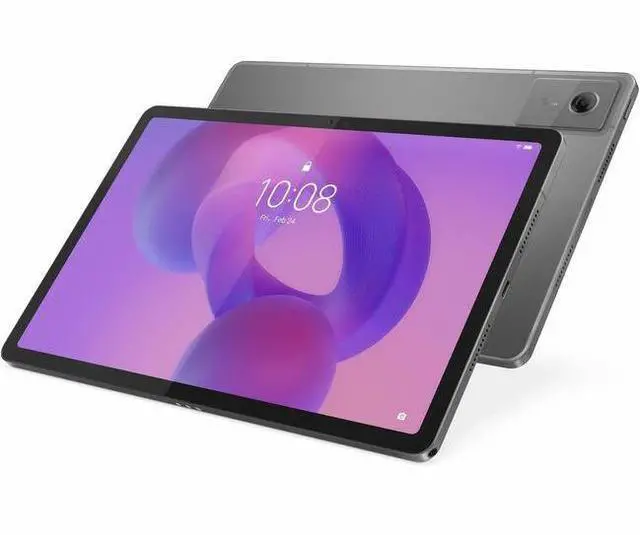
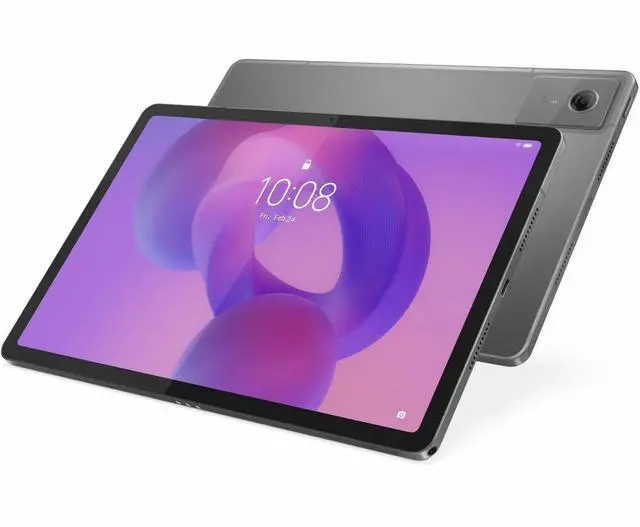
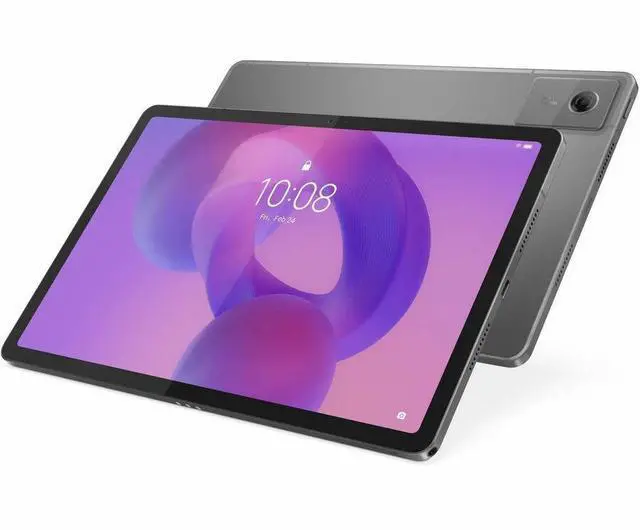
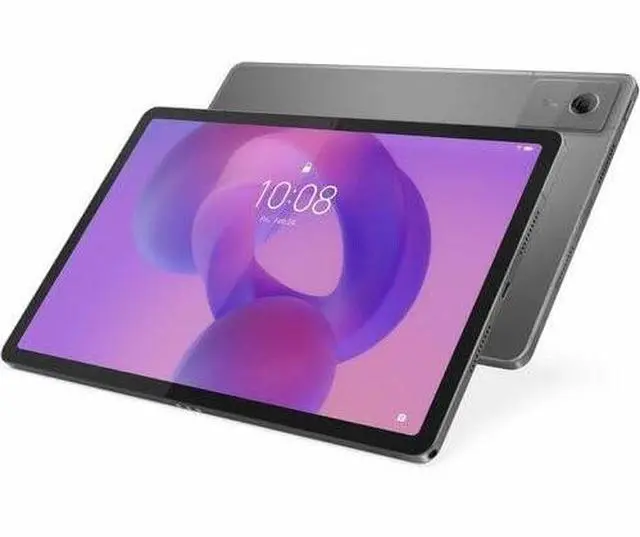
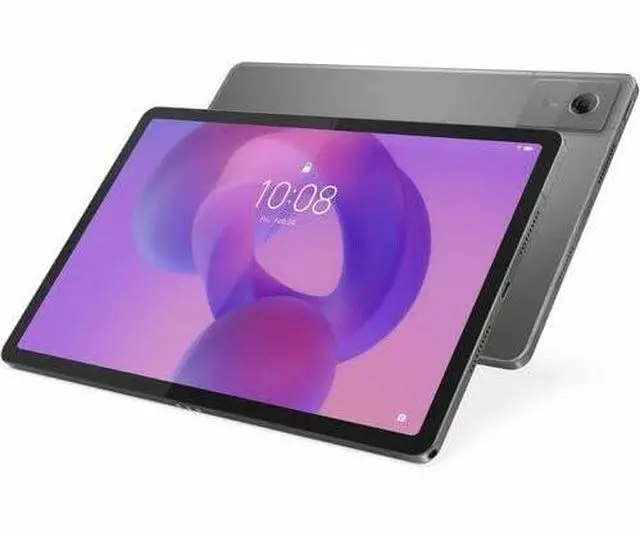
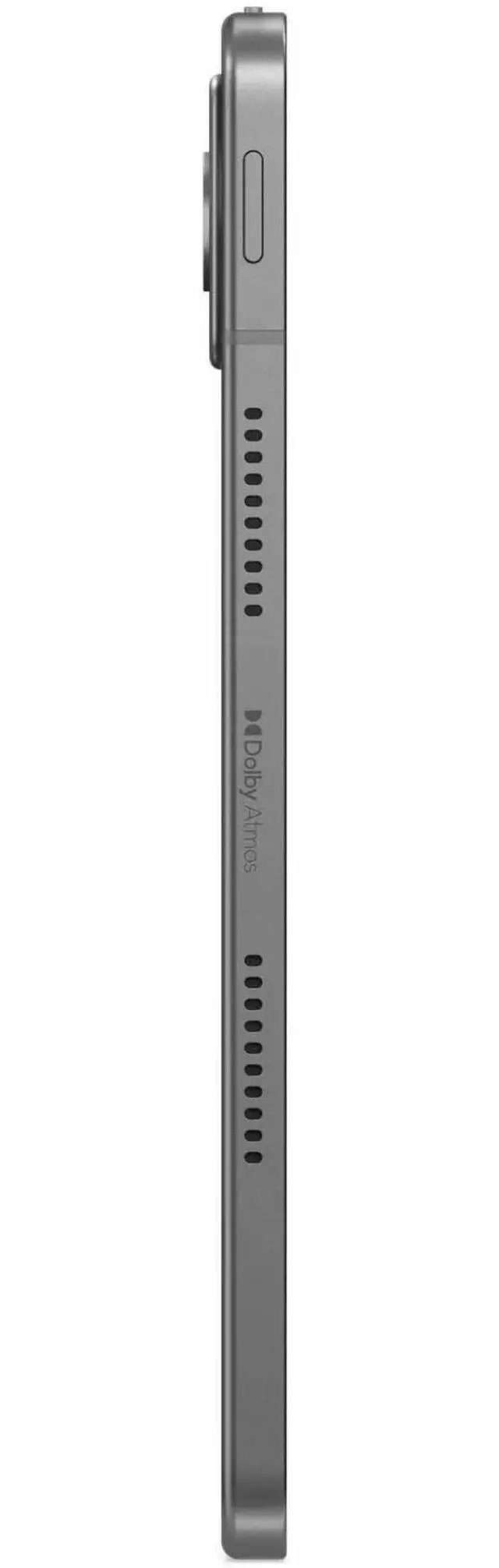
The Lenovo Tab K11 Gen 2 is an 11-inch Android 15 tablet with a 2.5K display, MediaTek Dimensity 6300 processor, 8GB RAM, and 128GB storage, making it a strong fit for students, families, and everyday users who want sharp visuals and smooth multitasking for streaming, reading, notes, and web use.
| Attribute | Value |
|---|---|
| Best For | 11.0-inch Android tablet for media consumption, web browsing and everyday multitasking — 2.5K (2560 x 1600) 90 Hz display, MediaTek Dimensity 6300 octa-core CPU and 8 GB RAM; supports expandable storage and 5G cellular for on-the-go use |
| Processor And Core Count | MediaTek Dimensity 6300 octa-core (Cortex-A76 dual cores at 2.40 GHz + Cortex-A55 hexa cores at 2.00 GHz) |
| GPU And VRAM | Integrated Mali-G57 MC2 GPU (integrated graphics, no discrete VRAM listed) |
| Display Spec | 11.0-inch LCD, 2560 x 1600 (16:10) native resolution with 90 Hz refresh rate and up to 500 nit brightness |
| Memory Configuration | 8 GB RAM |
| Storage And Expansion | 128 GB built-in storage with microSD (transflash) expansion support |
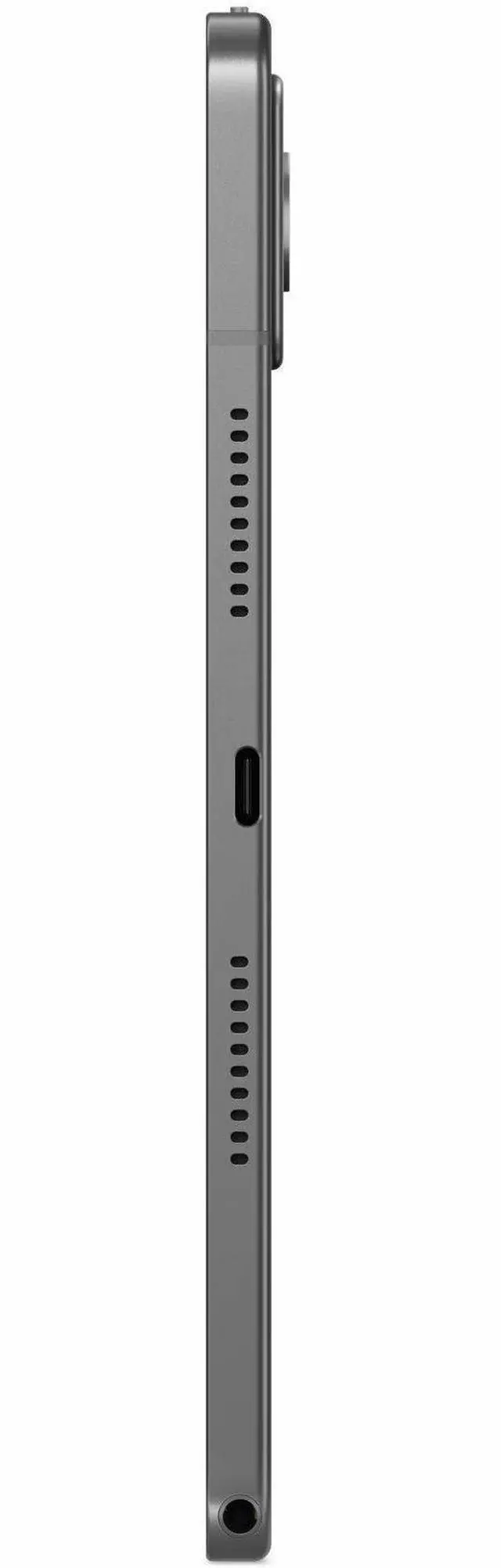
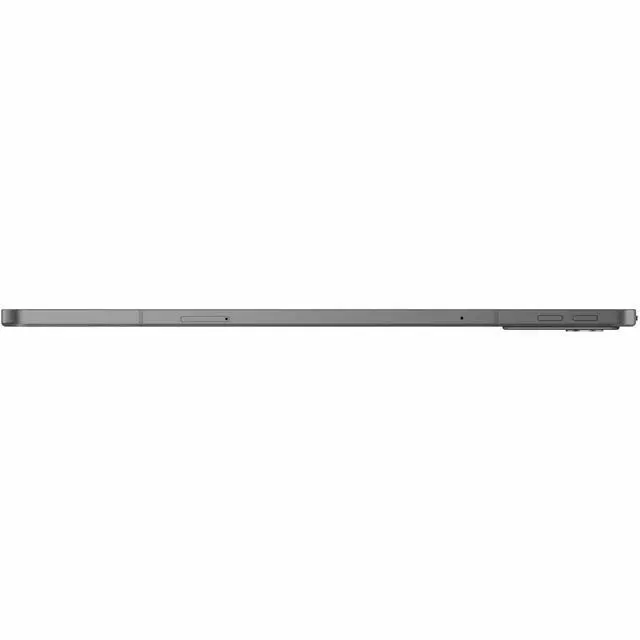
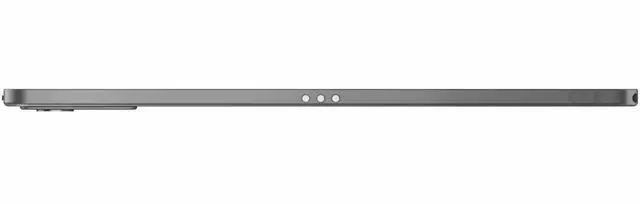
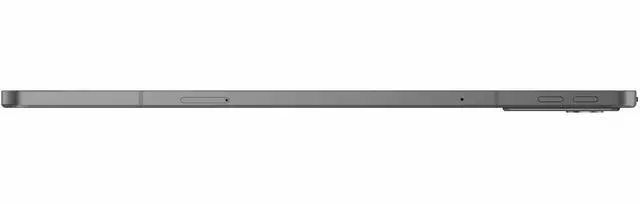
| High Speed I O | USB-C port plus Bluetooth connectivity; Pogo pin for accessories; transflash (microSD) interface noted |
| Battery And Power | 7040 mAh battery (listed as Lithium Polymer; external data also lists lithium_ion and 3 lithium-ion cells), one battery included, listed average battery life ~10 hours |
| Wired And Wireless Networking | Wi‑Fi 802.11ac (Wi‑Fi 5) and Bluetooth; 5G cellular support; GPS with GLONASS and Galileo |
| Camera And Sensors | Rear 13 MP camera and front 8 MP camera; includes accelerometer and GPS-enabled geotagging |
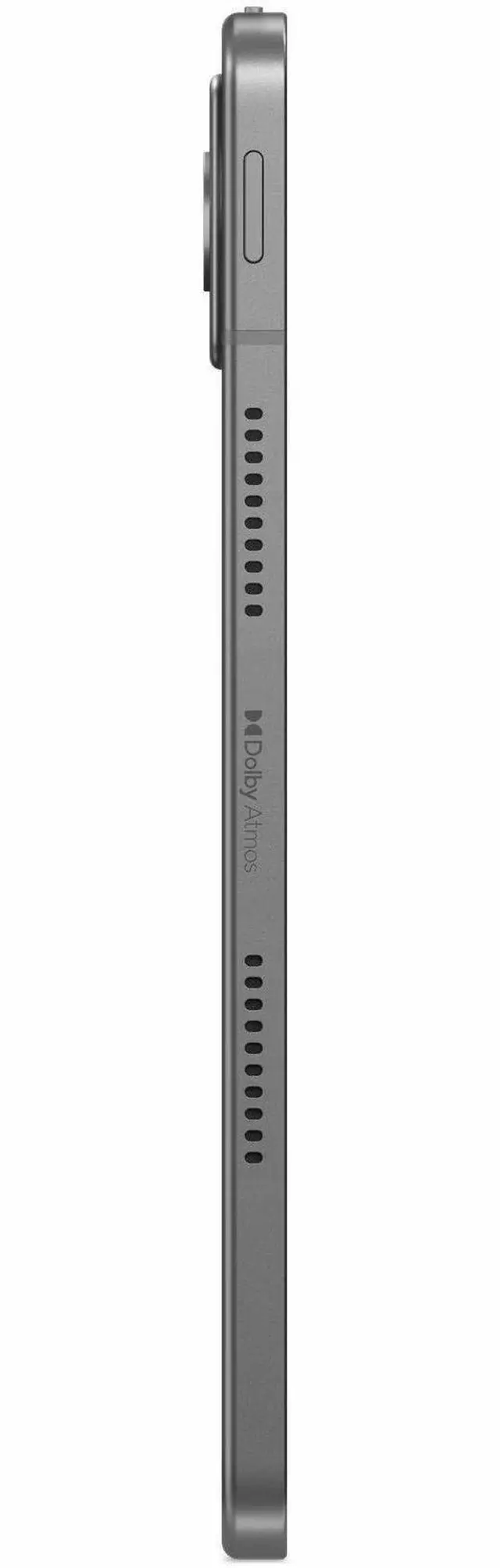
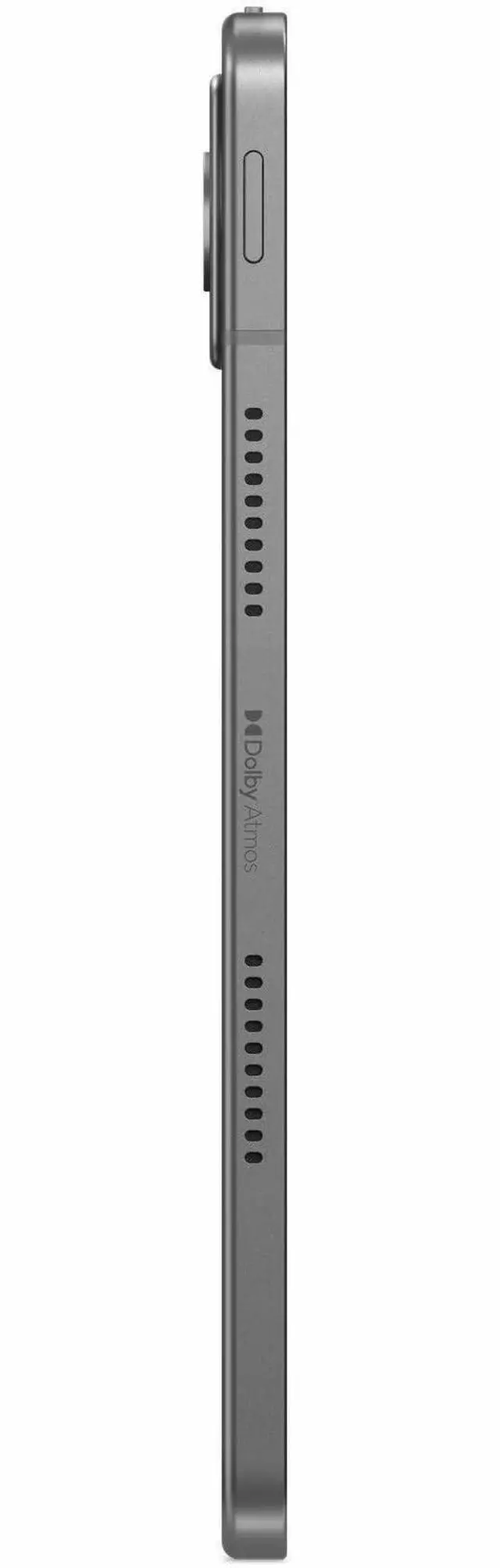
| Human Interface And Accessories | Touchscreen with stylus support; compatible with Lenovo Tab Pen; includes volume control button and pogo pin for accessories |
| Physical Dimensions And Weight | Approx. 10.0 x 6.5 x 0.3 inches, weighs about 1.9 lb |
| Operating System And Model Identifiers | Android 15 on Lenovo Tab K11 Gen 2 (Model TB336FU / ZAFS0399US), 2nd generation, manufactured by Lenovo Group Limited |
| Sensors And Special Features | Accelerometer; anti-fingerprint surface, low blue light mode, dustproof and water resistant attributes, media card reader and slate form factor |
Q: Lenovo Tab K11 Gen 2 vs Samsung Galaxy Tab A9+: which one makes more sense for everyday use?
A: Choose the Lenovo Tab K11 Gen 2 if display sharpness, reading comfort, and bundled productivity features matter more. Its 11-inch 2560x1600 panel is notably higher resolution than the Galaxy Tab A9+ display, and Lenovo positions the K11 Gen 2 around note-taking, keyboard support, and long update coverage. Choose the Galaxy Tab A9+ if you want the safer pick for app responsiveness and gaming-oriented performance, since reviews and community comparisons commonly place Samsung's Snapdragon-based A9+ ahead in raw speed.
Q: Is Lenovo Tab K11 Gen 2 a better buy than the older Lenovo Tab K11?
A: The Tab K11 Gen 2 is the better choice if you want a more current platform and a cleaner long-term purchase. Compared with the earlier Tab K11, it moves from the Helio G88 class to the Dimensity 6300 class, adds Android 15 on this configuration, and keeps the same 11-inch productivity-focused format. The older Tab K11 still fits basic media and classroom use, but the Gen 2 model is the more sensible pick for buyers planning to keep the tablet for several years.
Q: Should I get the 8GB/128GB Lenovo Tab K11 Gen 2 or a cheaper lower-memory tablet?
A: Get the 8GB/128GB Tab K11 Gen 2 if you expect to multitask, keep many apps installed, or use the tablet for schoolwork with split-screen and accessories. In this category, 8GB RAM and 128GB storage usually age better than 4GB/64GB class models, especially for Android tablets used beyond basic streaming. A lower-memory option is still reasonable for lighter use, but the 8GB configuration is the stronger fit for longer ownership and fewer performance compromises.
Q: When should I choose Lenovo Tab K11 Gen 2 over a higher-tier Lenovo tablet like Tab K11 Plus or P-series?
A: Choose the Tab K11 Gen 2 when you want a balanced mid-range tablet for reading, streaming, video calls, and light productivity without moving into a higher price tier. Step up to a K11 Plus or Lenovo P-series tablet if faster performance is the main goal, especially for heavier multitasking or gaming. Reviews of Lenovo's higher-tier models consistently show a clearer performance advantage, while the K11 Gen 2 remains the more practical option when display quality and everyday utility matter more than peak speed.
Q: Is Lenovo Tab K11 Gen 2 better for portability and reading, or should I pick a performance-first tablet instead?
A: The Tab K11 Gen 2 is the better fit if your priority is a portable 11-inch tablet with a sharper screen for reading, web use, and media on the go. Its positioning and review coverage point to a balanced experience rather than a performance-first one. If your main use is gaming or demanding multitasking, a performance-first tablet with a stronger chipset will usually be the better match, even if that means giving up some display sharpness or paying more.
Q: Is the Lenovo Tab K11 Gen 2 a good travel work tablet?
A: Yes for light travel work, but not as a laptop replacement. Its 11-inch 2.5K display, 8 GB RAM, 128 GB storage, Android 15, and octa-core Dimensity 6300 make it suitable for email, web apps, video calls, document review, and split-screen productivity on the go. The main trade-off is platform limitation: Android tablets are generally better for mobile workflows than for full desktop-class software, long-form typing, or complex Excel-style work.
Q: Is it good for note-taking, meetings, and office work?
A: It is a reasonable fit for meetings, PDF review, light note-taking, and basic office tasks, especially if your work is mostly in Google Workspace or Microsoft 365 mobile apps. The 11-inch high-resolution screen helps with reading and markup, and Android handles video meetings and cloud files well. The trade-off is that the product data does not confirm bundled pen or keyboard support, so buyers who need heavy handwritten note-taking or frequent typing should verify accessory compatibility before choosing it.
Q: Who is this tablet best suited for?
A: This tablet is best suited for students, home users, and mobile professionals who want a mid-range Android tablet for streaming, reading, browsing, note review, casual multitasking, and light productivity. It is less suitable for buyers who need desktop software, advanced pen features, or a true laptop replacement. Its 8 GB RAM, 128 GB storage, 11-inch 2.5K display, and microSD expansion up to 2 TB make it a practical fit for general-purpose use with room for offline media and files.
Q: Is it better than a Samsung Galaxy Tab A9+ for the same kind of buyer?
A: It looks better for buyers who prioritize screen sharpness, newer software, more memory, and more onboard storage, since this Lenovo configuration lists an 11-inch 2.5K display, Android 15, 8 GB RAM, and 128 GB storage. A Galaxy Tab A9+ is often the safer choice for buyers who care about the wider Samsung accessory ecosystem and established note/PDF workflows, but retail Q&A also shows that the A9+ itself is not S Pen compatible. In short: choose the Lenovo for stronger core specs on paper, and choose the Samsung alternative if accessory ecosystem and familiarity matter more.
Q: Should I buy this instead of a laptop for school or office tasks?
A: Buy it instead of a laptop only if your workload is mostly reading, research, meetings, email, light documents, and app-based work. A tablet like this is easier to carry and usually better for casual use, media, and touch-first tasks. A laptop is still the better choice for heavy writing, full desktop apps, technical software, and more demanding multitasking.
Q: Is the Lenovo Tab K11 Gen 2 a good buy for everyday use and media?
A: Yes for everyday tablet use. The 11-inch 2560x1600 display, 8 GB RAM, and 128 GB storage make it a sensible fit for web browsing, video, reading, and general apps. Community discussion around the K11 focuses more on accessories and usability than on raw performance, which aligns with it being a mid-range tablet for regular use rather than a performance-first device.
Q: Is it a good tablet for students or light work?
A: It can work for students who mainly need reading, note-taking, documents, web apps, and video calls. It is less suitable if you expect a laptop-like workflow or a desktop-style productivity experience. Reddit discussion around the K11 shows that some buyers for university use found the Android tablet workflow limiting, so it is better as a companion device than as a full laptop replacement.
Q: Is the Lenovo Tab K11 Gen 2 good for note-taking?
A: Yes, if you plan to add a compatible pen. Reddit discussion for the TB336FU repeatedly centers on stylus compatibility, and the official-compatible option mentioned there is Lenovo Tab Pen Plus. That makes the tablet a reasonable choice for handwritten notes, but pen support may depend on buying the accessory separately rather than getting it in the box.
Q: Can this replace a laptop if I add a keyboard?
A: Usually no. A keyboard can make typing easier, but this is still an Android tablet with tablet-style app behavior and file handling. Community questions about keyboard compatibility suggest buyers do consider it for productivity, but the main trade-off is that it remains better for light writing and casual work than for full desktop-style multitasking or specialized software.
Q: Who is this tablet not ideal for?
A: It is not the best fit for buyers who want gaming-first performance, a polished laptop replacement, or a highly flexible desktop workflow. Based on the product specs, the Dimensity 6300 and 8 GB RAM are adequate for mainstream use, but the main trade-off discussed by users is software experience and productivity limitations rather than screen or memory.


