here!
here!
I’m your shopping assistant for PC builds, upgrades, and everything tech.
Got questions? Ask away!
Start a conversation
here!
I’m your shopping assistant for PC builds, upgrades, and everything tech.
Got questions? Ask away!
Start a conversation





Any questions? Ask CelesteSM will help you find out quickly.
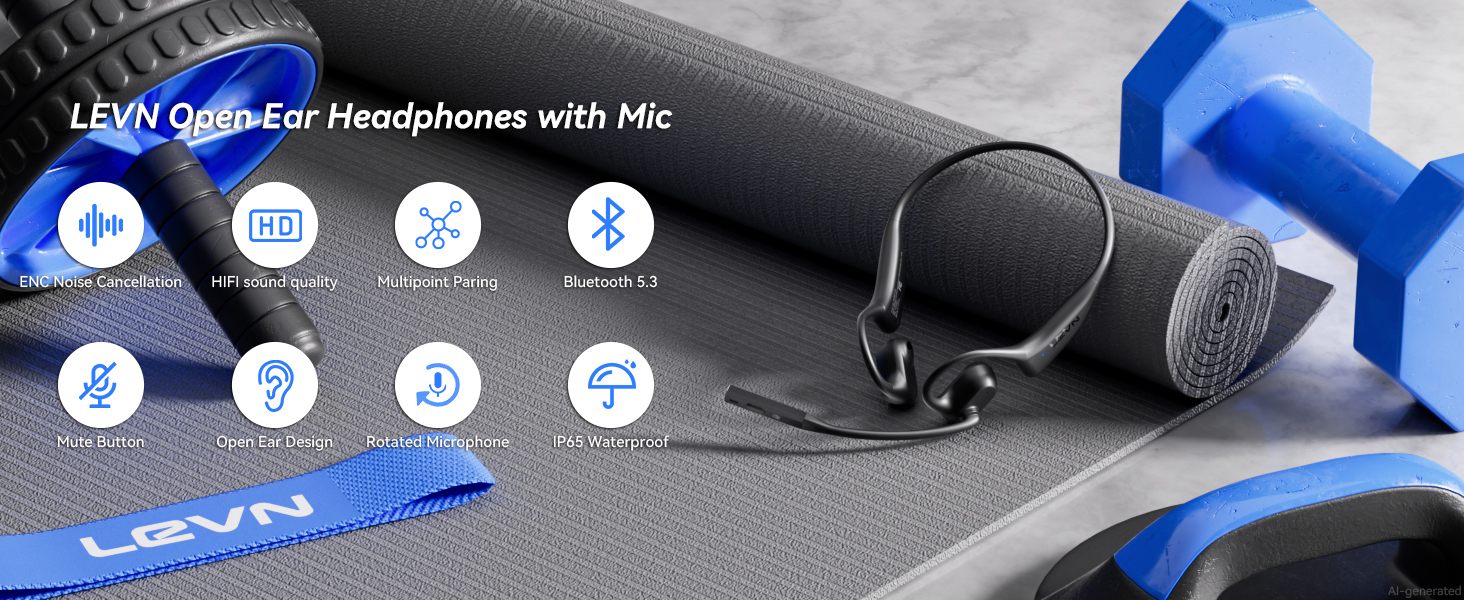
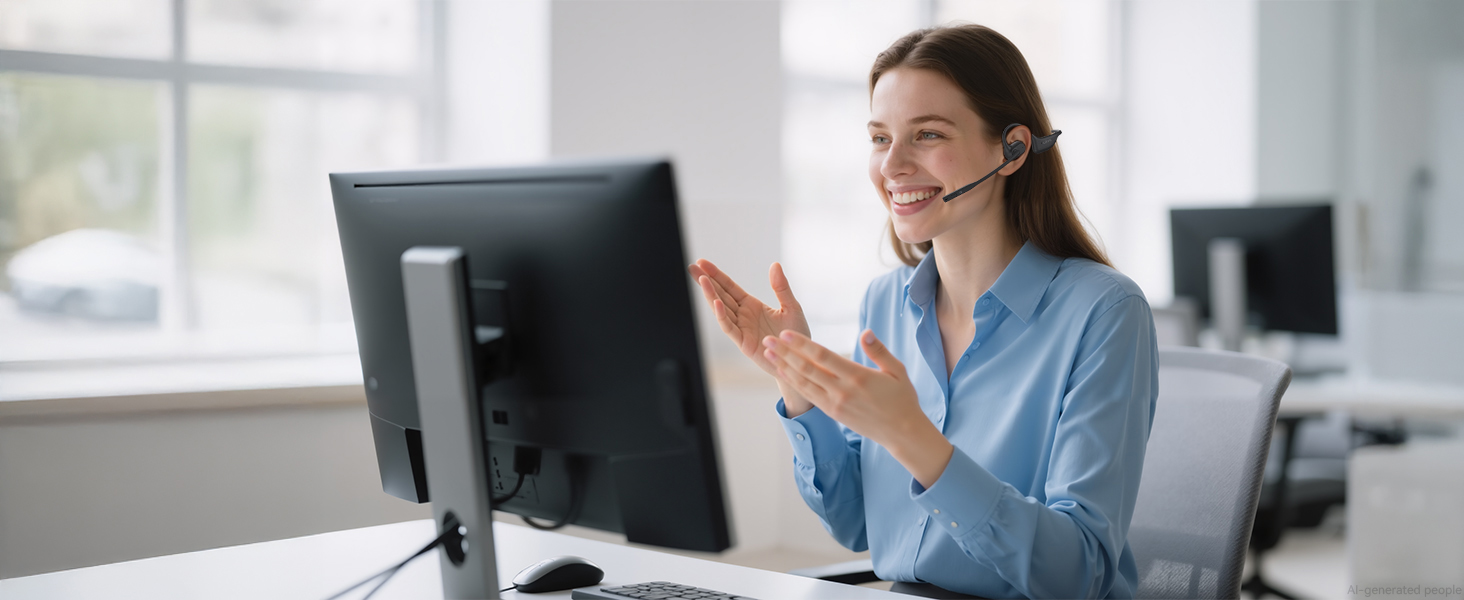
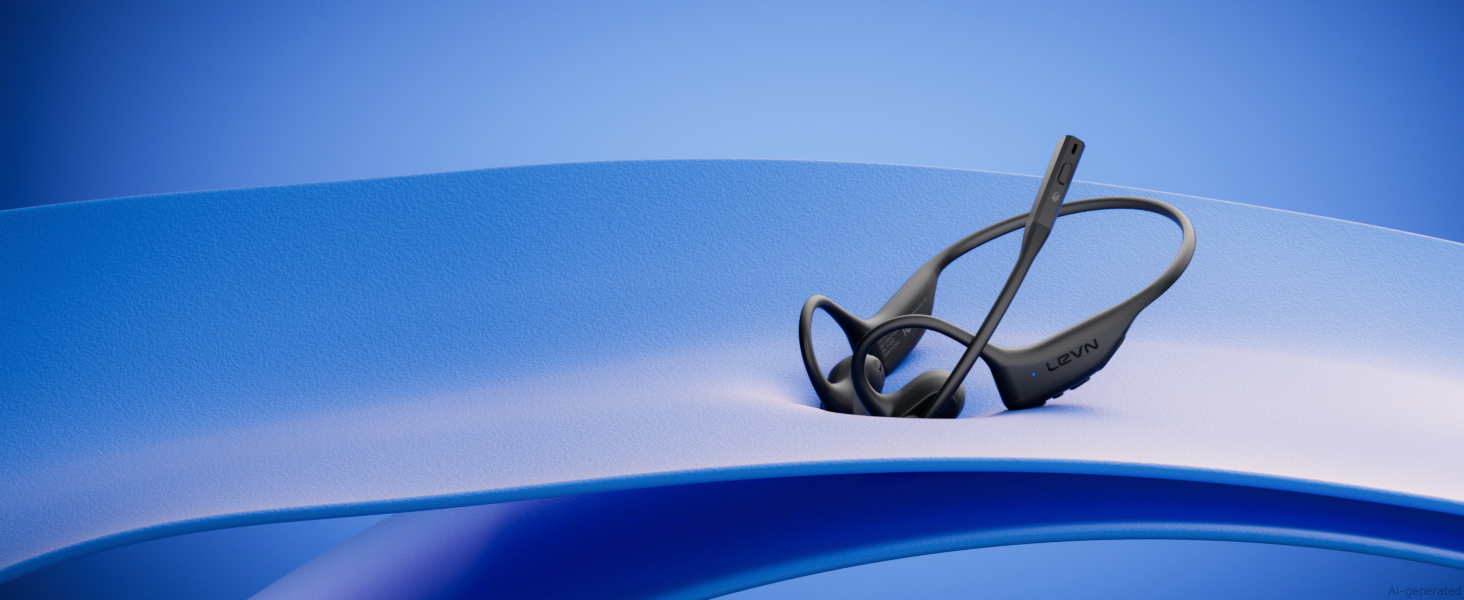
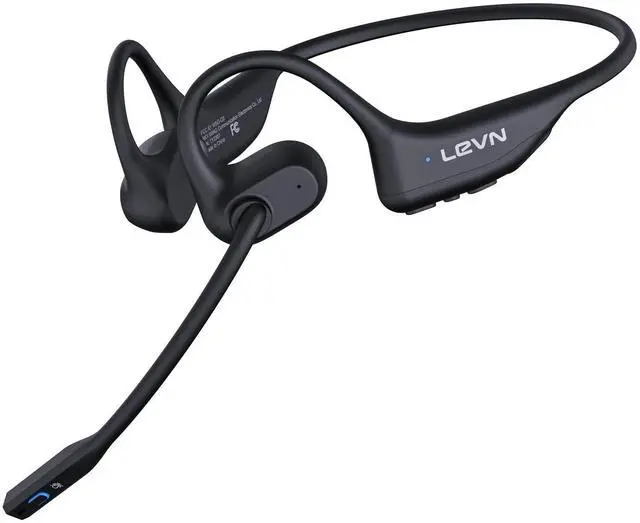
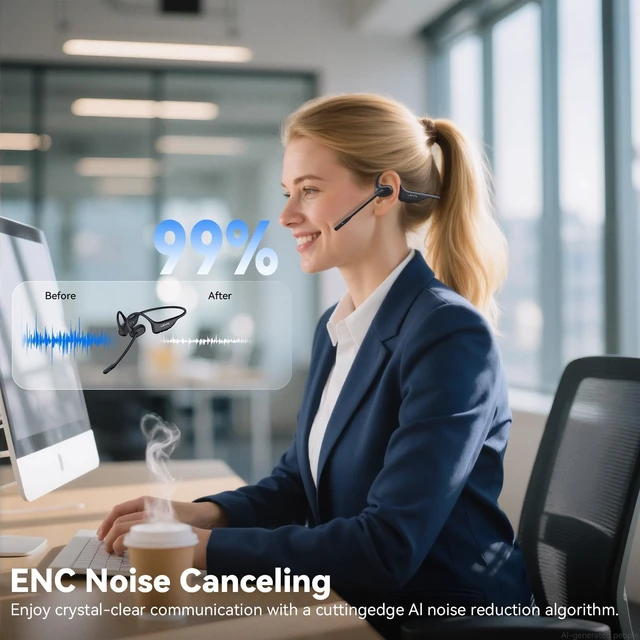
The rotating microphone helps keep your voice clear for calls and online meetings.

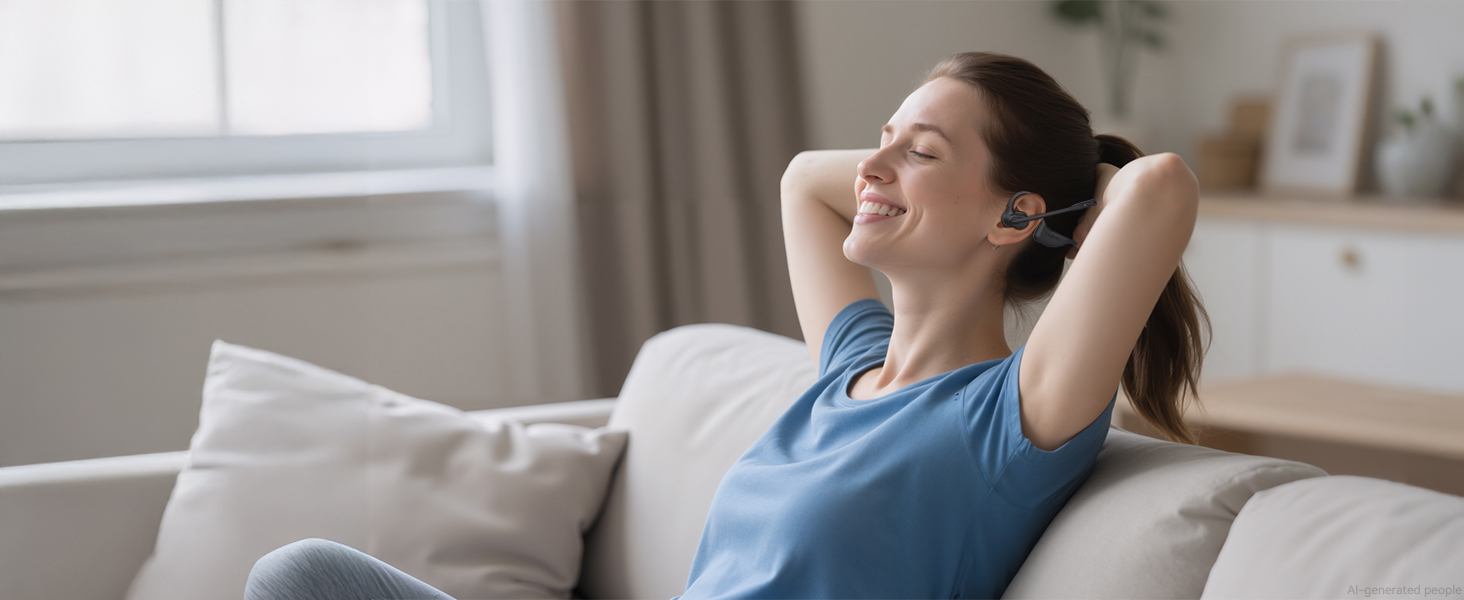
Open-ear listening lets you enjoy audio while staying aware of surrounding sounds.

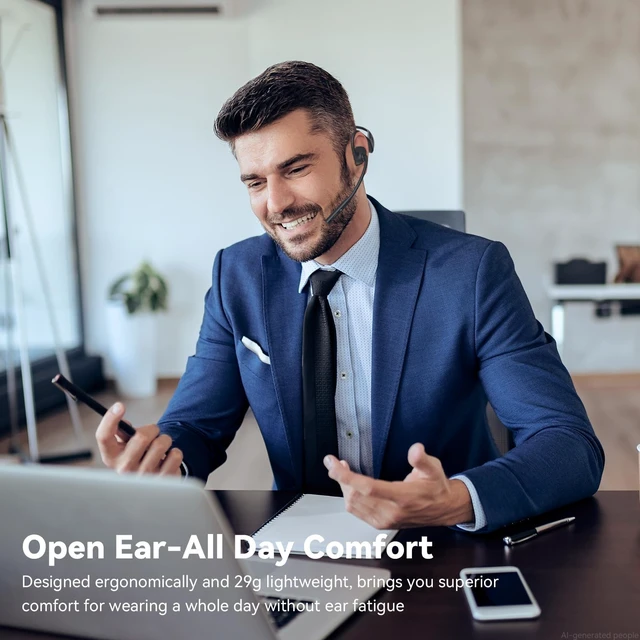
A lightweight design helps make long hours of calls and listening more comfortable.
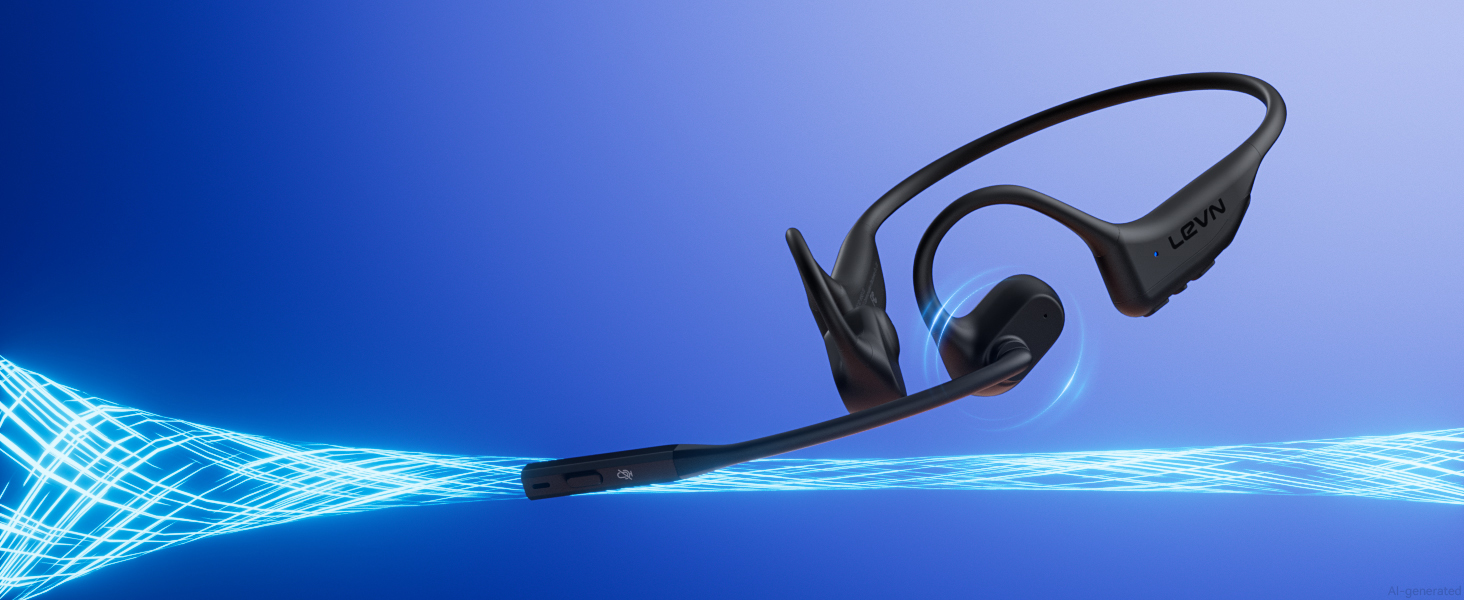
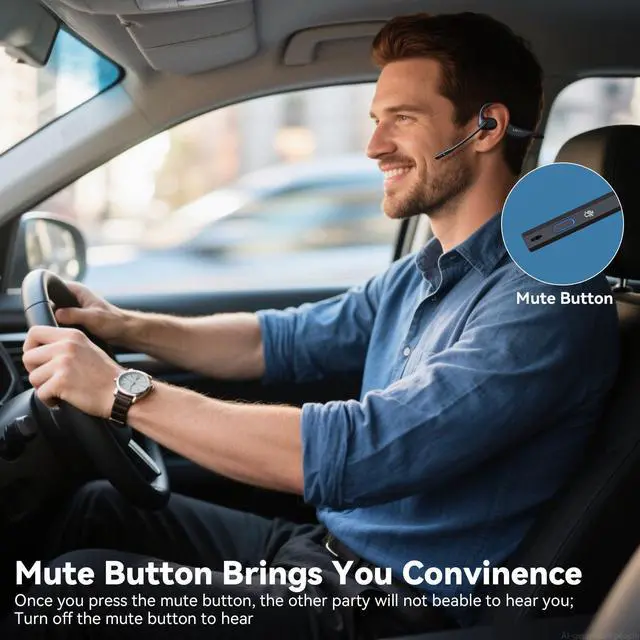
Use intuitive MFB controls to manage calls, music, and playback with quick, convenient access throughout your day.
1. Press and hold MFB button for 3-5s to enter pairing mode, the LED indicator light will flash blue and red alternately, and you could hear "Pairing".
2. Turn on the Bluetooth function of device A, search and connect [LEVN LE-HS017] in the Bluetooth device list. When you hear "connected" and the LED indicator turns blue and flashes slowly every 5s, it means the headset is connected to device A.
3. Turn off the Bluetooth function of device A, when you hear "Disconnected", the LED indicator light will flash blue and red alternately, [LEVN LE-HS017] will re-enter the pairing mode.
4. Turn on the Bluetooth function of device B, search and connect [LEVN LE-HS017] in the Bluetooth device list, when you hear "connected" and the LED indicator turns blue and flashes slowly every 5s, it means the headset B-device connected to device B.
5. Turn on the Bluetooth function of device A, and click "Connect" [LEVN LE-HS017] in the Bluetooth device list. When you hear "connected" again, it means that the headset has been successfully connected to device A and device B at the same time.
Note:
When you listen to music on device A, and device B has an incoming call, just click the MFB button to answer the call (please check the manual for more details).
When making a call, make sure the sound settings of both the computer and the software to make sure [LEVN LE-HS017] is selected as the default output and input device (speaker/microphone)
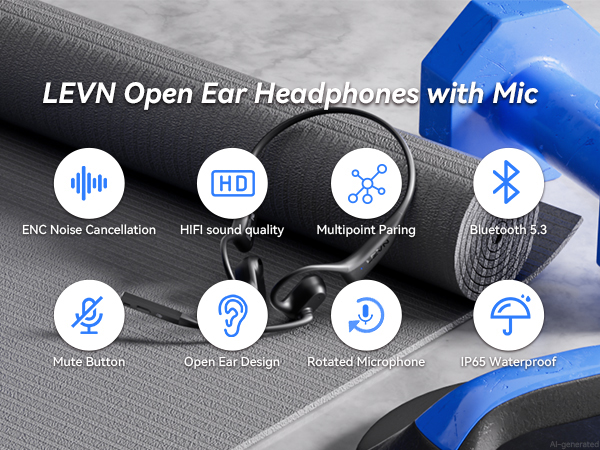
The rotating microphone helps keep your voice clear for calls and online meetings.
Open-ear listening lets you enjoy audio while staying aware of surrounding sounds.
A lightweight design helps make long hours of calls and listening more comfortable.



Enjoy an open listening experience without the enclosed feel of traditional earbuds.
Enjoy music, podcasts, and calls while staying comfortable throughout your day.
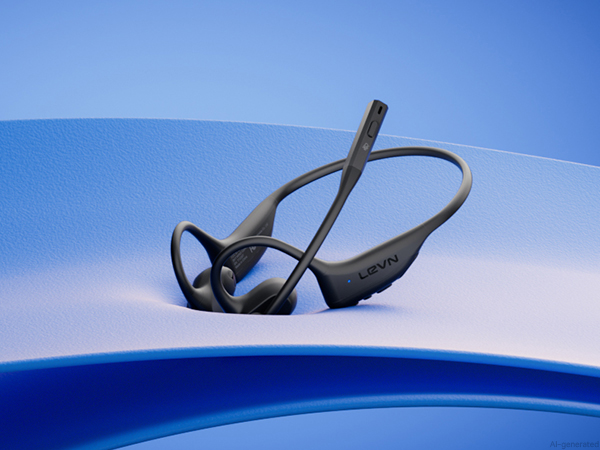

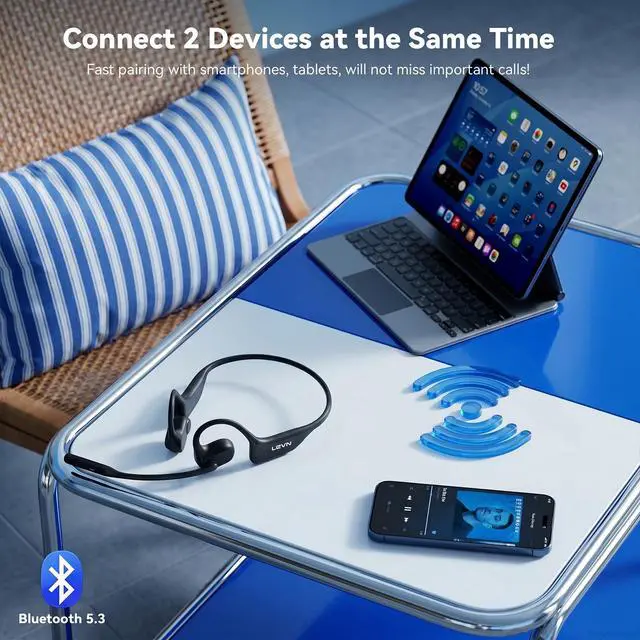
Connect two devices at once and switch between them without repeated pairing.
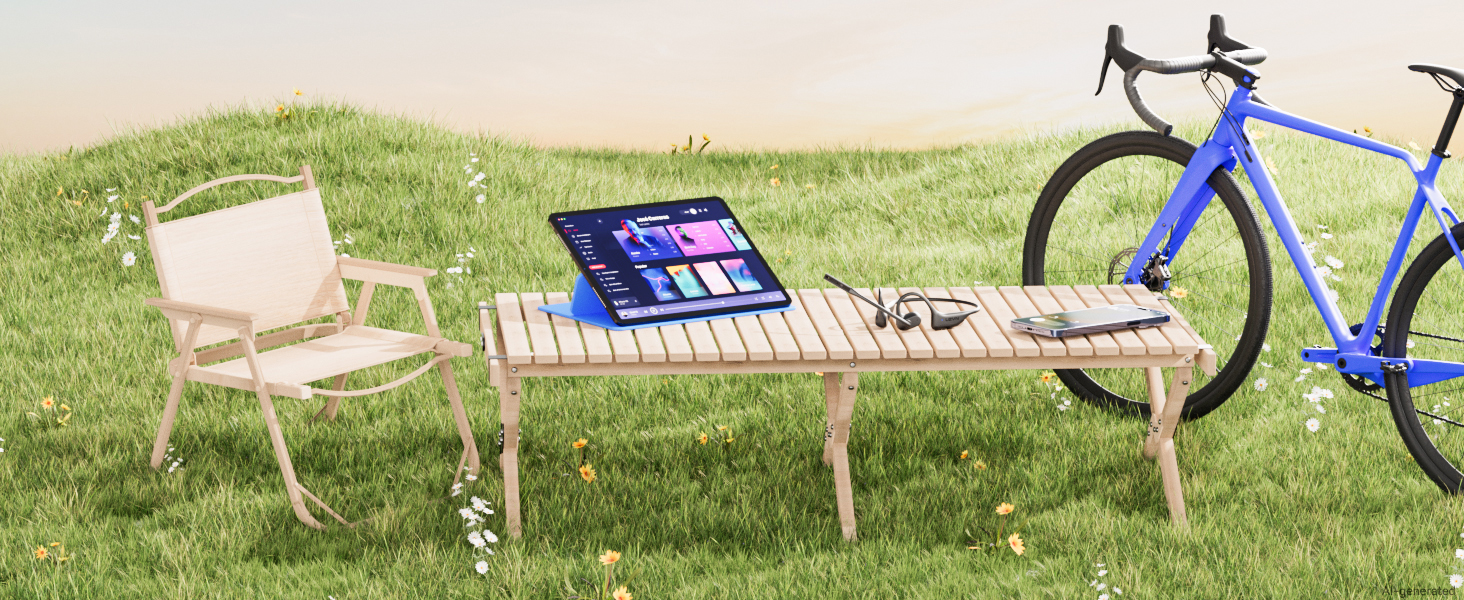
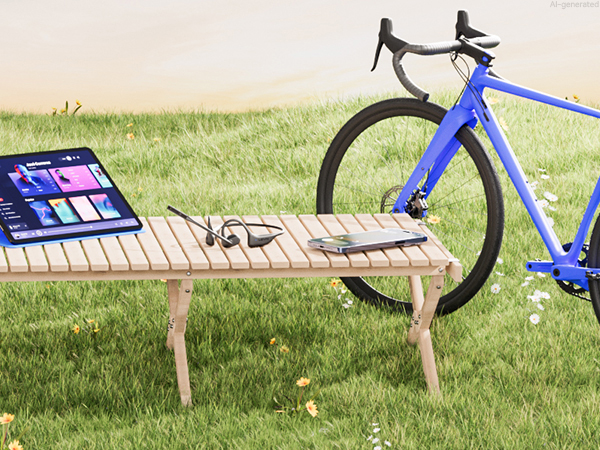
A lightweight open-ear design keeps you comfortable while riding, walking, or staying active.

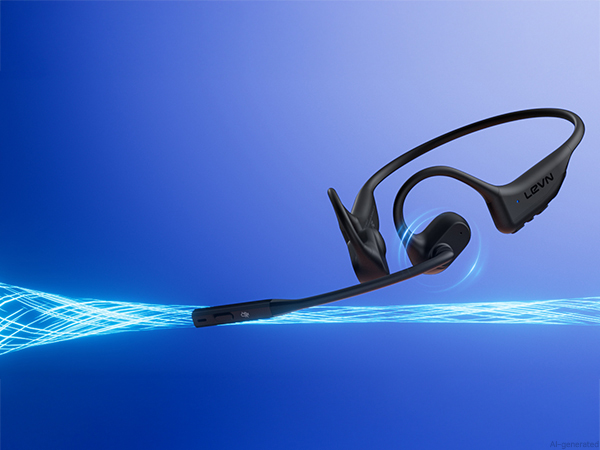
Use intuitive MFB controls to manage calls, music, and playback with quick, convenient access throughout your day.
1. Press and hold MFB button for 3-5s to enter pairing mode, the LED indicator light will flash blue and red alternately, and you could hear "Pairing".
2. Turn on the Bluetooth function of device A, search and connect [LEVN LE-HS017] in the Bluetooth device list. When you hear "connected" and the LED indicator turns blue and flashes slowly every 5s, it means the headset is connected to device A.
3. Turn off the Bluetooth function of device A, when you hear "Disconnected", the LED indicator light will flash blue and red alternately, [LEVN LE-HS017] will re-enter the pairing mode.
4. Turn on the Bluetooth function of device B, search and connect [LEVN LE-HS017] in the Bluetooth device list, when you hear "connected" and the LED indicator turns blue and flashes slowly every 5s, it means the headset B-device connected to device B.
5. Turn on the Bluetooth function of device A, and click "Connect" [LEVN LE-HS017] in the Bluetooth device list. When you hear "connected" again, it means that the headset has been successfully connected to device A and device B at the same time.
Note:
When you listen to music on device A, and device B has an incoming call, just click the MFB button to answer the call (please check the manual for more details).
When making a call, make sure the sound settings of both the computer and the software to make sure [LEVN LE-HS017] is selected as the default output and input device (speaker/microphone)