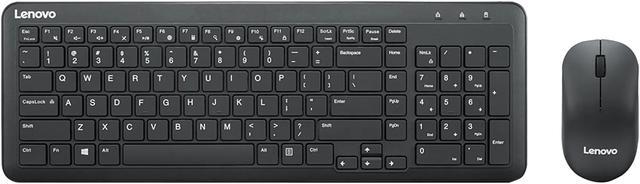
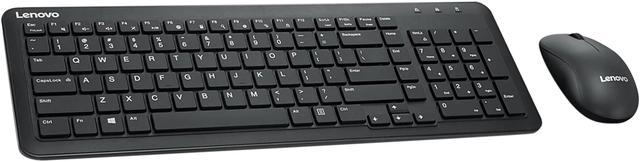
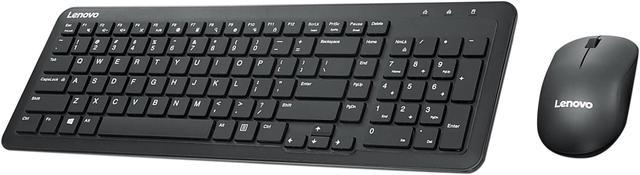
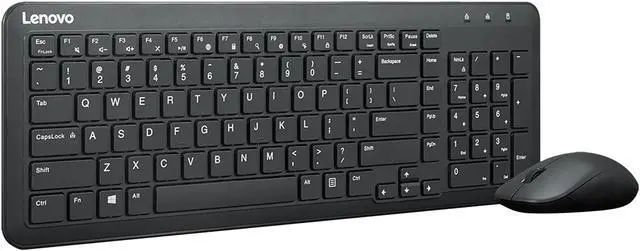
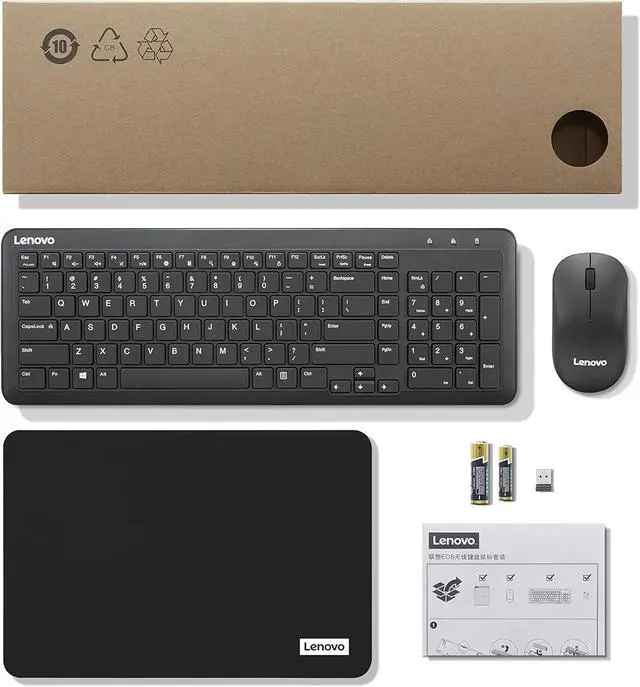
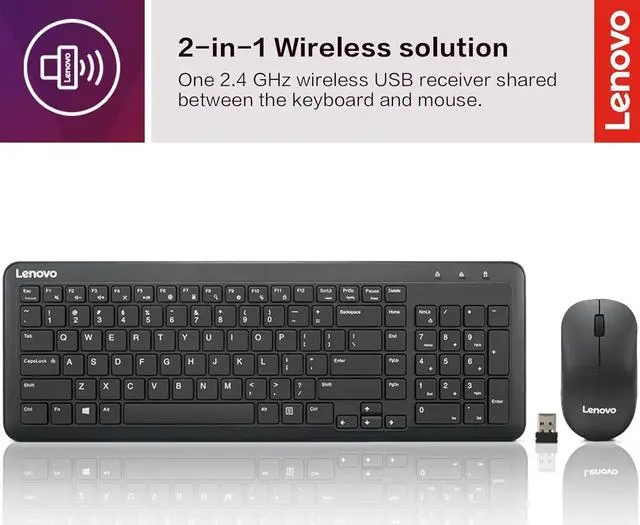
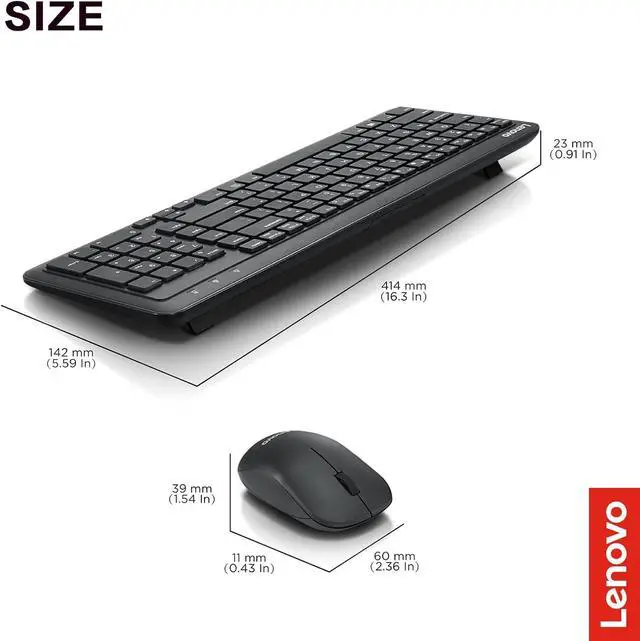
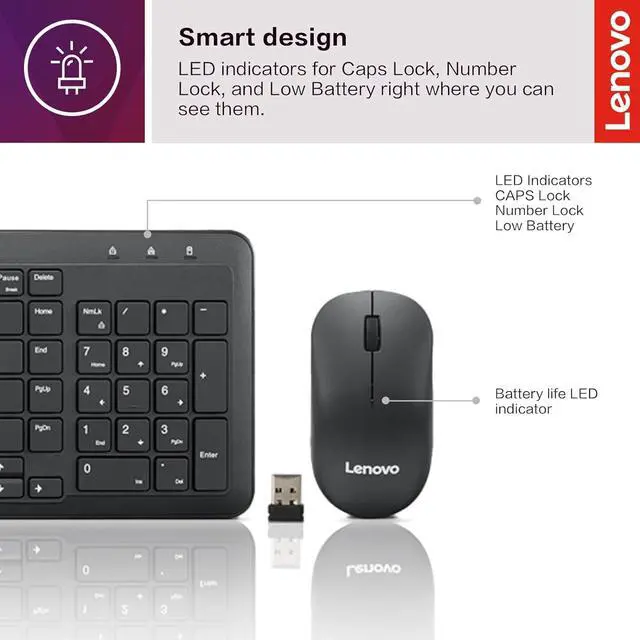
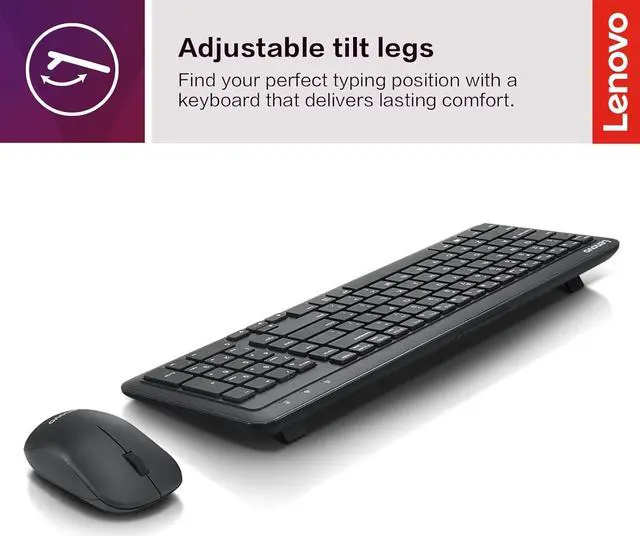
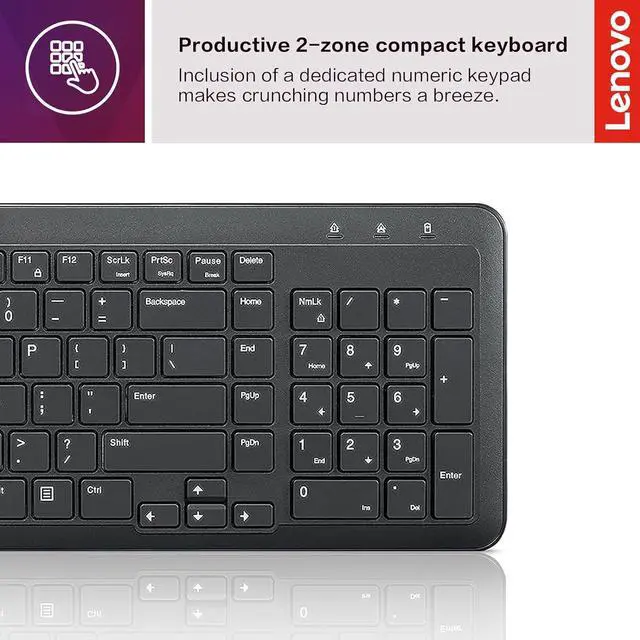
The Lenovo 300 Wireless Combo is a US English keyboard-and-mouse set for people who want wireless input devices for everyday computer use. Its compact keyboard includes a dedicated numeric keypad, and one USB receiver connects both devices.
Recommended For
- People setting up a shared or hot-desk workspace who want to store a compact keyboard between shifts while keeping a dedicated numeric keypad available.
- Office users who type near coworkers or in quiet rooms and prefer a keyboard Lenovo describes as having quiet, 45 dB key clicks.
- People who regularly enter figures in spreadsheets or forms and want a compact-layout keyboard that still includes a dedicated numeric keypad.
- Windows PC users who want a wireless keyboard and mouse for everyday desk work, with one USB-A receiver shared by both devices.
- Households or shared workstations where either left- or right-handed users need to use the same included mid-size mouse.
Real-World Use Scenarios
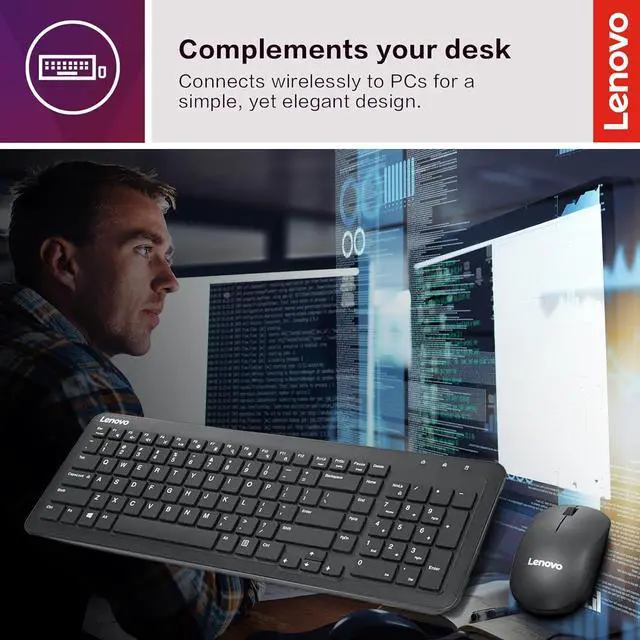
- At a home or office desk, use the keyboard and mouse for everyday tasks such as writing emails, editing documents, and browsing; one USB receiver connects both, helping keep the setup simple and the desk free of separate cables.
- When working with spreadsheets or entering figures, use the dedicated numeric keypad to input numbers without relying on the keyboard’s top-row number keys.
- In a shared office or other space where keyboard noise matters, type at a desk with quieter key clicks; Lenovo lists the keyboard’s key noise at 45 dB.
- For a flexible or temporary workstation, connect the combo through its shared USB receiver, then put the compact keyboard away when the desk needs to be cleared.
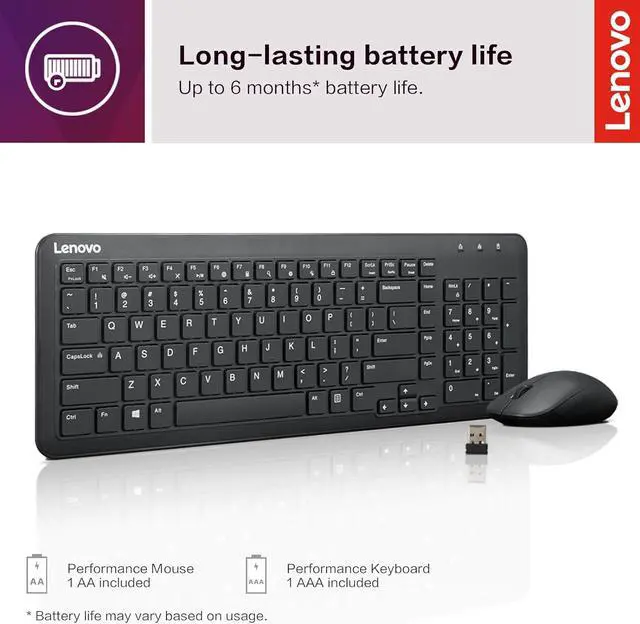
- At a Windows laptop workstation with a USB-A port, use the included receiver to add a separate keyboard and mouse for desk-based work; the keyboard and mouse use separate replaceable batteries.




 here!

 Hot Seller
 Top Rated