


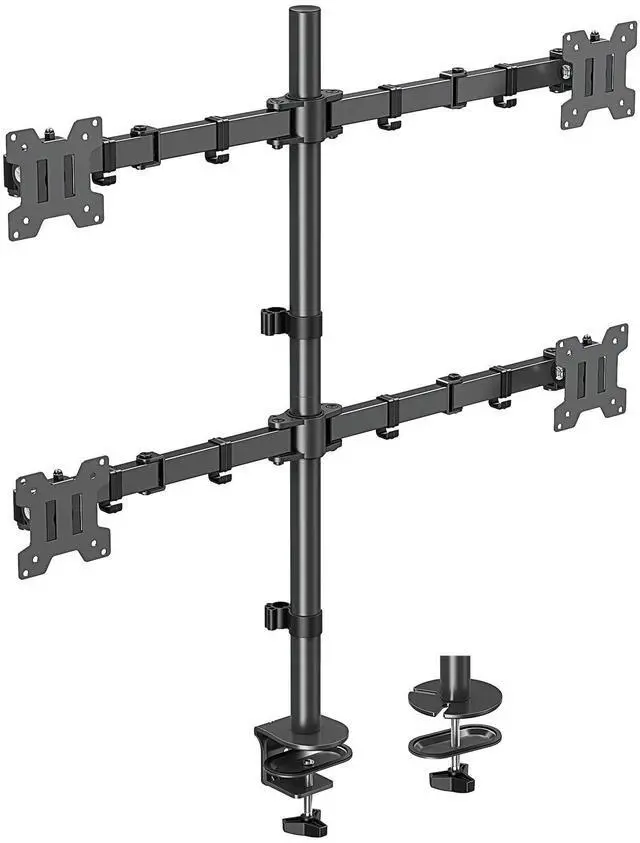


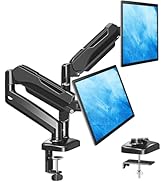
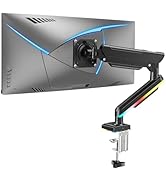
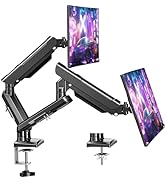
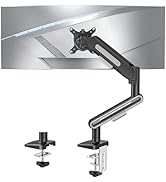
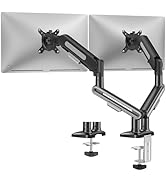
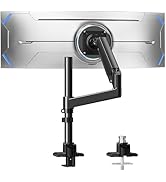
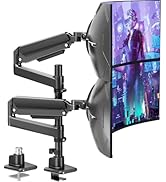
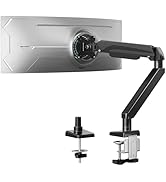
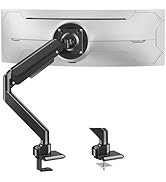
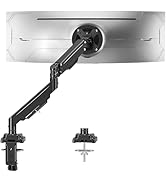
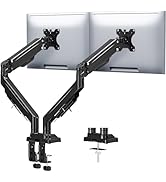
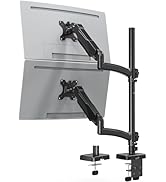
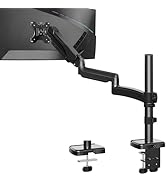
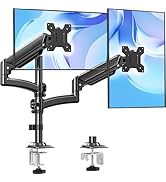
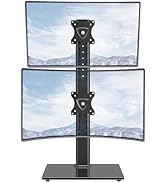
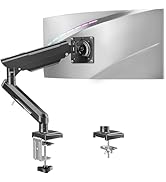
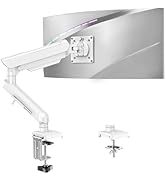
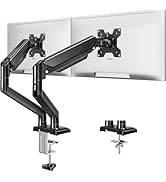
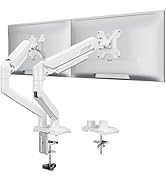
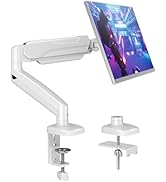
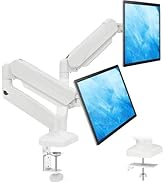
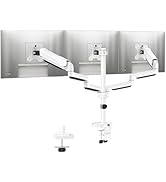
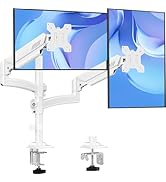
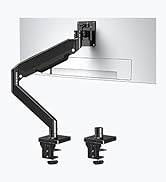
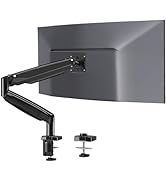
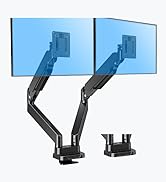
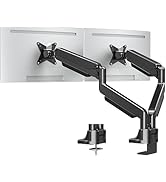
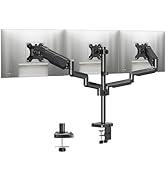
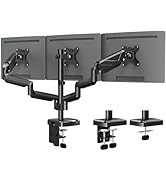
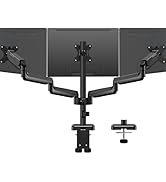
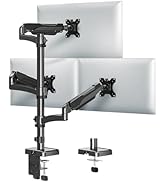
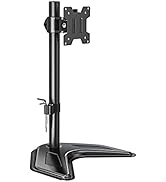
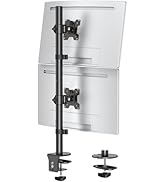
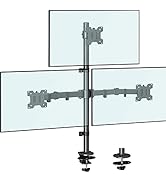
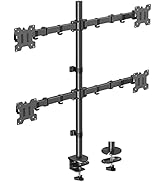
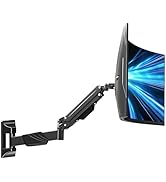


Streamline Your Work Area

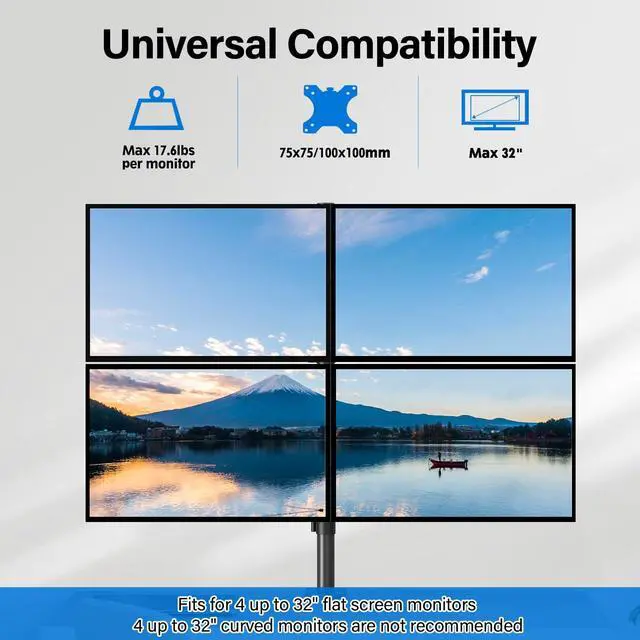
Will This Mount Fit My Monitor?


What is the solution if my monitor VESA pattern is not 75x75mm, 100x100mm?
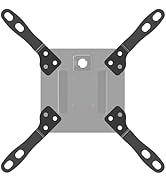
If your VESA pattern is 200x100mm or 200x200mm, just feel free to relate with us to get a VESA adapter for free. If your VESA exceeds the above range, you will need to purchase a suitable VESA adapter.
What is the solution if my monitor does not have VESA holes?
You will need a Non-VESA adapter for your monitor, also you can search for the model MU0045 in our store.
Will this monitor stand fit my setup?
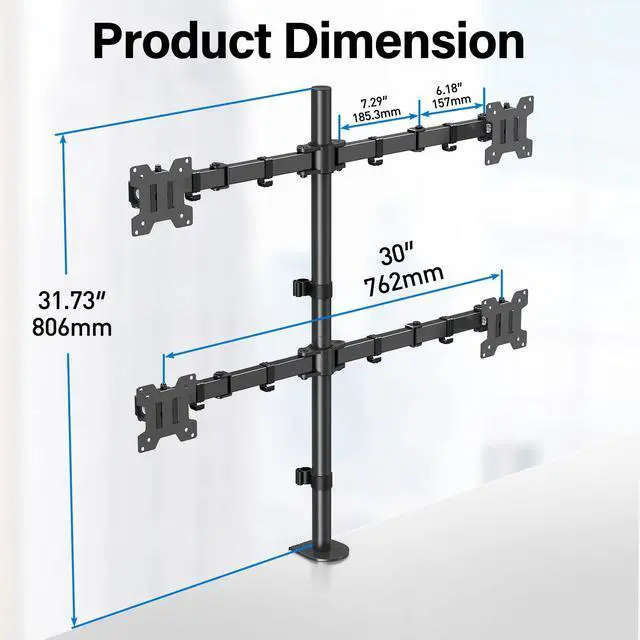
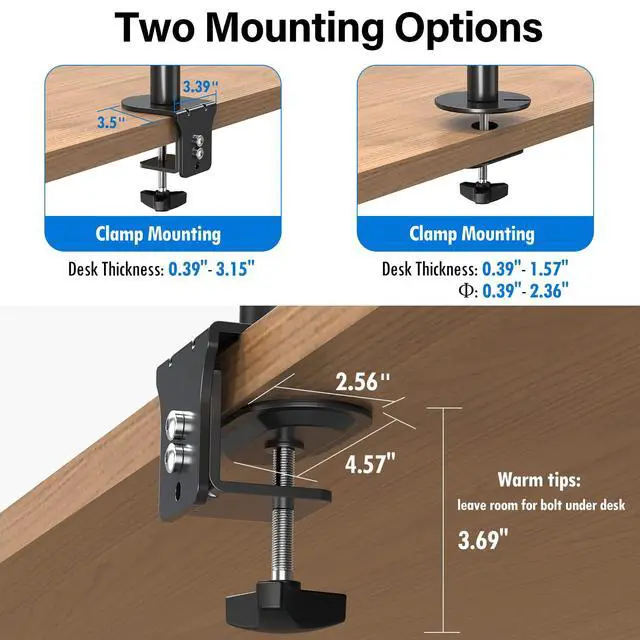
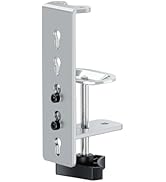
Please confirm your monitor's size is within 32'', VESA pattern is 75x75mm or 100x100mm, and weight is 4.4-17.6 lbs. Your desk thickness is 0.39''-3.15''(clamp mount); or thickness of 0.39''-1.57''and hole diameter of 0.39''-2.36''(grommet mount).
Should you purchase a reinforcement plate to defend the desk from scratching or damage?
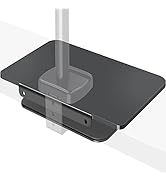
If your monitor is heavy or your desktop is thin, we recommend you purchase a reinforcement plate(model: MU0038) to spread out the pressure of the mount over a large area, defending your desks from damage.
What should I do if I can't screw two poles together?
Please loosen the screw at the 02B lower pole threads first, then try to screw the 02A upper pole and 02B lower pole together, and finally tighten the screw at the 02B lower pole threads again.
Simple & Quick Installation

STEP 1
Install the Mount to the Desk

STEP 2
Adjust the proper height for the Mount

STEP 3
Attach VESA plate to monitors

STEP 4
Put monitor on the Arm


Decrease physical stress
Effectively Monitor Riser
Find your most comfortable sitting position and decrease stress on your shoulders and neck
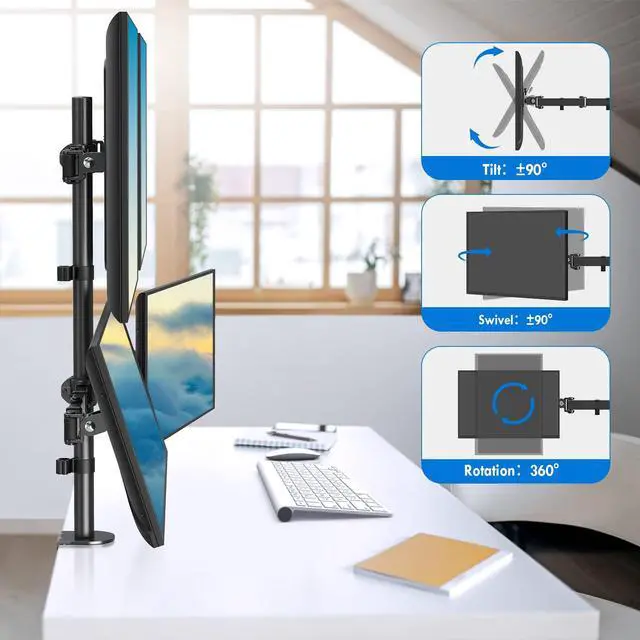
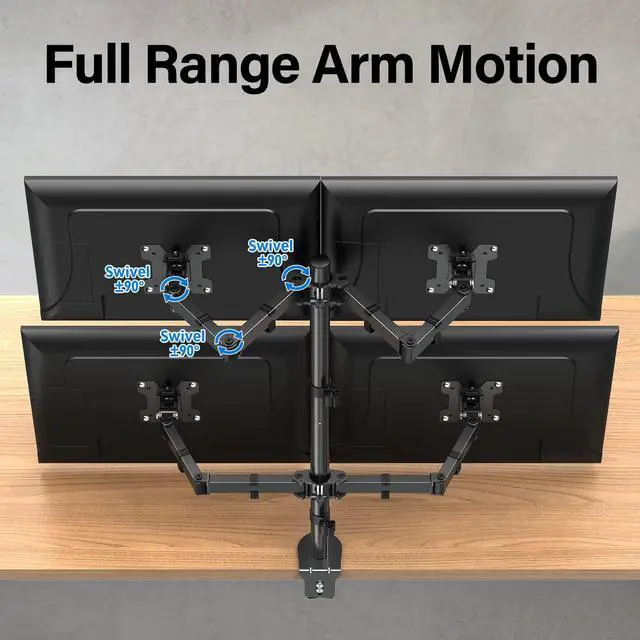
A wide range of movement
Articulating Arm Extension
The flexible arm joint can also swivel ±90° freely, easily adjusting to your desired position


Streamline Your Work Area

Will This Mount Fit My Monitor?
What is the solution if my monitor VESA pattern is not 75x75mm, 100x100mm?
If your VESA pattern is 200x100mm or 200x200mm, just feel free to relate with us to get a VESA adapter for free. If your VESA exceeds the above range, you will need to purchase a suitable VESA adapter.
What is the solution if my monitor does not have VESA holes?
You will need a Non-VESA adapter for your monitor, also you can search for the model MU0045 in our store.
Will this monitor stand fit my setup?
Please confirm your monitor's size is within 32'', VESA pattern is 75x75mm or 100x100mm, and weight is 4.4-17.6 lbs. Your desk thickness is 0.39''-3.15''(clamp mount); or thickness of 0.39''-1.57''and hole diameter of 0.39''-2.36''(grommet mount).
Should you purchase a reinforcement plate to defend the desk from scratching or damage?
If your monitor is heavy or your desktop is thin, we recommend you purchase a reinforcement plate(model: MU0038) to spread out the pressure of the mount over a large area, defending your desks from damage.
What should I do if I can't screw two poles together?
Please loosen the screw at the 02B lower pole threads first, then try to screw the 02A upper pole and 02B lower pole together, and finally tighten the screw at the 02B lower pole threads again.
Simple & Quick Installation
STEP 1
Install the Mount to the Desk
STEP 2
Adjust the proper height for the Mount
STEP 3
Attach VESA plate to monitors
STEP 4
Put monitor on the Arm
Ergonomic Monitor Mount
Adjustable Monitor Arm
Heavy Duty Monitor Arm
Tall monior arm
Freelift Monitor Arm
White Monitor Mount
Heavy Duty Monitor Arm
Triple Monitor Desk Mount
Basic & Freestanding Mount
Tall Monitor Arm
Monitor Wall Mount
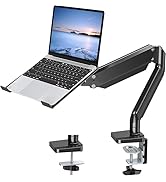
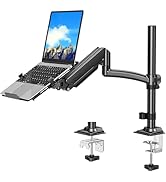
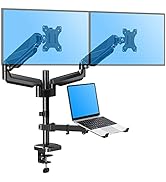
Monitor & Laptop Mount
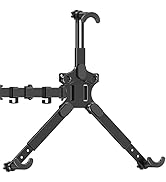
Monitor Adapter