




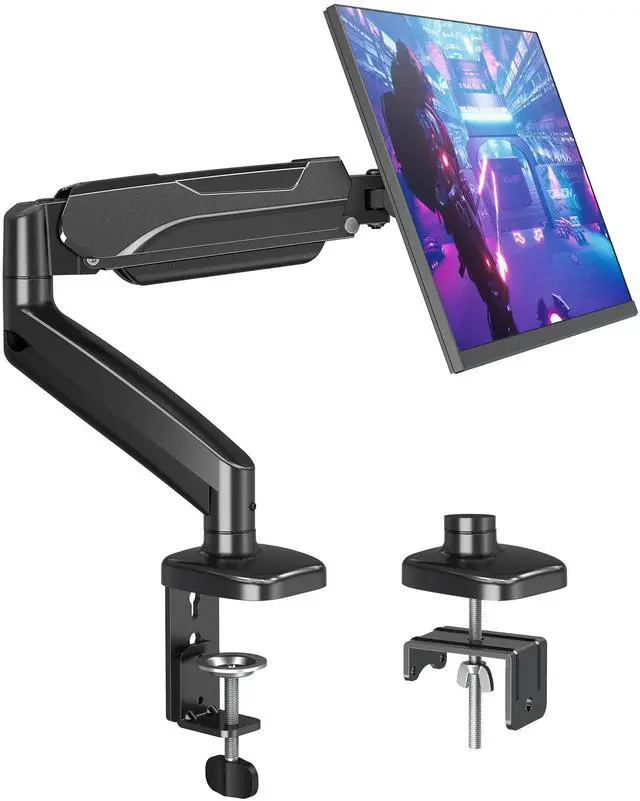


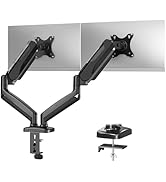
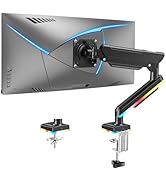
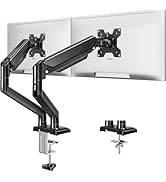
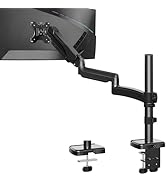
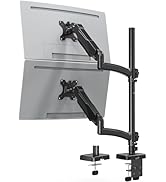
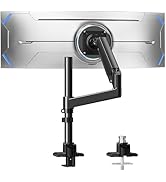
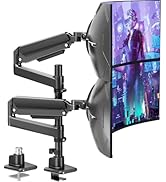
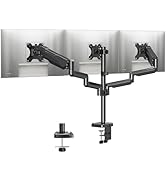
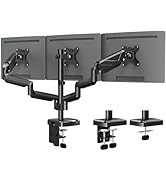
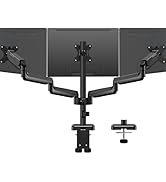
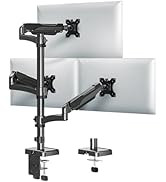
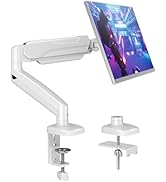
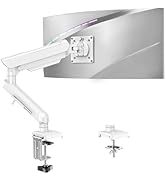
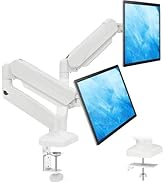
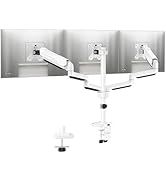
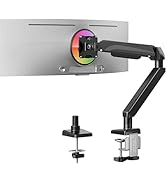
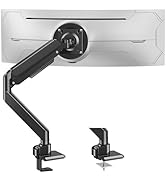
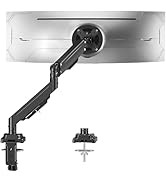
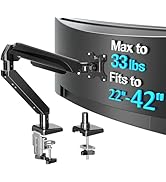
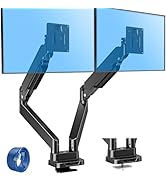
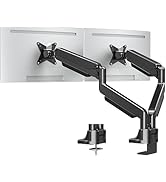
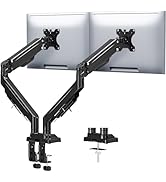
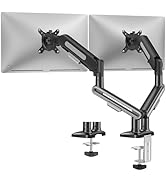
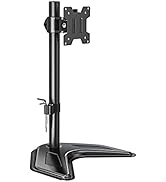
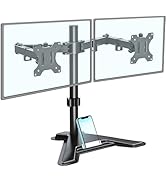
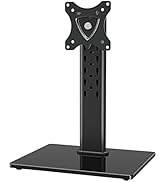
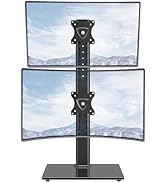
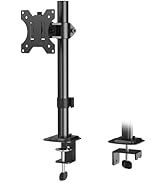
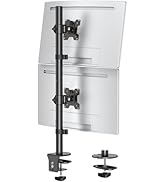
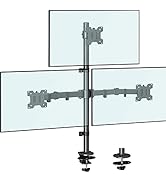
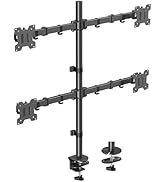
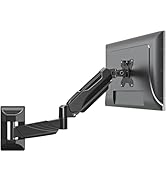
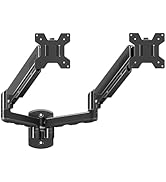
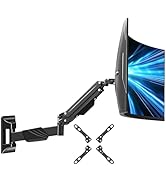
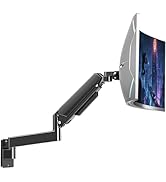
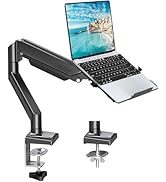
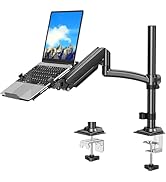
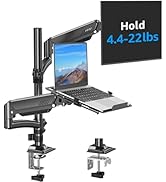
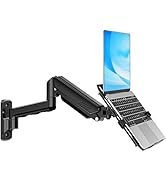
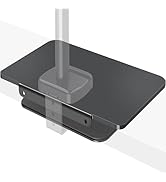
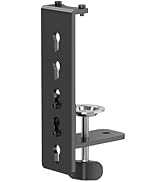
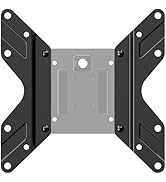
MOUNTUP monitor arm for 22 24 27 32 inch monitors
Merchant VideoWhy MOUNTUP?
MOUNTUP focuses on delivering stylish mounts & stands, such as kinds of ergonomic monitor arms and laptop mounts that eliminate the distractions and discomfort of outdated workspaces and increase efficiency and productivity. Backed by MOUNTUP's 10yr support for added peace of mind.


Choose the right one
Additional Checklist For Special Desks
1. Desk with underframe:
Ensure the contact surface width between the clip plate and metal rim is greater than or equal to 50mm(1.97"). Otherwise, it will not be clamped.
2. Desk with side panel:
Ensure the distance between the desktop edge and the side panel is greater than or equal to 60mm(2.37"). Otherwise, it will not be clamped.
3. Desk with back panel: Ensure the depth between the desktop and back panel is greater than or equal to 100mm( 3.94"). Otherwise, it will not be clamped.

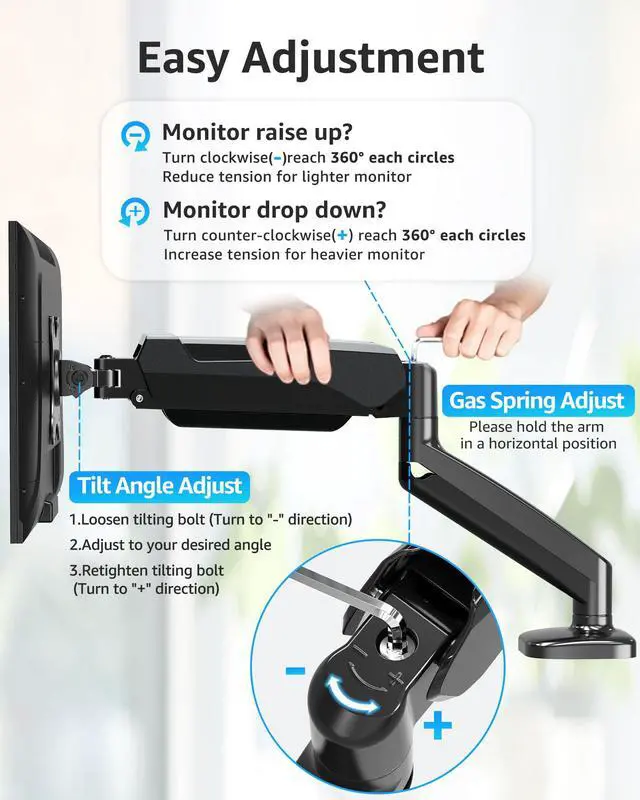
How to Adjust Gas Spring Tension Arm?

The arm keeps sinking down and won't hold my monitor up. How do I fix this?
Fix the sinking: (1) Mount the monitor first. (2) Find the tension bolt on the upper arm (yellow sticker). (3) Use the hex key to turn COUNTERCLOCKWISE to increase tension. Heavier monitors (12-17.6 lbs) need 11+ full turns. Test every 2-3 turns.
My monitor keeps tilting forward/down. How do I fix the tilt?
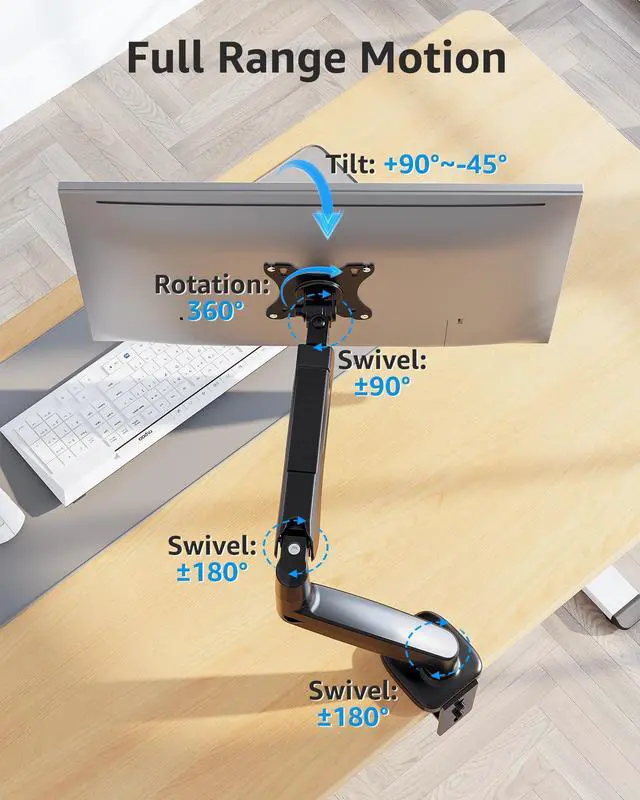
Tighten the hex bolts on both sides of the VESA plate (tilting bolts/Screw F) with the included hex key. Tighten BOTH sides firmly and evenly. For monitor over 12 lbs, apply significant torque. Tilt -45°/+90°.Curved monitor may need included spacers.
Will this work with my 32 inch curved monitor?
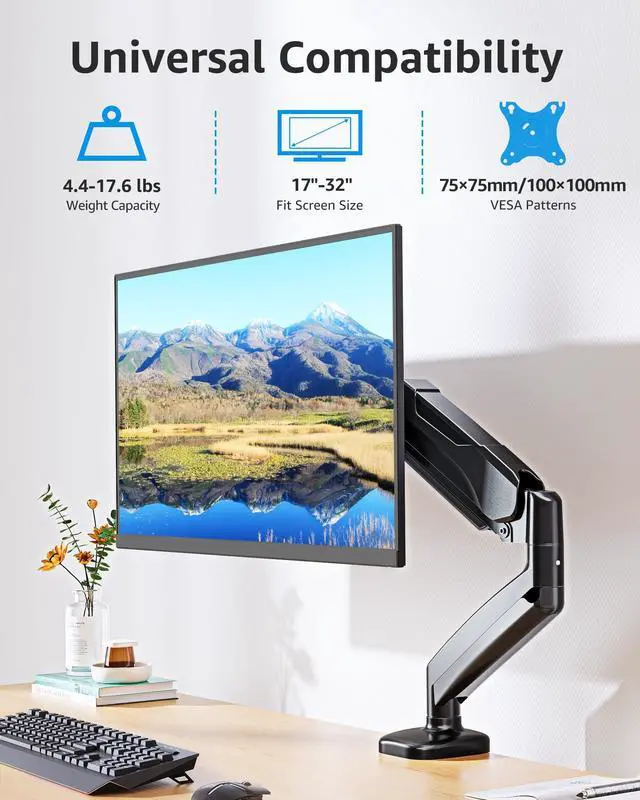
Yes! It supports 32-inch/17.6lbs monitor with VESA 75/100mm, fits most curved screen. Note: NOT compatible with 1000R/1500R/1800R curved screen. Standard curved monitor work well. Check for 4 square VESA holes; we include spacers for recessed mounts.
How high does this monitor arm go? Is it good for standing desks?
It lifts the monitor center up to 16.5 inch high, extending 19.6 inches forward. Great for standard desk and adds flexibility to height-adjustable standing desk. If you need over 16.5 inches height, consider a taller pole-style mount, Model MU6021B.
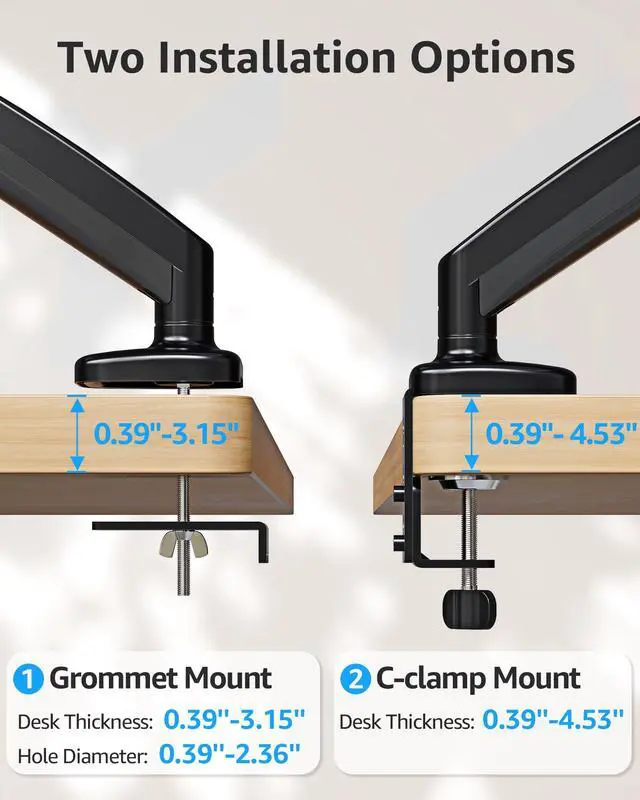
What if your desk is thicker than 4.53 inches?
If your desk thickness exceeds 4.53 inches, we recommend purchasing the MOUNTUP Extended C-Clamp 6 inches (Model: PA121).
Single vs Dual vs Triple
 MU0004 |  MU6021B |  MU6015B | 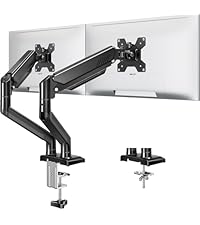 MU8014B |  MU0005 |  MU0006 |  MU9010 | |
|---|---|---|---|---|---|---|---|
Customer Reviews | — | — | — | — | — | — | — |
Price | — | — | — | — | — | — | — |
Style | Single Monitor Arm | Tall Monitor Arm | Tall Monitor Arm | Dual Monitor Stand | Dual Monitor Stand | Triple Monitor Stand | VESA Extender Adapter |
Fit Screen Size | 17"-32" | 22"-32'' | 22"-32'' | 22"-32'' | 17"-32" | 17"-27" | 17"-35" |
Load Per Arm | 4.4-17.6lbs | 4.4-19.8lbs | 4.4-22lbs | 4.4-22lbs | 4.4-17.6lbs | 4.4-17.6lbs | / |
Fit VESA Pattern | 75x75mm&100x100mm | 75x75mm&100x100mm | 75x75mm&100x100mm | 75x75mm&100x100mm | 75x75mm&100x100mm | 75x75mm&100x100mm | 200x200mm&200x100mm |
Grommet Mount | ? | ? | ? | ? | ? | ? | ? |
C-Clamp Mount | ? | ? | ? | ? | ? | ? | ? |
MOUNTUP monitor arm for 22 24 27 32 inch monitors
Merchant VideoWhy MOUNTUP?
MOUNTUP focuses on delivering stylish mounts & stands, such as kinds of ergonomic monitor arms and laptop mounts that eliminate the distractions and discomfort of outdated workspaces and increase efficiency and productivity. Backed by MOUNTUP's 10yr support for added peace of mind.


Choose the right one
Additional Checklist For Special Desks
1. Desk with underframe:
Ensure the contact surface width between the clip plate and metal rim is greater than or equal to 50mm(1.97"). Otherwise, it will not be clamped.
2. Desk with side panel:
Ensure the distance between the desktop edge and the side panel is greater than or equal to 60mm(2.37"). Otherwise, it will not be clamped.
3. Desk with back panel: Ensure the depth between the desktop and back panel is greater than or equal to 100mm( 3.94"). Otherwise, it will not be clamped.
How to Adjust Gas Spring Tension Arm?

The arm keeps sinking down and won't hold my monitor up. How do I fix this?
Fix the sinking: (1) Mount the monitor first. (2) Find the tension bolt on the upper arm (yellow sticker). (3) Use the hex key to turn COUNTERCLOCKWISE to increase tension. Heavier monitors (12-17.6 lbs) need 11+ full turns. Test every 2-3 turns.
My monitor keeps tilting forward/down. How do I fix the tilt?
Tighten the hex bolts on both sides of the VESA plate (tilting bolts/Screw F) with the included hex key. Tighten BOTH sides firmly and evenly. For monitor over 12 lbs, apply significant torque. Tilt -45°/+90°.Curved monitor may need included spacers.
Will this work with my 32 inch curved monitor?
Yes! It supports 32-inch/17.6lbs monitor with VESA 75/100mm, fits most curved screen. Note: NOT compatible with 1000R/1500R/1800R curved screen. Standard curved monitor work well. Check for 4 square VESA holes; we include spacers for recessed mounts.
How high does this monitor arm go? Is it good for standing desks?
It lifts the monitor center up to 16.5 inch high, extending 19.6 inches forward. Great for standard desk and adds flexibility to height-adjustable standing desk. If you need over 16.5 inches height, consider a taller pole-style mount, Model MU6021B.
What if your desk is thicker than 4.53 inches?
If your desk thickness exceeds 4.53 inches, we recommend purchasing the MOUNTUP Extended C-Clamp 6 inches (Model: PA121).
Single vs Dual vs Triple
MU0004 | MU6021B | MU6015B | MU8014B | MU0005 | MU0006 | MU9010 |
|---|---|---|---|---|---|---|
| Customer Reviews | ||||||
| — | — | — | — | — | — | — |
| Price | ||||||
| — | — | — | — | — | — | — |
| Style | ||||||
| Single Monitor Arm | Tall Monitor Arm | Tall Monitor Arm | Dual Monitor Stand | Dual Monitor Stand | Triple Monitor Stand | VESA Extender Adapter |
| Fit Screen Size | ||||||
| 17"-32" | 22"-32'' | 22"-32'' | 22"-32'' | 17"-32" | 17"-27" | 17"-35" |
| Load Per Arm | ||||||
| 4.4-17.6lbs | 4.4-19.8lbs | 4.4-22lbs | 4.4-22lbs | 4.4-17.6lbs | 4.4-17.6lbs | / |
| Fit VESA Pattern | ||||||
| 75x75mm&100x100mm | 75x75mm&100x100mm | 75x75mm&100x100mm | 75x75mm&100x100mm | 75x75mm&100x100mm | 75x75mm&100x100mm | 200x200mm&200x100mm |
| Grommet Mount | ||||||
| ? | ? | ? | ? | ? | ? | ? |
| C-Clamp Mount | ||||||
| ? | ? | ? | ? | ? | ? | ? |
Ergonomic Monitor Mount
Adjustable Monitor Arm
Triple Monitor Desk Mount
White Monitor Mount
Heavy Duty Single Monitor Arm
Heavy Duty Dual Monitor Arm
Freestanding Monitor Stand
Basic Monitor Arm
Monitor Wall Mount
Monitor & Laptop Mount
Monitor Accessories