






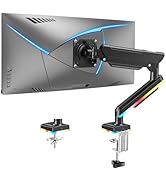
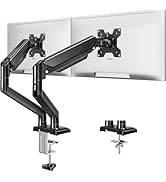
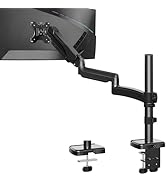
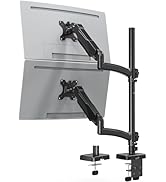
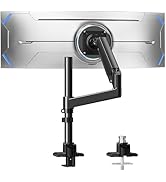
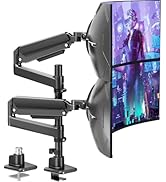
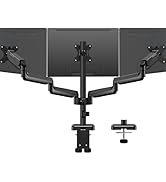
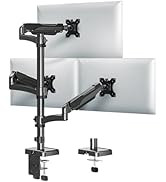
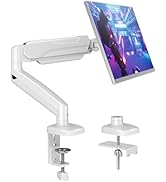
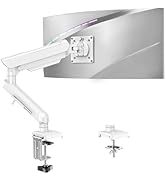
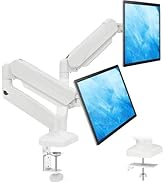
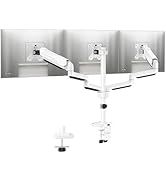
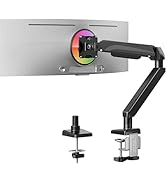
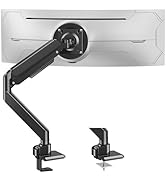
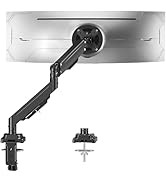
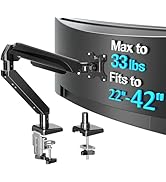
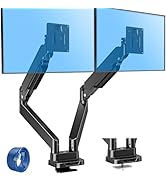
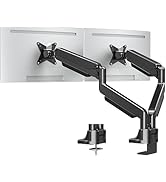
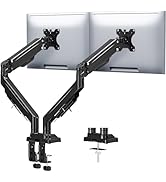
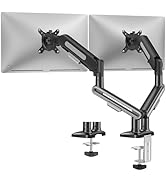
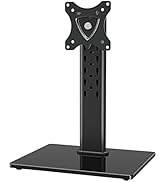
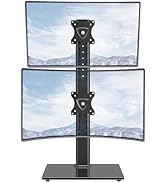
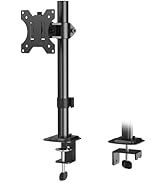
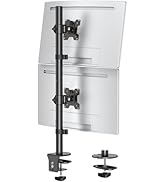
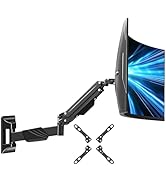
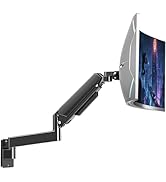
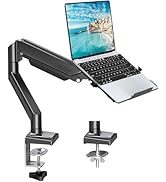
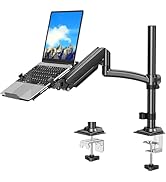
Keeps Setup Clean, Comfortable, and Professional

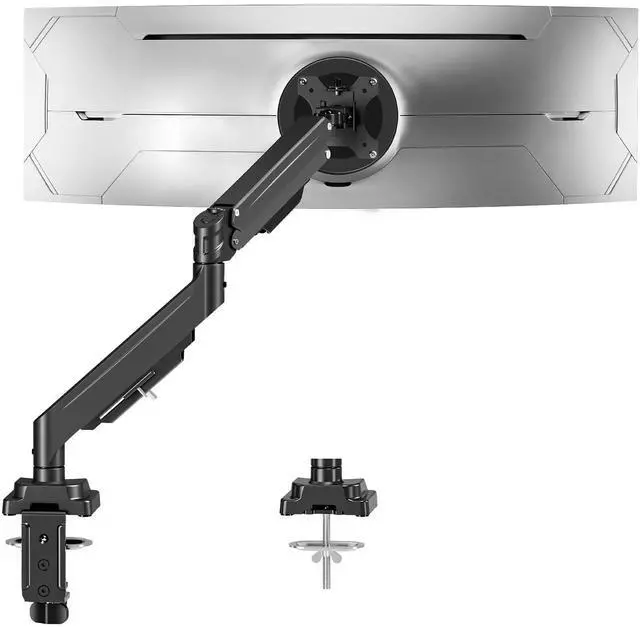
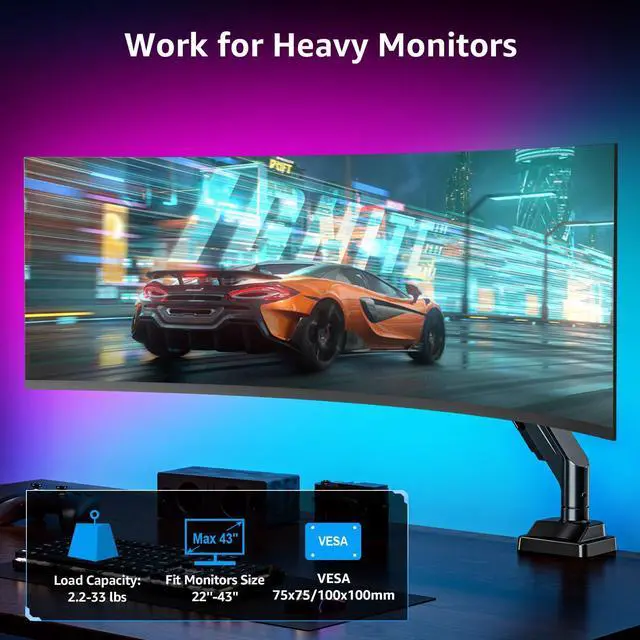
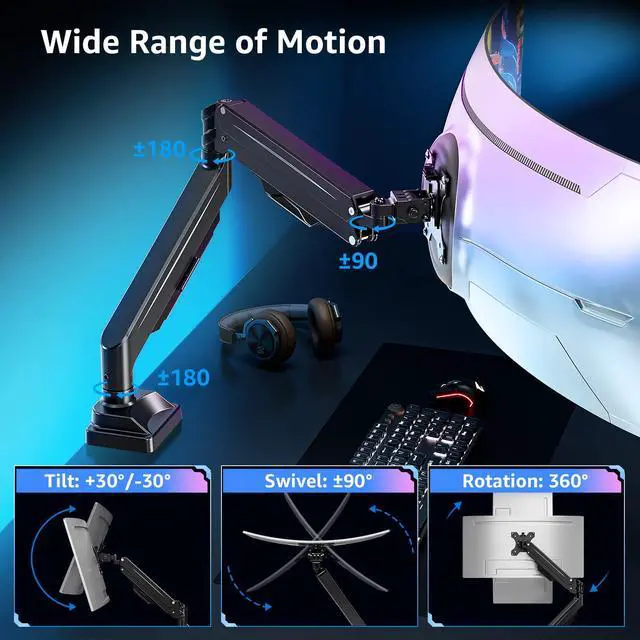
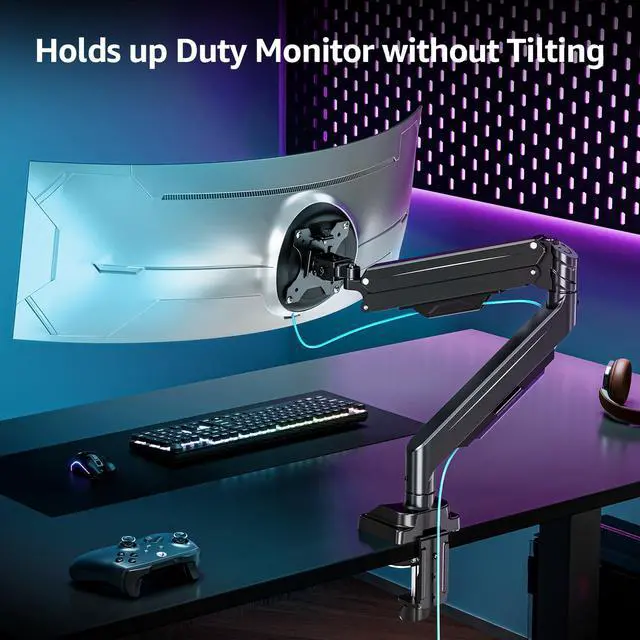
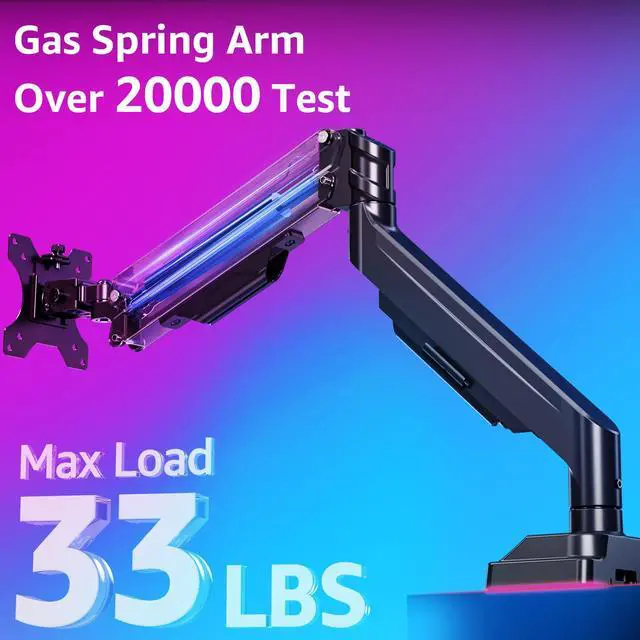
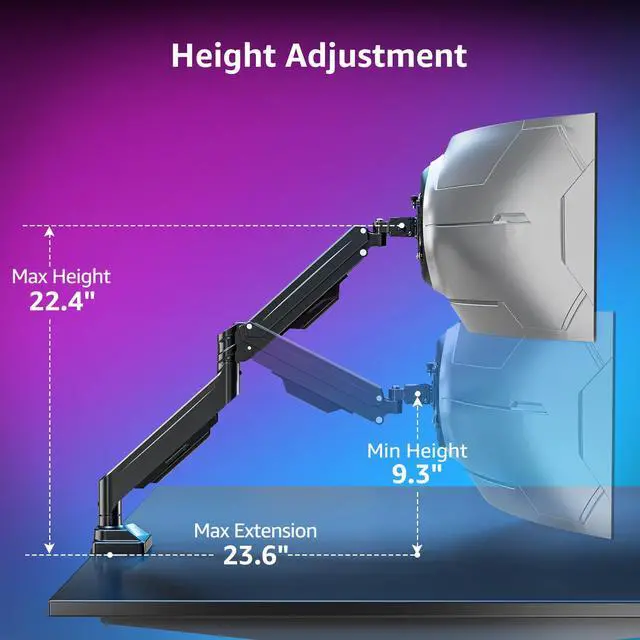
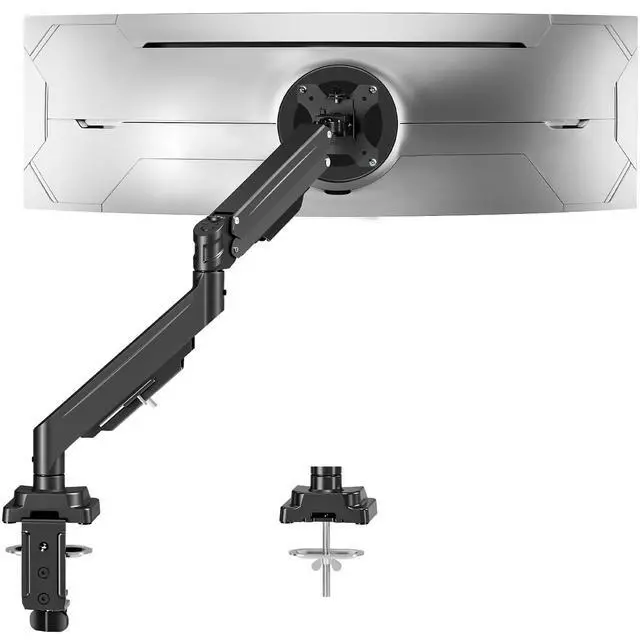
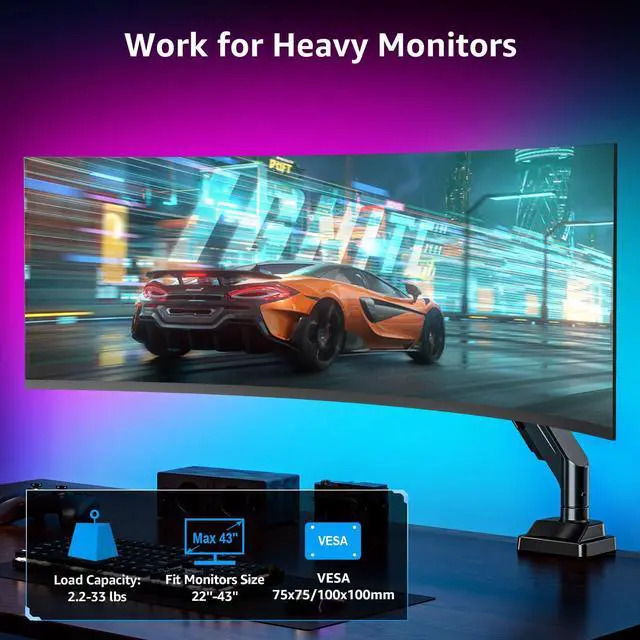
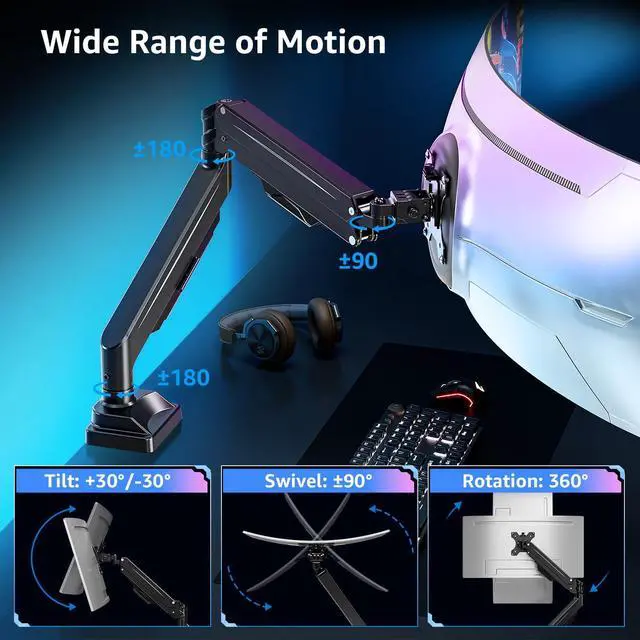
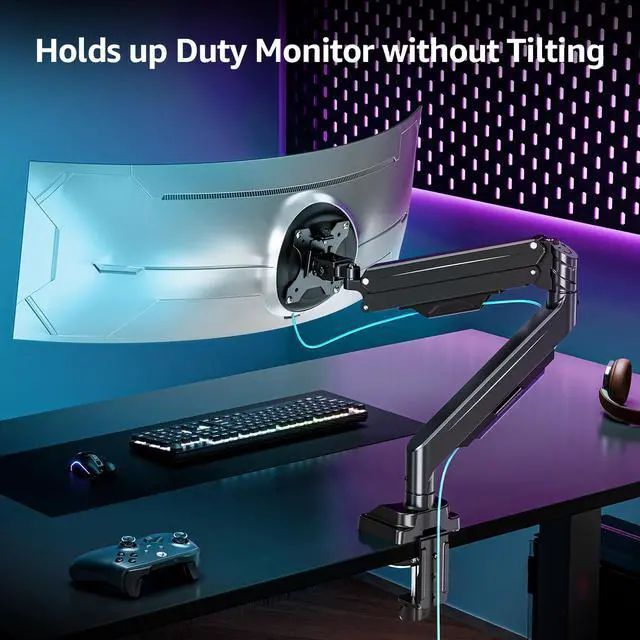
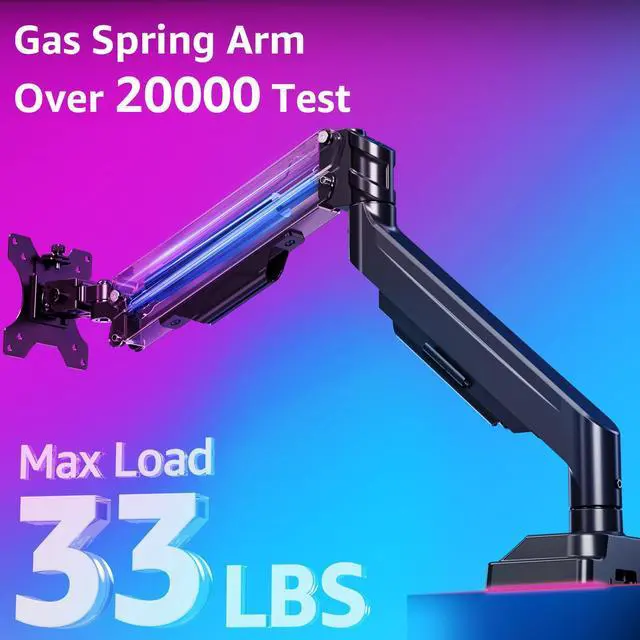
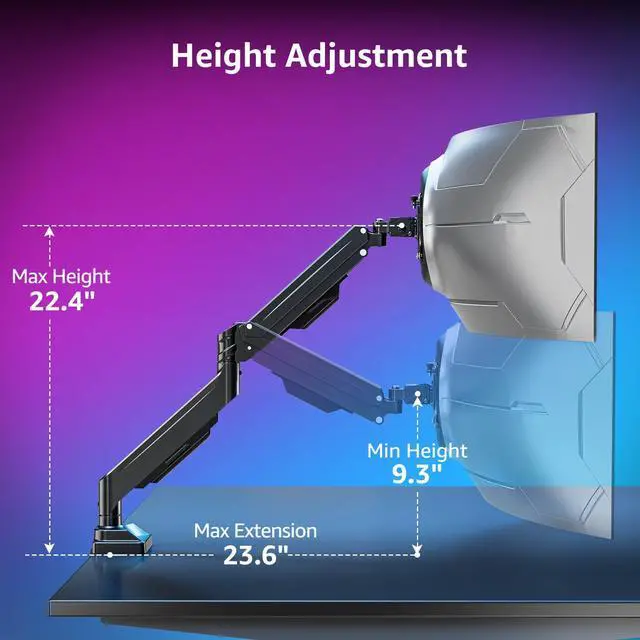
Heavy-duty monitor arm supports powerful setups without sagging, shaking or tilting. Designed for ultra-wide curved monitors up to 43 inches and 33 lbs, provides stability and flexibility. Easily adjust ultrawide monitors to maintain perfect posture all day long.
Empowering Ergonomic Workspaces

Designed for creators, gamers, and professionals, the ultrawide monitor arm delivers the stability, flexibility, and comfort needed to tackle every task at your peak performance.


How to Adjust Tension Arm?

Important Note: The monitor arm is pre-set to medium tension(Not applicable to all displays). You will need to refer to the figure above and adjust the tension according to the weight of your monitor once the monitor is hung on.
How to solve the problem of VESA plate being crooked or not straight?
After securing the stand to desk, please attach the monitor first, then hold the sides of monitor with both hands, and rotate vigorously. If that doesn't work out, please do not hesitate to ask for our help.
Will this monitor stand fit your setup?
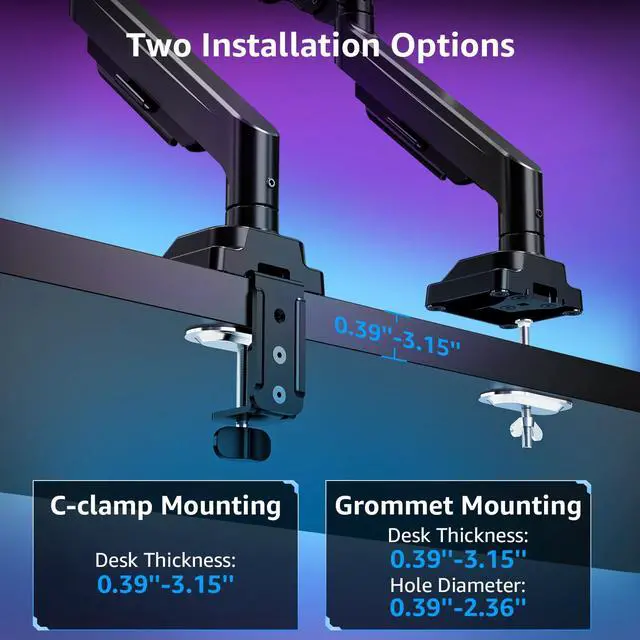
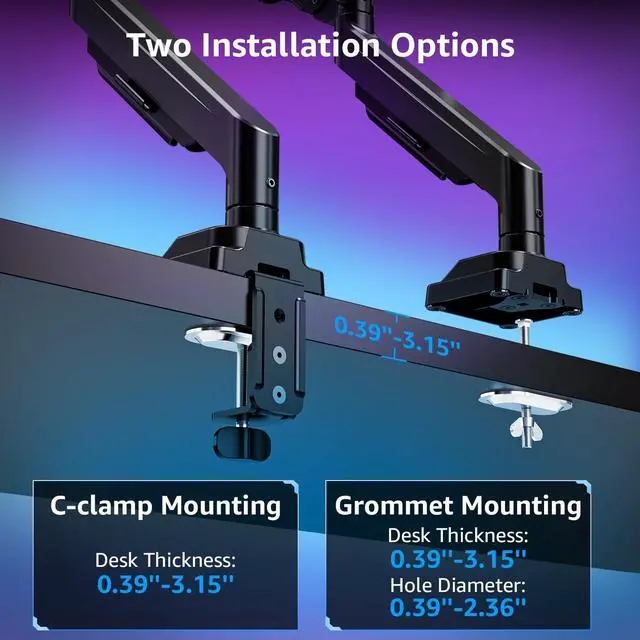
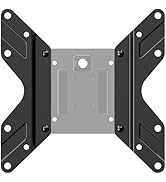
Please confirm your monitor's size is within 43'', the VESA pattern is 75x75mm or 100x100mm, and weight is 2.2-33lbs. Your desk thickness is 0.39''-3.15''(clamp mount); or thickness of 0.39''-315''and hole diameter of 0.39''-2.36''(grommet mount).
What if your desk is thicker than 3.15 inches?
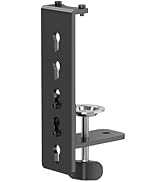
If your desk is thicker than 3.15", we prefer to recommend a grommet mounting. If your desk is not convenient for grommet, please let us know the thickness, material, and type of your desk, preferably in the form of a picture.
What is the solution if your monitor VESA pattern is not 75x75mm or 100x100mm?
If your VESA pattern is 200x100mm or 200x200mm, please go to purchase a VESA extender adapter, the model number is MU9010. If your VESA exceeds the above range or has no VESA holes, you will need to purchase a suitable VESA adapter.
Can this monitor arm mount on a glass table?
No. For safety, if mounted on a glass table, please install a reinforcement desk plate (not included). You can search for the model MU0038 in our store.
Keeps Setup Clean, Comfortable, and Professional

Heavy-duty monitor arm supports powerful setups without sagging, shaking or tilting. Designed for ultra-wide curved monitors up to 43 inches and 33 lbs, provides stability and flexibility. Easily adjust ultrawide monitors to maintain perfect posture all day long.
Empowering Ergonomic Workspaces

Designed for creators, gamers, and professionals, the ultrawide monitor arm delivers the stability, flexibility, and comfort needed to tackle every task at your peak performance.
Stronger Support, Smarter Movement


Check Your Monitor and Desk Thickness


How to Adjust Tension Arm?

Important Note: The monitor arm is pre-set to medium tension(Not applicable to all displays). You will need to refer to the figure above and adjust the tension according to the weight of your monitor once the monitor is hung on.
How to solve the problem of VESA plate being crooked or not straight?
After securing the stand to desk, please attach the monitor first, then hold the sides of monitor with both hands, and rotate vigorously. If that doesn't work out, please do not hesitate to ask for our help.
Will this monitor stand fit your setup?
Please confirm your monitor's size is within 43'', the VESA pattern is 75x75mm or 100x100mm, and weight is 2.2-33lbs. Your desk thickness is 0.39''-3.15''(clamp mount); or thickness of 0.39''-315''and hole diameter of 0.39''-2.36''(grommet mount).
What if your desk is thicker than 3.15 inches?
If your desk is thicker than 3.15", we prefer to recommend a grommet mounting. If your desk is not convenient for grommet, please let us know the thickness, material, and type of your desk, preferably in the form of a picture.
What is the solution if your monitor VESA pattern is not 75x75mm or 100x100mm?
If your VESA pattern is 200x100mm or 200x200mm, please go to purchase a VESA extender adapter, the model number is MU9010. If your VESA exceeds the above range or has no VESA holes, you will need to purchase a suitable VESA adapter.
Can this monitor arm mount on a glass table?
No. For safety, if mounted on a glass table, please install a reinforcement desk plate (not included). You can search for the model MU0038 in our store.
Ergonomic Monitor Mount
Adjustable Monitor Arm
Triple Monitor Desk Mount
White Monitor Mount
Heavy Duty Single Monitor Arm
Heavy Duty Dual Monitor Arm
Freestanding Monitor Stand
Basic Monitor Arm
Monitor Wall Mount
Monitor & Laptop Mount
Monitor Accessories