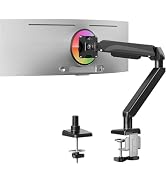
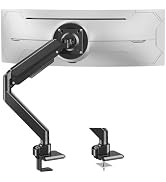
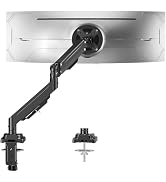
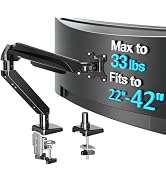
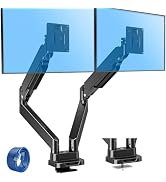
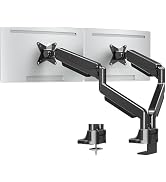
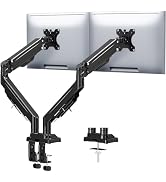
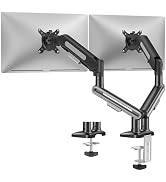
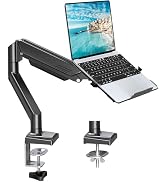
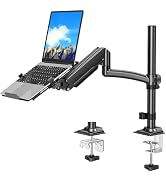
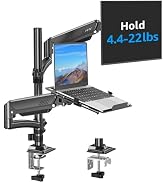
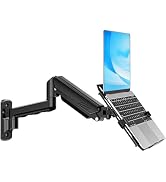
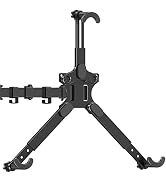
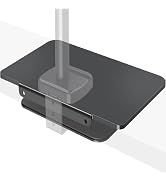
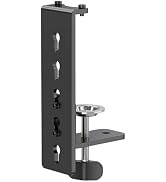
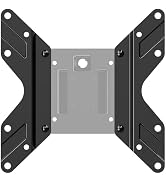
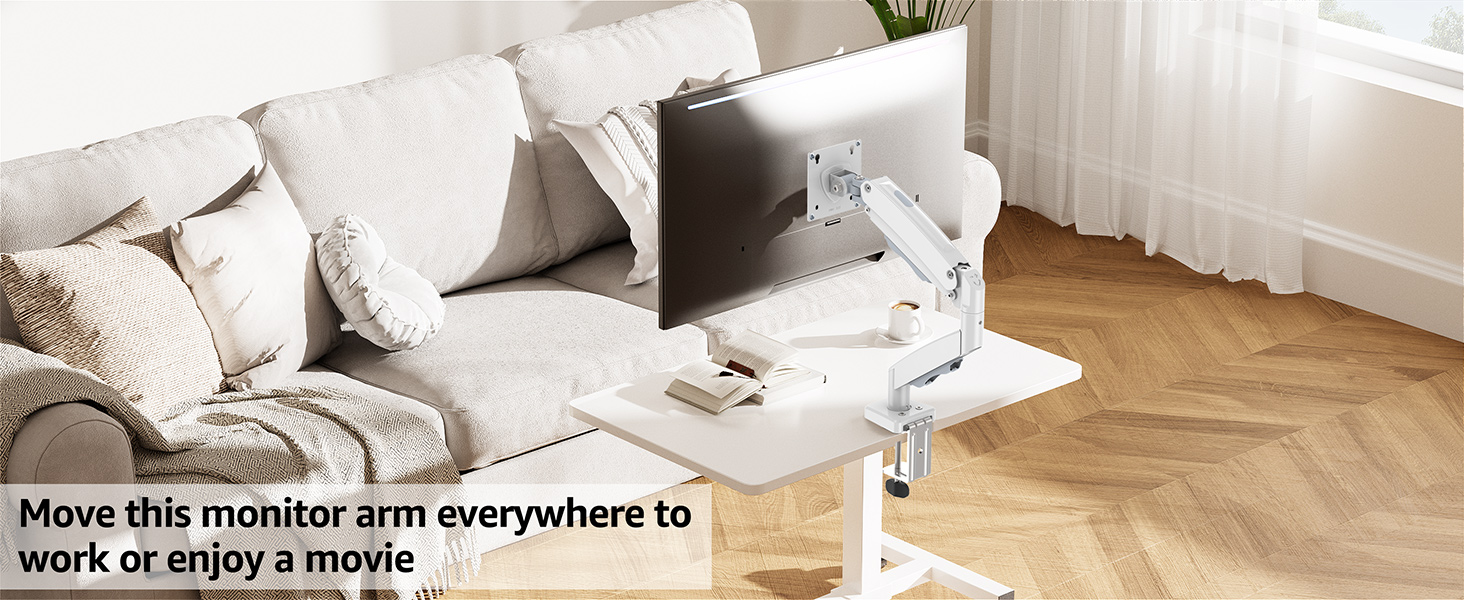
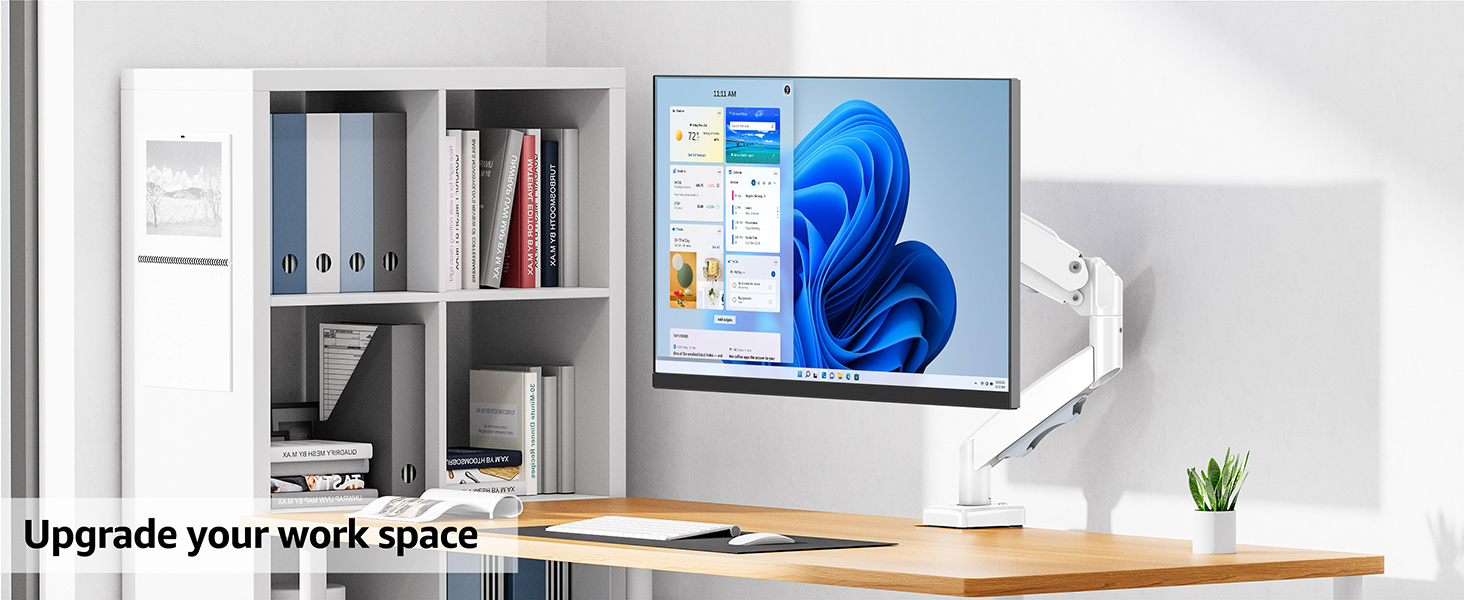
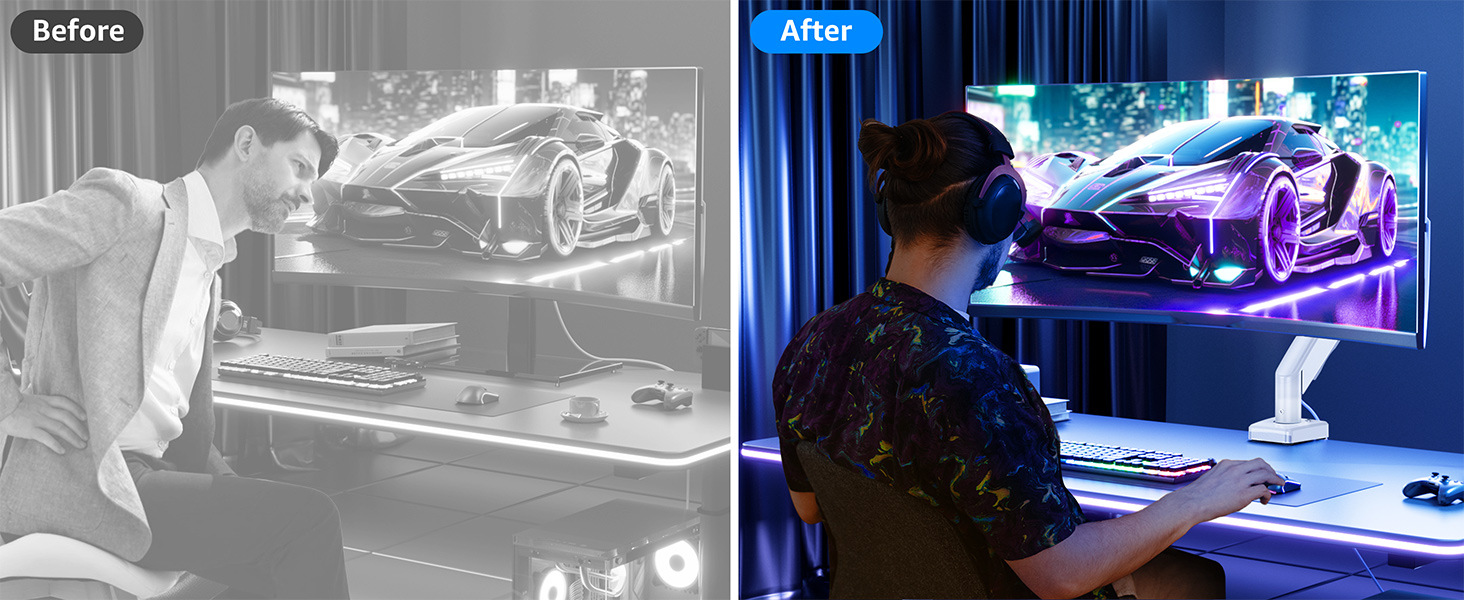
here!
here!
I’m your shopping assistant for PC builds, upgrades, and everything tech.
Got questions? Ask away!
Start a conversation
here!
I’m your shopping assistant for PC builds, upgrades, and everything tech.
Got questions? Ask away!
Start a conversation
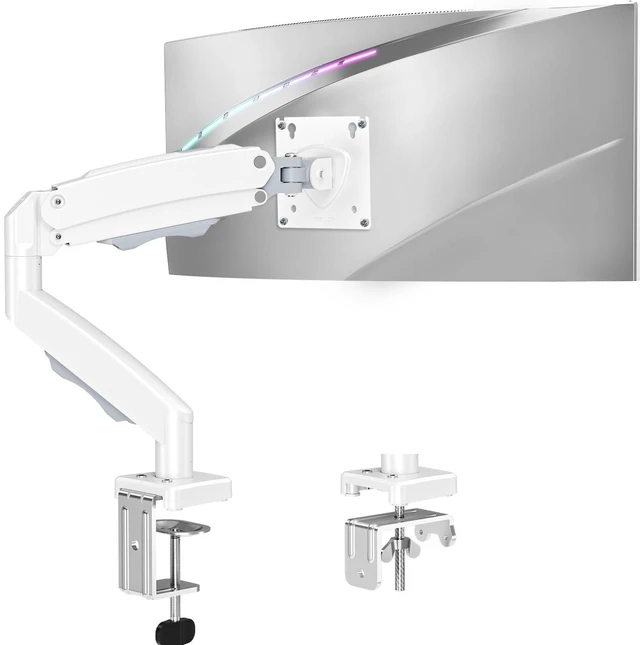



Any questions? Ask CelesteSM will help you find out quickly.
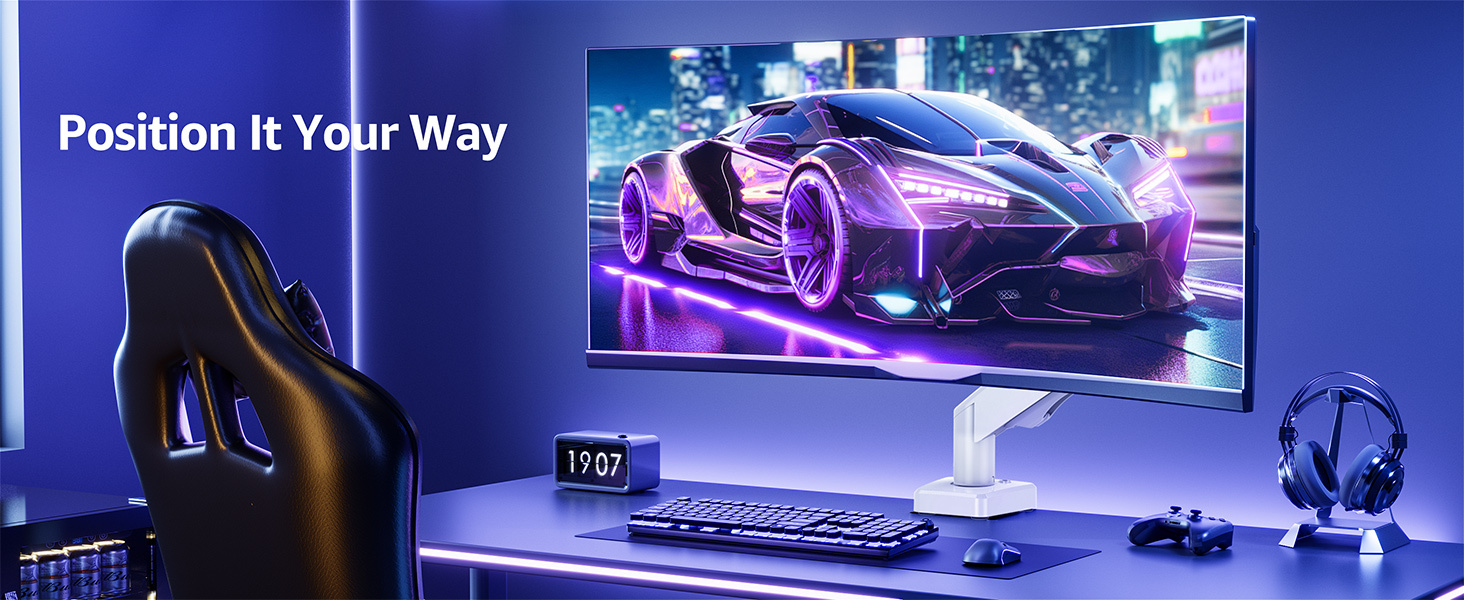
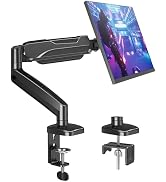
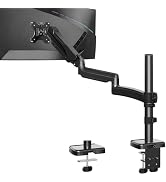
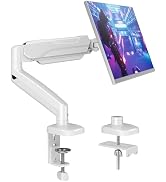
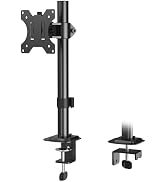
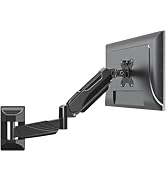
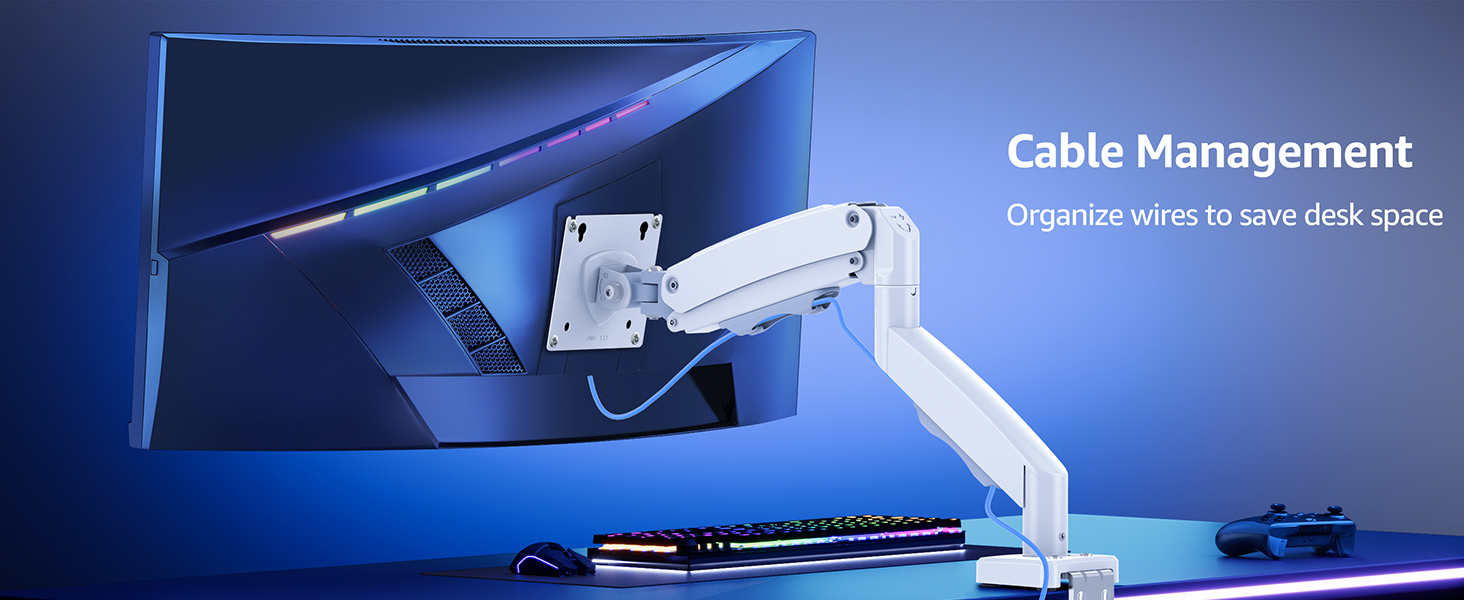
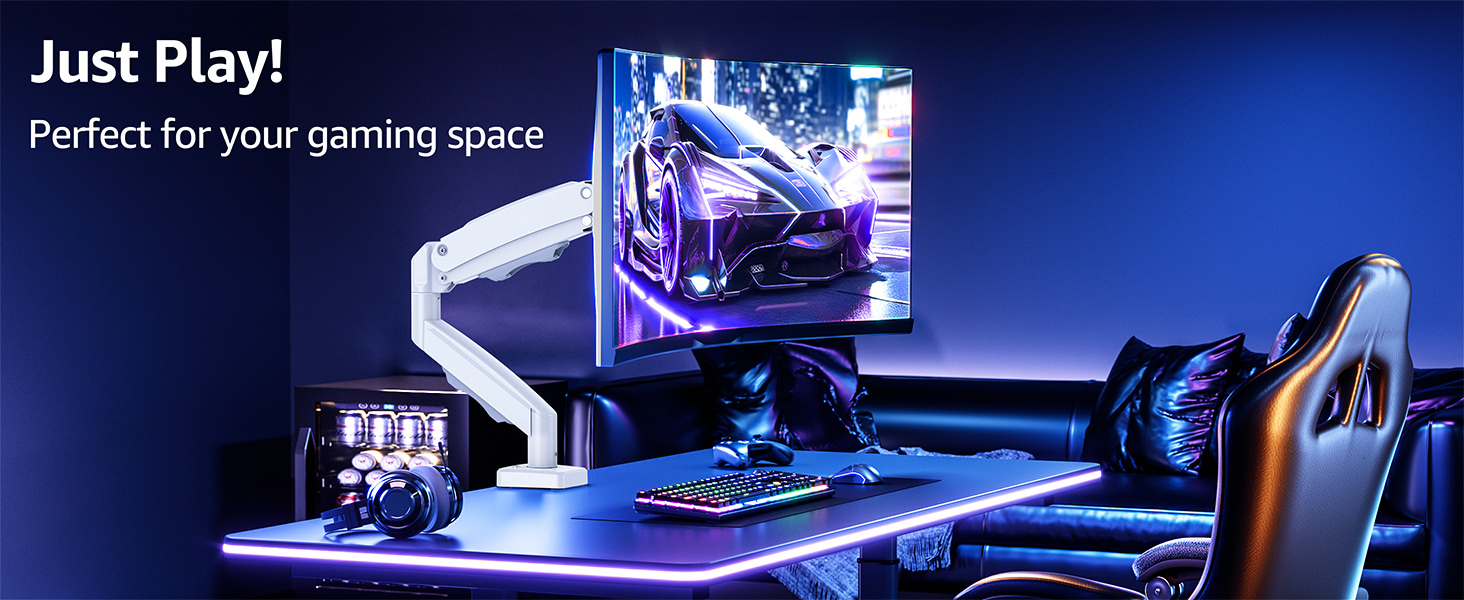
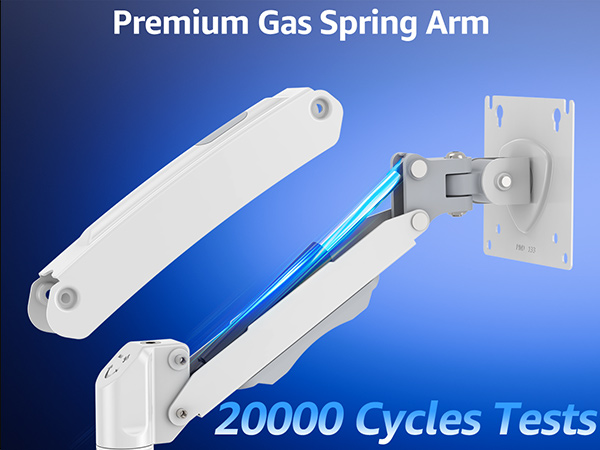
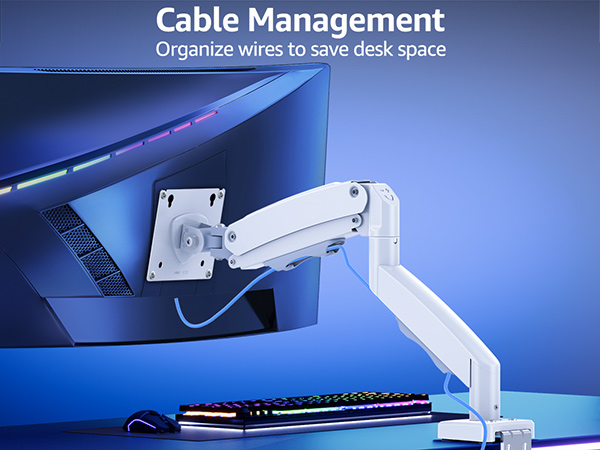
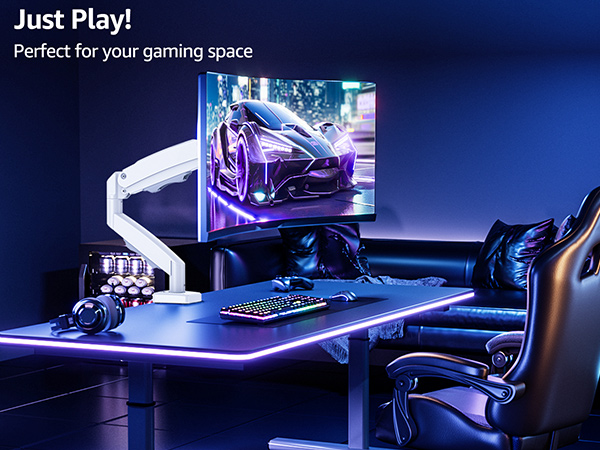
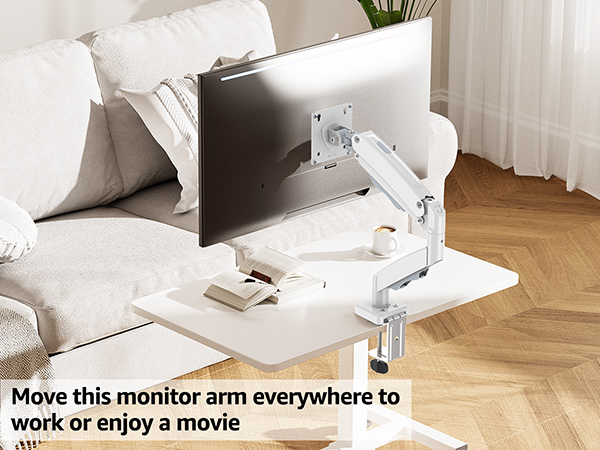
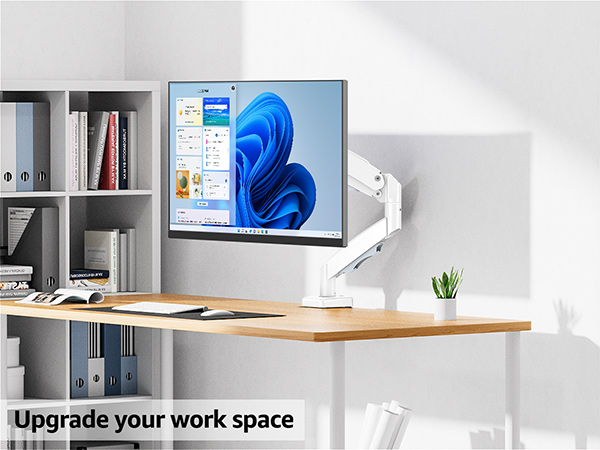
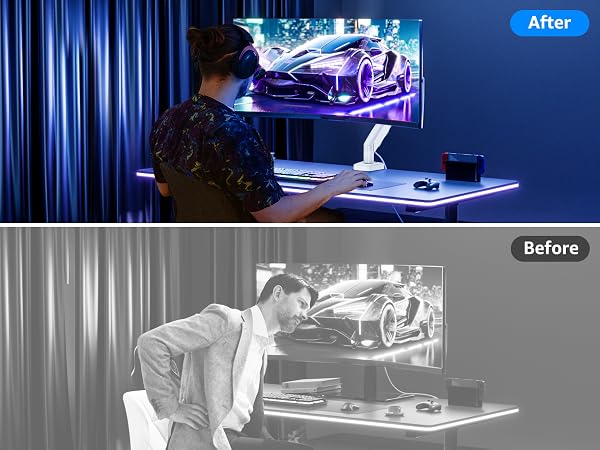
The single monitor arm is an ideal choice for anyone seeking ergonomic comfort.

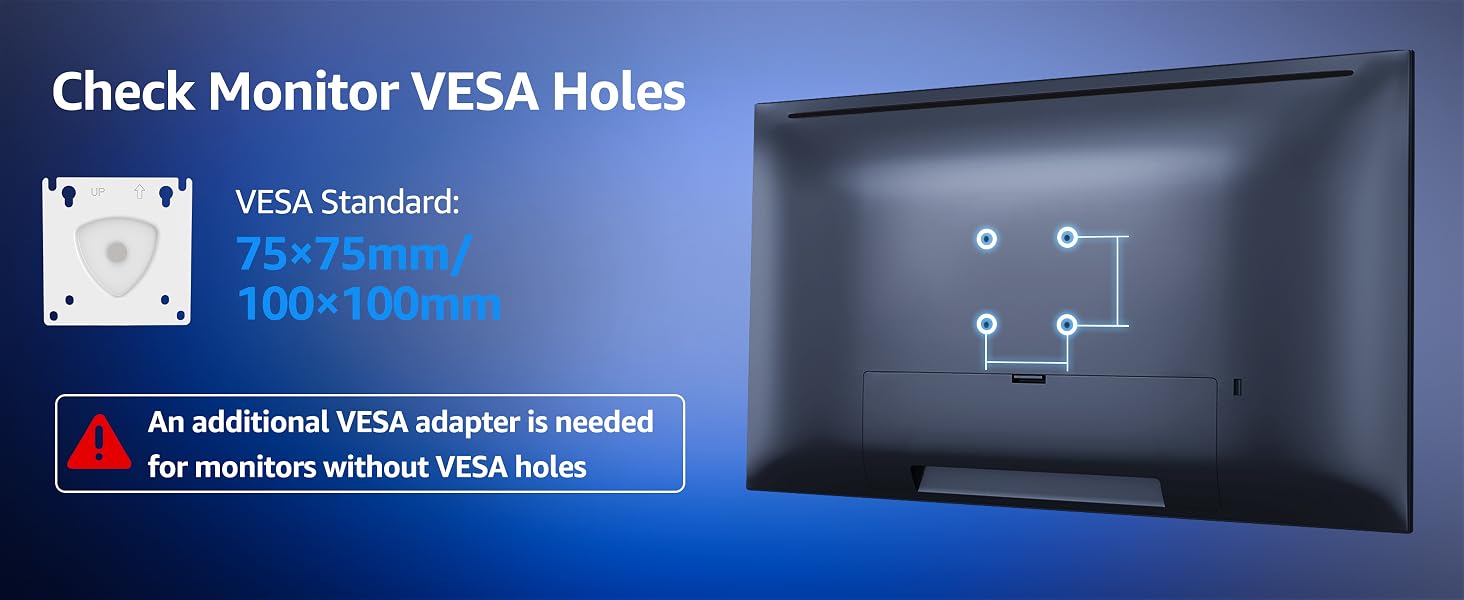
The VESA plate is oriented crookedly. How to solve it?
If the VESA plate is not positioned correctly, hold it with both hands and rotate it firmly until the arrow points upward. Please rest assured that this is normal.
Why can't the mount stay in the desired position?
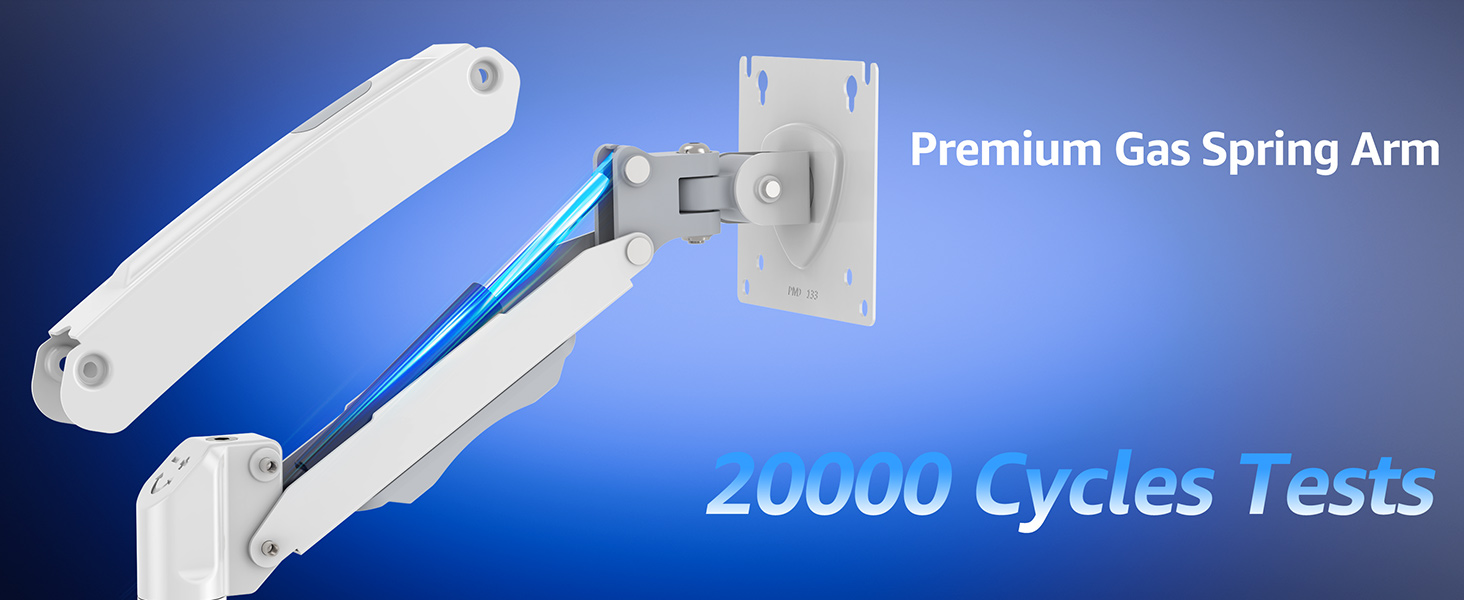
Please note that the spring tension is typically set to the minimum value at the factory, which causes the mount to tilt forward. You could refer to the user manual to adjust the spring tension according to the weight of your monitor.
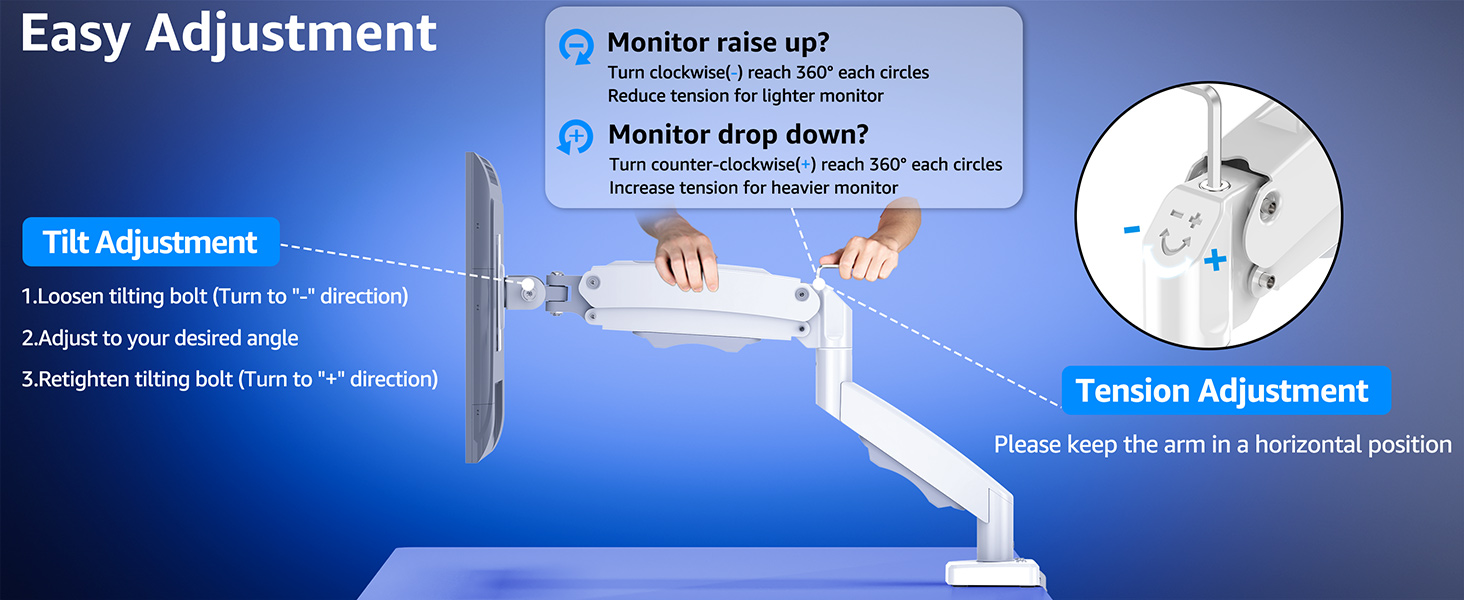
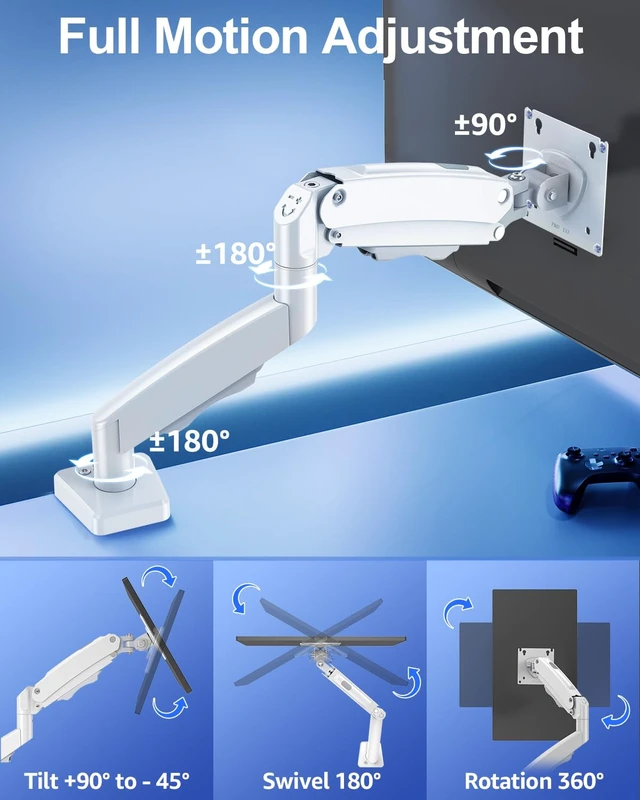
How to adjust the tilt angle?
1. Loosen the bolt 1-2 turns with the Allen Key
2. Hold the monitor with both hands and adjust it to the right position
3. Tighten the bolt firmly with the Allen Key
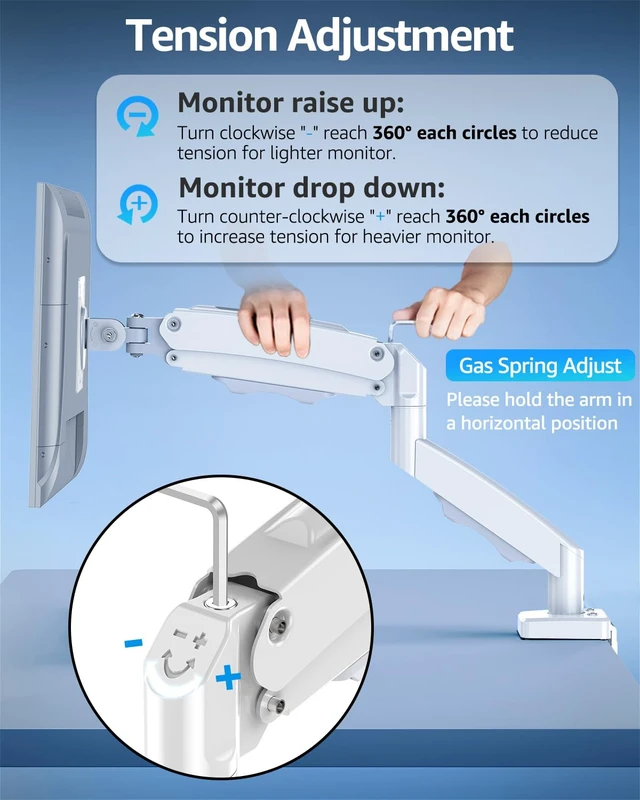
How to adjust the tension on the mount?
You could adjust tension bolt refer to the instruction manual.
1. If arm raises up, turn clockwise(" -" ) to reduce tension for lighter monitor.
2. If arm falls down, turn counterclockwise(" +" ) to increase tension for heavier monitor.
What should I do if the tension adjustment fails completely?
Please tell us ASAP and we will send you the new spare parts.
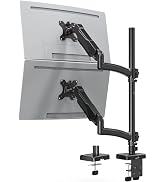
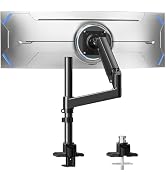
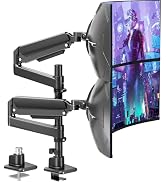
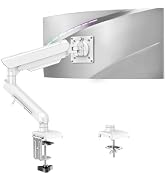
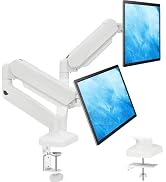
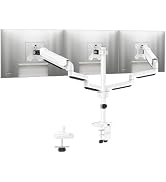
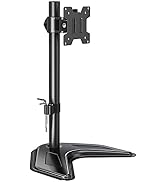
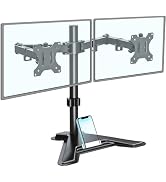
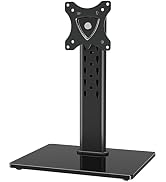
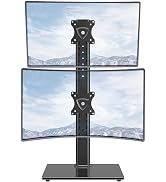
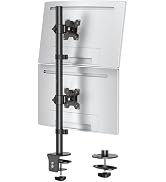
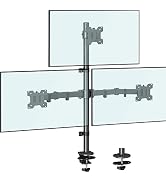
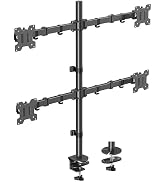
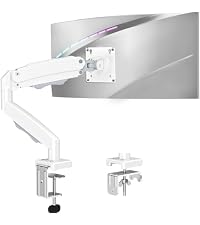 Single Monitor Arm | 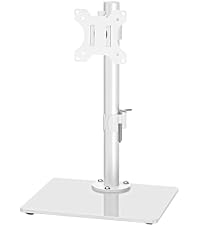 Freestanding Mount | 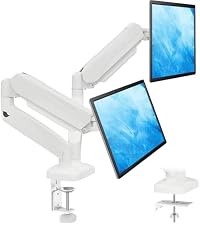 Dual Monitor Arm | 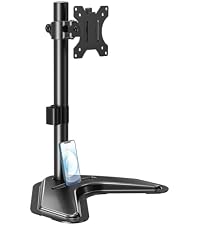 Freestanding Mount | 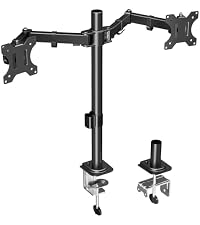 Dual Monitor Mount | 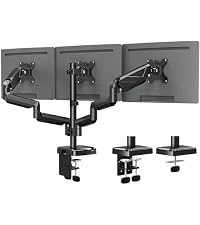 Triple Monitor Mount | |
|---|---|---|---|---|---|---|
Customer Reviews | — | — | — | — | — | — |
Price | — | — | — | — | — | — |
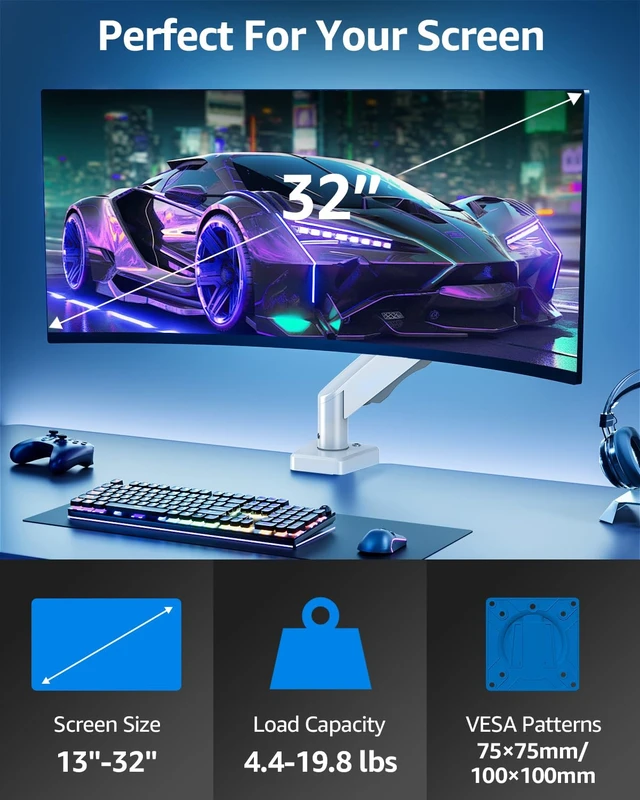
Screen Size | 13'' - 32" | 13'' - 32" | 13'' - 32" | 13'' - 32" | 13'' - 32" | 17'' - 27" |
Capacity | 19.8 lbs | 19.8 lbs | 19.8 lbs | 17.6 lbs | 17.6 lbs | 19.8 lbs |
VESA Mount | 75x75mm, 100x100mm | 75x75mm, 100x100mm | 75x75mm, 100x100mm | 75x75mm, 100x100mm | 75x75mm, 100x100mm | 75x75mm, 100x100mm |
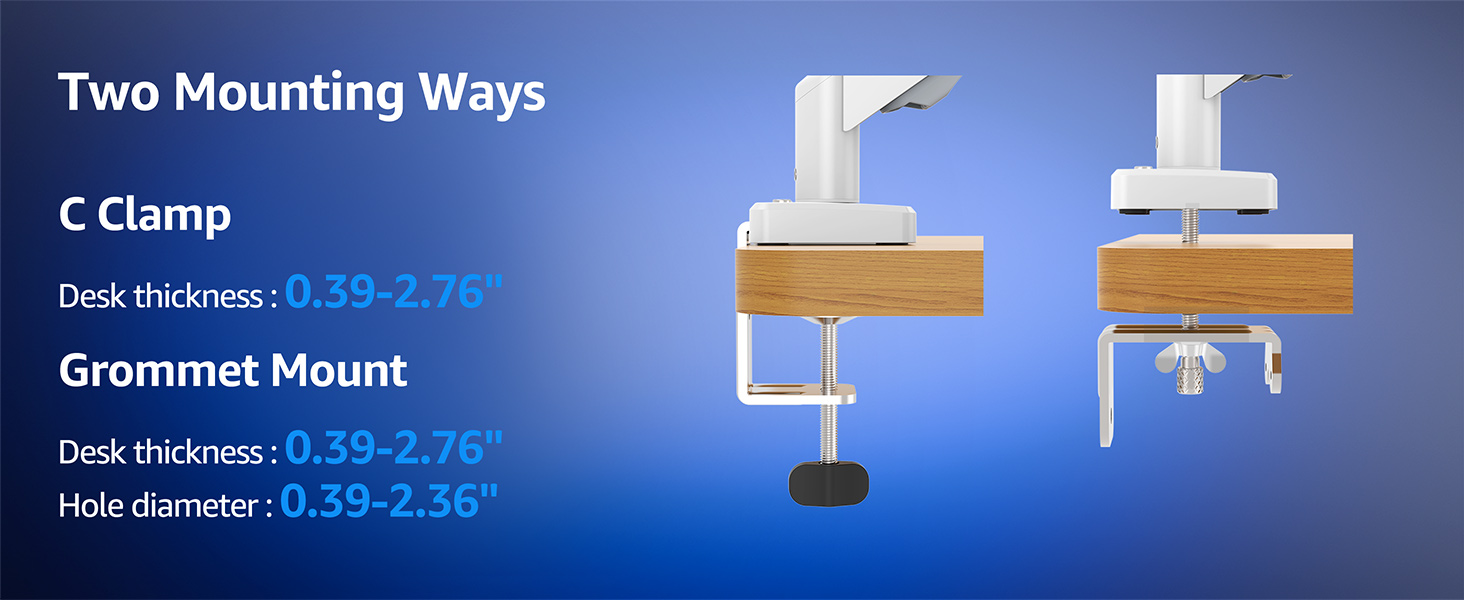
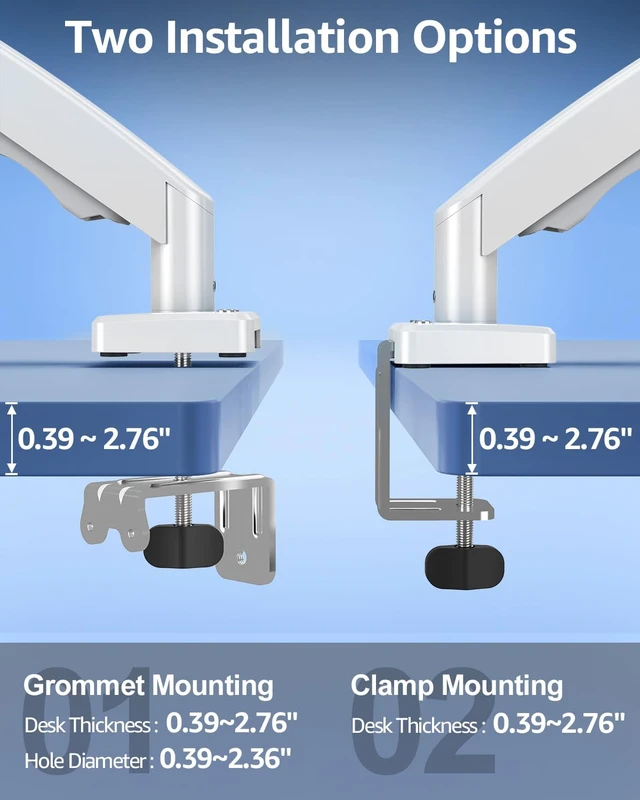
Fit Desk Thickness | 0.39" - 2.76" | / | 0.39" - 2.76" | / | 0.39" - 2.76" | 0.39" - 2.76" |
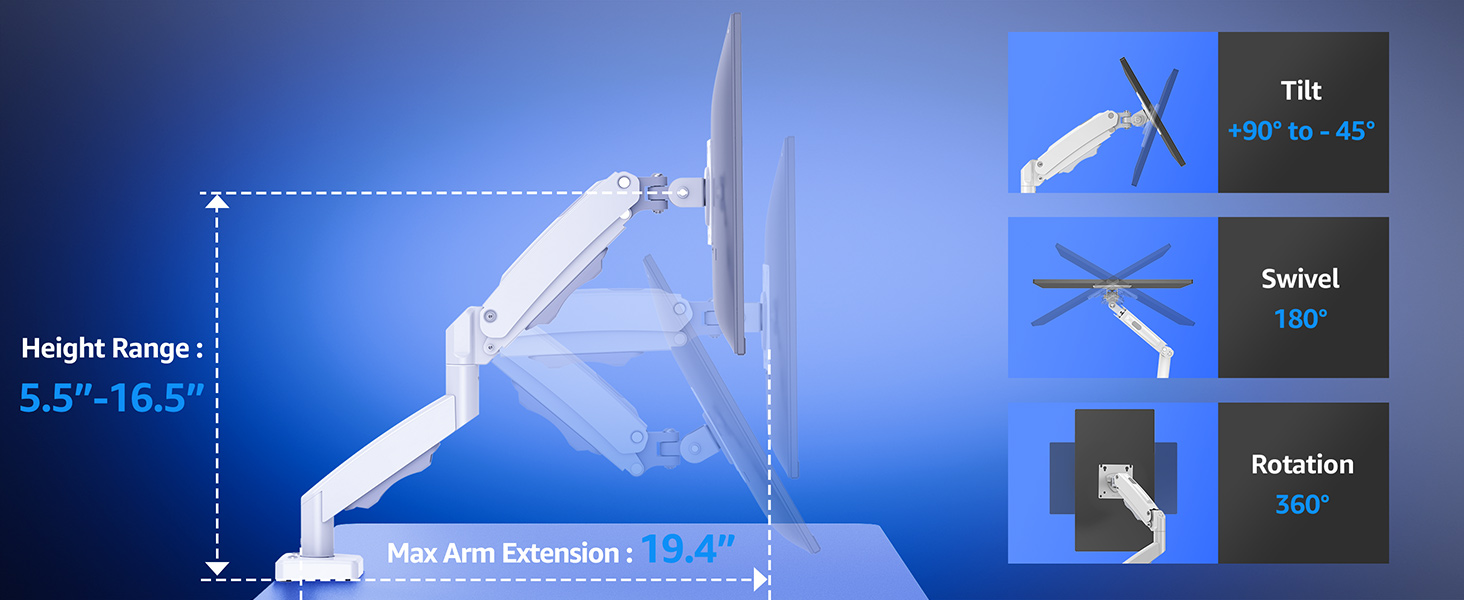
Tilt/Swivel/Rotation | ? | ? | ? | ? | ? | ? |
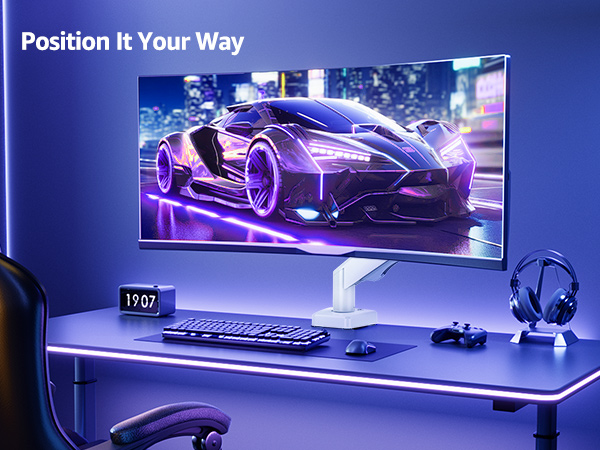
The single monitor arm is an ideal choice for anyone seeking ergonomic comfort.
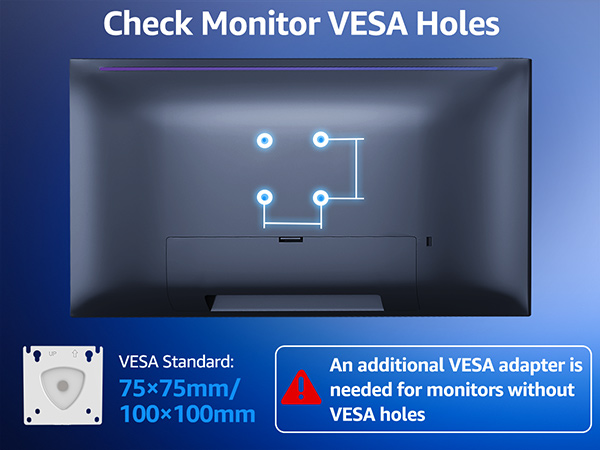
The VESA plate is oriented crookedly. How to solve it?
If the VESA plate is not positioned correctly, hold it with both hands and rotate it firmly until the arrow points upward. Please rest assured that this is normal.
Why can't the mount stay in the desired position?
Please note that the spring tension is typically set to the minimum value at the factory, which causes the mount to tilt forward. You could refer to the user manual to adjust the spring tension according to the weight of your monitor.
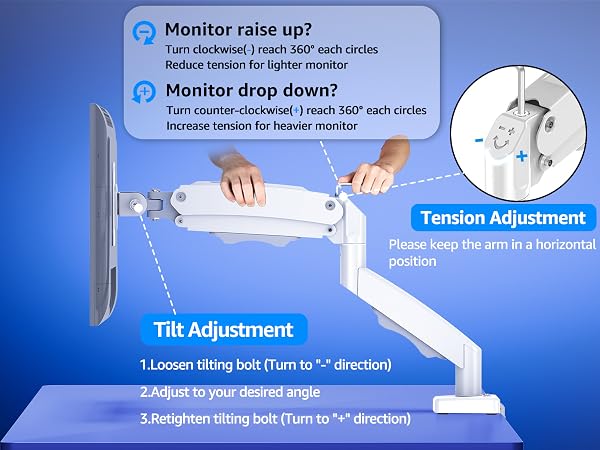
How to adjust the tilt angle?
1. Loosen the bolt 1-2 turns with the Allen Key
2. Hold the monitor with both hands and adjust it to the right position
3. Tighten the bolt firmly with the Allen Key
How to adjust the tension on the mount?
You could adjust tension bolt refer to the instruction manual.
1. If arm raises up, turn clockwise(" -" ) to reduce tension for lighter monitor.
2. If arm falls down, turn counterclockwise(" +" ) to increase tension for heavier monitor.
What should I do if the tension adjustment fails completely?
Please tell us ASAP and we will send you the new spare parts.
Single Monitor Arm | Freestanding Mount | Dual Monitor Arm | Freestanding Mount | Dual Monitor Mount | Triple Monitor Mount |
|---|---|---|---|---|---|
| Customer Reviews | |||||
| — | — | — | — | — | — |
| Price | |||||
| — | — | — | — | — | — |
| Screen Size | |||||
| 13'' - 32" | 13'' - 32" | 13'' - 32" | 13'' - 32" | 13'' - 32" | 17'' - 27" |
| Capacity | |||||
| 19.8 lbs | 19.8 lbs | 19.8 lbs | 17.6 lbs | 17.6 lbs | 19.8 lbs |
| VESA Mount | |||||
| 75x75mm, 100x100mm | 75x75mm, 100x100mm | 75x75mm, 100x100mm | 75x75mm, 100x100mm | 75x75mm, 100x100mm | 75x75mm, 100x100mm |
| Fit Desk Thickness | |||||
| 0.39" - 2.76" | / | 0.39" - 2.76" | / | 0.39" - 2.76" | 0.39" - 2.76" |
| Tilt/Swivel/Rotation | |||||
| ? | ? | ? | ? | ? | ? |