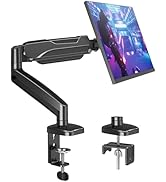
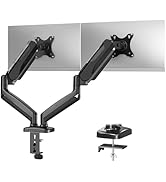
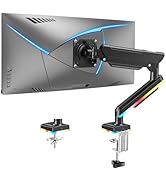
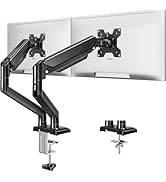
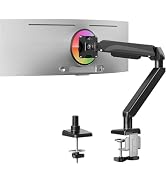
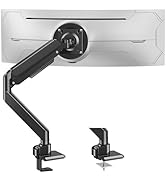
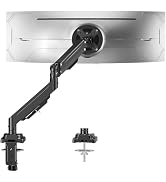
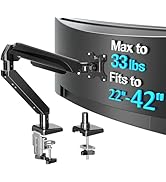
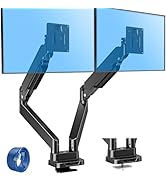
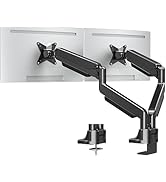
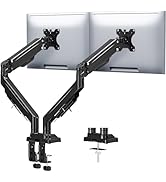
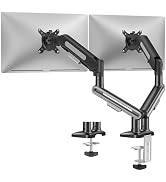
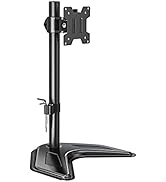
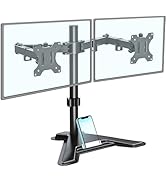
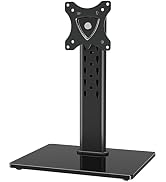
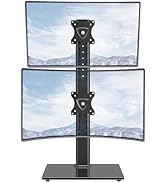
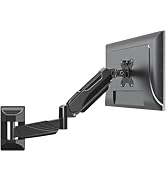
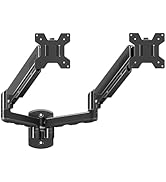
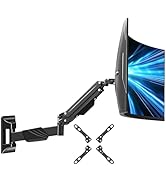
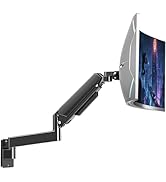
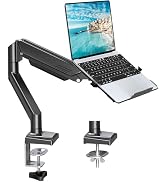
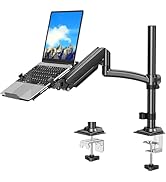
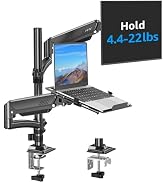
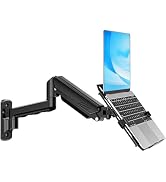
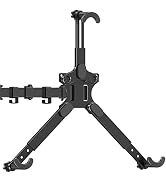
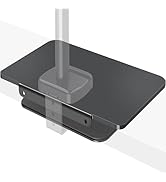
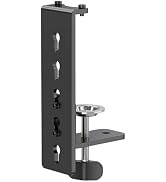
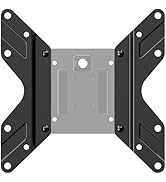
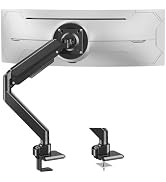
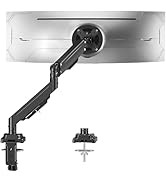
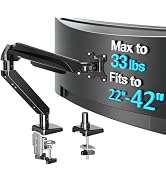
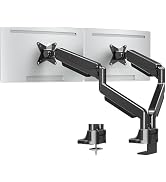
here!
here!
I’m your shopping assistant for PC builds, upgrades, and everything tech.
Got questions? Ask away!
Start a conversation
here!
I’m your shopping assistant for PC builds, upgrades, and everything tech.
Got questions? Ask away!
Start a conversation



Any questions? Ask CelesteSM will help you find out quickly.
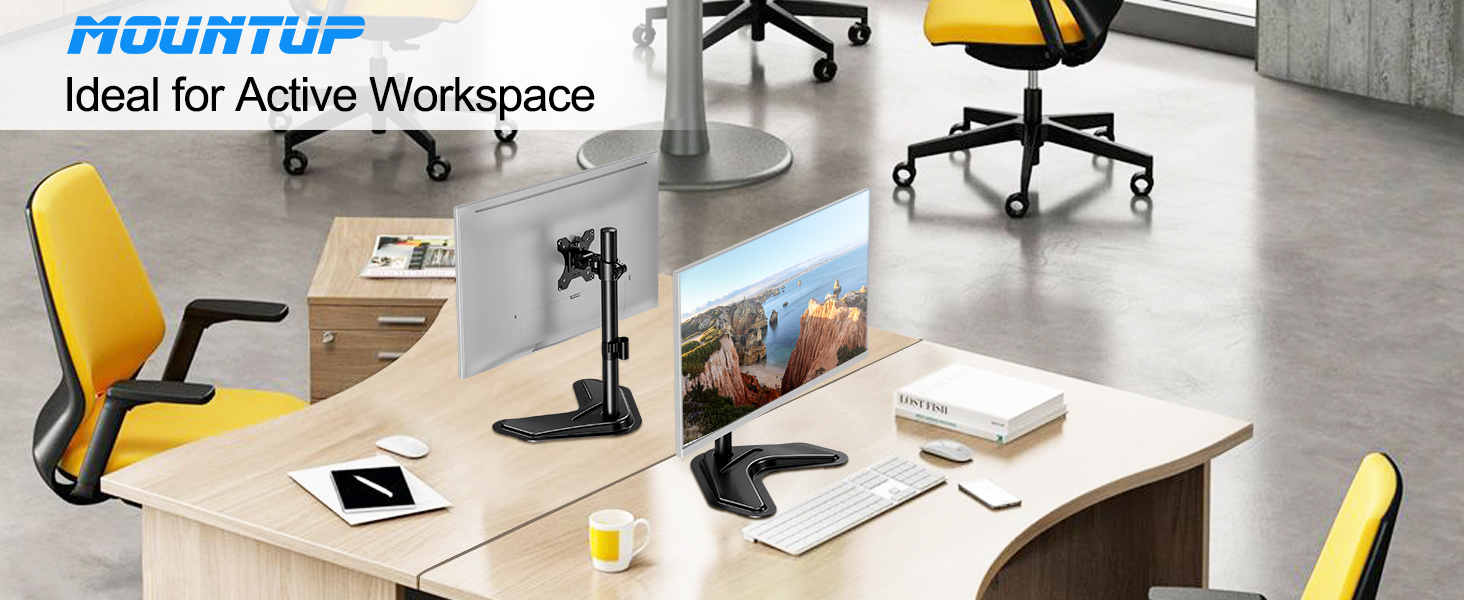
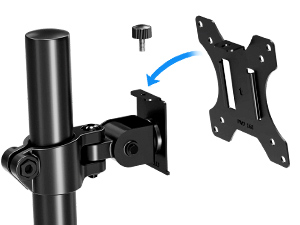
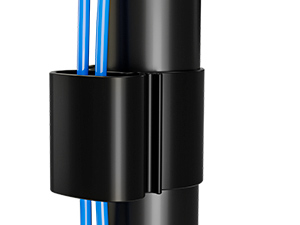
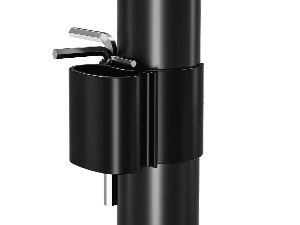
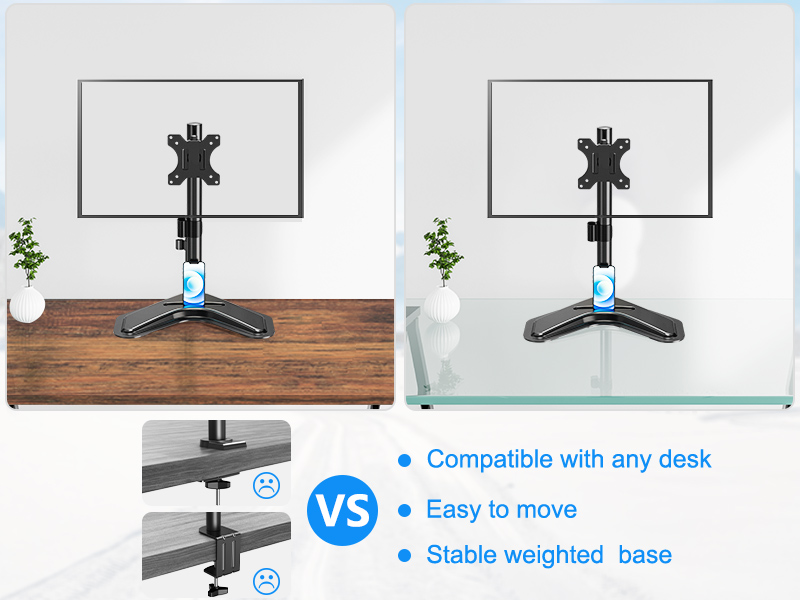
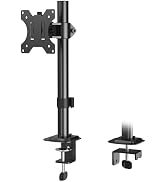
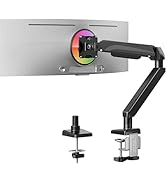
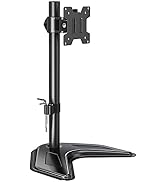
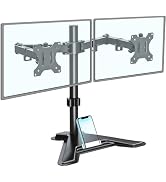
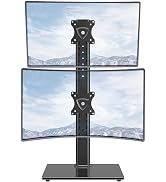
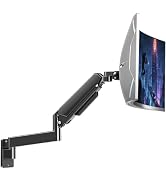
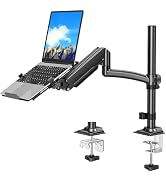
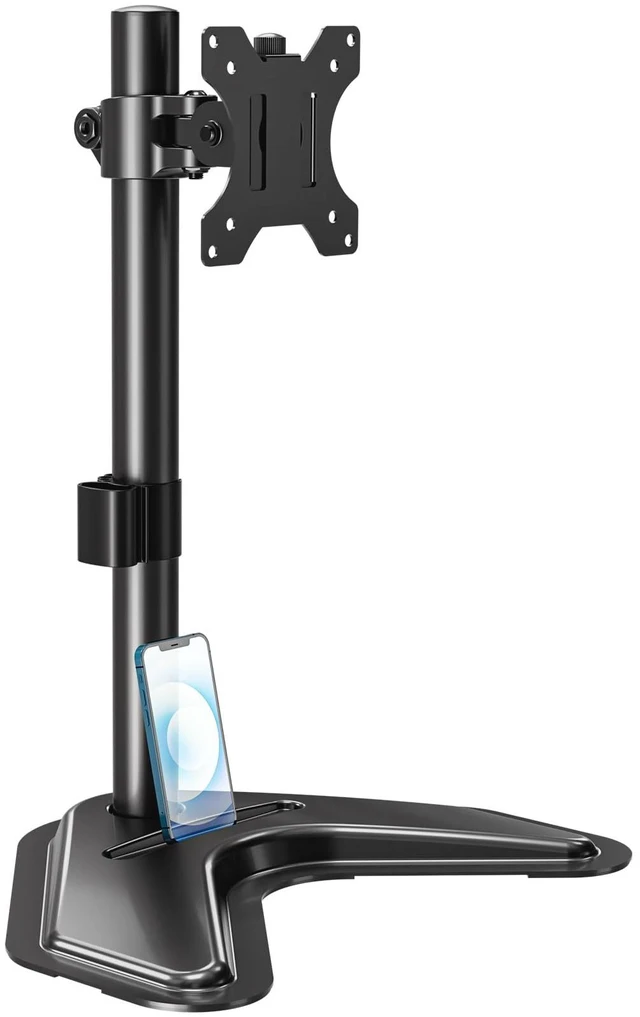
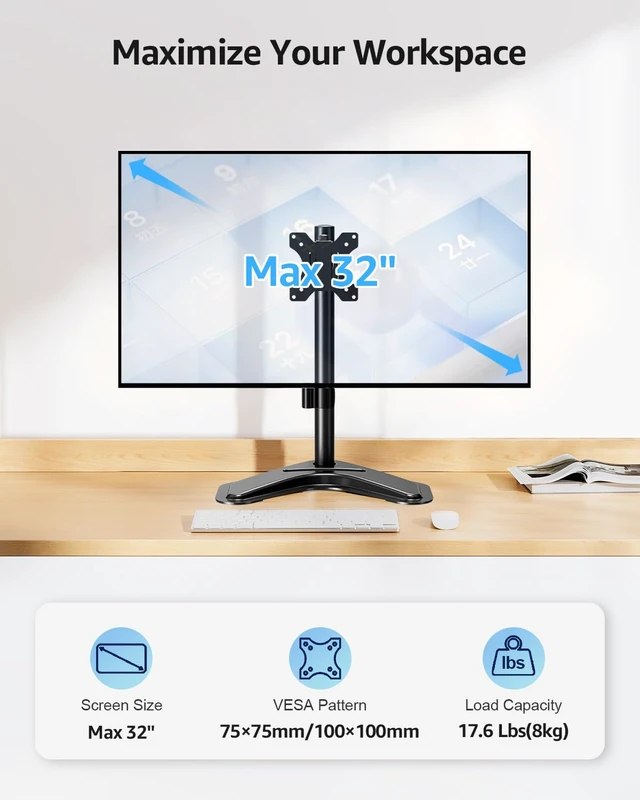
Free-standing design allows for increased flexibility and can be used in spaces that do not allow a clamp or grommet mount.
Based on ergonomics, provide a comfortable workstation.
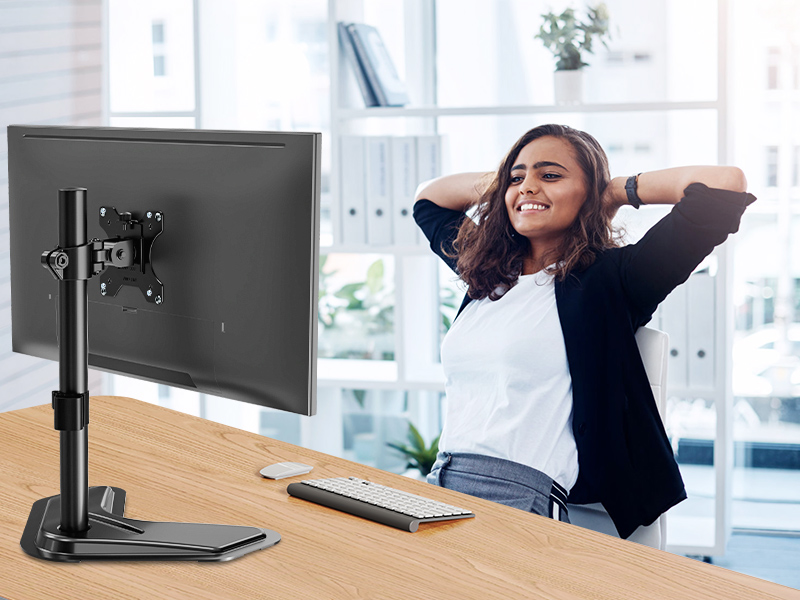
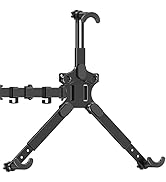
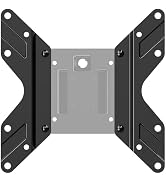
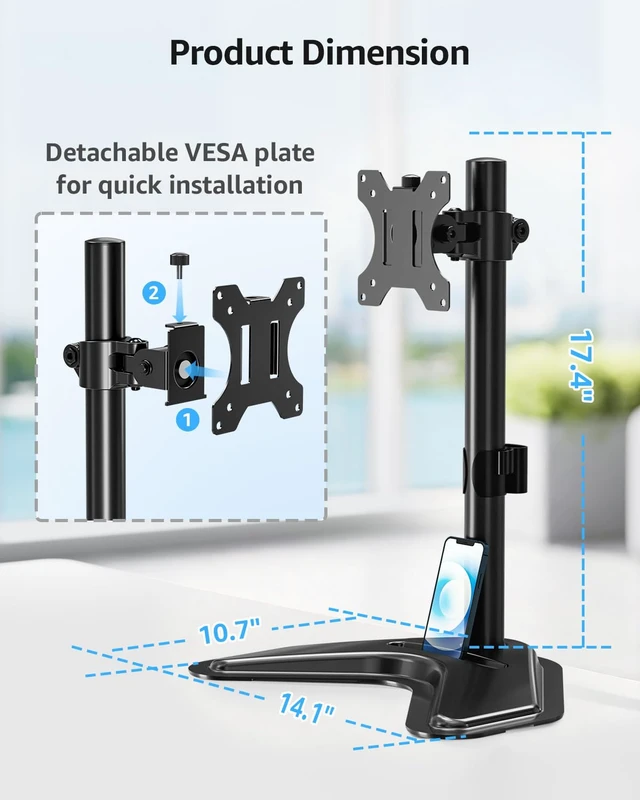
The VESA plate is oriented crookedly. How to solve it?
If the VESA plate is not positioned correctly, hold it with both hands and rotate it firmly until the arrow points upward. Please rest assured that this is normal.
What if the product is unstable after installation?
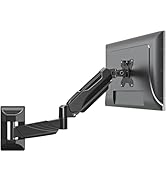
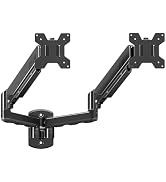
Please try to adjust the extension angle of the arm so that both arms can reach a balanced state.
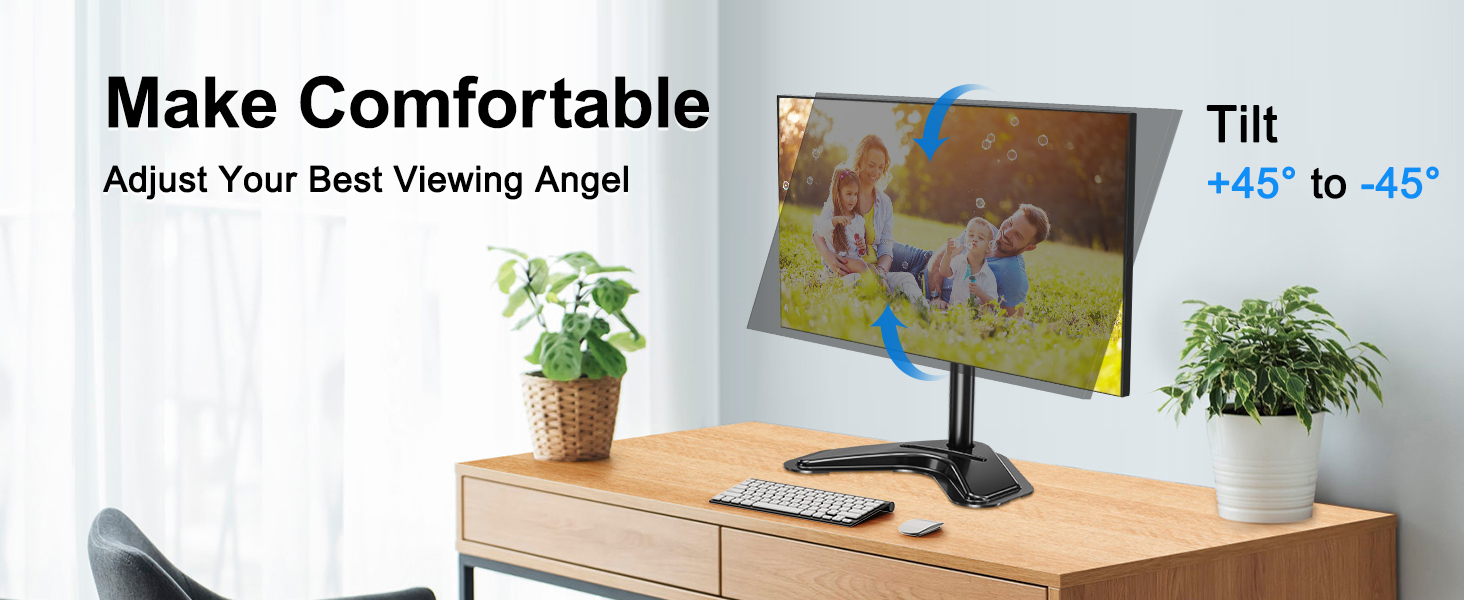
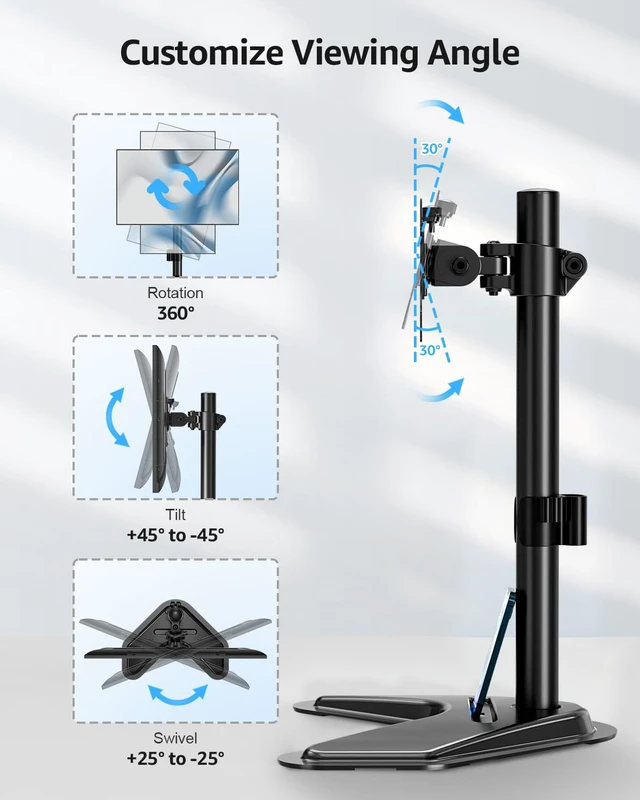
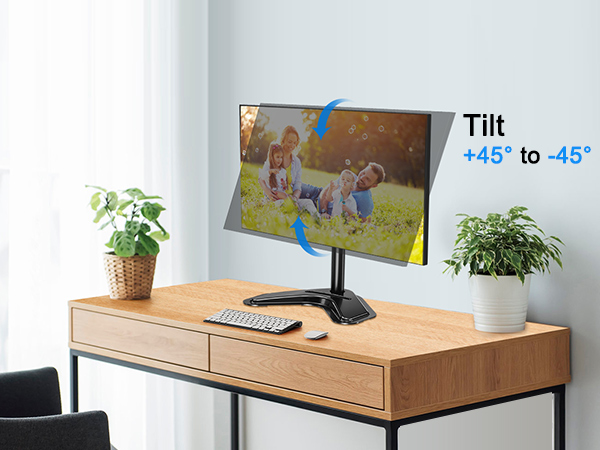
How to adjust the tilt angle?
1. Loosen the bolt 1-2 turns with the Allen Key
2. Hold the monitor with both hands and adjust it to the right position
3. Tighten the bolt firmly with the Allen Key
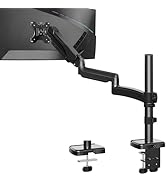
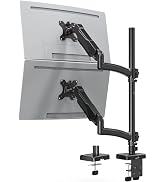
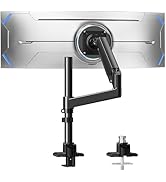
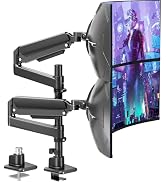
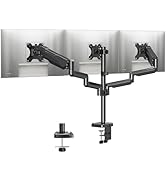
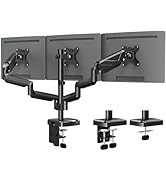
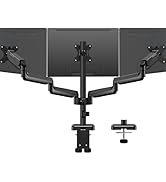
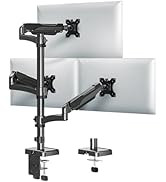
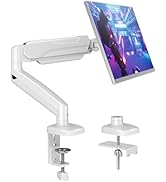
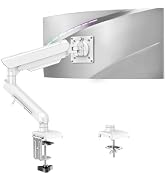
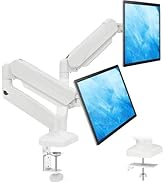
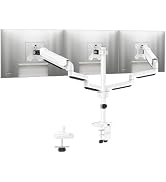
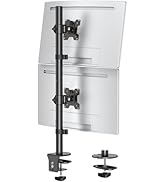
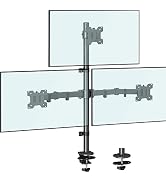
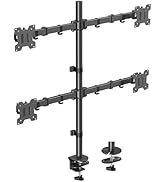
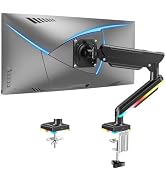
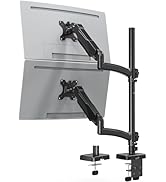
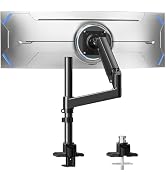
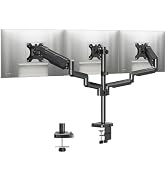
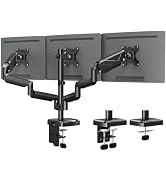
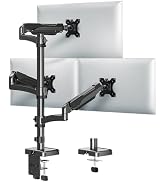
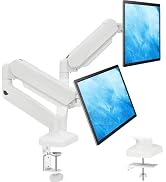
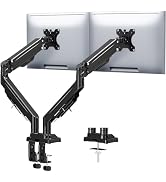
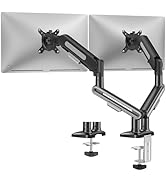
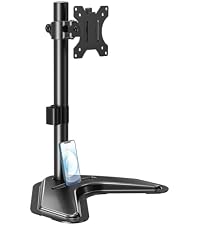 Freestanding Mount | 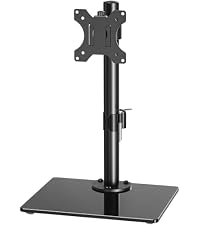 Freestanding Mount | 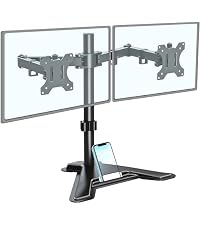 Dual Monitor Mount | 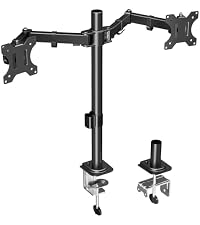 Dual Monitor Mount | 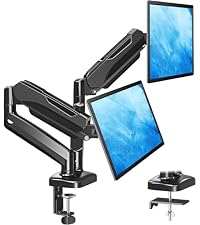 Dual Monitor Arm | 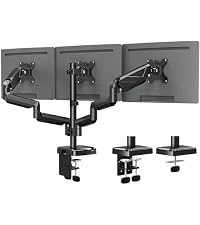 Triple Monitor Mount | |
|---|---|---|---|---|---|---|
Customer Reviews | — | — | — | — | — | — |
Price | — | — | — | — | — | — |
Screen Size | 13'' - 32" | 13'' - 32" | 13'' - 27" | 13'' - 32" | 13'' - 32" | 17'' - 27" |
Capacity | 17.6 lbs | 19.8 lbs | 17.6 lbs | 17.6 lbs | 19.8 lbs | 19.8 lbs |
VESA Mount | 75x75mm, 100x100mm | 75x75mm, 100x100mm | 75x75mm, 100x100mm | 75x75mm, 100x100mm | 75x75mm, 100x100mm | 75x75mm, 100x100mm |
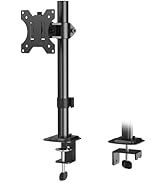
Fit Desk Thickness | / | / | / | 0.39" - 2.76" | 0.39" - 2.76" | 0.39" - 2.76" |
Tilt/Swivel/Rotation | ? | ? | ? | ? | ? | ? |
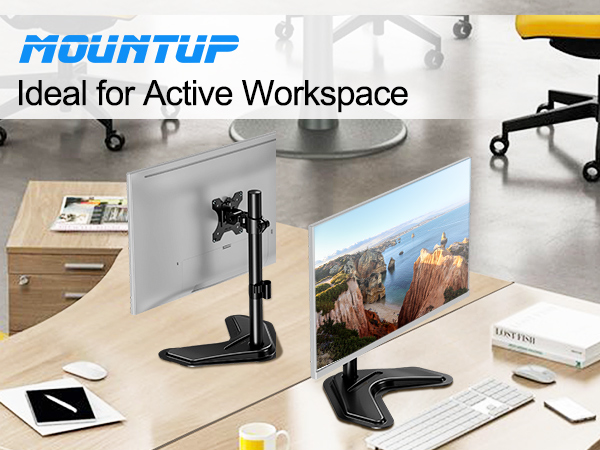
Relax your shoulders and neck, and help you improve your sitting posture.
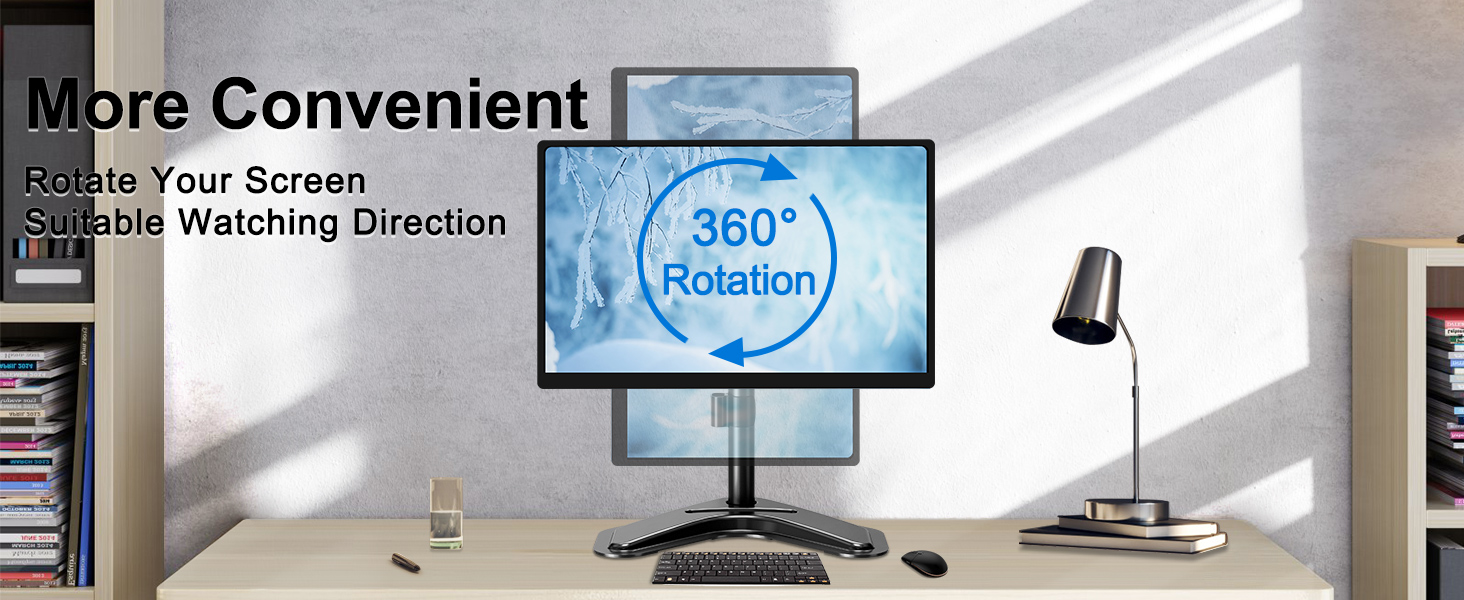
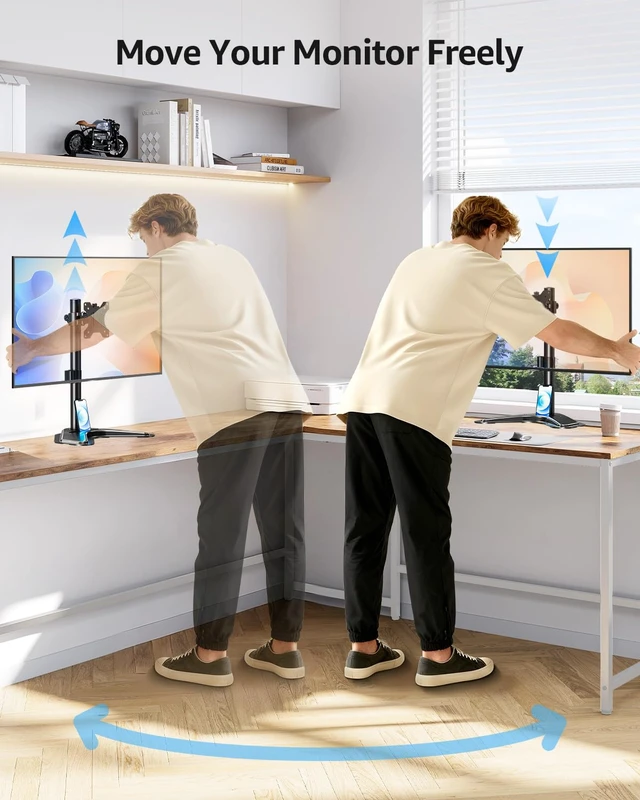
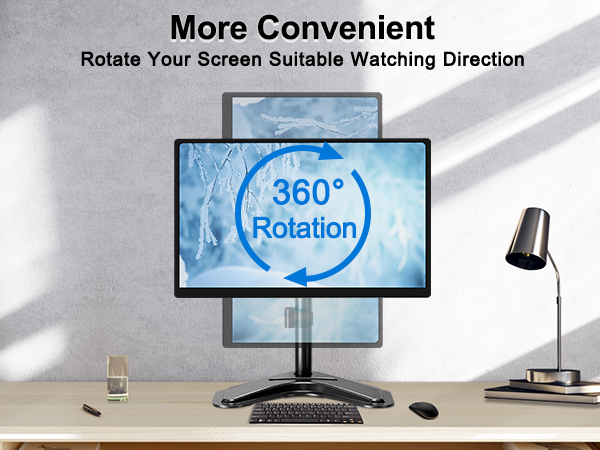
Rotate Your Screen Suitable Watching Direction
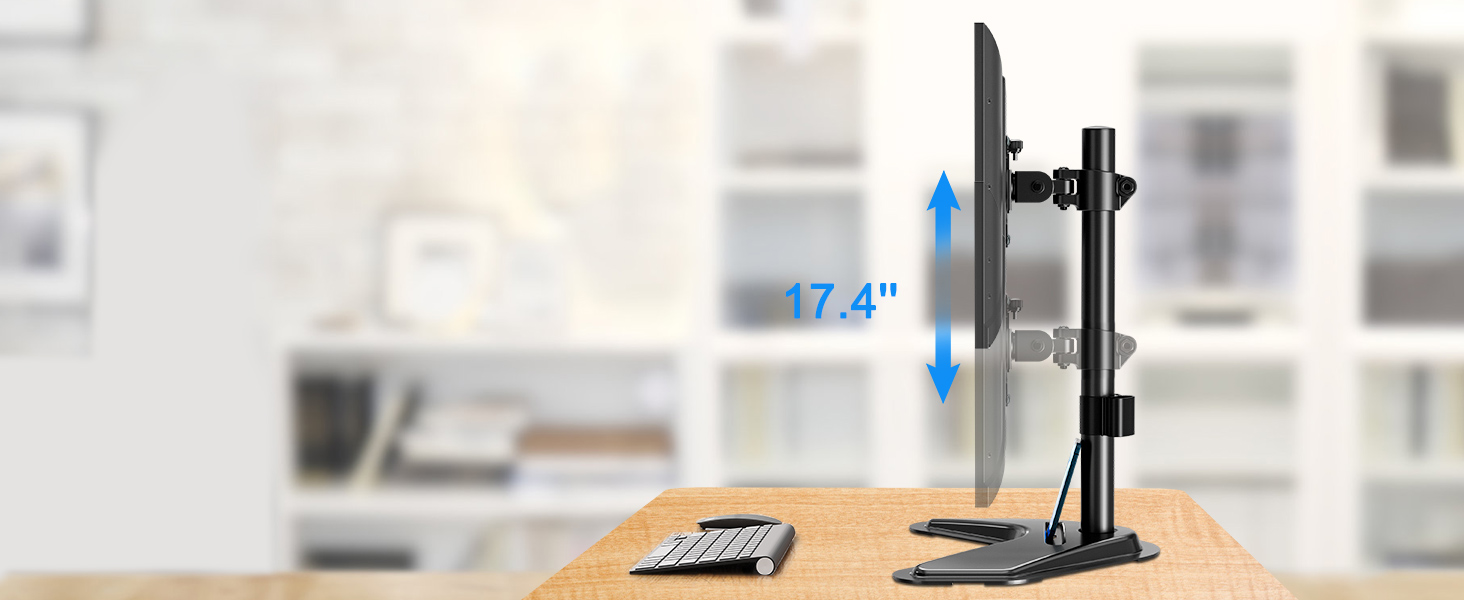
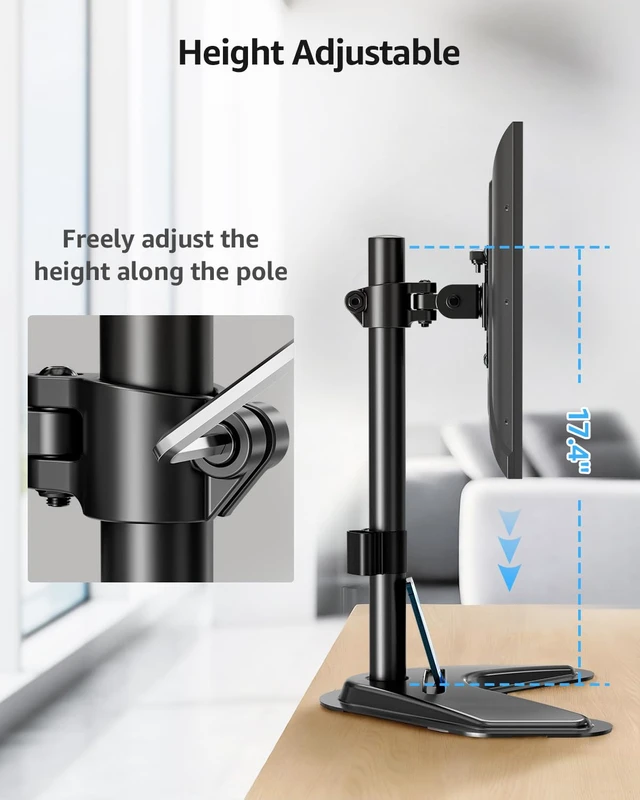
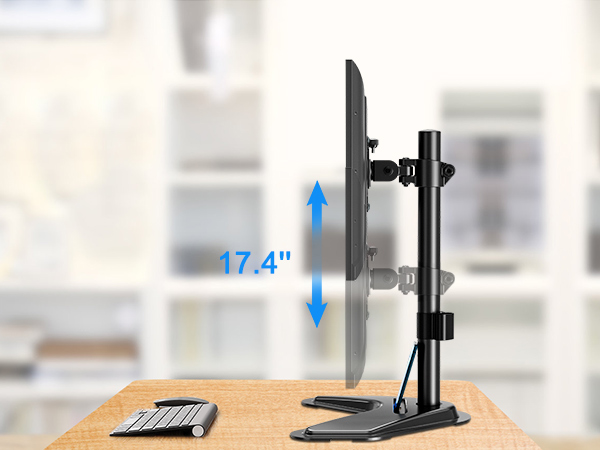
Rises, and down the mounting bracket on the pole to get a better viewing.
Free-standing design allows for increased flexibility and can be used in spaces that do not allow a clamp or grommet mount.
Based on ergonomics, provide a comfortable workstation.
The VESA plate is oriented crookedly. How to solve it?
If the VESA plate is not positioned correctly, hold it with both hands and rotate it firmly until the arrow points upward. Please rest assured that this is normal.
What if the product is unstable after installation?
Please try to adjust the extension angle of the arm so that both arms can reach a balanced state.
How to adjust the tilt angle?
1. Loosen the bolt 1-2 turns with the Allen Key
2. Hold the monitor with both hands and adjust it to the right position
3. Tighten the bolt firmly with the Allen Key
Freestanding Mount | Freestanding Mount | Dual Monitor Mount | Dual Monitor Mount | Dual Monitor Arm | Triple Monitor Mount |
|---|---|---|---|---|---|
| Customer Reviews | |||||
| — | — | — | — | — | — |
| Price | |||||
| — | — | — | — | — | — |
| Screen Size | |||||
| 13'' - 32" | 13'' - 32" | 13'' - 27" | 13'' - 32" | 13'' - 32" | 17'' - 27" |
| Capacity | |||||
| 17.6 lbs | 19.8 lbs | 17.6 lbs | 17.6 lbs | 19.8 lbs | 19.8 lbs |
| VESA Mount | |||||
| 75x75mm, 100x100mm | 75x75mm, 100x100mm | 75x75mm, 100x100mm | 75x75mm, 100x100mm | 75x75mm, 100x100mm | 75x75mm, 100x100mm |
| Fit Desk Thickness | |||||
| / | / | / | 0.39" - 2.76" | 0.39" - 2.76" | 0.39" - 2.76" |
| Tilt/Swivel/Rotation | |||||
| ? | ? | ? | ? | ? | ? |