here!
I’m your shopping assistant for PC builds, upgrades, and everything tech.
Got questions? Ask away!
Start a conversation
here!
I’m your shopping assistant for PC builds, upgrades, and everything tech.
Got questions? Ask away!
Start a conversation



Any questions? Ask CelesteSM will help you find out quickly.
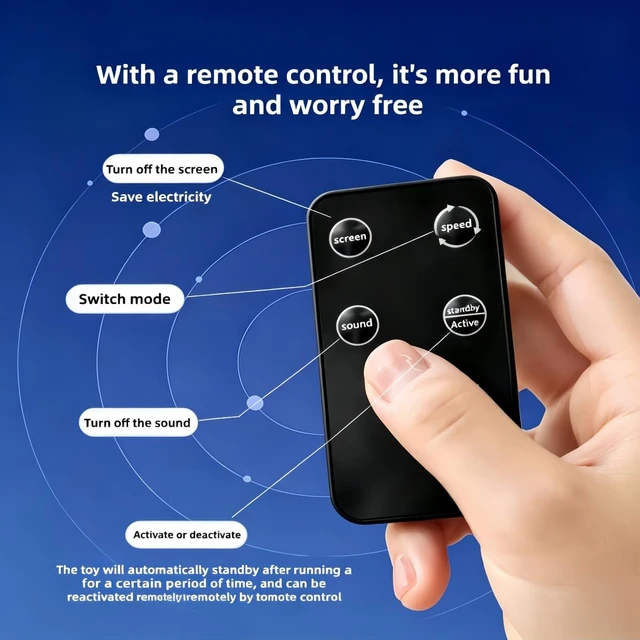
Please note: After playing for 10 minutes each time, it will automatically standby. If you want to continue playing, please use the remote control to activate it. Touching it can also activate it to continue playing. However, if the standby time exceeds 30 minutes, it cannot be activated and you need to manually press the power button for 2-3 seconds to turn it on
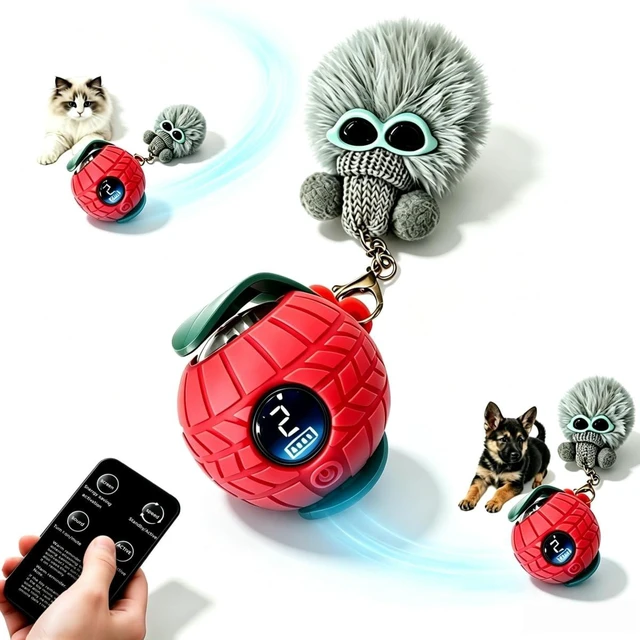
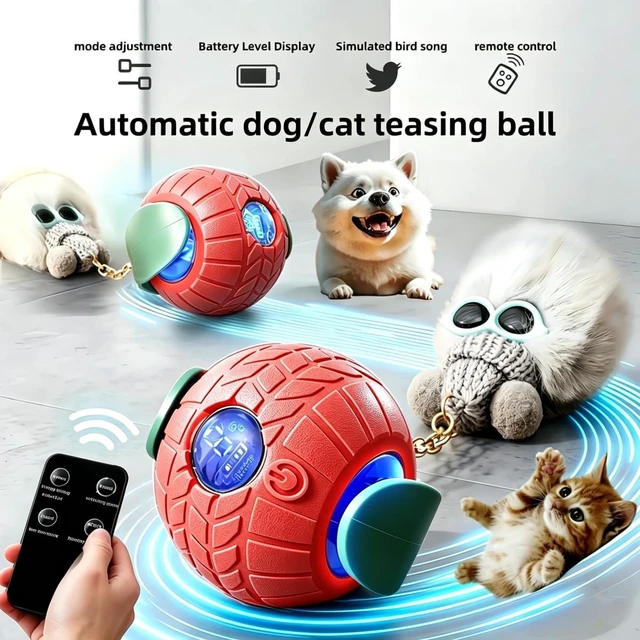
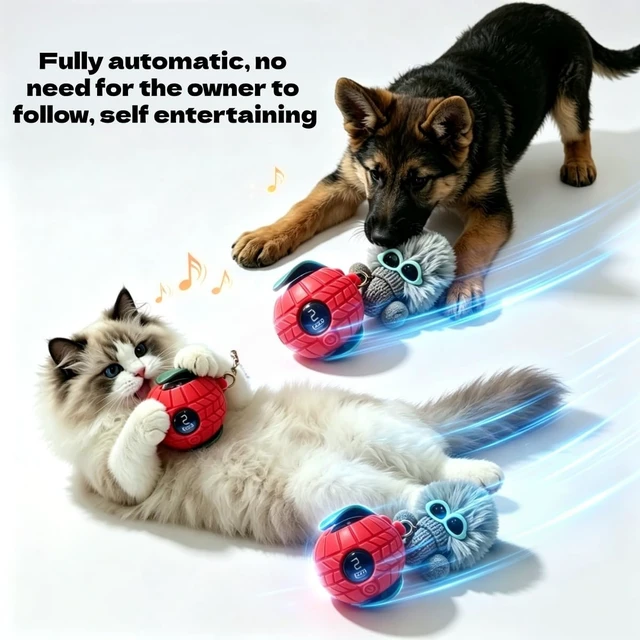
This upgraded pet toy ball works fully automatically. Simply turn it on and place it on the floor, then you can leave it unattended. It rolls around on its own without your supervision and changes direction automatically when hitting obstacles.
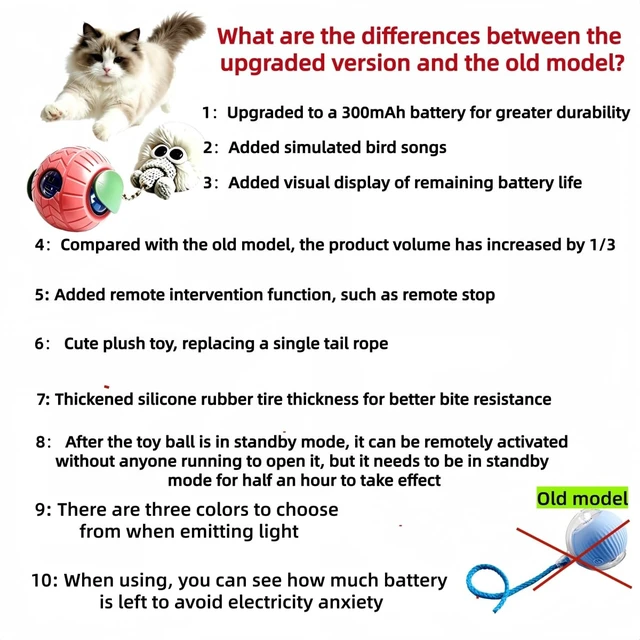
We have replaced the unattractive rat-shaped design with a cute plush doll. The plush accessory can also trigger the hunting instinct of both cats and dogs. It is a fun and practical companion to entertain your pets and keep them physically active.
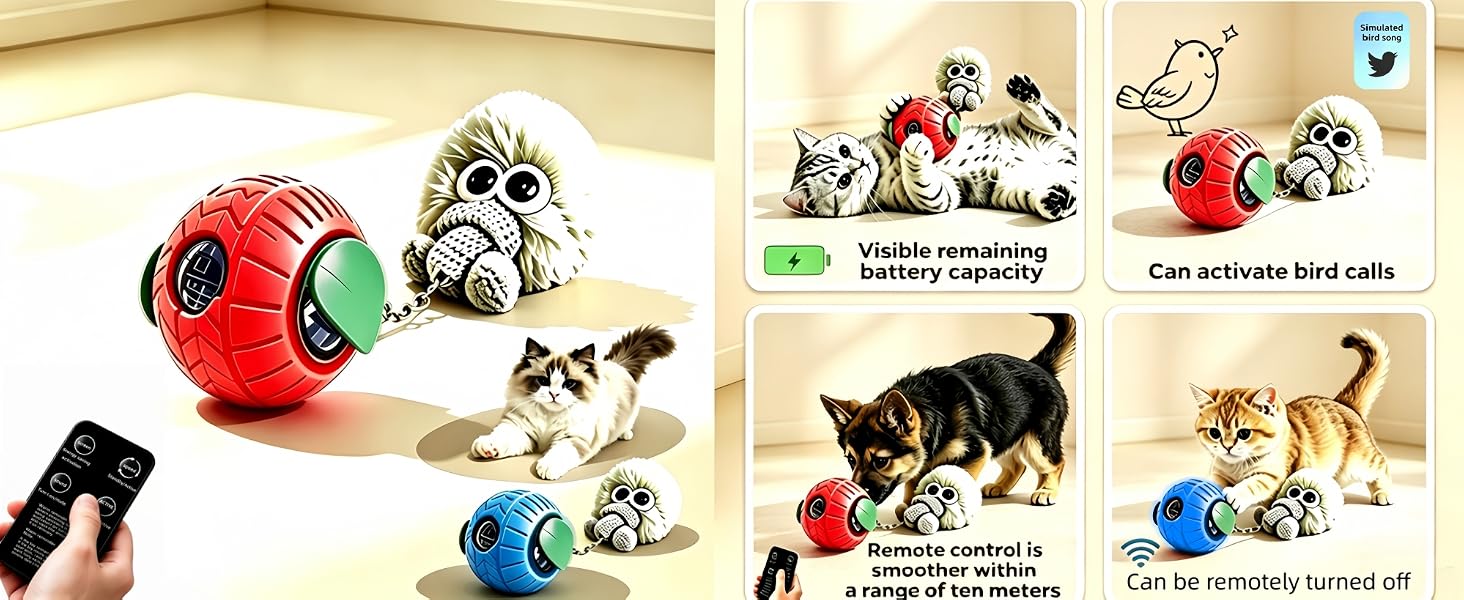
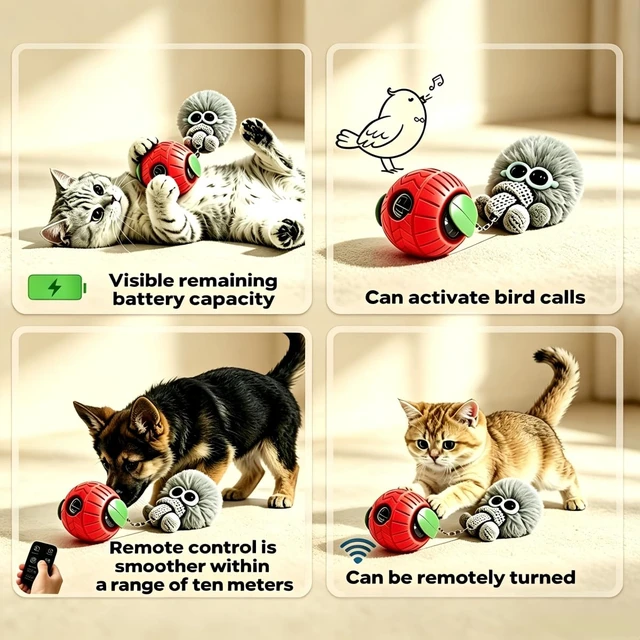
The screen on the pet toy ball can display the remaining battery level, mode, and other content. If you want to turn on the energy-saving mode, you can also turn off the screen through the remote control
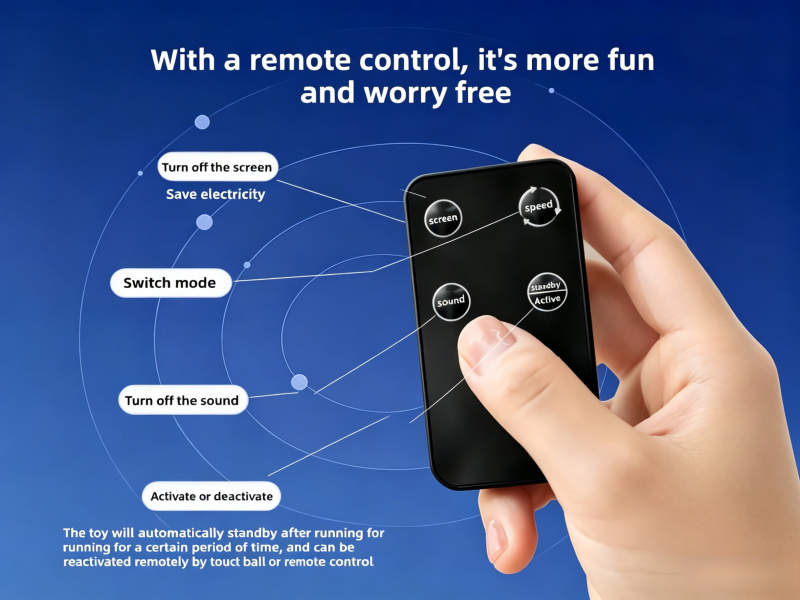
Within a distance of approximately ten meters, the pet toy ball can be remotely controlled with a remote control to stop, turn off/on lights, turn off/on sounds, and other functions, providing a more enjoyable and relaxing experience than regular pet toy balls
Please note that the pet toy ball cannot be controlled with the remote control when turned off, but can be used in standby or on mode
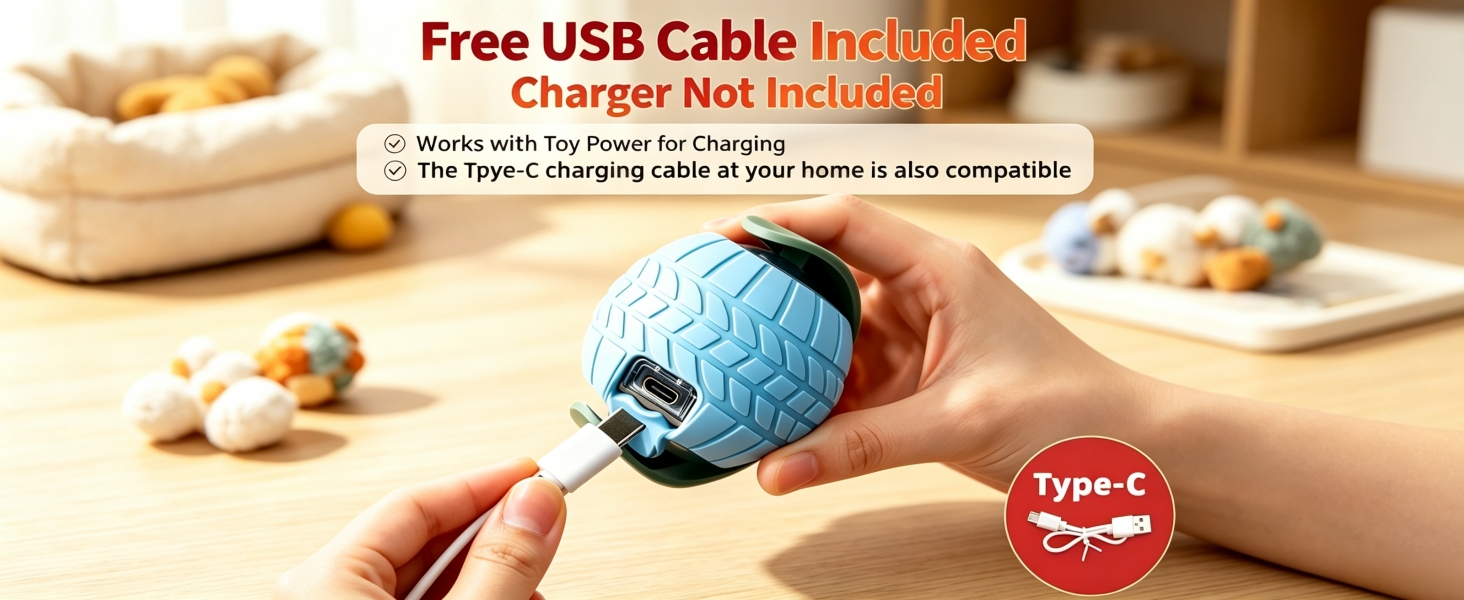
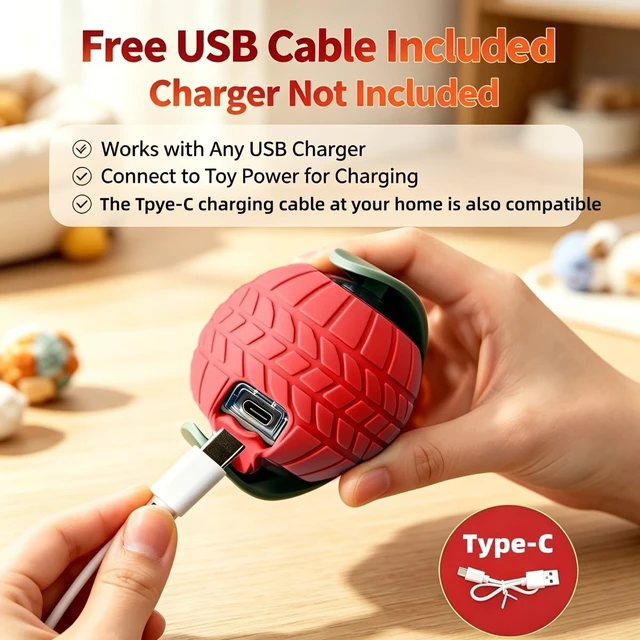
The effective usage time after being fully charged is 60-70 minutes. During charging, the screen can display the charging status. This photo is for reference only. The actual length of the data cable is about 7.9 inches, and your home data cable can also be used as a substitute
Why do you only hear the sound of gears, but the toy ball doesn't run
Occasionally, due to excessive impact on the wall corner, the wheel's foot may come off, and it only needs to be pried open and put back in place
Why can't it boot up
To turn on the device, you need to press and hold the power button for 2-3 seconds before releasing it. Also, if the charging cable is plugged in, the device cannot be turned on
Please note: After playing for 10 minutes each time, it will automatically standby. If you want to continue playing, please use the remote control to activate it. Touching it can also activate it to continue playing. However, if the standby time exceeds 30 minutes, it cannot be activated and you need to manually press the power button for 2-3 seconds to turn it on
This upgraded pet toy ball works fully automatically. Simply turn it on and place it on the floor, then you can leave it unattended. It rolls around on its own without your supervision and changes direction automatically when hitting obstacles.
We have replaced the unattractive rat-shaped design with a cute plush doll. The plush accessory can also trigger the hunting instinct of both cats and dogs. It is a fun and practical companion to entertain your pets and keep them physically active.
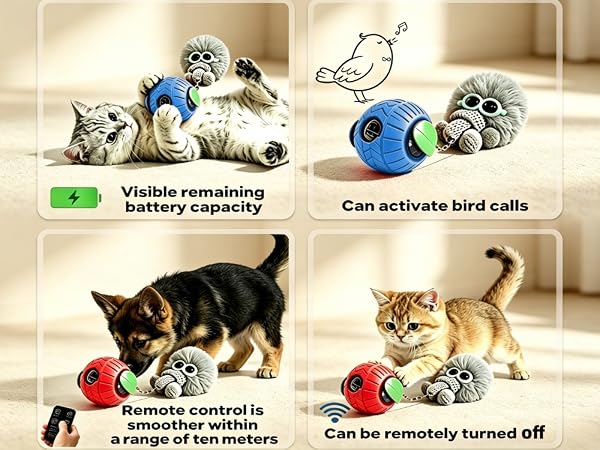
The screen on the pet toy ball can display the remaining battery level, mode, and other content. If you want to turn on the energy-saving mode, you can also turn off the screen through the remote control
Within a distance of approximately ten meters, the pet toy ball can be remotely controlled with a remote control to stop, turn off/on lights, turn off/on sounds, and other functions, providing a more enjoyable and relaxing experience than regular pet toy balls
Please note that the pet toy ball cannot be controlled with the remote control when turned off, but can be used in standby or on mode
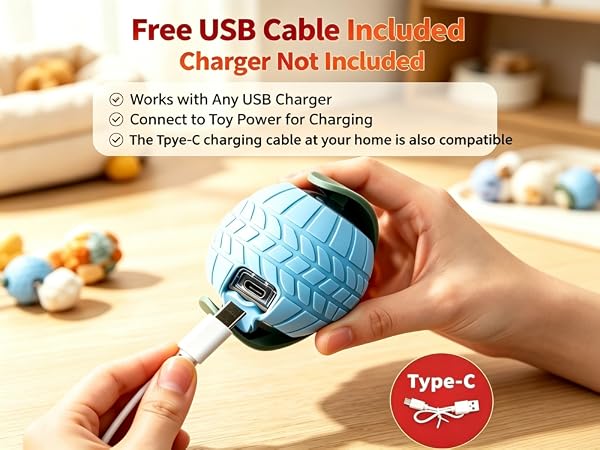
The effective usage time after being fully charged is 60-70 minutes. During charging, the screen can display the charging status. This photo is for reference only. The actual length of the data cable is about 7.9 inches, and your home data cable can also be used as a substitute
Why do you only hear the sound of gears, but the toy ball doesn't run
Occasionally, due to excessive impact on the wall corner, the wheel's foot may come off, and it only needs to be pried open and put back in place
Why can't it boot up
To turn on the device, you need to press and hold the power button for 2-3 seconds before releasing it. Also, if the charging cable is plugged in, the device cannot be turned on