here!
I’m your shopping assistant for PC builds, upgrades, and everything tech.
Got questions? Ask away!
Start a conversation
here!
I’m your shopping assistant for PC builds, upgrades, and everything tech.
Got questions? Ask away!
Start a conversation




Any questions? Ask CelesteSM will help you find out quickly.
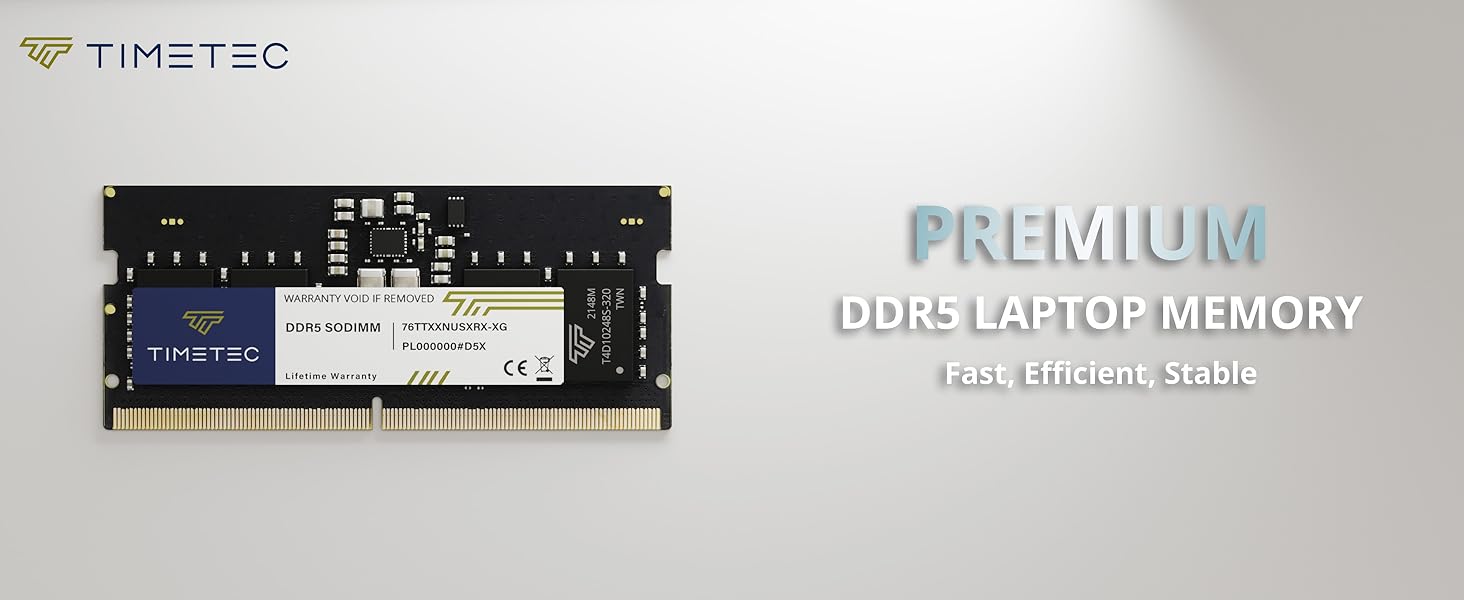
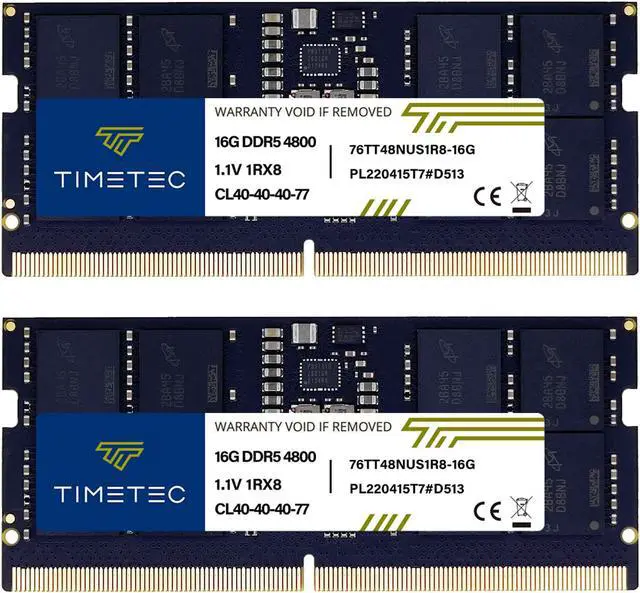
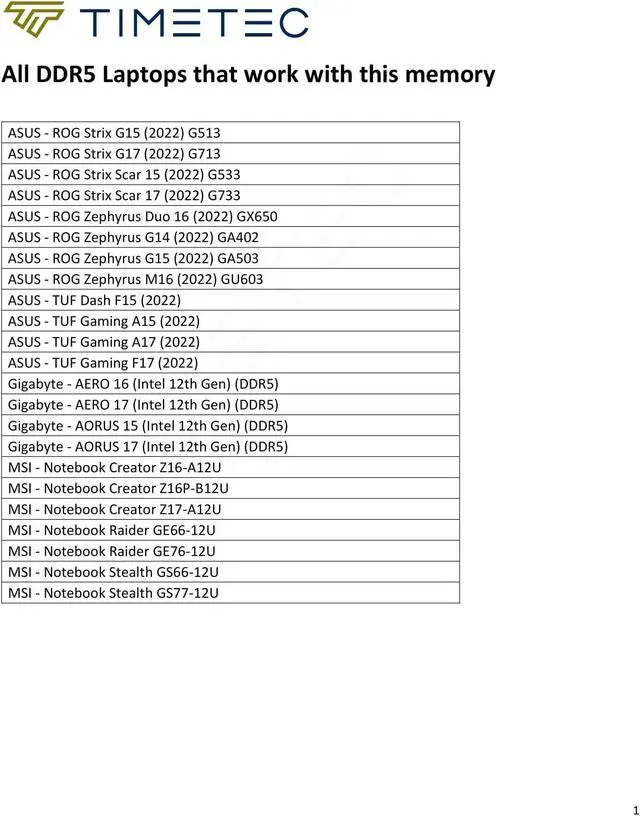
Timetec DDR5 module is optimized for the latest DDR5 systems and offers higher frequencies, greater bandwidth, and lower power consumption than DDR4 modules. It's compatibility-tested across DDR5 systems for reliably fast performance.
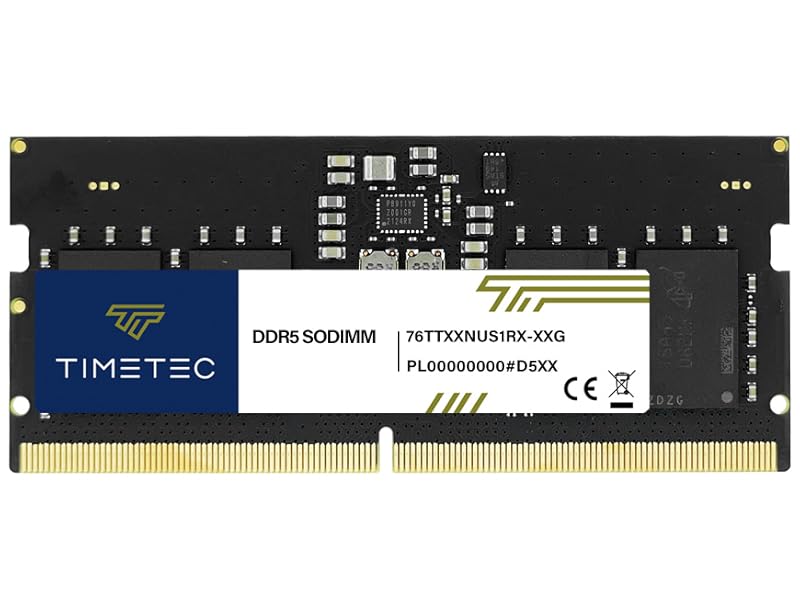
| Module Type | DDR5 262 Pin Non-ECC Unbuffered SO-DIMM |
|---|---|
| Frequency | 4800MHz / 5600MHz |
| Latency | CL40-40-40-77 / CL46-46-46-90 |
| Capacity | 8GB, 16GB, 32GB |
| Data Transfer | 38,400MB/s (PC5 38400) / 44,800MB/s PC5-44800 |
| Voltage | 1.1V |
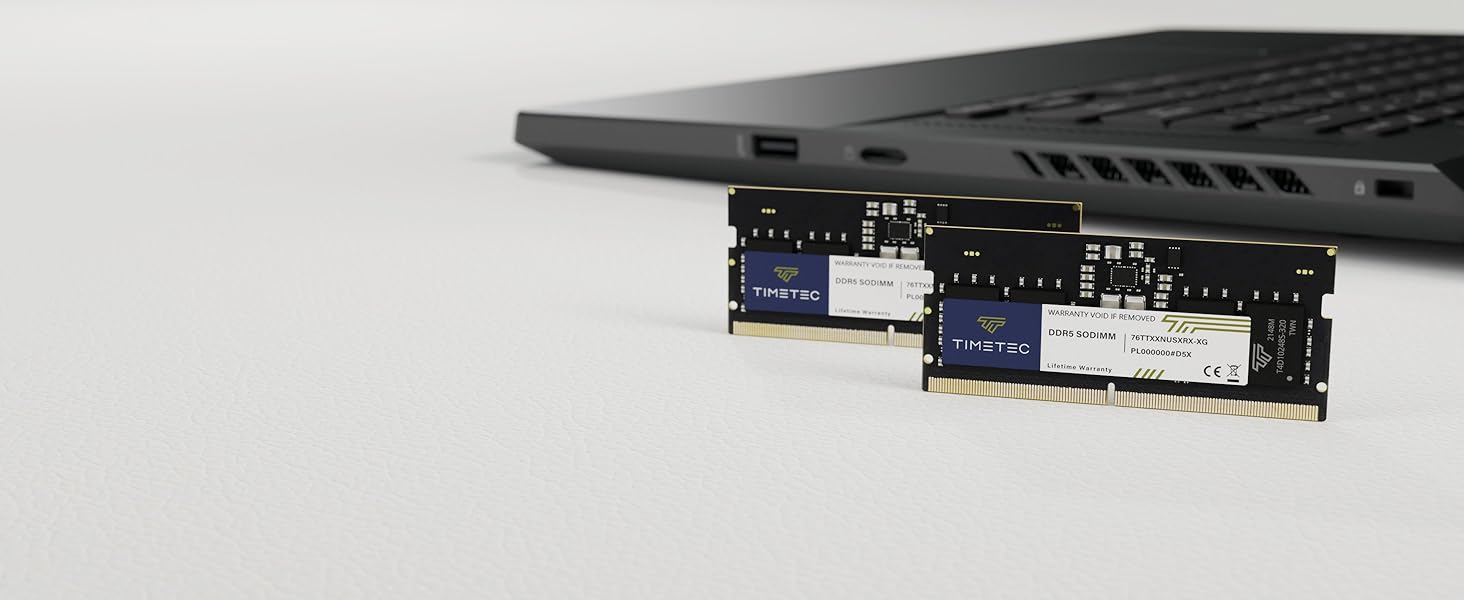
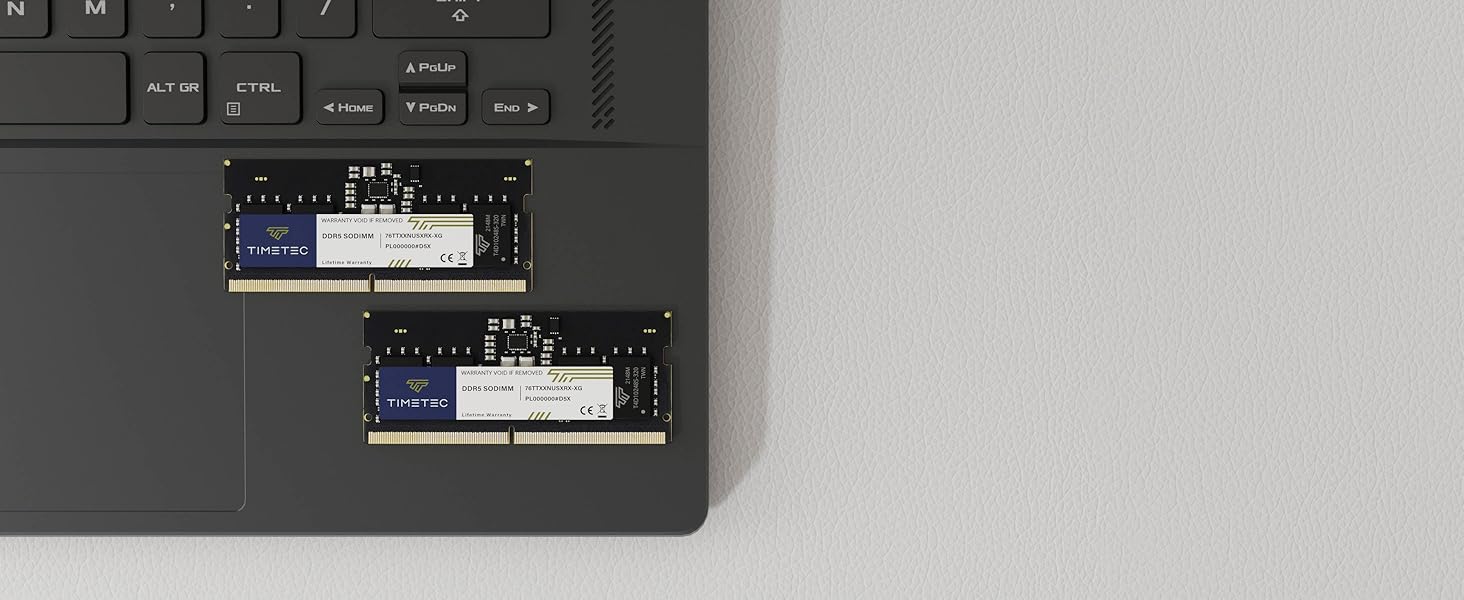
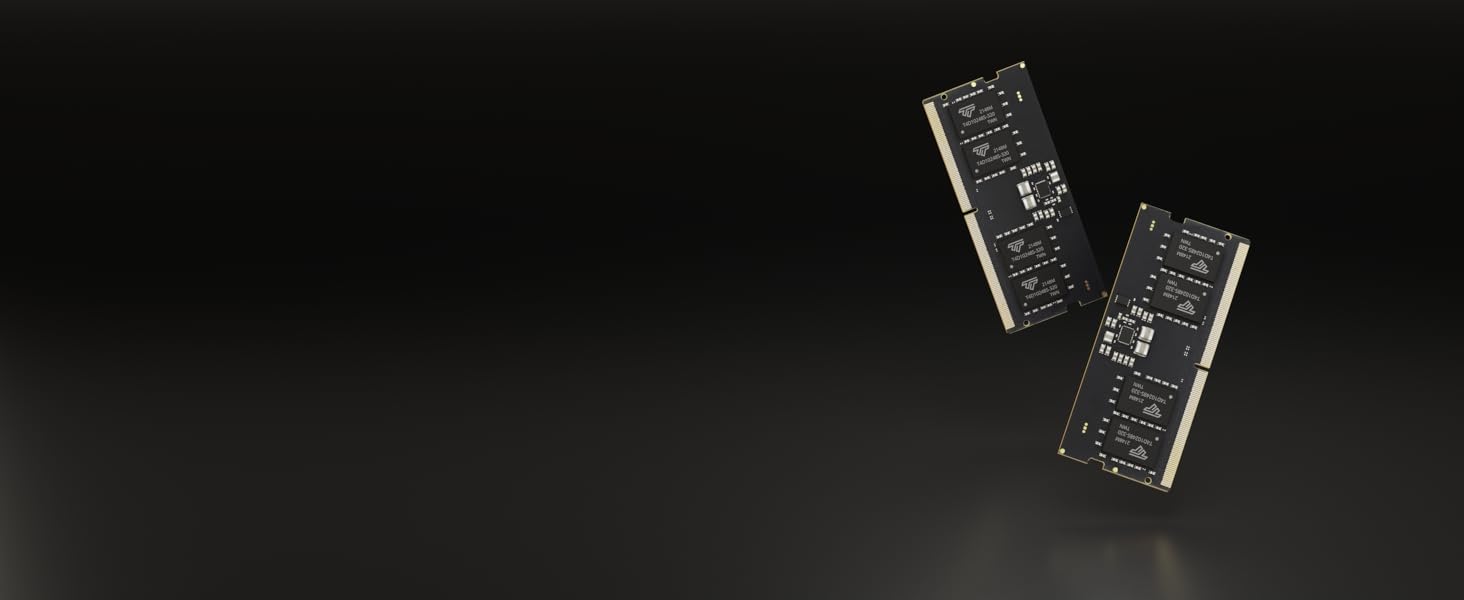
Timetec’s 32GB DDR5-4800 laptop memory kit includes two 16GB 262-pin SO-DIMM modules, making it suitable for upgrading compatible DDR5 laptops that use two memory slots.