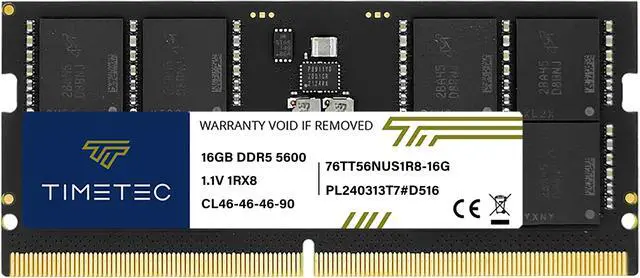
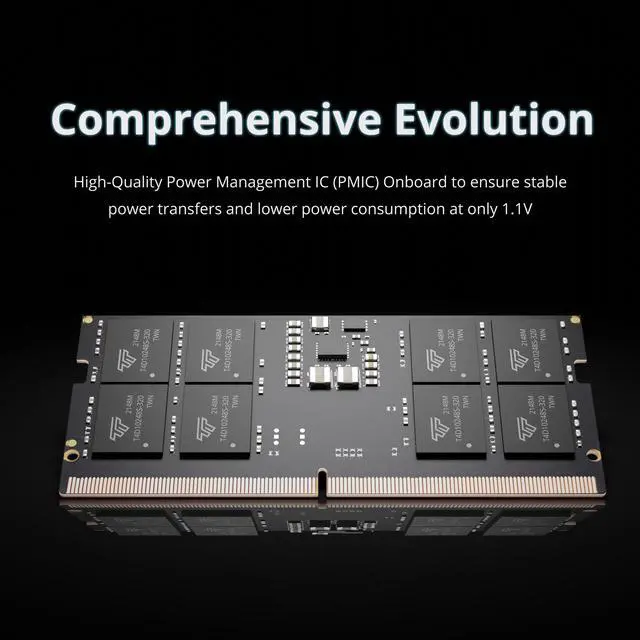
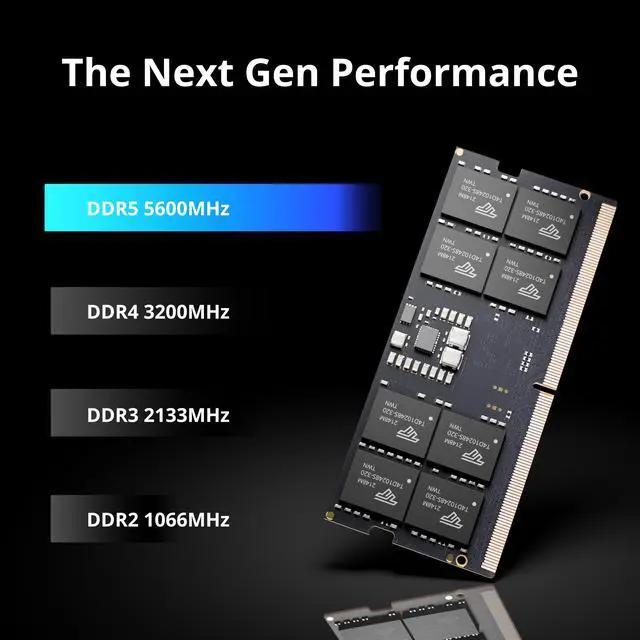
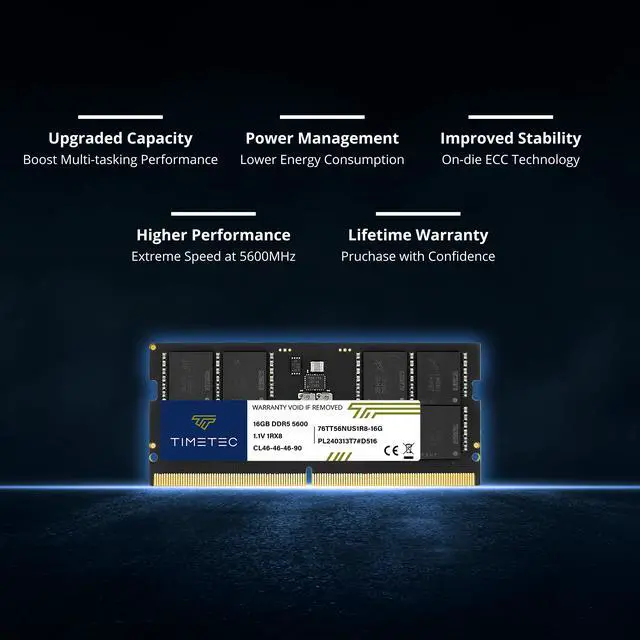
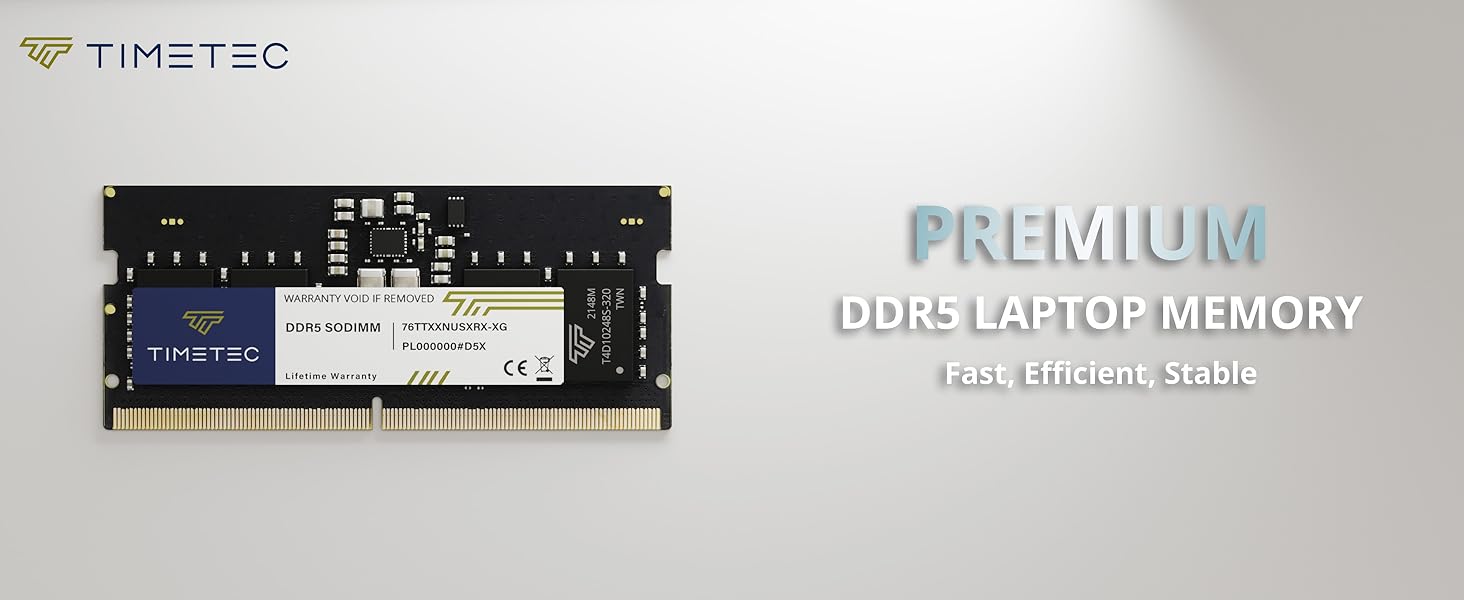
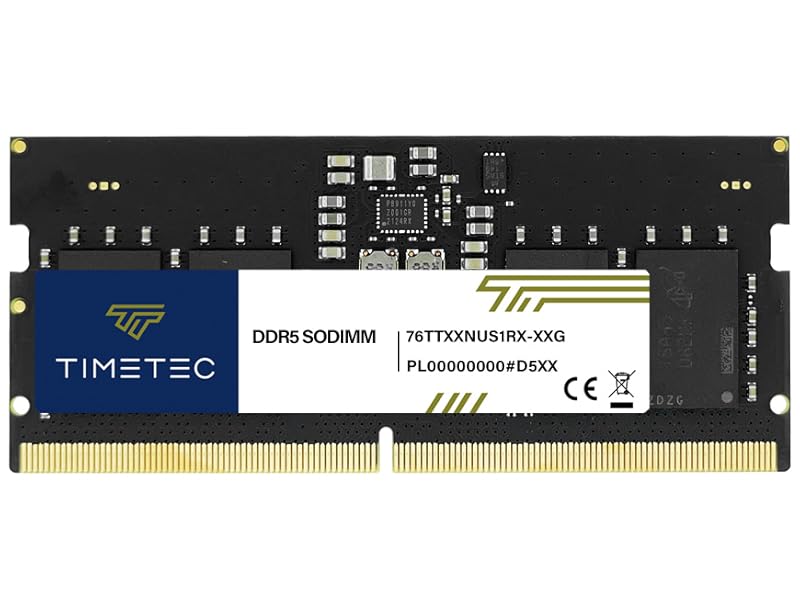
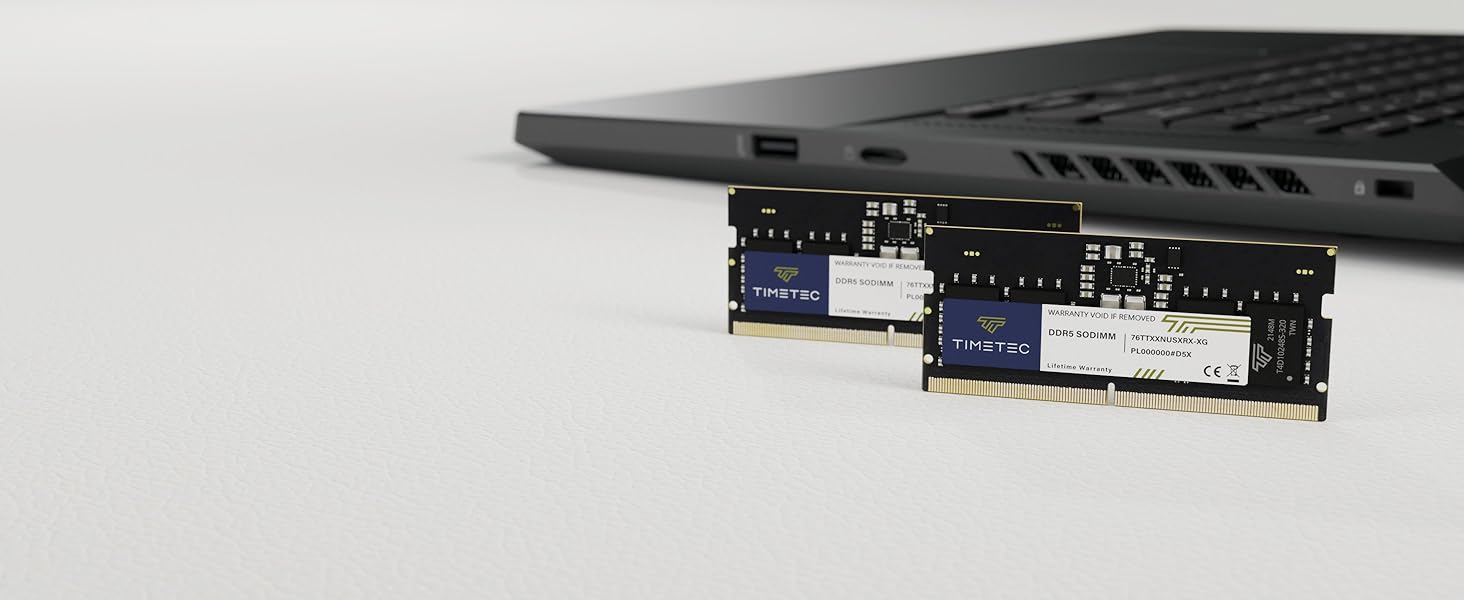
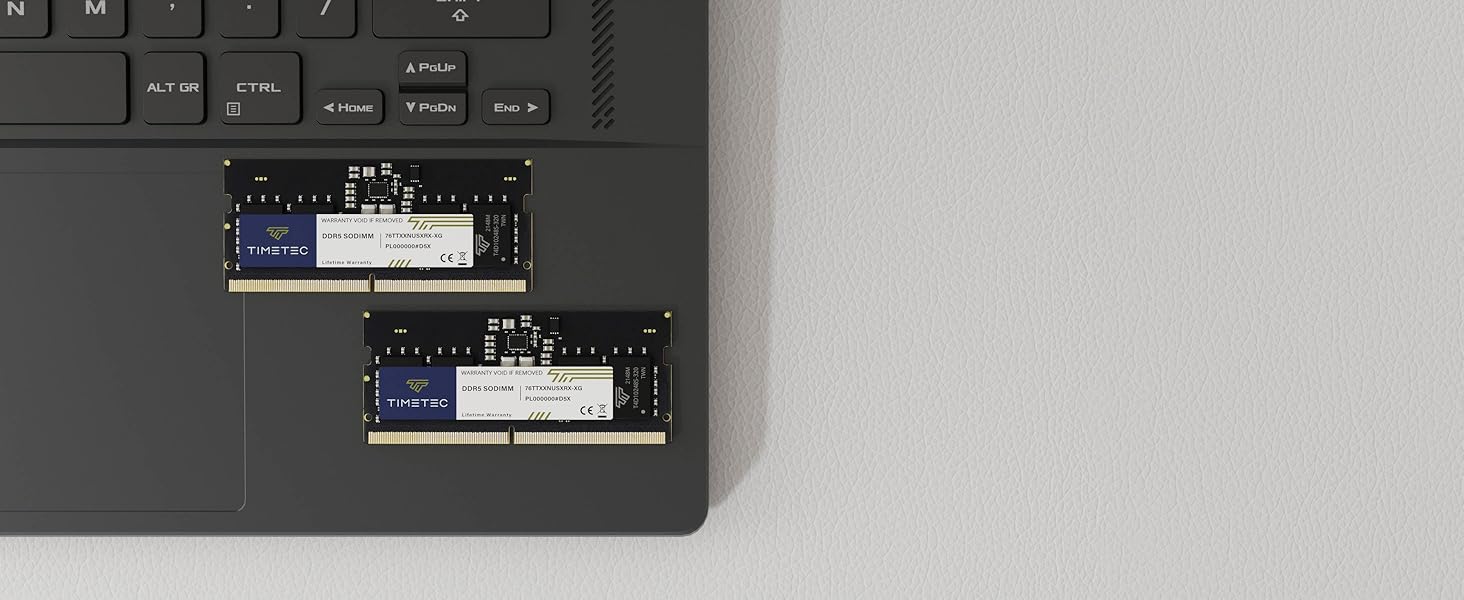
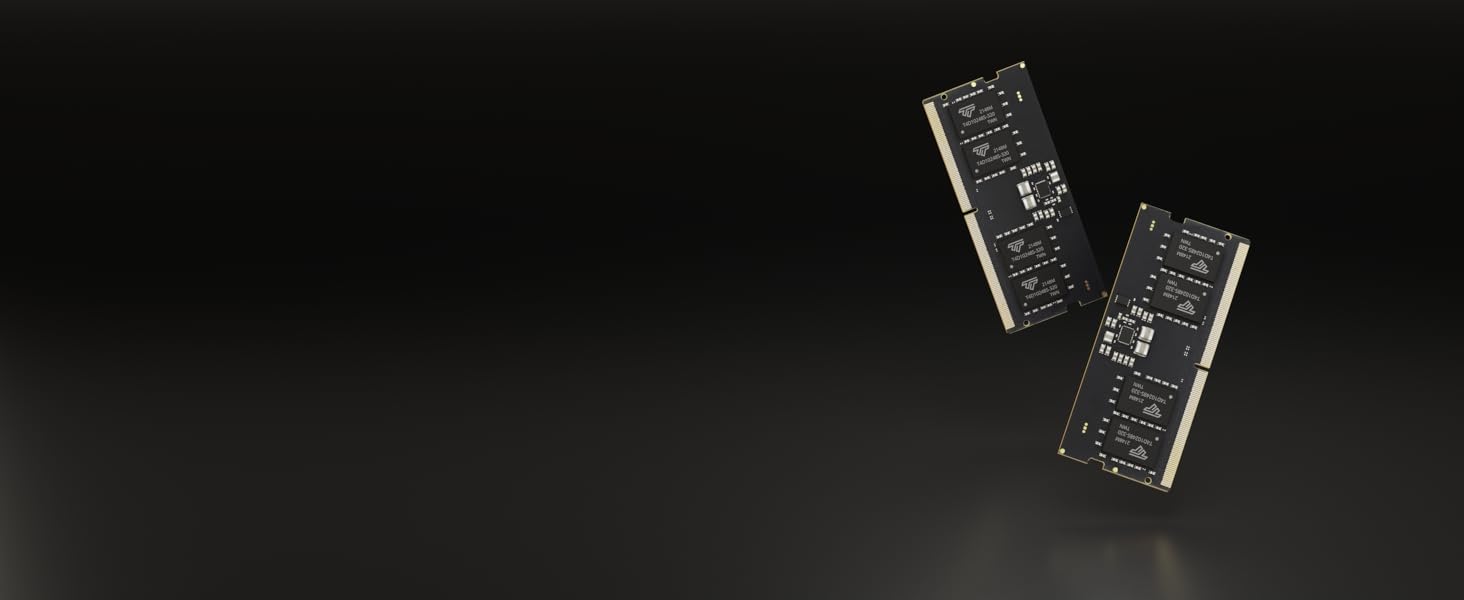
Timetec 16GB DDR5-5600 SO-DIMM is a single-module laptop memory upgrade for users with a compatible DDR5 laptop who want 16GB of RAM running at 5600MHz; it is not compatible with DDR4 systems.
Recommended For
- Owners of an upgradeable DDR5 laptop who want to add memory for heavier everyday multitasking—such as keeping many browser tabs, office apps, and video calls open together—provided their laptop supports a 16GB DDR5 SO-DIMM.
- Students and remote workers upgrading a compatible laptop for a mix of coursework or work apps, research tabs, and calls, especially when the laptop has an open SO-DIMM slot and its current memory is limiting multitasking.
- Laptop owners planning a gradual memory upgrade who want to install one 16GB DDR5 SO-DIMM now and consider a second compatible module later; check the laptop’s memory limits and module requirements first.
- People replacing an undersized or failed memory module in a laptop that accepts DDR5 SO-DIMMs and supports this module’s capacity and speed.
Real-World Use Scenarios
- When a compatible laptop runs short on memory during everyday work, installing this module as a replacement or addition can help keep browser tabs, documents, email, and video calls open together with fewer slowdowns from memory pressure. The result depends on the laptop’s existing RAM and supported configuration.
- For gaming while Discord, a browser, or music is running in the background, adding memory can help if those apps and the game are exceeding the laptop’s current capacity. It may reduce memory-related slowdowns, but this single module does not guarantee higher frame rates; game, graphics hardware, and memory configuration matter.
- For light photo editing or smaller video projects alongside other open apps, adding memory can give the laptop more room to manage the project and background tasks. Larger video, effects-heavy, or professional workflows may need more total memory, so the outcome depends on the laptop’s capacity after installation.
- On a laptop with integrated graphics, games and graphics workloads share system memory with the processor. If the laptop supports the resulting memory capacity and configuration, this upgrade may help a memory-constrained system; it is not a guaranteed graphics-performance boost.




 here!