






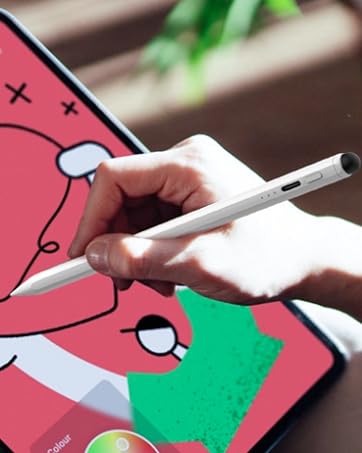
Dual-tip Fast Charging Stylus
The latest upgraded dual-tip design, 13 mins fast charging, 9 hours of ultra-long standby, bring you a different using experience.
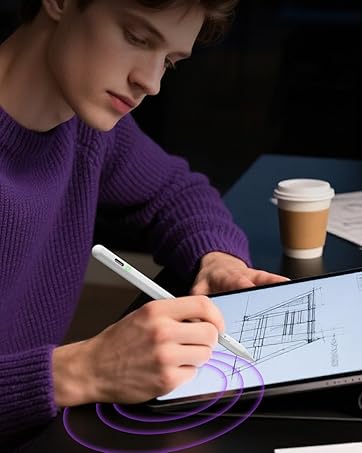
Dual-Mode Active Stylus
One stylus pencil for All touchscreen device, including iPad, iPhone, iWatch, Smartphone, Tablets and other Capacitive screen.

2-in-1 Stylus for Touch screen
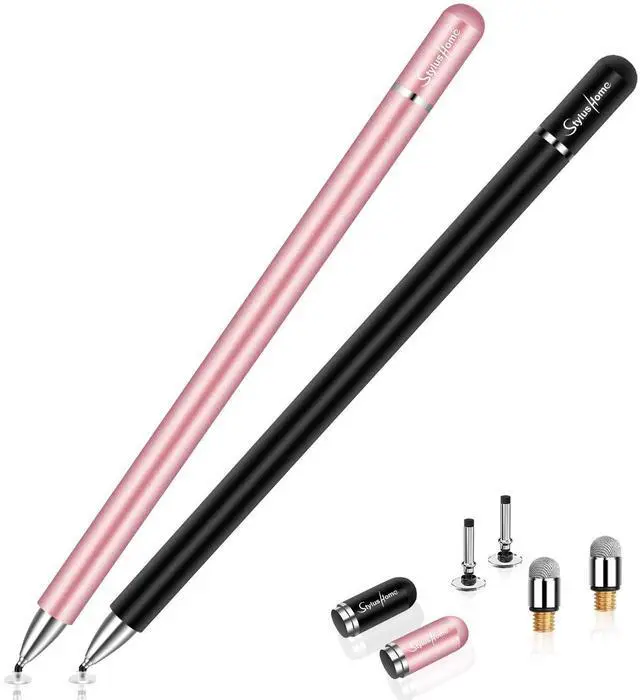
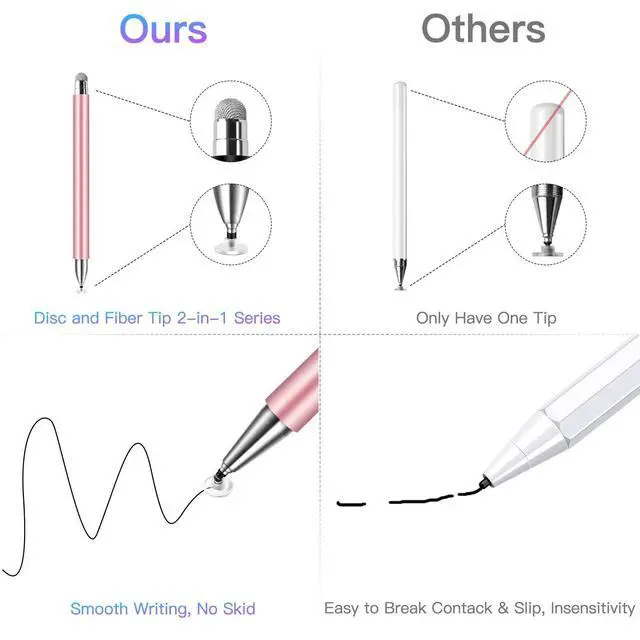
2-in-1 touch screen stylus, disc tip lets you write exactly where you place it, fiber tip is ideal for tapping, coloring and rolling.

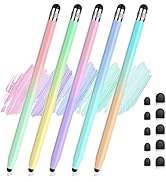
5 Pack - Macaron Color Stylus
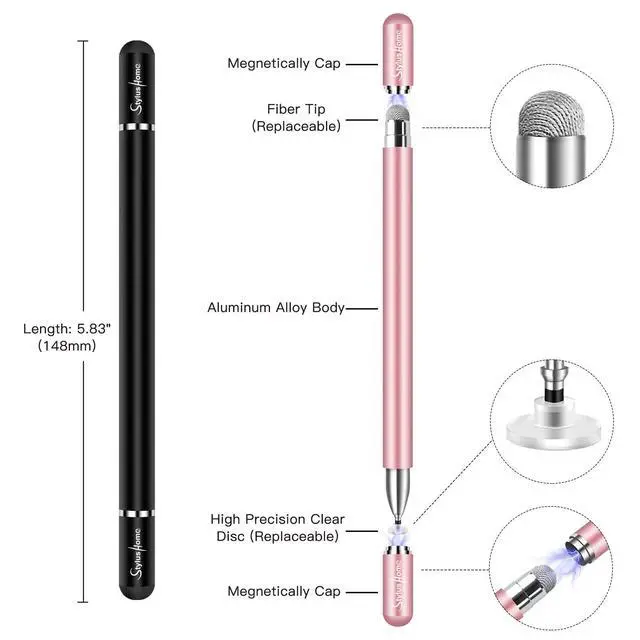
It is made of high-quality aluminum alloy, providing a comfortable & stable grip,which can enhance your writing and drawing experience.
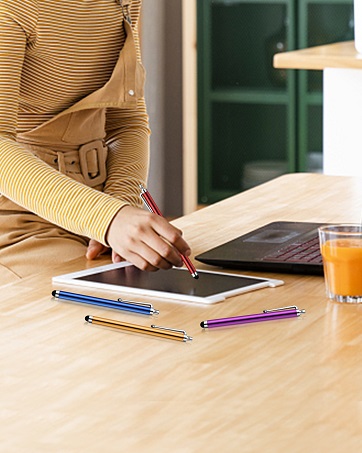
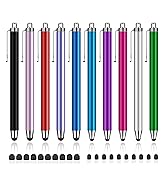
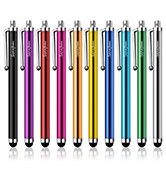
10 Pack Stylus Pens
The high-quality and ultra-sensitive stylus pen can be smoothly used on any screens of digital products,responsive as finger touch
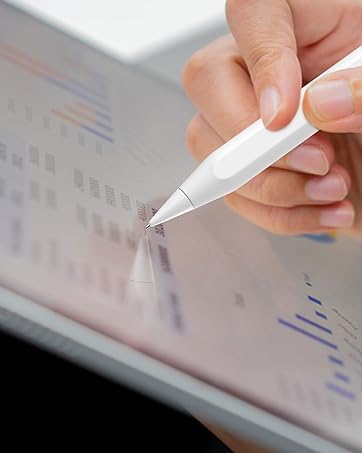
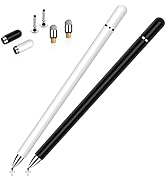
Apple Pencil Replacement Tip
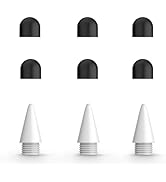
Metal replacement tips are specially designed for Apple pencils, more durable than regular tips.
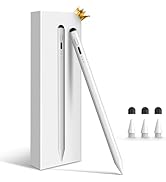
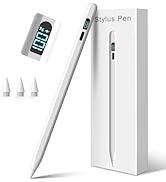
Active Stylus Pencil
Multicolor

Stylus for Touchscreen

High Precision Tip
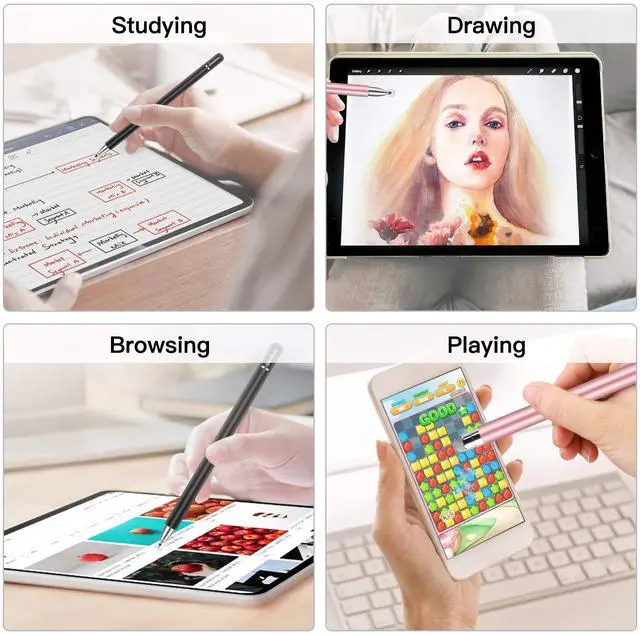
The 2-in-1 touch screen pen has its one end equipped with a disc tip, which creates a precise contact point with the screen to write exactly where you place it, perfect for writing, drawing, sketching, painting and playing games on your tablet or smart phones.

Anti-Scratch Fiber Tip
There is a fiber tip in the other end, which is made of soft, and scratch resistant rubber, especially great for tapping, coloring and scrolling, keep your touch screen devices away from fingerprints and smudge.

Replacement Tips
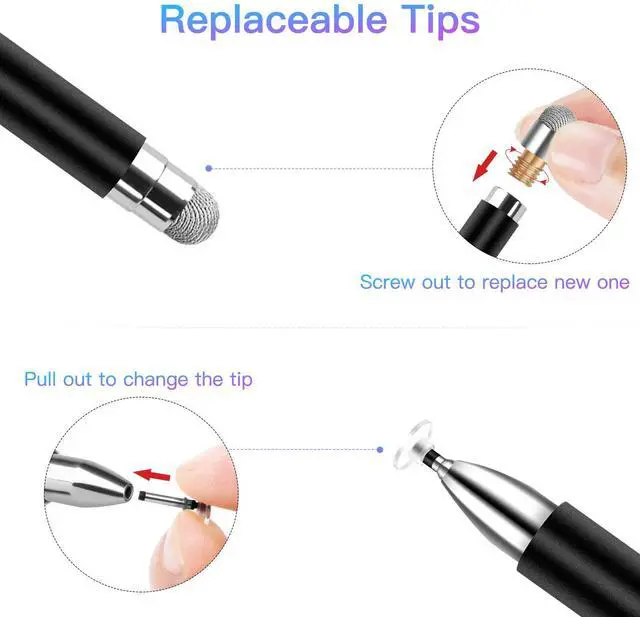
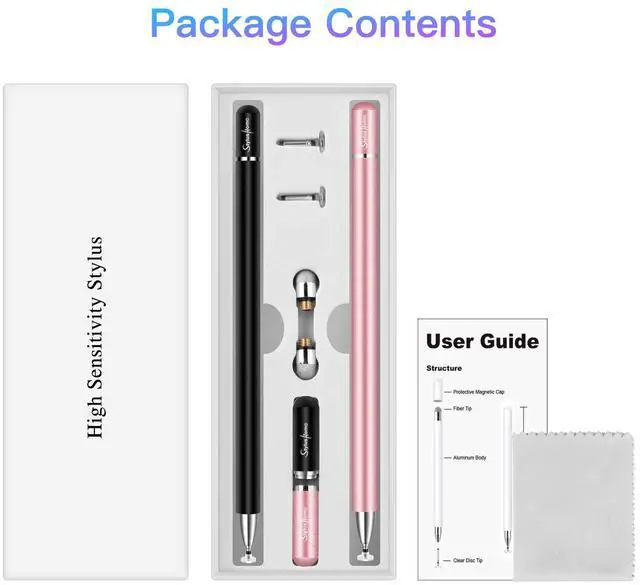
There are 2 disc tips and 1 fiber tip included in package for replacing when the original stylus is broken or damaged, Replacing can be done in seconds, greatly extended the life of the stylus.

Magnetic Adsorption
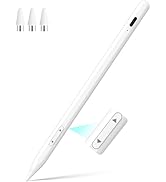
Comes with two-way magnetic cap, no need to twist or push the pen cap back, it will be absorbed by the magnetic when you just put the cap close to either end, conveniently save your time.

Note Taking

Writing

Drawing

Playing Games
Important Instructions:
1. DO NOT remove the plastic disc at the end of the tip, if you moved the Disc, the fine tip won't work.
2. When you use this stylus, please make sure the disc is clean and then to let the disc fully touch the screen.
3. This Stylus does not support palm rejection, please make sure your hands do not lay on the screen.
4. If the stylus lag and can not write smoothly on the device, the reason would maybe the device does not run properly, please restart the device or turn off other apps.
5. You can slide the screen, but can not write in a specific app, please check the App settings or confirm whether the App supports handwriting functions.
Cautions:
1. Due to the material of the disc is conductive plastic, before using the stylus on your device, please make sure both the device screen and the disc are clean, dirt can catch onto the disc which may result in reduced sensitivity, and in some cases may even scratch your screen.
2. Normally our stylus won't cause scratches on a touch screen, but we still suggest you use a screen protector on your device to protect the screen from any possible damage/scratches which may be caused by dirt on disc/screen, damaged tips or defective product of low probability.
3. If you suspect that your disc has been damaged in any way, discontinue use. A damage disc may scratch the screen. Please replace it with a new disc.

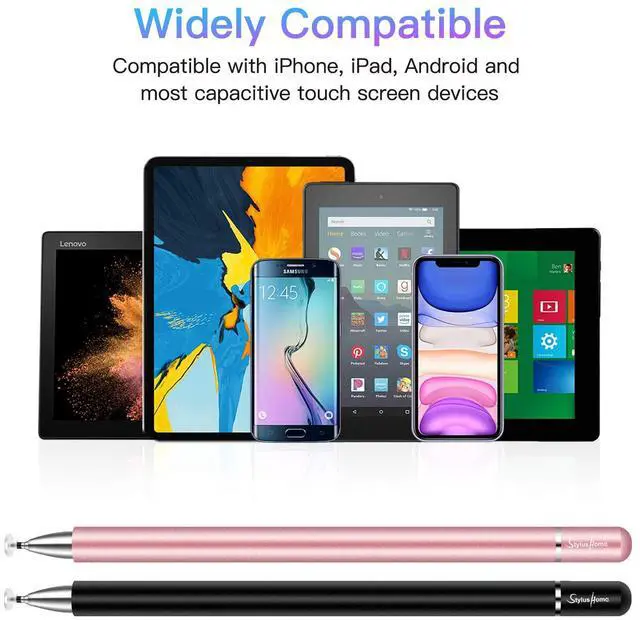
Widely compatible
Compatible with Apple iPad, iPad Mini, iPhone, Android Tablet, Android Phone, Samsung Galaxy and other capacitive touch screen devices.
Warm tips for iPad user:
When the stylus does not work in some iPad apps, please do the following checks:
A. Both finger and stylus do not work.
1.Please check the settings of the app.
For example:
If you find that your stylus can't write in Memo, please turn on "Draw with finger" botton in the app.
If you find that your stylus cannot write in Notability, please select "Apple pencil: Disconnect" in the app.
B. Finger works, stylus does not.
1. Confirm that the device is compatible.
2. Try to replace the replacement tip.
3.If it still doesn't work, please let us know and we will reply to you ASAP.
 Gradient Color Disc Stylus |  6 Pack Stylus Pens |  Fiber Tip Stylus(6 Pcs) |  Stylus for kid (6 PACK) |  Fiber Tip Stylus 10 PACK |  2in1 Ink Stylus Pens | |
|---|---|---|---|---|---|---|
| Customer Reviews | — | — | — | — | — | — |
| Price | — no data | — no data | — | — no data | — | — |
| Ipad | ? | ? | ? | ? | ? | ? |
| Iphone/Android/Samsung/Tablets | ? | ? | ? | ? | ? | ? |
| No Need Bluetooth | ? | ? | ? | ? | ? | ? |
| Replacement Tips Included | 2 Disc & 2 Fiber Tips | NO | 6 Fiber Tips | 12 Rubber Replacement Tips | NO | NO |
Stylus for Touchscreen
High Precision Tip
The 2-in-1 touch screen pen has its one end equipped with a disc tip, which creates a precise contact point with the screen to write exactly where you place it, perfect for writing, drawing, sketching, painting and playing games on your tablet or smart phones.
Anti-Scratch Fiber Tip
There is a fiber tip in the other end, which is made of soft, and scratch resistant rubber, especially great for tapping, coloring and scrolling, keep your touch screen devices away from fingerprints and smudge.
Replacement Tips
There are 2 disc tips and 1 fiber tip included in package for replacing when the original stylus is broken or damaged, Replacing can be done in seconds, greatly extended the life of the stylus.
Magnetic Adsorption
Comes with two-way magnetic cap, no need to twist or push the pen cap back, it will be absorbed by the magnetic when you just put the cap close to either end, conveniently save your time.
Note Taking
Writing
Drawing
Playing Games
Important Instructions:
1. DO NOT remove the plastic disc at the end of the tip, if you moved the Disc, the fine tip won't work.
2. When you use this stylus, please make sure the disc is clean and then to let the disc fully touch the screen.
3. This Stylus does not support palm rejection, please make sure your hands do not lay on the screen.
4. If the stylus lag and can not write smoothly on the device, the reason would maybe the device does not run properly, please restart the device or turn off other apps.
5. You can slide the screen, but can not write in a specific app, please check the App settings or confirm whether the App supports handwriting functions.
Cautions:
1. Due to the material of the disc is conductive plastic, before using the stylus on your device, please make sure both the device screen and the disc are clean, dirt can catch onto the disc which may result in reduced sensitivity, and in some cases may even scratch your screen.
2. Normally our stylus won't cause scratches on a touch screen, but we still suggest you use a screen protector on your device to protect the screen from any possible damage/scratches which may be caused by dirt on disc/screen, damaged tips or defective product of low probability.
3. If you suspect that your disc has been damaged in any way, discontinue use. A damage disc may scratch the screen. Please replace it with a new disc.
Widely compatible
Compatible with Apple iPad, iPad Mini, iPhone, Android Tablet, Android Phone, Samsung Galaxy and other capacitive touch screen devices.
Warm tips for iPad user:
When the stylus does not work in some iPad apps, please do the following checks:
A. Both finger and stylus do not work.
1.Please check the settings of the app.
For example:
If you find that your stylus can't write in Memo, please turn on "Draw with finger" botton in the app.
If you find that your stylus cannot write in Notability, please select "Apple pencil: Disconnect" in the app.
B. Finger works, stylus does not.
1. Confirm that the device is compatible.
2. Try to replace the replacement tip.
3.If it still doesn't work, please let us know and we will reply to you ASAP.
Gradient Color Disc Stylus | 6 Pack Stylus Pens | Fiber Tip Stylus(6 Pcs) | Stylus for kid (6 PACK) | Fiber Tip Stylus 10 PACK | 2in1 Ink Stylus Pens | |
|---|---|---|---|---|---|---|
| Customer Reviews | — | — | — | — | — | — |
| Price | — no data | — no data | — | — no data | — | — |
| Ipad | ? | ? | ? | ? | ? | ? |
| Iphone/Android/Samsung/Tablets | ? | ? | ? | ? | ? | ? |
| No Need Bluetooth | ? | ? | ? | ? | ? | ? |
| Replacement Tips Included | 2 Disc & 2 Fiber Tips | NO | 6 Fiber Tips | 12 Rubber Replacement Tips | NO | NO |
Dual-tip Fast Charging Stylus
The latest upgraded dual-tip design, 13 mins fast charging, 9 hours of ultra-long standby, bring you a different using experience.
Dual-Mode Active Stylus
One stylus pencil for All touchscreen device, including iPad, iPhone, iWatch, Smartphone, Tablets and other Capacitive screen.
2-in-1 Stylus for Touch screen
2-in-1 touch screen stylus, disc tip lets you write exactly where you place it, fiber tip is ideal for tapping, coloring and rolling.
5 Pack - Macaron Color Stylus
It is made of high-quality aluminum alloy, providing a comfortable & stable grip,which can enhance your writing and drawing experience.
10 Pack Stylus Pens
The high-quality and ultra-sensitive stylus pen can be smoothly used on any screens of digital products,responsive as finger touch
Apple Pencil Replacement Tip
Metal replacement tips are specially designed for Apple pencils, more durable than regular tips.
Active Stylus Pencil
Multicolor