

Your Browsing History

Ships from China.
Most customers receive within 10-17 days.

Meet Your Seller

Get Educated
Make informed decisions with expert advice. Learn More



Visit Hetai Store
FOLLOW
Maoxin S2 mini tws bluetooth earphone gaming headset wireless earbuds IPX5 terproof earphone with mic for running
- Good Quality

Overview
Specs
Reviews

Any questions? Our AI beta will help you find out quickly.
Try me now
Specification:
Brand Name:
Product Name: S2
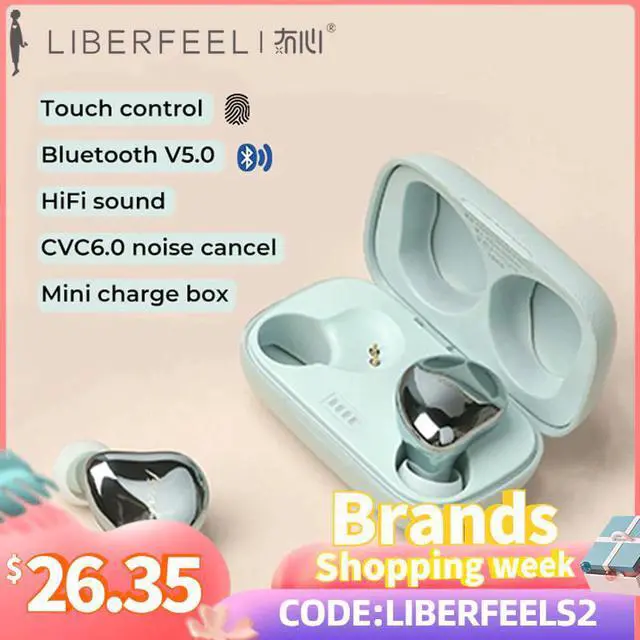
Bluetooth technology: Bluetooth V5.0
Bluetooth frequency: 2.4GHZ
Bluetooth transmission distance: more than 10 meters
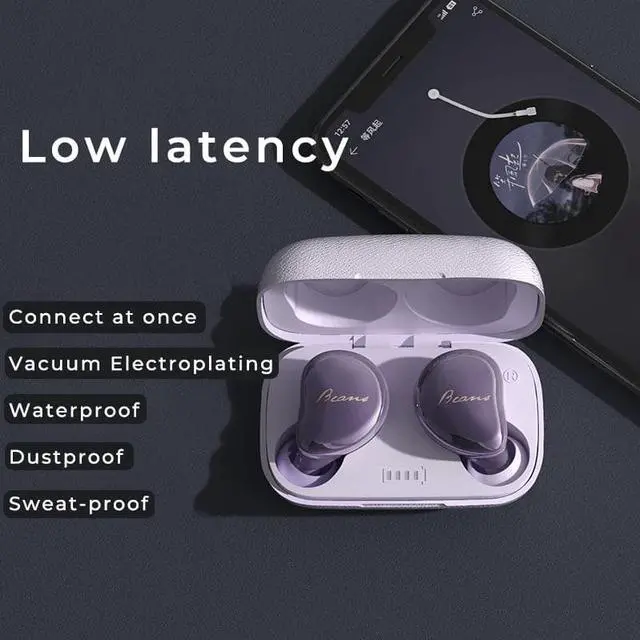
terproof technology: IPX5
Noise reduction technology: CVC6.0
Sound effect: True wireless stereo, separated left and right channels, HIFI sound effect
Support protocol group: A2DP1.3 / HFP1.6 / HSP1.2 / AVRCP1.6 / DI1.3, SBC and AAC
Earphone battery capacity: 50mAh / single earphone
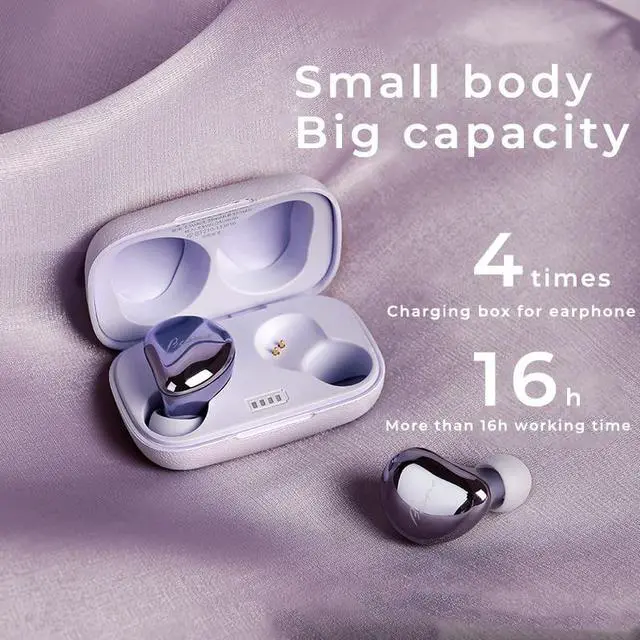
Charging box battery capacity: 350mAh
Duration of use: 5 hours for both ears. Total 16 hours(With charge case).
Charging time: 2 hours for full ears, 2 hours for charging case
Standby time: 100h
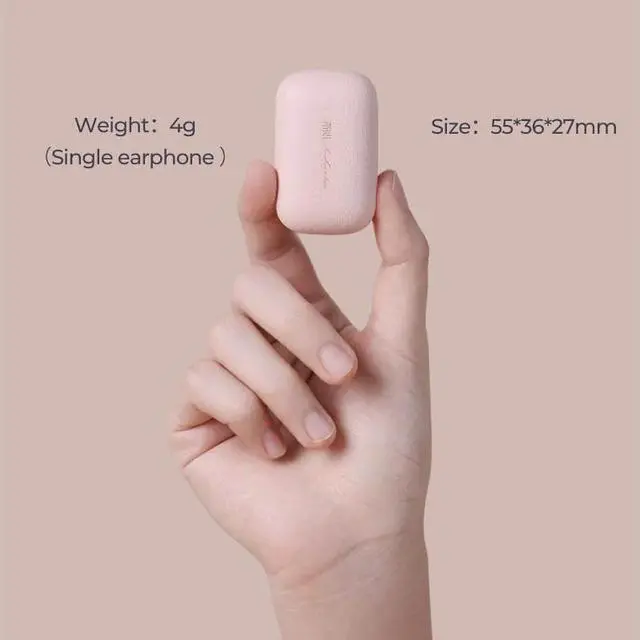
Weight: 4g (single earphone)
Headphone size: 28 * 1.3 * 3.6mm
Package includes: charging box, Bluetooth headset, charging cable, 3 ear caps, instruction manual
How to switch to English mode?
Get earphones out of box, paired, without connecting the Bluetooth of the mobile phone, triple-click any earphone, tap the third time and hold for 2 seconds until you hear the English prompts tone (English prompts tone) and then release.
Prompt tone meaning: Power on-pairing-connect (Bluetooth connect successfully)
How to use S2 at first time?
When you use it at the first time, wear the earphones, turn on bluetooth and find LB-5 on your phone, connect it. Next time it will connect automatically.
One tap control
Pause/Play: Click once
Switch to last song: Click Left 3 times
Switch to next song: Click Right 3 times
Volume+: Click Right twice
Volume-: Click Left twice
QAs you nna know
A: Yes, you can.
Warranty & Returns
Warranty, Returns, And Additional Information
Warranty
- Please contact the Seller directly for warranty information. Warranty information may also be found on the Manufacturer's website.
- CONTACT
Return Policies
- Return for refund within: 30 days
- Return for replacement within: 30 days
- This item is covered by Hetai Return Policy
Manufacturer Contact Info
- For a directory of all our manufacturers, please click below.
- Manufacturers Directory
LOADING...