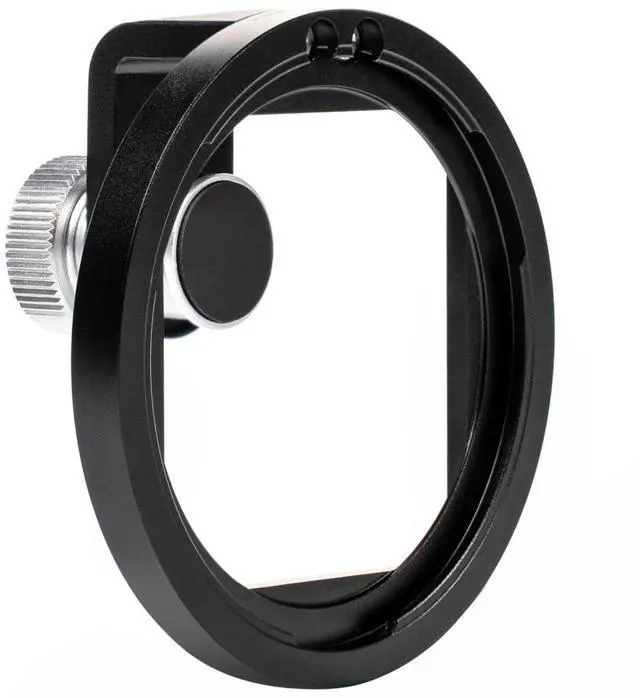
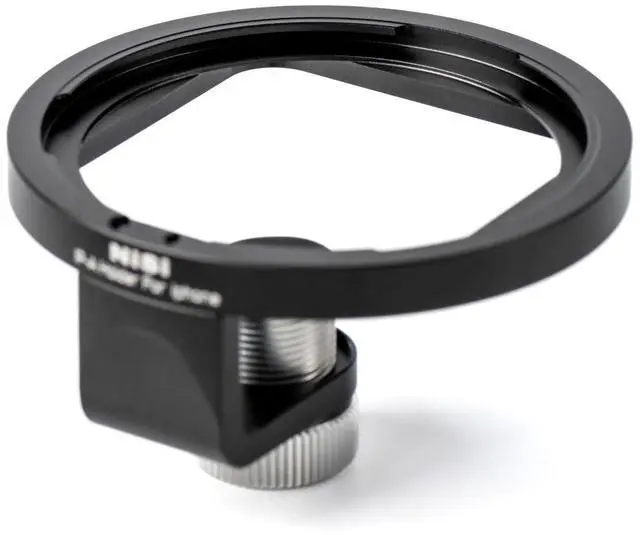
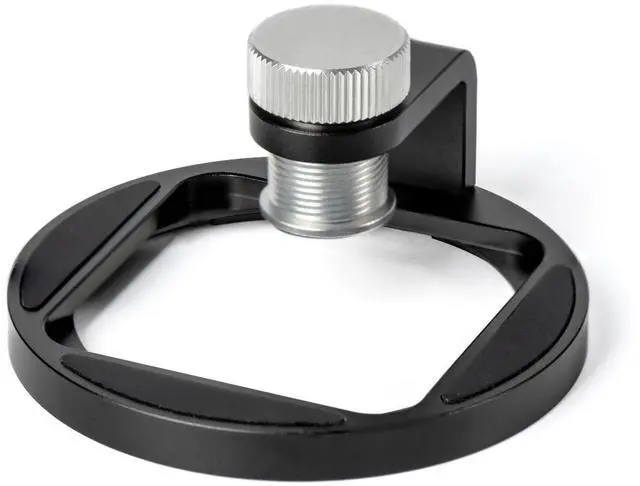
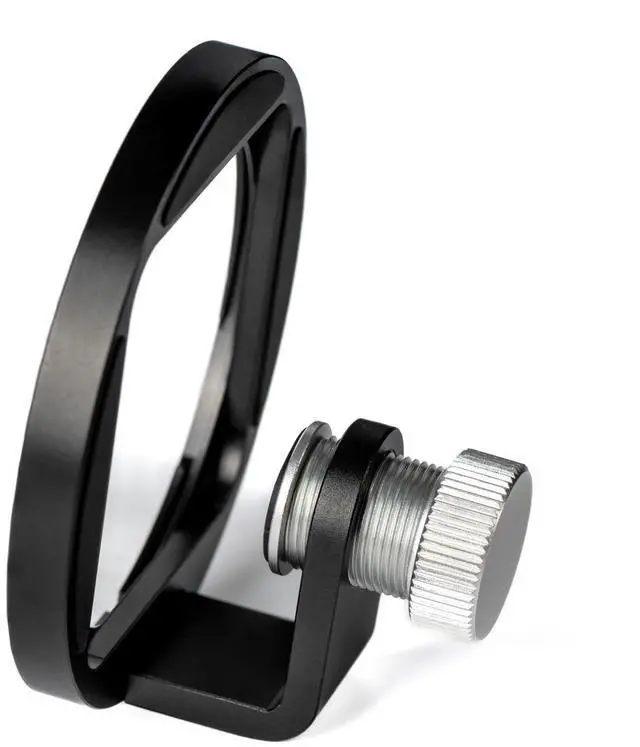
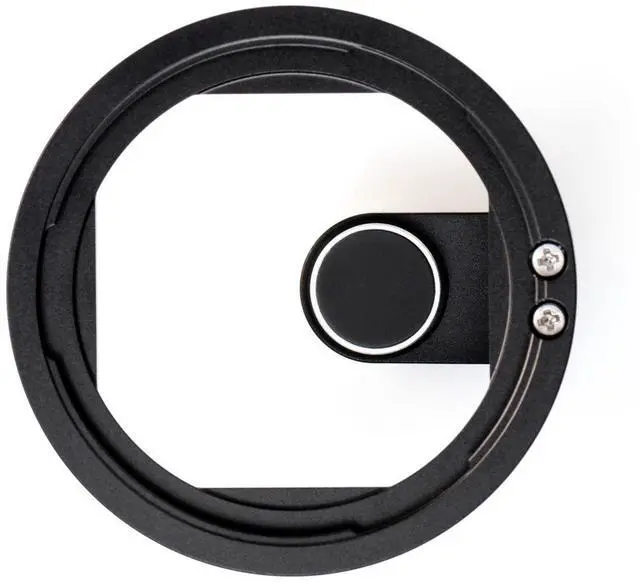
The NiSi IP-A Filter Holder for Apple iPhone brings filters to your Apple iPhone through NiSi's quick and easy patented bayonet mount. Specifically designed for Apple iPhone, the IP-A Filter holder is attached to the top of the phone, and the locking screw attaches to the front of the phone, securing the filter holder. The registration hole attaches to the back of the phone, aligning with the registration hole. Turn the locking screw clockwise until the IP-A holder is secure. The NiSi IP-A Filter Holder for Apple iPhone is compatible with NiSi IP-A circular filters and NiSi P2 square filter holder.
Stack up to 3 circular NiSi IP-A filters to the filter holder with no vignetting using 0.5X camera mode while using two circular IP-A Filters. To install NiSi IP-A, circular filters align the circular filter bayonet to three installation positions. Ensure that the outer bayonet of the filter aligns with the IP-A holder slot and turn clockwise to tighten. If multiple filters need to be installed, align the three bayonets on the second round filter with the three holes on the filter clip slot fixed on the IP-A holder. Ensure that the outer bayonets of the filter are completely aligned with the round filter clip slot, then turn clockwise to tighten.
Attach the NiSi P2 Square filter holder to the NiSi IP-A to bring square filters to your Apple iPhone. To install the square filter holder, align the three bayonets on the square filter holder with the three holes on the IP-A holder. Ensure that the outer bayonets of the square filter holder completely align with the IP-A holder, then turn clockwise to tighten.