

Your Browsing History





Any questions? Our AI beta will help you find out quickly.
Instoduction]
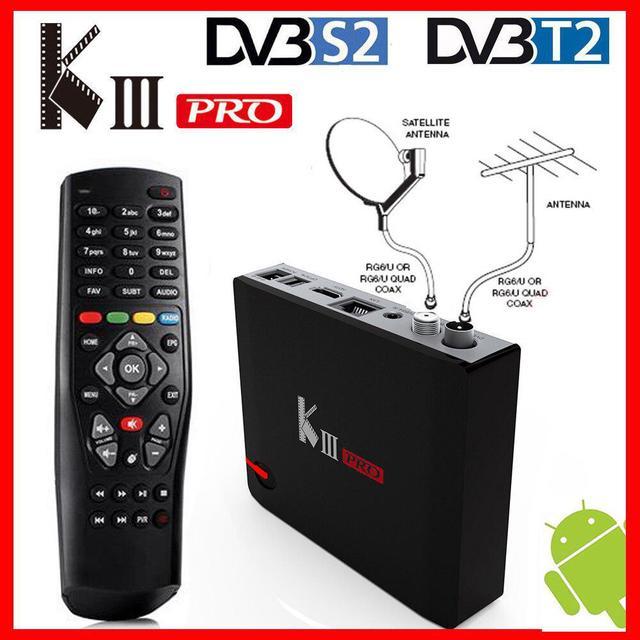
KIII PRO DVB-T2/DVB-S2/DVB-C integrates the Android TV Box and DVB-T2 Terrestrial Receiver and DVB-S2 Digital Satellite Receiver and DVB-C Digital Cable Receiver, which can enhance the function of you TV or LCD monitor and change your traditional TV or LCD monitor into a intelligent platform which just like a smart phone or a Tablet PC by connecting the Internet (via WiFi or RJ45).
Specifications]
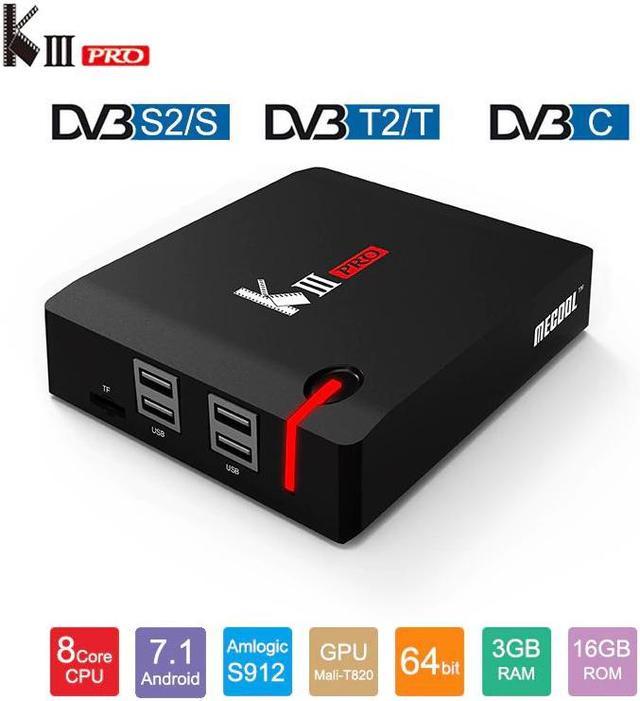
Android TV Box + DVB-T2+DVB-S2+DVB-C
Amlogic S912 64 bit Octa core ARM Cortex-A53
Android 7.1 OS
DDRIII 3GB, eMMC Flash 16GB
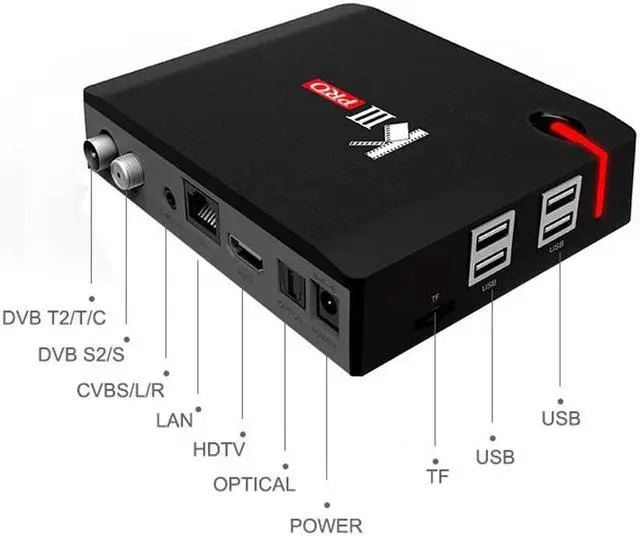
Support 2.4/5GHz Dual Wifi, 1000M LAN Ethernet, BT4.0
Support Newcamd
Packages]
1 x Adapter
1 x Gift Box
1 x IR remote control(no battery)
1 x HDTV Cable
1 x User Manual
NoteDue to the battery is not available to ship, the IR remote control do not contain batteries
Firware Update Instruction]
OTA Update]
Run the "UPDAT" APP.
Select OAT Update, device will update to the latest version of firmware if it's available in the OTA server.
Local Update]
Insert TF card or USB disk with firmware to device(Make sure the updated files on the TF card / USB disk flash drive's root directly)
Select Local Update, click "Wipe Data" and "Wipe Media", then confirm. The system will automaticall run to updating program and restart after update finish.
Note:
During the updating process, DO NOT power off the device. In addition, android is an open platform, research and development amy different in different manuactures. DO NOT update other device that is not from us by this updating way to avoid system damage.
Trouble Shooting Warming]