Out of stock
  • $51.99
  • Free 30-day Returns
Sold by Muxiju Store

Shipped by Muxiju Store

Price alert
Shop it at NeweggBusiness.

Meet Your Seller

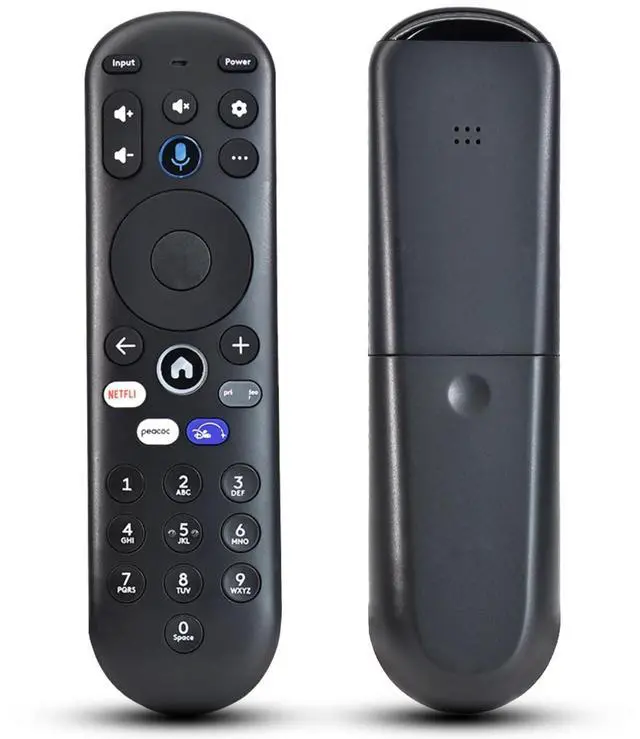
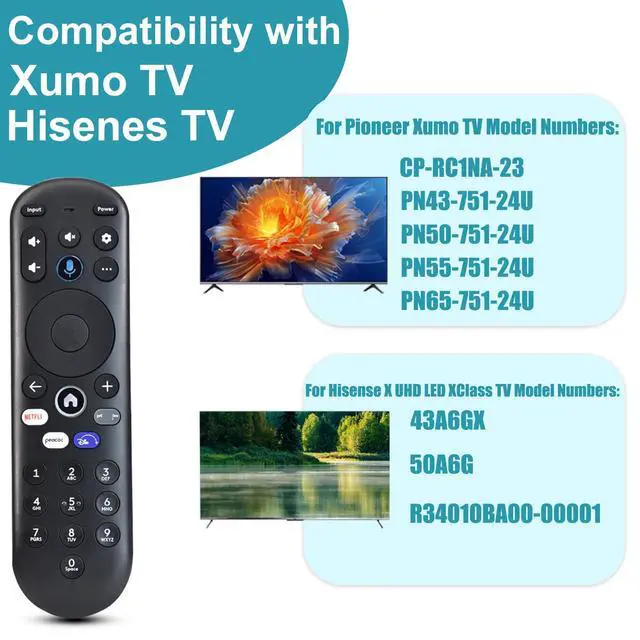
Voice Remote Replacement for Xumo TV Stream Box, Element 4K UHD HDR Xumo TV | for E500AC43C E500AC50C E500AC55C E500AC65C E500AE98C E300AE24C E550AE55C E550AE75C E550AE86C

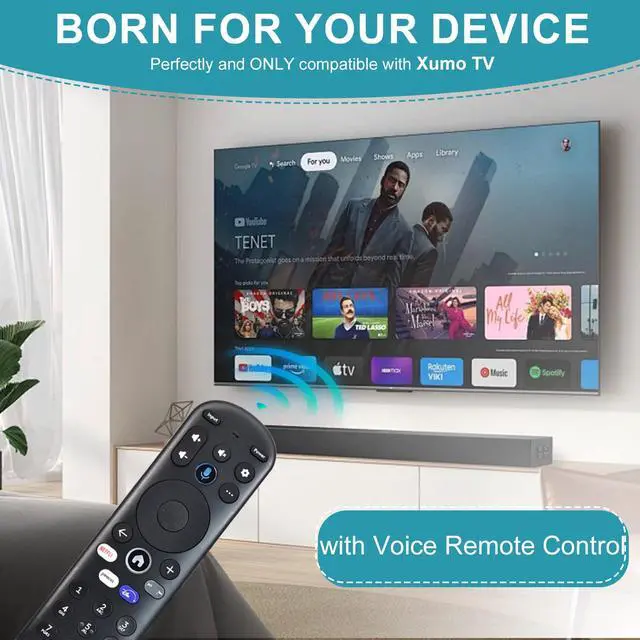
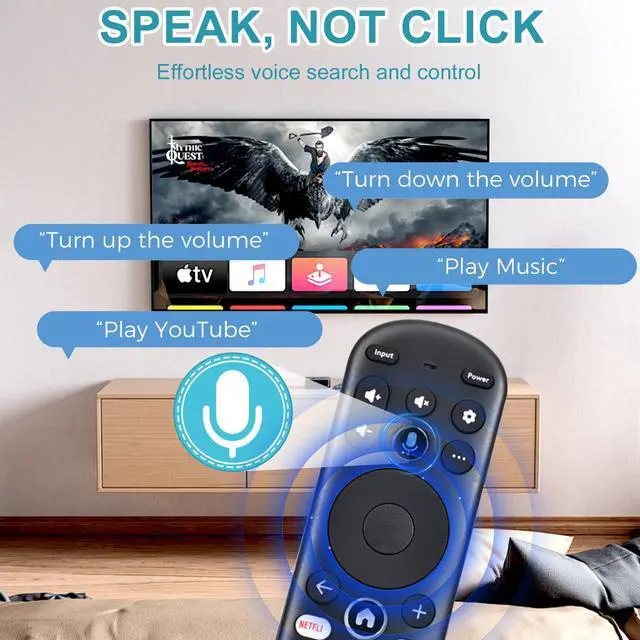
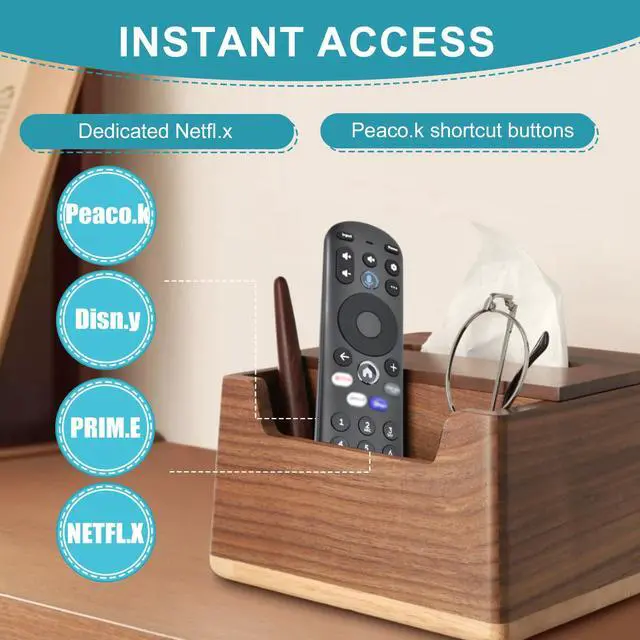
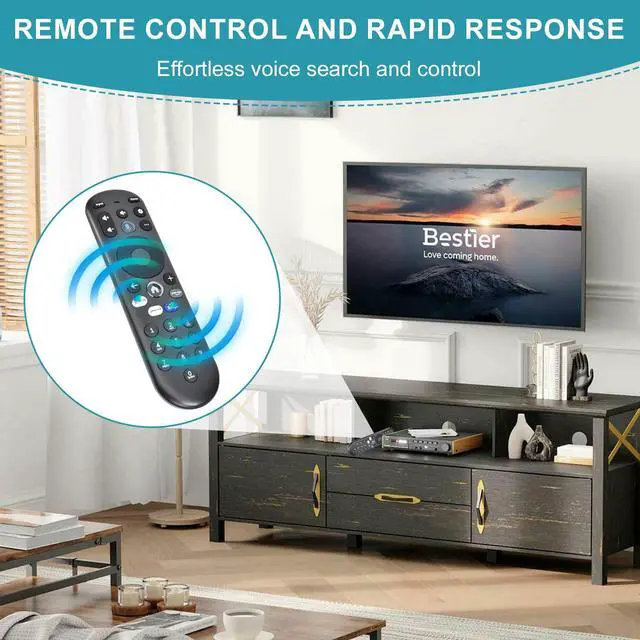
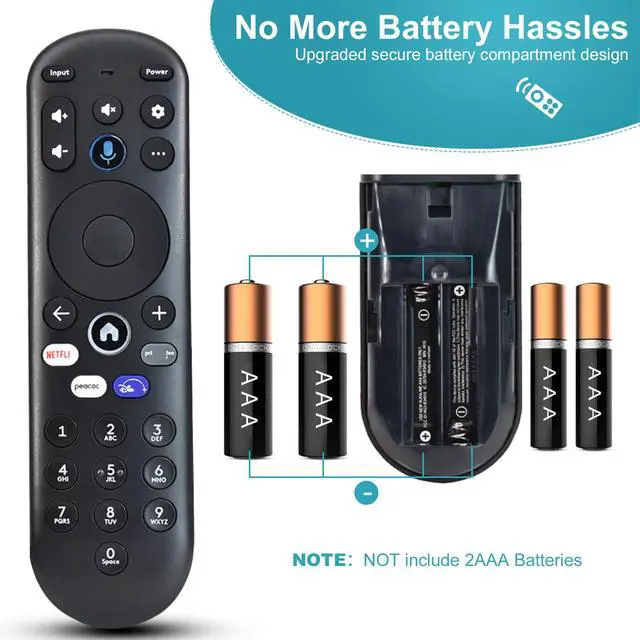
  • Compatible with Element Xumo TVsThis replacement voice remote is built for the Element Xumo TV Stream Box and works smoothly with the following Element 4K UHD HDR Xumo TV models: E500AC65C (65"), E500AC43C (43"), E500AC55C (55"), E500AC50C (50"). Voice Control for Effortless Streaming Search through apps, move between platforms, find new shows, and control volumeall with your voice. No more typing or searching through different streaming services to locate that show your friend suggested. More viewing, less waiting. Important Voice Requires Pairing & InternetVoice control won't work until you pair the remote to your TV. Also, voice commands only work when your TV is connected to the internet. After pairing, you're ready to stream hands-free. Easy TV Pairing (2 Methods)Automatic: If you insert batteries within 15 minutes of first connecting your TV, pairing occurs automatically. Manual: Open Settings Remote Pair your remote to your TV, then follow the on-screen prompts. Tip: If pairing fails, disconnect your TV from power, reconnect it, turn it on, and try again. Pair with Your Sound System Too Open Settings Remote Pair your remote and sound system, then follow the on-screen prompts. Manage both your TV and audio devices with one remote. Remote Reset Instructions (If Needed)Step 1: Press and hold and + for 3 seconds until the top light becomes solid green. Step 2: Press 9, then 8, then 4 the light will flash red several times. Step 3: Press and hol
+
+
Overview
Specs
Reviews
avatar

Any questions? Our AI mode will help you find out quickly.

Compatible with Element Xumo TVsThis replacement voice remote is built for the Element Xumo TV Stream Box and works smoothly with the following Element 4K
UHD HDR Xumo TV models: E500AC65C (65"), E500AC43C (43"), E500AC55C (55"), E500AC50C (50"). Voice Control for Effortless Streaming Search through apps, move between platforms, find new shows, and control volumeall with your voice. No more typing or searching through different streaming services to locate that show your friend suggested. More viewing, less waiting. Important Voice Requires Pairing & InternetVoice control won't work until you pair the remote to your TV. Also, voice commands only work when your TV is connected to the internet. After pairing, you're ready to stream hands-free. Easy TV Pairing (2
Methods) Automatic: If you insert batteries within 15 minutes of first connecting your TV, pairing occurs automatically.
Manual: Open Settings Remote Pair your remote to your TV, then follow the on-screen prompts.
Tip: If pairing fails, disconnect your TV from power, reconnect it, turn it on, and try again. Pair with Your Sound System Too Open Settings Remote Pair your remote and sound system, then follow the on-screen prompts. Manage both your TV and audio devices with one remote. Remote Reset Instructions (If
Needed) Step 1: Press and hold and + for 3 seconds until the top light becomes solid green.
Step 2: Press 9, then 8, then 4 the light will flash red several times.
Step 3: Press and hold and + for 3 seconds again.
Step 4: Press 9, then 8, then
1.
Step 5: Wait for the top light to blink red once more.
Step 6: Aim the remote at the TV, press the HOME button, then try the other buttons to make sure it's functioning correctly

Warranty & Returns

Warranty, Returns, And Additional Information

Warranty

  • Please contact the Seller directly for warranty information. Warranty information may also be found on the Manufacturer's website.
  • CONTACT

Return Policies

Manufacturer Contact Info

LOADING...