

Your Browsing History

Meet Your Seller

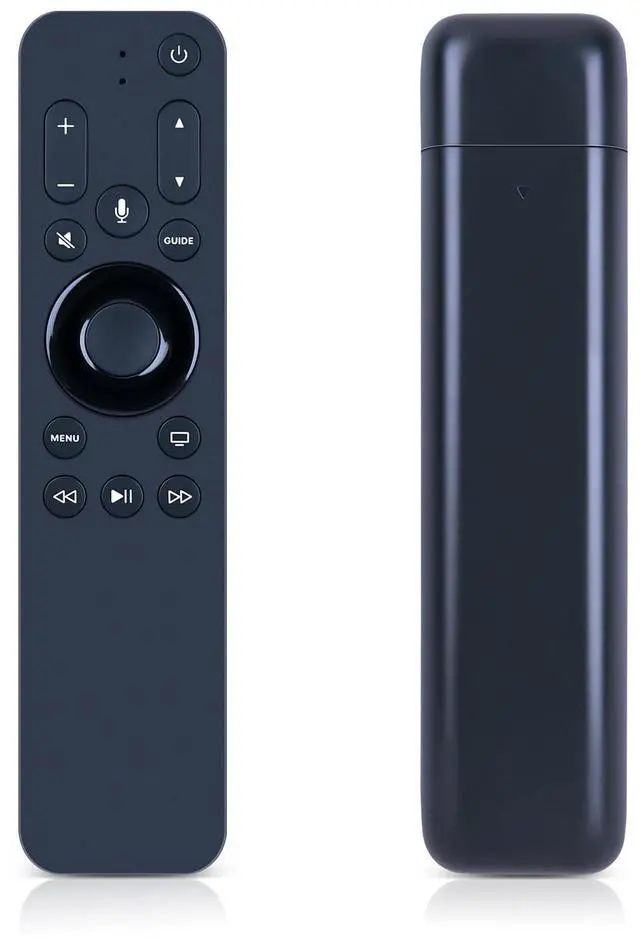
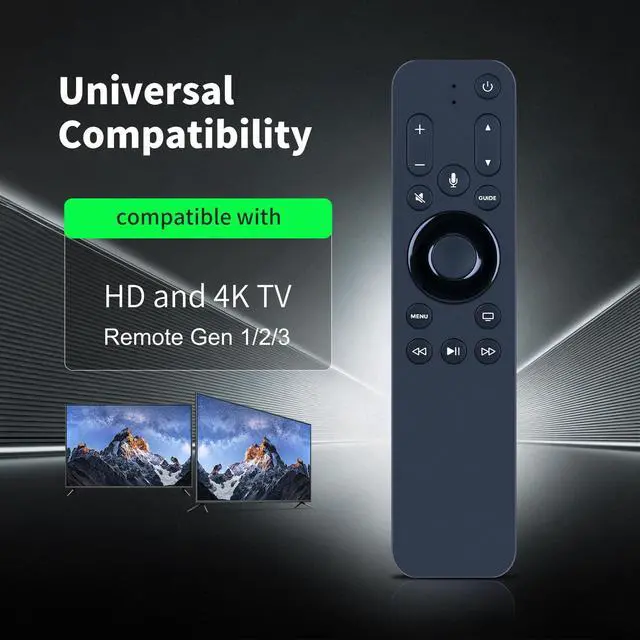


URC1110 Replacement Remote for Apple TV 4K A1842 | Compatible with MagentaTV Remote, Supports Siri Voice, Backlit Button
Limited time offer, ends 09/29 By Muxiju Store
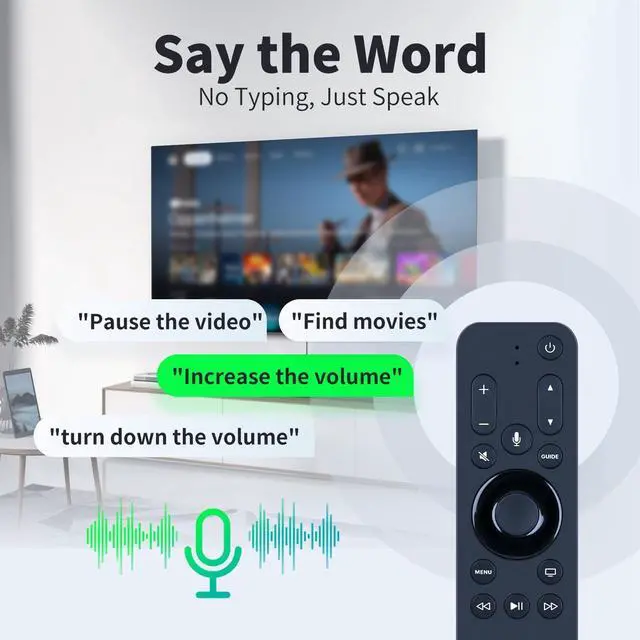
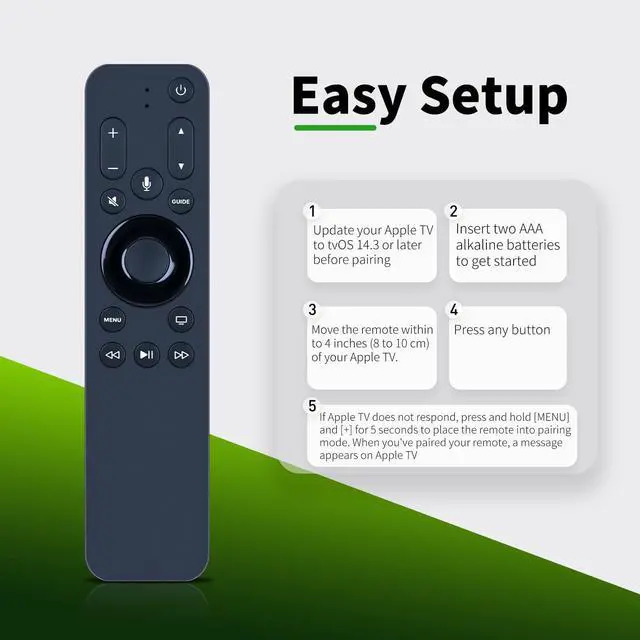
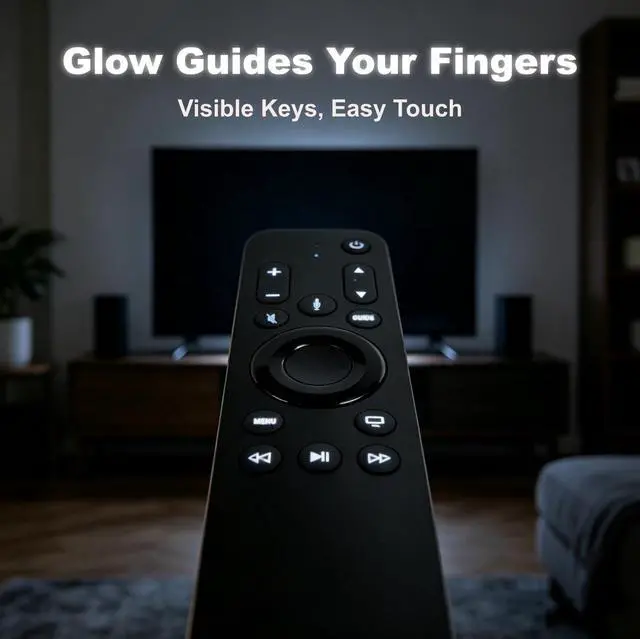
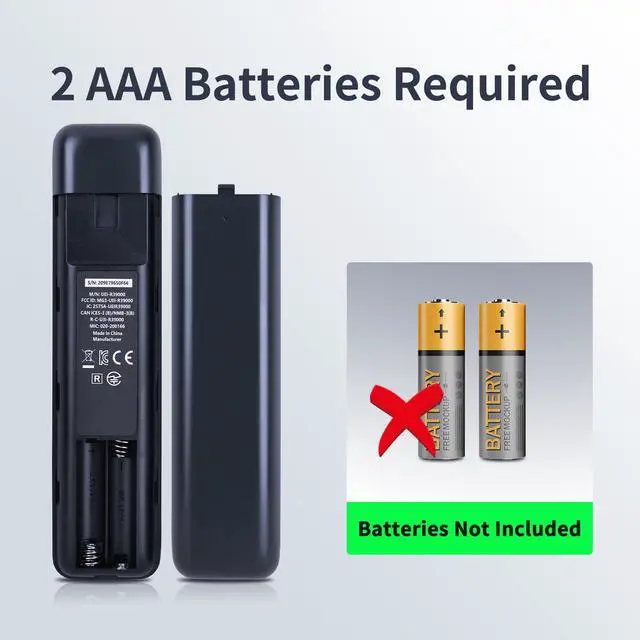
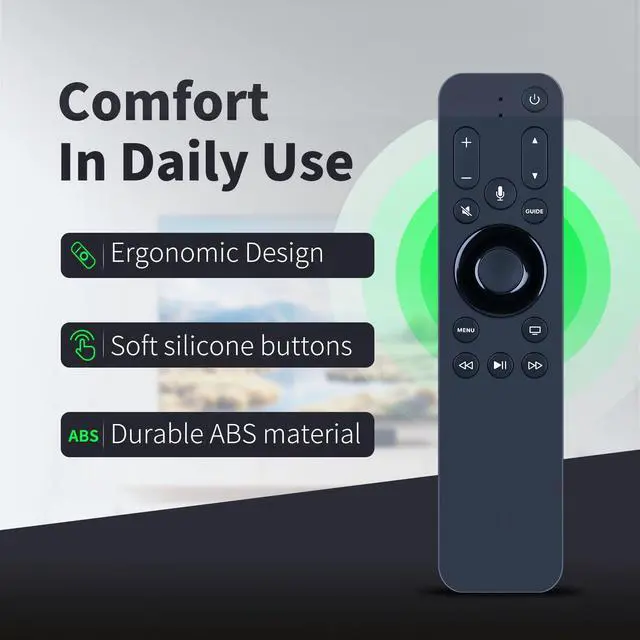
- Compatible ModelURC1110 Replacement remote control, designed solely for Apple 4K & HD TV Box Please NoticeA single remote can be paired with only one Apple TV at a time. When a new remote is paired, the previously paired remote will be unpaired automatically. Before pairing, ensure your Apple TV is updated to tvOS 14.3 or a later version. How to start1) Insert two new AAA alkaline batteries to begin. 2) Position the remote within 3 to 4 inches (8 to 10 cm) of your Apple TV. 3) Press any button. 5) If Apple TV does not respond, press and hold [MENU] and [+] for 5 seconds to activate pairing mode on the remote. Once the remote is paired, a confirmation message will appear on your Apple TV. Smart Auto Backlit with Light SensorFeatures ambient light detection. The backlight illuminates only in dim environments when keys are pressed. The backlight remains off in bright conditions to save battery power (the sensor is located at the small opening on the front of the remote). Siri Voice CompatibleNo button presses required! Simply speak to Siri to access your favorite TV shows and control playback hands-free using voice commands
+
+
Overview
Specs
Reviews

Any questions? Our AI mode will help you find out quickly.
Try me now
Compatible ModelURC1110 Replacement remote control, designed solely for Apple 4K & HD TV Box Please NoticeA single remote can be paired with only one Apple TV at a time. When a new remote is paired, the previously paired remote will be unpaired automatically. Before pairing, ensure your Apple TV is updated to tvOS 14.3 or a later version. How to start1) Insert two new AAA alkaline batteries to begin. 2) Position the remote within 3 to 4 inches (8 to 10 cm) of your Apple TV. 3) Press any button. 5) If Apple TV does not respond, press and hold [MENU] and [+] for 5 seconds to activate pairing mode on the remote.
Once the remote is paired, a confirmation message will appear on your Apple TV. Smart Auto Backlit with Light SensorFeatures ambient light detection. The backlight illuminates only in dim environments when keys are pressed. The backlight remains off in bright conditions to save battery power (the sensor is located at the small opening on the front of the remote). Siri Voice CompatibleNo button presses required! Simply speak to Siri to access your favorite TV shows and control playback hands-free using voice commands
Once the remote is paired, a confirmation message will appear on your Apple TV. Smart Auto Backlit with Light SensorFeatures ambient light detection. The backlight illuminates only in dim environments when keys are pressed. The backlight remains off in bright conditions to save battery power (the sensor is located at the small opening on the front of the remote). Siri Voice CompatibleNo button presses required! Simply speak to Siri to access your favorite TV shows and control playback hands-free using voice commands
Warranty & Returns
Warranty, Returns, And Additional Information
Warranty
- Please contact the Seller directly for warranty information. Warranty information may also be found on the Manufacturer's website.
- CONTACT
Return Policies
- Return for refund within: 30 days
- Return for replacement within: 30 days
- This item is covered by Muxiju Store Return Policy
Manufacturer Contact Info
- For a directory of all our manufacturers, please click below.
- Manufacturers Directory
LOADING...