• $104.99
  • Free 30-day Returns
  • Sold by Muxiju Store

    Shipped by Muxiju Store

    Price alert
    Shop it at NeweggBusiness.

    Meet Your Seller

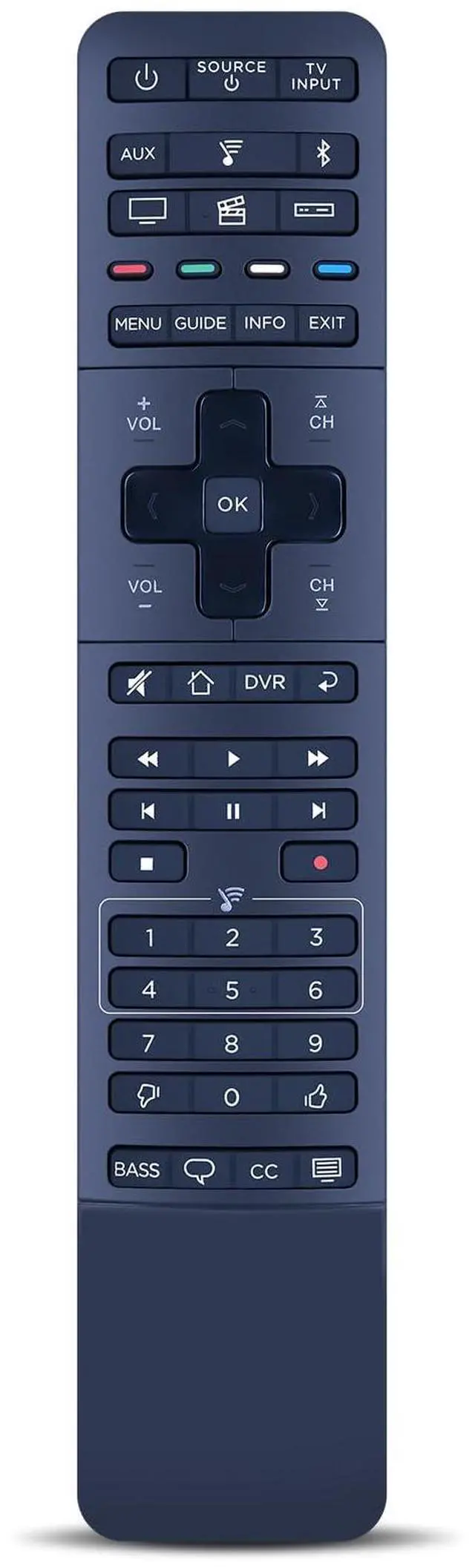
    Replacement for Bose Hi-Fi Soundtouch 300 Sound Bar Remote Controller New, Part Number 755001-0030

    Limited time offer, ends 09/07 By Muxiju Store

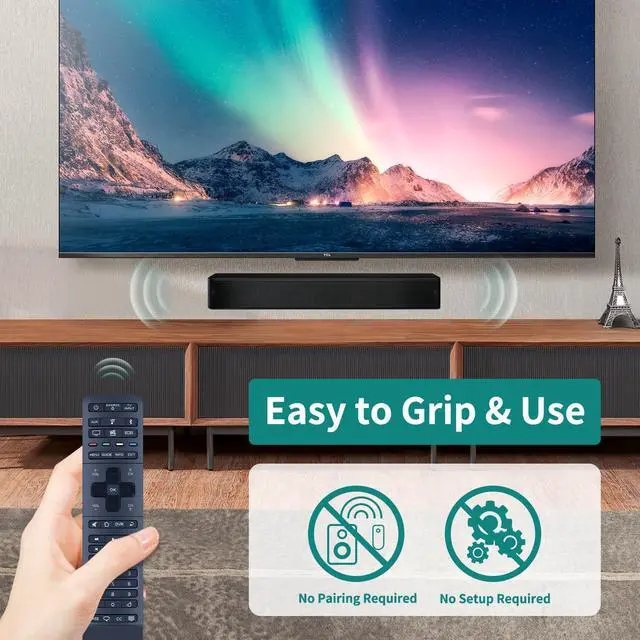
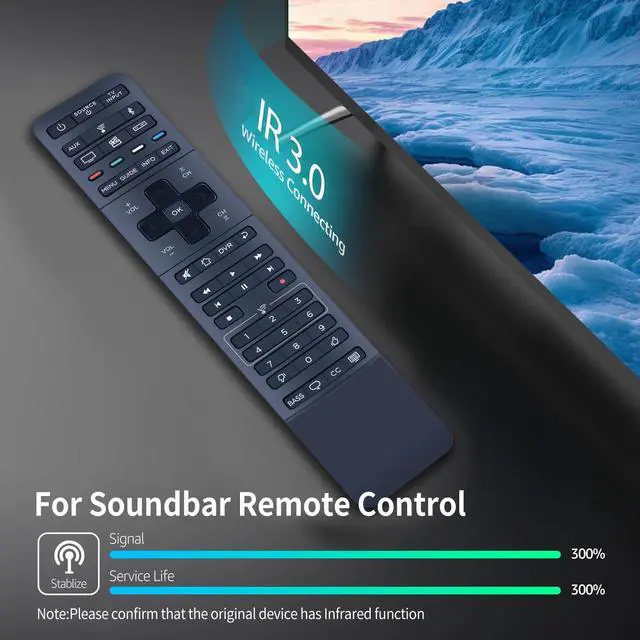
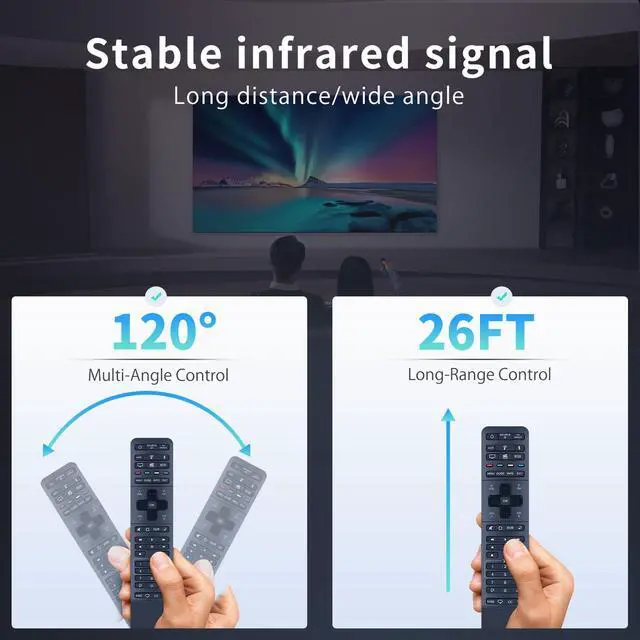
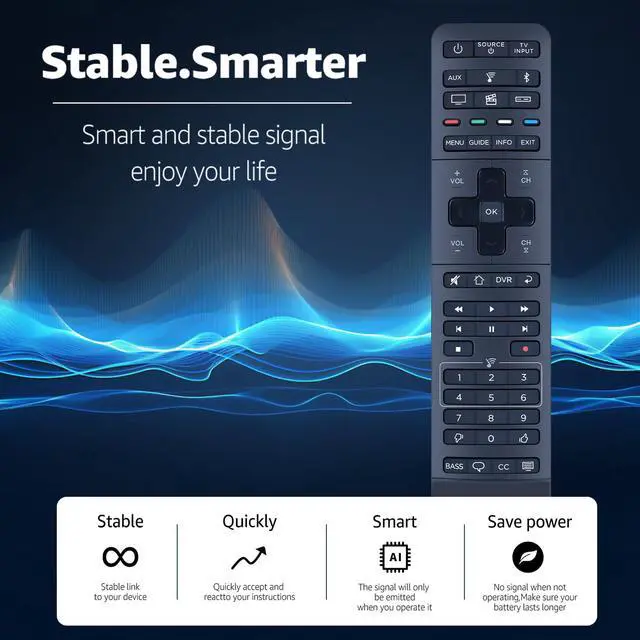
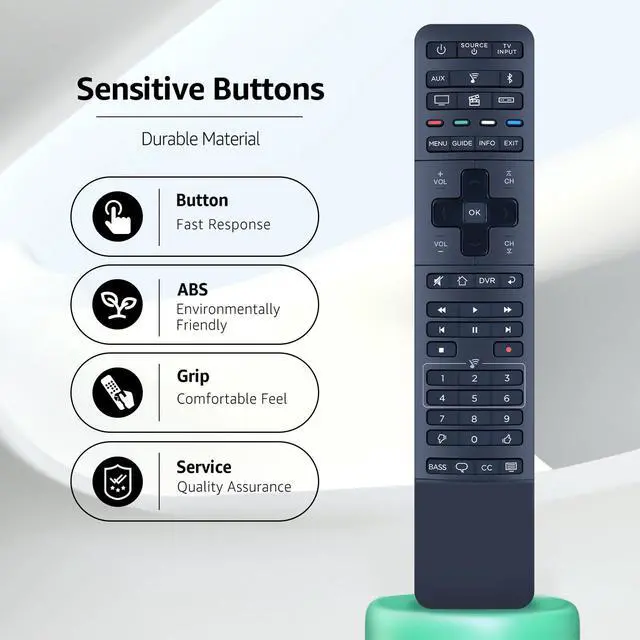
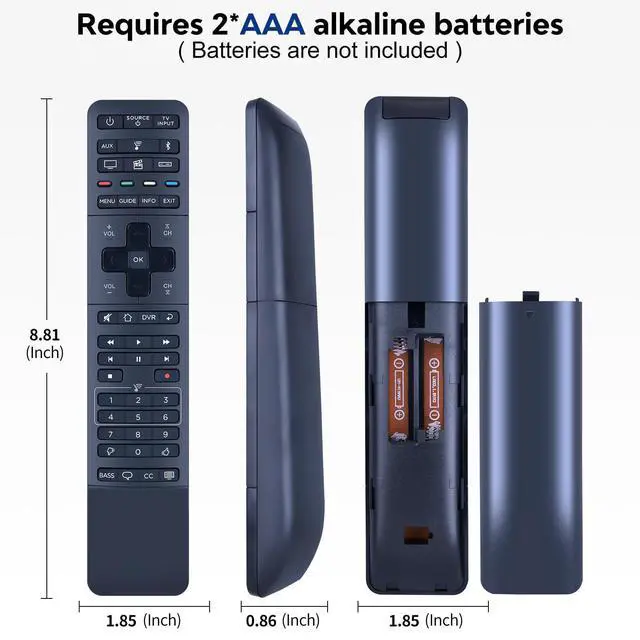
    • This is a replacement remote for the BOSE Soundtouch 300, featuring the same button layout as the original remote for straightforward operation. PROGRAMMABLE: It can be set up to operate your TV, cable/satellite box, DVD or Blu-ray player, gaming system, and other devices. PAIRING STEPS: First, press and hold the "Settings" button for three seconds until the indicator beside it stays lit. Second, press the red power button on the digital TV remote, and the light will blink. Third, aim the TV remote at the digital TV remote (align the launch window), then press and hold the red power button on the TV remote until the indicator on the digital TV remote remains steady. Finally, tap the "Set" button on the digital TV remote, and the indicator light turns off. This completes the setup for one key. Repeat steps 1-4 for additional keys. After setup, you can use the remote to power on your TV. Built with durable ABS material and a modern smart chip, it provides quick button response and a dependable 8m/26ft operating range. The 120-degree wide-angle design removes positioning limits, while the ergonomic curved shape offers comfortable, fatigue-free handling for everyday use. PACKAGE CONTENT: 1 * Remote Control & Use Manual (2 AAA batteries not included)

    +
    +
    Overview
    Specs
    Reviews
    avatar

    Any questions? Our AI mode will help you find out quickly.

    This is a replacement remote for the BOSE Soundtouch 300, featuring the same button layout as the original remote for straightforward operation.
    PROGRAMMABLE: It can be set up to operate your TV, cable/satellite box, DVD or Blu-ray player, gaming system, and other devices.
    PAIRING STEPS: First, press and hold the "Settings" button for three seconds until the indicator beside it stays lit. Second, press the red power button on the digital TV remote, and the light will blink. Third, aim the TV remote at the digital TV remote (align the launch window), then press and hold the red power button on the TV remote until the indicator on the digital TV remote remains steady. Finally, tap the "Set" button on the digital TV remote, and the indicator light turns off. This completes the setup for one key. Repeat steps 1-4 for additional keys. After setup, you can use the remote to power on your TV. Built with durable ABS material and a modern smart chip, it provides quick button response and a dependable 8m/26ft operating range. The 120-degree wide-angle design removes positioning limits, while the ergonomic curved shape offers comfortable, fatigue-free handling for everyday use.
    PACKAGE CONTENT: 1 * Remote Control & Use Manual (2 AAA batteries not included)

    Warranty & Returns

    Warranty, Returns, And Additional Information

    Warranty

    • Please contact the Seller directly for warranty information. Warranty information may also be found on the Manufacturer's website.
    • CONTACT

    Return Policies

    Manufacturer Contact Info

    LOADING...