

Your Browsing History

Meet Your Seller

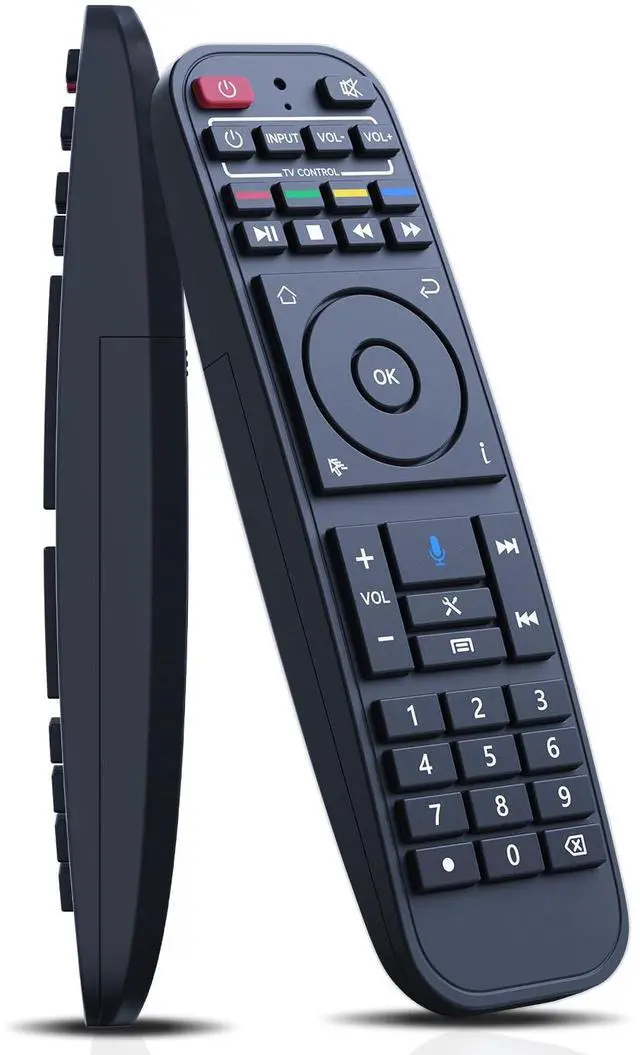
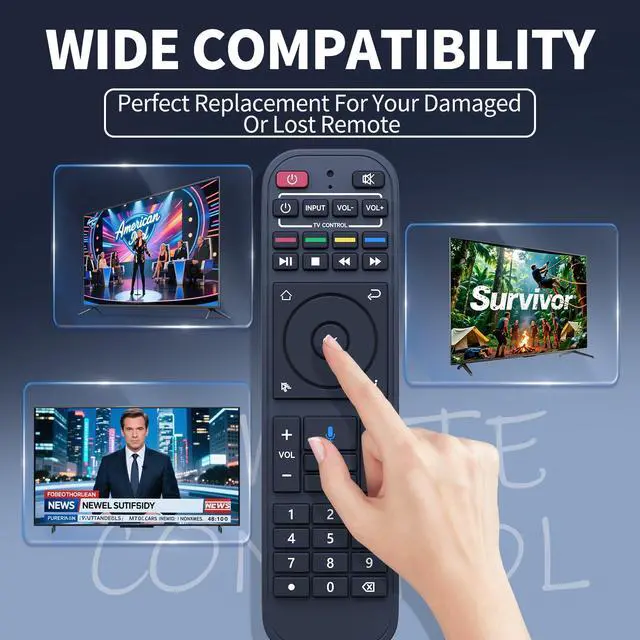


RC-200 Voice Remote Control Replacement for SuperBox S5 Max/S5 Pro, S6 Ultra/Max/Pro, S7, S7 Prime 2026, Elite Ultra/Elite Pro+ Smart TV Box (RC-200L)
Limited time offer, ends 09/29 By Muxiju Store
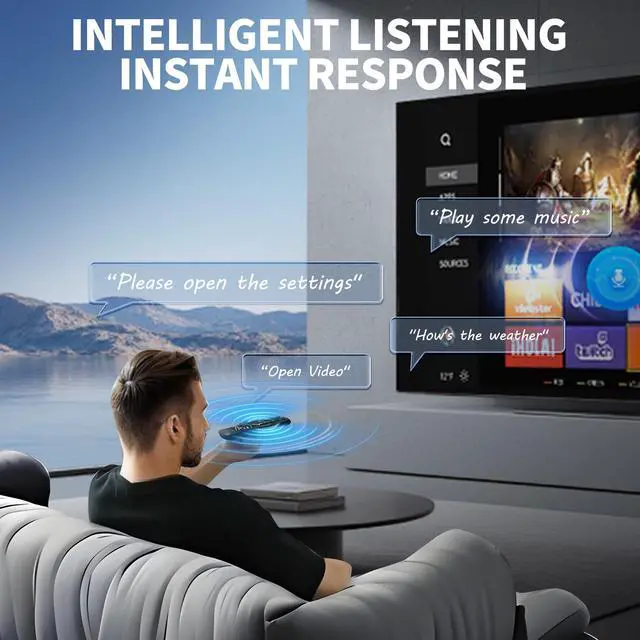
- Broad Compatibility - The RC-200 replacement remote control works with SuperBox S5 Max/Pro, S6 Ultra/Max/Pro, S7, S7 Prime 2026, Elite Ultra/Elite Pro+ (Note: the voice function is not available on S3 Pro and S4 Pro, but other functions operate normally!) Easy to Pair - Step Press "OK" and "" buttons simultaneously until the indicator light flashes for pairing. Press the [OK] button until the red light stops blinking. Step Finally, navigate to [setting] - [Bluetooth] to verify if the device is connected. Search for the "RC-200" device to confirm the pairing. How to Program Other Remote - Press and hold the power button in the "TV CONTROL" area until the indicator light stays on. Then begin programming. Press the button in the "TV CONTROL" area for the function to be programmed. The light will start to blink. Point the TV remote at the TV box remote, and press and hold the button on the TV remote that needs to be programmed. If the function is successfully copied. The indicator light will flash 3 times and remain on. Follow the same process to program other functions. The indicator light will flash 5 times if it fails. Then you need to repeat steps 2-4. Press any button outside the "TV CONTROL" area to exit. Superior Performance & Wide Coverage - Featuring infrared 3.0 technology and a newly upgraded chip, this remote provides lightning-fast response (0.2 seconds) and stable signal transmission. With an 8m/26ft control distance and 120°+ control angle, it offers y
+
+
Overview
Specs
Reviews

Any questions? Our AI mode will help you find out quickly.
Try me now
Broad Compatibility - The RC-200 replacement remote control works with SuperBox S5 Max/Pro, S6 Ultra/Max/Pro, S7, S7 Prime 2026, Elite
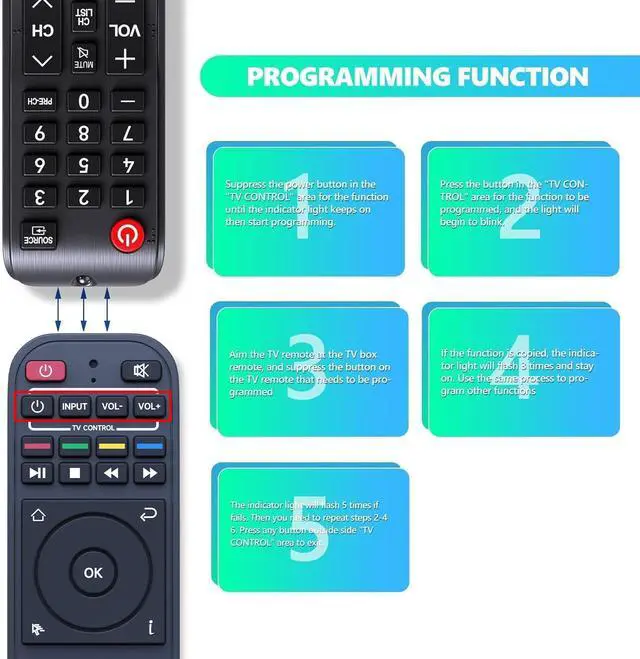
Ultra/Elite Pro+ (Note: the voice function is not available on S3 Pro and S4 Pro, but other functions operate normally! ) Easy to Pair - Step Press "OK" and "" buttons simultaneously until the indicator light flashes for pairing. Press the [OK] button until the red light stops blinking. Step Finally, navigate to [setting] - [Bluetooth] to verify if the device is connected. Search for the "RC-200" device to confirm the pairing. How to Program Other Remote - Press and hold the power button in the "TV CONTROL" area until the indicator light stays on. Then begin programming. Press the button in the "TV CONTROL" area for the function to be programmed. The light will start to blink. Point the TV remote at the TV box remote, and press and hold the button on the TV remote that needs to be programmed. If the function is successfully copied. The indicator light will flash 3 times and remain on. Follow the same process to program other functions. The indicator light will flash 5 times if it fails. Then you need to repeat steps 2-4. Press any button outside the "TV CONTROL" area to exit.
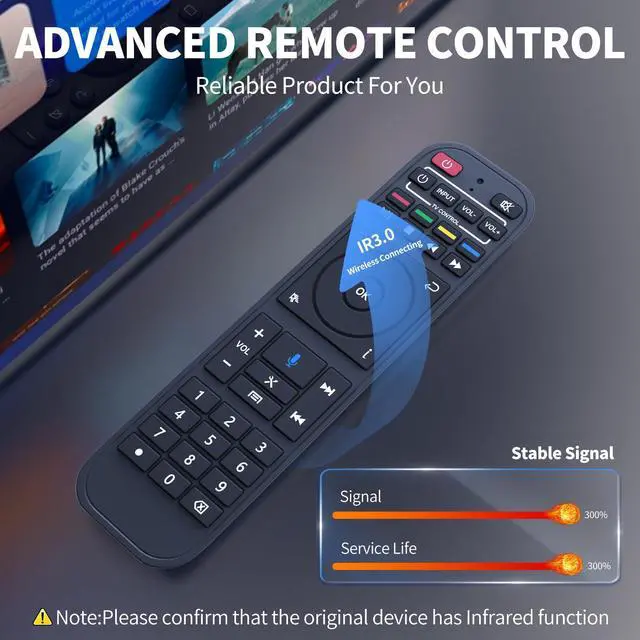
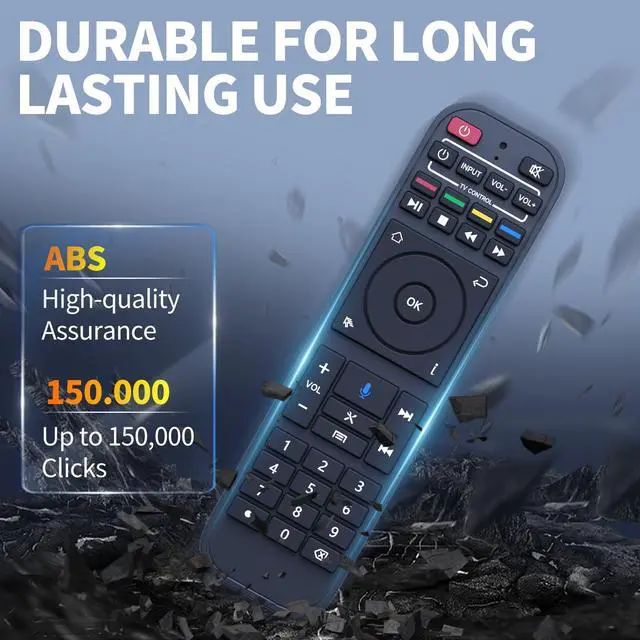
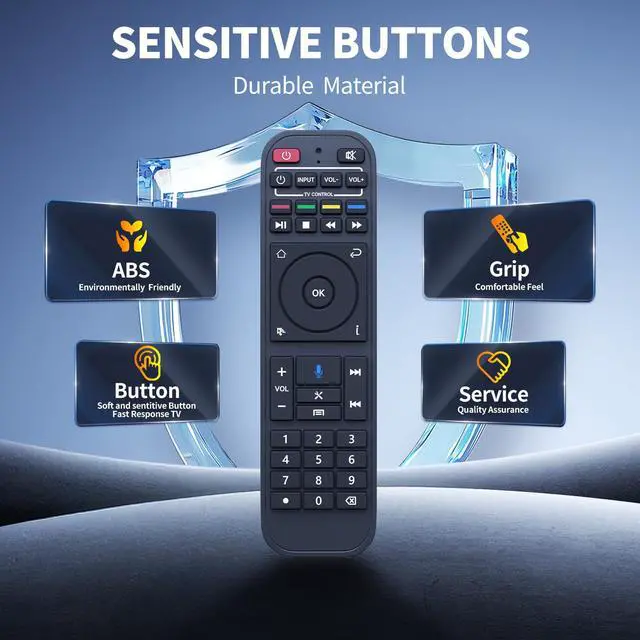
Superior Performance & Wide Coverage - Featuring infrared 3.0 technology and a newly upgraded chip, this remote provides lightning-fast response ( 0.2 seconds) and stable signal transmission. With an 8m/26ft control distance and 120°+ control angle, it offers you a more flexible remote control experience. Tested to support over 150, 000 clicks, it ensures enduring reliable performance. Premium Durability & Comfortable Grip - Made from high-grade ABS material, it offers excellent impact resistance and sturdinessbuilt to withstand daily wear and tear without breaking easily. The glazed smooth surface provides a comfortable grip, while soft silicone buttons deliver a responsive touch, stain resistance, and enhanced durability for extended use
Ultra/Elite Pro+ (Note: the voice function is not available on S3 Pro and S4 Pro, but other functions operate normally! ) Easy to Pair - Step Press "OK" and "" buttons simultaneously until the indicator light flashes for pairing. Press the [OK] button until the red light stops blinking. Step Finally, navigate to [setting] - [Bluetooth] to verify if the device is connected. Search for the "RC-200" device to confirm the pairing. How to Program Other Remote - Press and hold the power button in the "TV CONTROL" area until the indicator light stays on. Then begin programming. Press the button in the "TV CONTROL" area for the function to be programmed. The light will start to blink. Point the TV remote at the TV box remote, and press and hold the button on the TV remote that needs to be programmed. If the function is successfully copied. The indicator light will flash 3 times and remain on. Follow the same process to program other functions. The indicator light will flash 5 times if it fails. Then you need to repeat steps 2-4. Press any button outside the "TV CONTROL" area to exit.
Superior Performance & Wide Coverage - Featuring infrared 3.0 technology and a newly upgraded chip, this remote provides lightning-fast response ( 0.2 seconds) and stable signal transmission. With an 8m/26ft control distance and 120°+ control angle, it offers you a more flexible remote control experience. Tested to support over 150, 000 clicks, it ensures enduring reliable performance. Premium Durability & Comfortable Grip - Made from high-grade ABS material, it offers excellent impact resistance and sturdinessbuilt to withstand daily wear and tear without breaking easily. The glazed smooth surface provides a comfortable grip, while soft silicone buttons deliver a responsive touch, stain resistance, and enhanced durability for extended use
Warranty & Returns
Warranty, Returns, And Additional Information
Warranty
- Please contact the Seller directly for warranty information. Warranty information may also be found on the Manufacturer's website.
- CONTACT
Return Policies
- Return for refund within: 30 days
- Return for replacement within: 30 days
- This item is covered by Muxiju Store Return Policy
Manufacturer Contact Info
- For a directory of all our manufacturers, please click below.
- Manufacturers Directory
LOADING...