Out of stock
  • $81.99
  • Free 30-day Returns
Sold by Muxiju Store

Shipped by Muxiju Store

Price alert
Shop it at NeweggBusiness.

Meet Your Seller

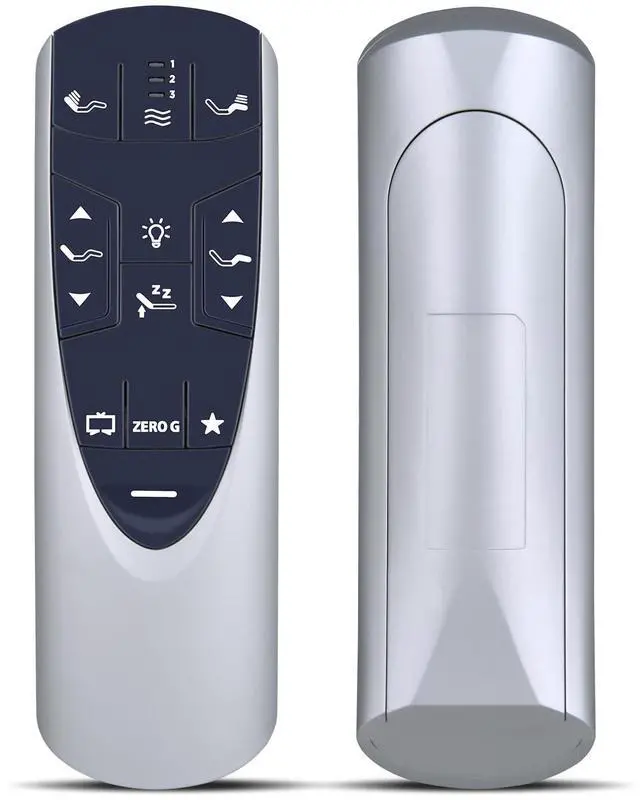
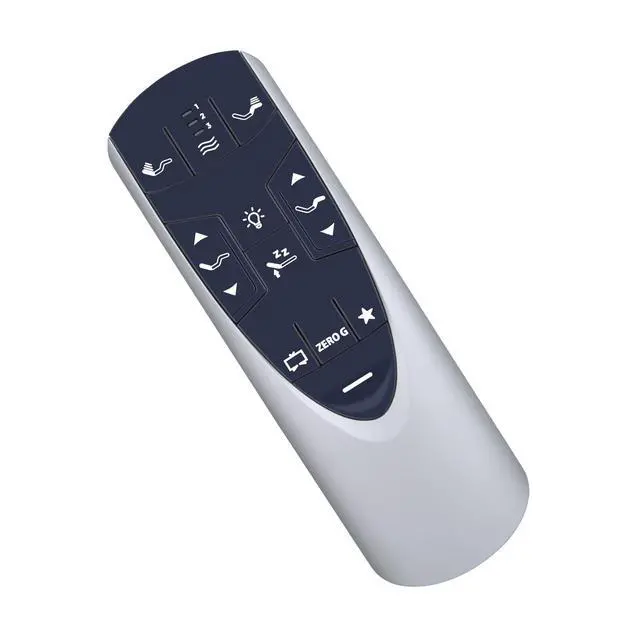
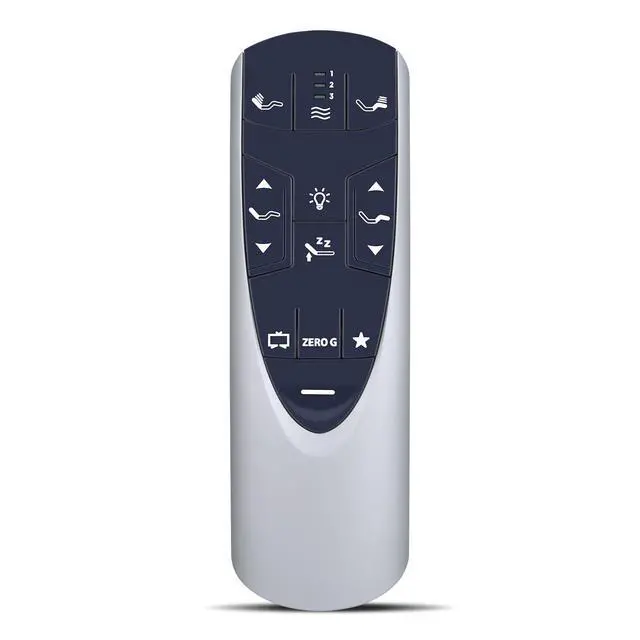
RF358A Replacement Remote for Tempurpedic Ergo/Ergo Extend Adjustable Bed | Compatible Models: JDLK.33.01.18 RF358A / JLDK.33.01.36 RF502A, Easy Setup, Fast Response, Stable Signal

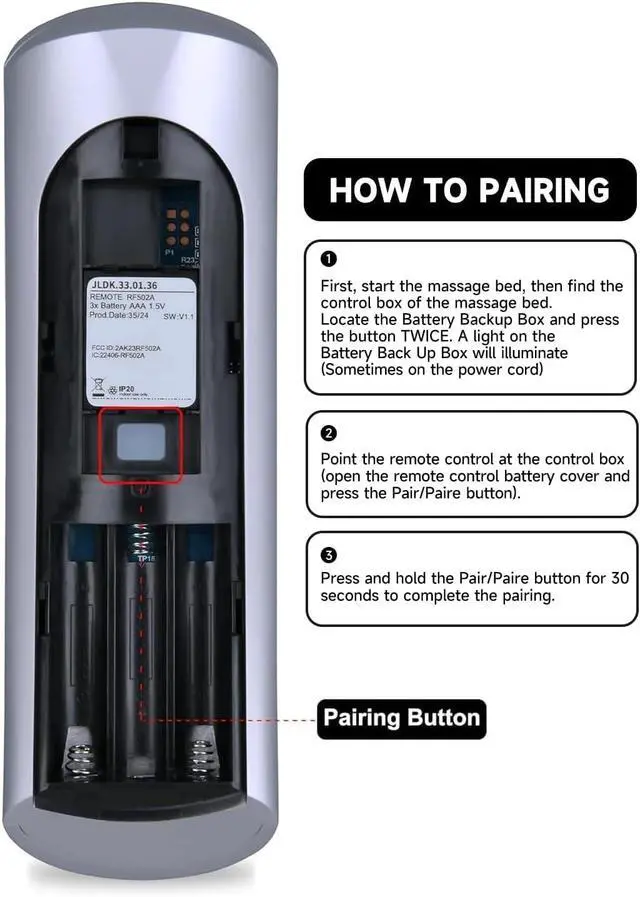
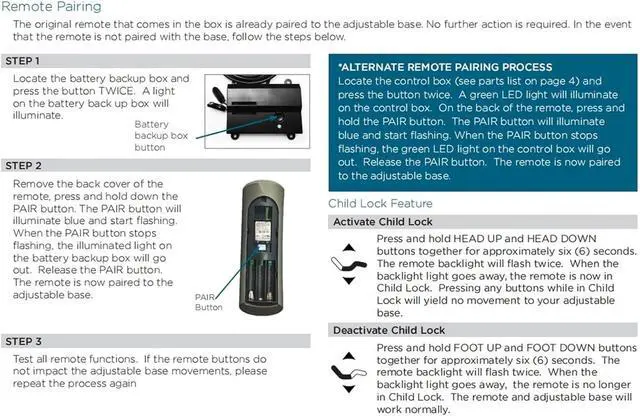
  • Compatible ModelsRF502A RF358A remote control compatible with Tempur-Pedic Ergo/Ergo Extend Adjustable bed base JDLK.33.01.18 JLDK.33.01.36 How to PairStep 1- Start massage bed, find control box. Locate Battery Backup Box, press button twice to light up (light may be on power cord). Step 2- Point remote at control box. Open remote battery cover, press Pair button. Step 3- Hold Pair button 30 sec to finish pairing. Built to Last & ComfortableMade from high-grade ABS material, which has a fast rebound and supports 400,000 presses. Its smooth surface provides a comfortable grip, while soft silicone keys are comfortable for the fingers and resistant to wear and stains. Package Contains: 1x Remote Control, 1x Manual (2xAAA batteries are not included)
+
+
Overview
Specs
Reviews
avatar

Any questions? Our AI mode will help you find out quickly.

Compatible ModelsRF502A RF358A remote control compatible with Tempur-Pedic Ergo/Ergo Extend Adjustable bed base JDLK. 33.01. 18 JLDK. 33.01. 36 How to PairStep 1- Start massage bed, find control box. Locate Battery Backup Box, press button twice to light up (light may be on power cord). Step 2- Point remote at control box. Open remote battery cover, press Pair button. Step 3- Hold Pair button 30 sec to finish pairing. Built to Last & ComfortableMade from high-grade ABS material, which has a fast rebound and supports 400, 000 presses.

Its smooth surface provides a comfortable grip, while soft silicone keys are comfortable for the fingers and resistant to wear and stains.
Package Contains: 1x Remote Control, 1x Manual (2xAAA batteries are not included)

Warranty & Returns

Warranty, Returns, And Additional Information

Warranty

  • Please contact the Seller directly for warranty information. Warranty information may also be found on the Manufacturer's website.
  • CONTACT

Return Policies

Manufacturer Contact Info

LOADING...