

Your Browsing History

Meet Your Seller

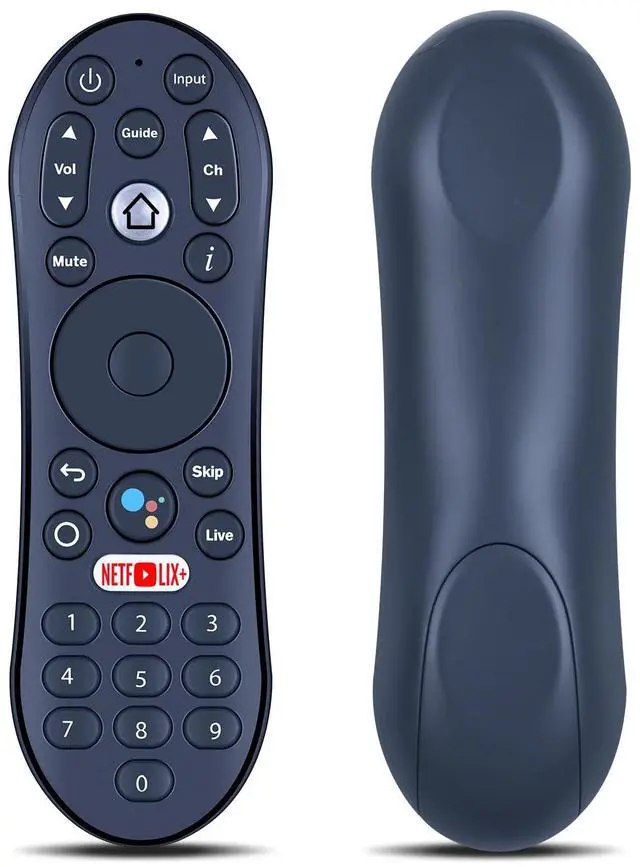
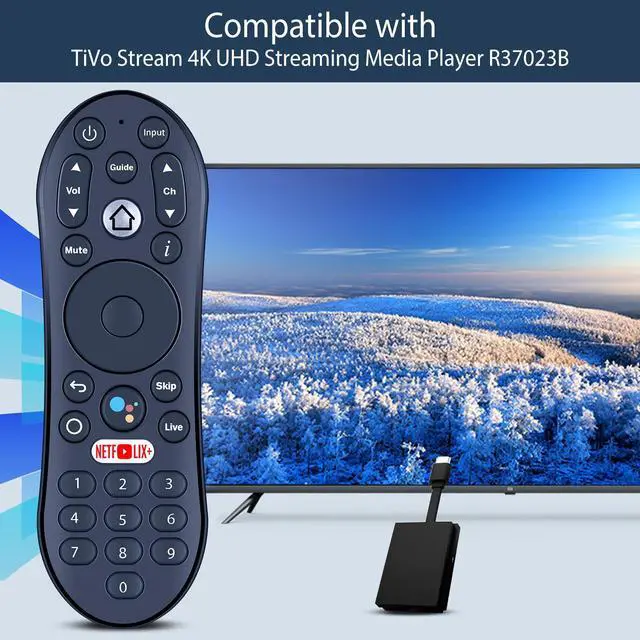


New Replacement Remote Control with Google-Assistant Voice Compatible with TiVo Stream 4K UHD Streaming Media Player R37023B
Limited time offer, ends 09/29 By Muxiju Store
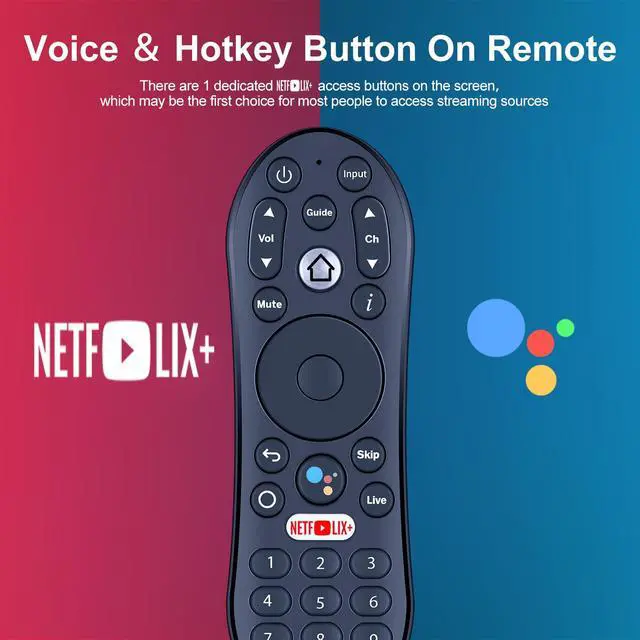
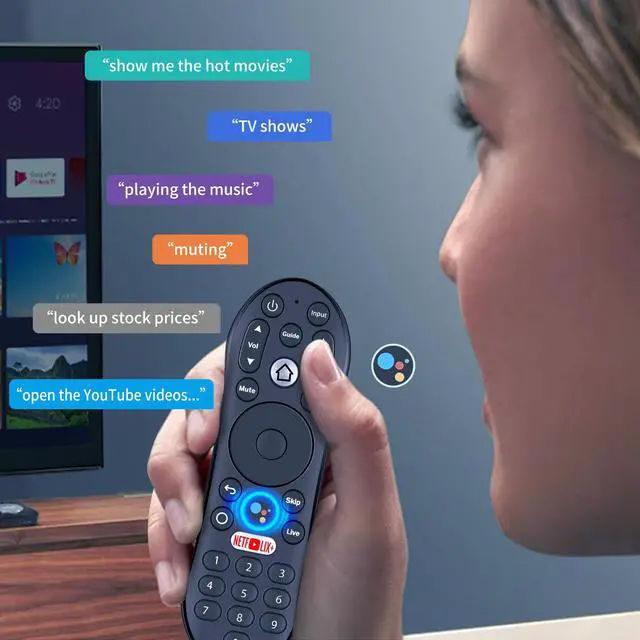
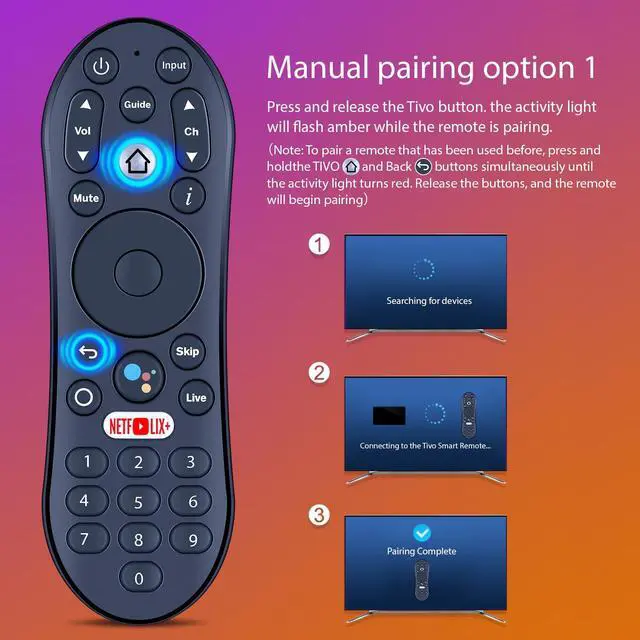
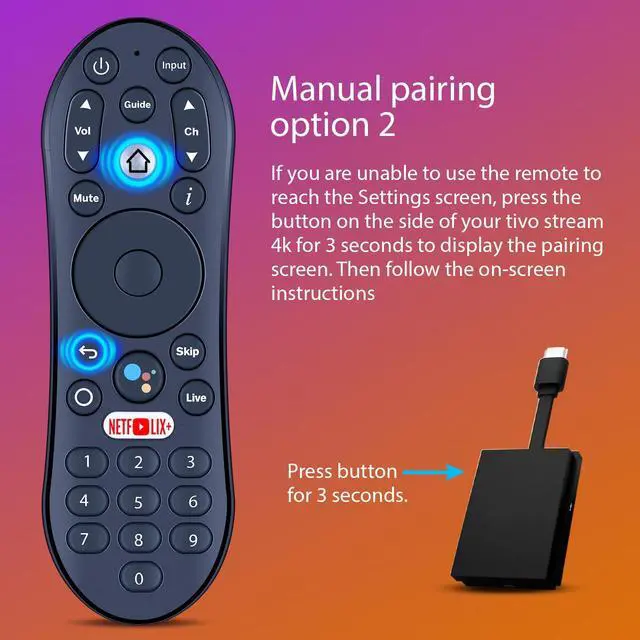
- Compatible ModelsThis replacement voice remote control is designed exclusively for the TiVo Stream 4K UHD Streaming Media Player (model R37023B). Google Assistant Voice SearchPress and hold the microphone button on the voice remote, then speak your command to quickly search for your favorite TV shows, open apps, and more. (Note: Please pair the remote with your TV before use.) Manual pairing option 1Press and quickly release the Tivo button. The activity light will blink amber while the remote is pairing. (Note: To pair a remote that has been used previously, press and hold the "TIVO" and "Back" buttons together until the activity light turns red. Release both buttons, and the remote will start pairing.) Manual pairing option 2If you cannot use the remote to access the Settings screen, press the button on the side of your TiVo Stream 4K for 3 seconds to bring up the pairing screen. Then follow the instructions shown on the screen
+
+
Overview
Specs
Reviews

Any questions? Our AI mode will help you find out quickly.
Try me now
Compatible ModelsThis replacement voice remote control is designed exclusively for the TiVo Stream 4K UHD Streaming Media Player (model R37023B). Google Assistant Voice SearchPress and hold the microphone button on the voice remote, then speak your command to quickly search for your favorite TV shows, open apps, and more.
(Note: Please pair the remote with your TV before use. ) Manual pairing option 1Press and quickly release the Tivo button. The activity light will blink amber while the remote is pairing.
(Note: To pair a remote that has been used previously, press and hold the "TIVO" and "Back" buttons together until the activity light turns red. Release both buttons, and the remote will start pairing. ) Manual pairing option 2If you cannot use the remote to access the Settings screen, press the button on the side of your TiVo Stream 4K for 3 seconds to bring up the pairing screen. Then follow the instructions shown on the screen
(Note: Please pair the remote with your TV before use. ) Manual pairing option 1Press and quickly release the Tivo button. The activity light will blink amber while the remote is pairing.
(Note: To pair a remote that has been used previously, press and hold the "TIVO" and "Back" buttons together until the activity light turns red. Release both buttons, and the remote will start pairing. ) Manual pairing option 2If you cannot use the remote to access the Settings screen, press the button on the side of your TiVo Stream 4K for 3 seconds to bring up the pairing screen. Then follow the instructions shown on the screen
Warranty & Returns
Warranty, Returns, And Additional Information
Warranty
- Please contact the Seller directly for warranty information. Warranty information may also be found on the Manufacturer's website.
- CONTACT
Return Policies
- Return for refund within: 30 days
- Return for replacement within: 30 days
- This item is covered by Muxiju Store Return Policy
Manufacturer Contact Info
- For a directory of all our manufacturers, please click below.
- Manufacturers Directory
LOADING...