Out of stock
  • $35.99
  • Free 30-day Returns
Sold by Muxiju Store

Shipped by Muxiju Store

Price alert
Shop it at NeweggBusiness.

Meet Your Seller

V3 Plus/Pro Voice Remote Control Compatible for Vseebox V5 Pro vSeeBox V5Pro/V3Pro/V2Pro/V1Pro/V3Plus/,V1/V2,V1 Max/Elite/MaxReplacement Learning Bluetooth Remote Control

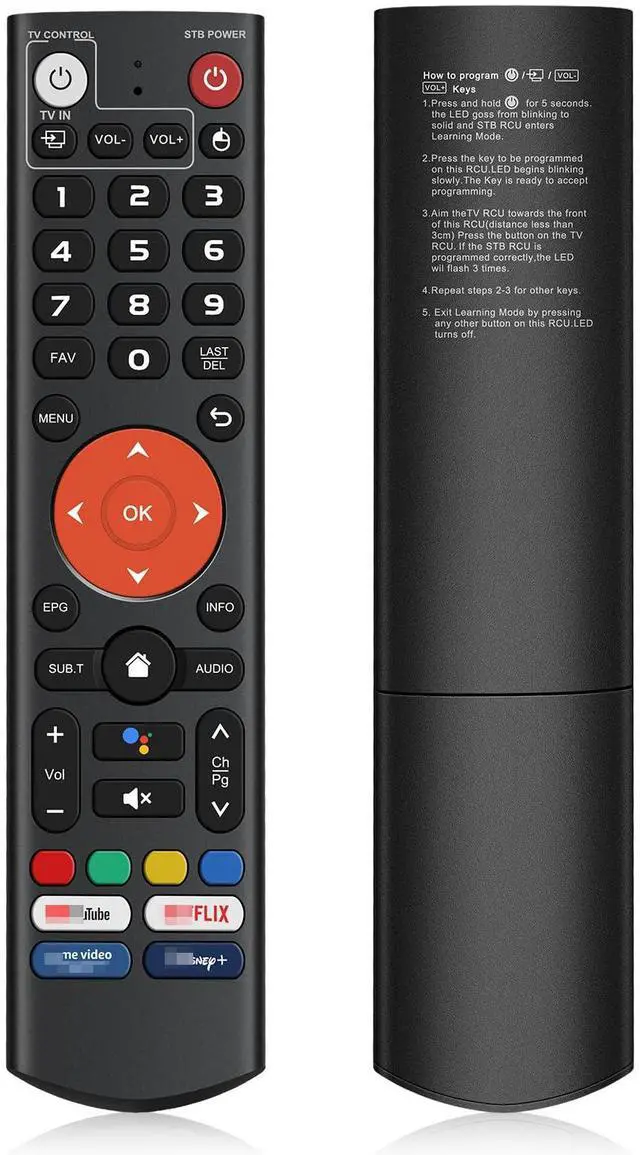
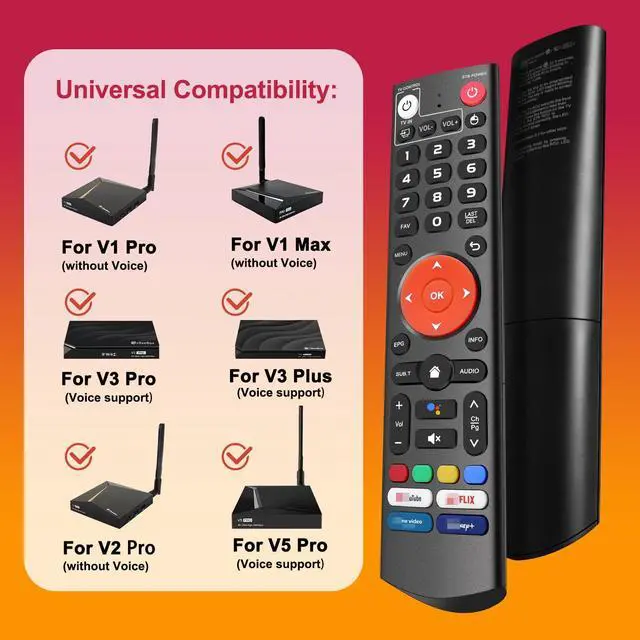
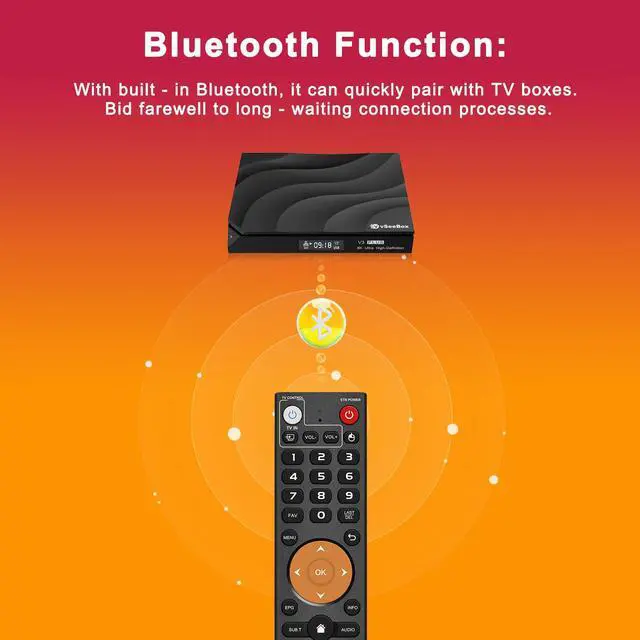
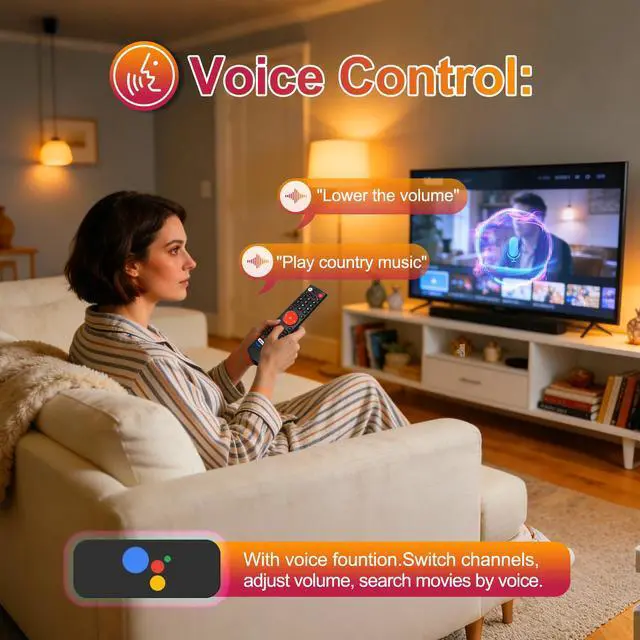
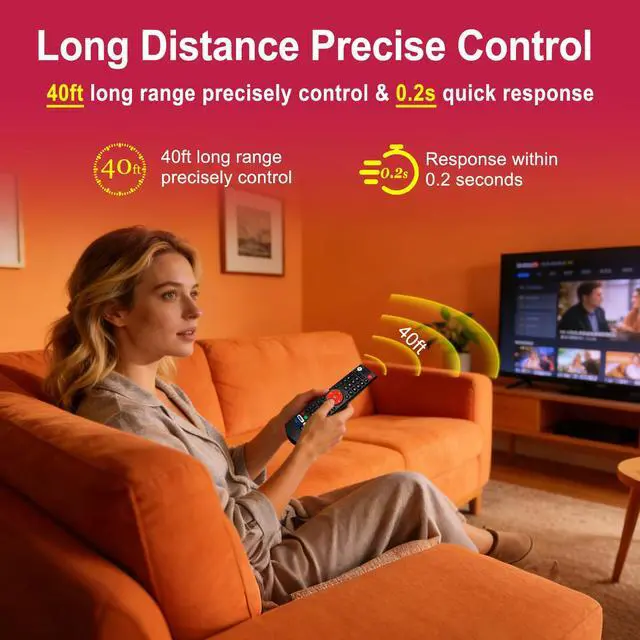
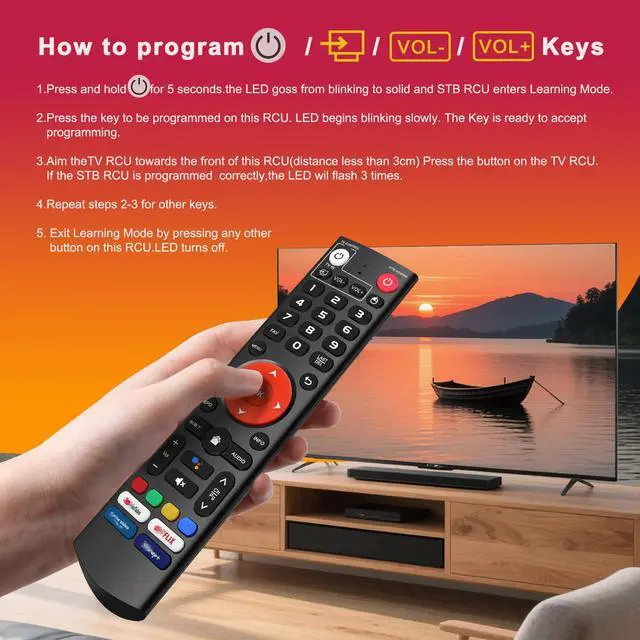
  • [Universal Compatibility] Fully compatible with vSeeBox V3 Plus/Pro Models. [Voice Control] Equipped with voice control capability. Change channels, adjust volume, and search movies using voice commands. [Bluetooth Function] Featuring built-in Bluetooth, it pairs quickly with TV boxes. Say goodbye to long connection wait times. [Quick Pairing] The V3 Plus voice remote pairs with your set-top box as follows: 1. Press and hold the [Power] button for 5 seconds, and the LED stays lit continuously. 2. Press the button on the RCU to be programmed. The LED starts flashing. 3. Point the TV remote control at the front of this remote and press the button. If programming succeeds, the LED flashes three times. 4. Repeat steps 2-3 to program the remaining keys. 5. Press any other key to exit learning mode. [Nice Remote Control] The remote is constructed from ABS plastic and silicone, offering a comfortable and durable feel. The buttons are soft and highly responsive. This remote has been enhanced to deliver a longer transmission range (over 25 ft) and a fast response time of 0.3 seconds, and the keys are rated for over 120,000 clicks
+
+
Overview
Specs
Reviews
avatar

Any questions? Our AI mode will help you find out quickly.

[Universal Compatibility] Fully compatible with vSeeBox V3 Plus/Pro Models. [Voice Control] Equipped with voice control capability. Change channels, adjust volume, and search movies using voice commands. [Bluetooth Function] Featuring built-in Bluetooth, it pairs quickly with TV boxes. Say goodbye to long connection wait times. [Quick Pairing] The V3 Plus voice remote pairs with your set-top box as follows: 1. Press and hold the [Power] button for 5 seconds, and the LED stays lit continuously. 2. Press the button on the RCU to be programmed. The LED starts flashing. 3. Point the TV remote control at the front of this remote and press the button. If programming succeeds, the LED flashes three times. 4. Repeat steps 2-3 to program the remaining keys. 5. Press any other key to exit learning mode. [Nice Remote Control] The remote is constructed from ABS plastic and silicone, offering a comfortable and durable feel. The buttons are soft and highly responsive. This remote has been enhanced to deliver a longer transmission range (over 25 ft) and a fast response time of 0.3 seconds, and the keys are rated for over 120, 000 clicks

Warranty & Returns

Warranty, Returns, And Additional Information

Warranty

  • Please contact the Seller directly for warranty information. Warranty information may also be found on the Manufacturer's website.
  • CONTACT

Return Policies

Manufacturer Contact Info

LOADING...