

Your Browsing History

Meet Your Seller

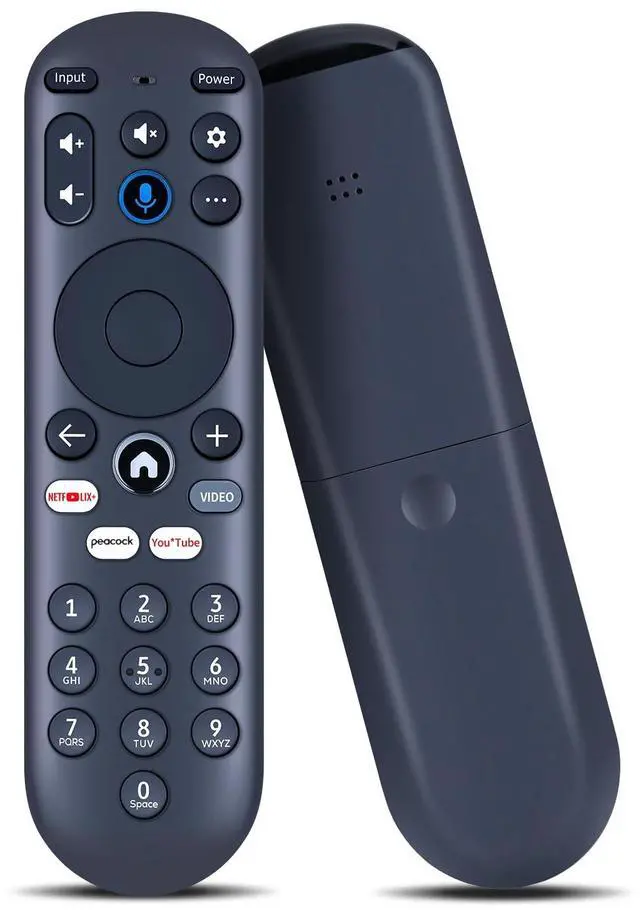
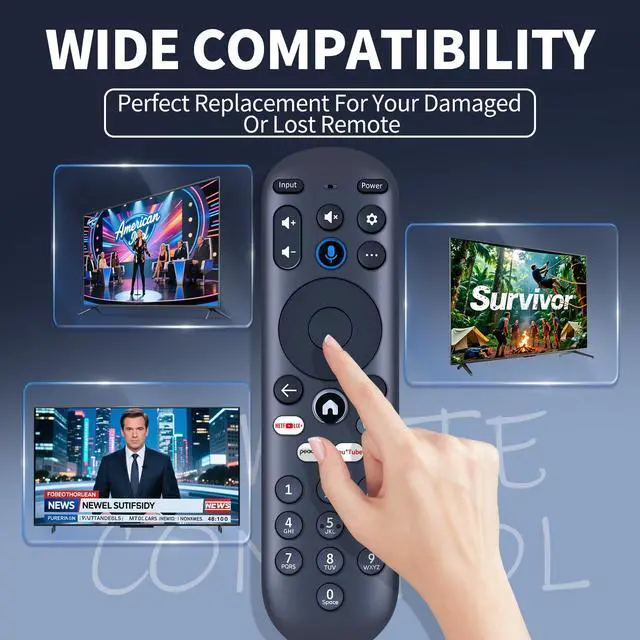
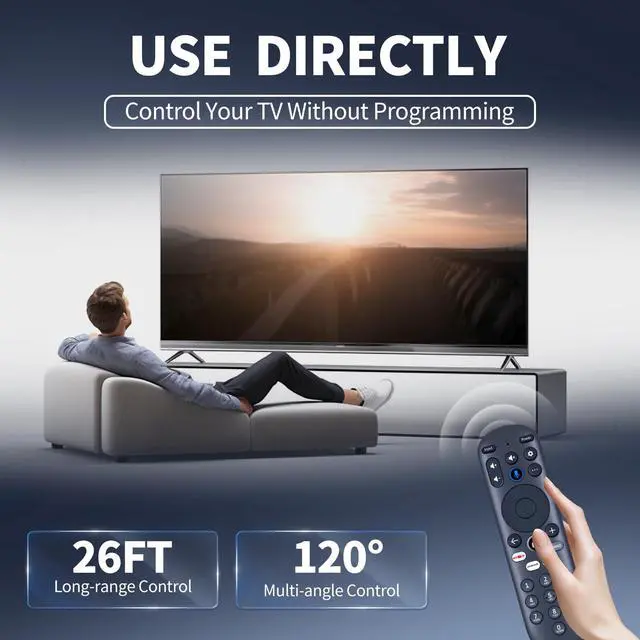
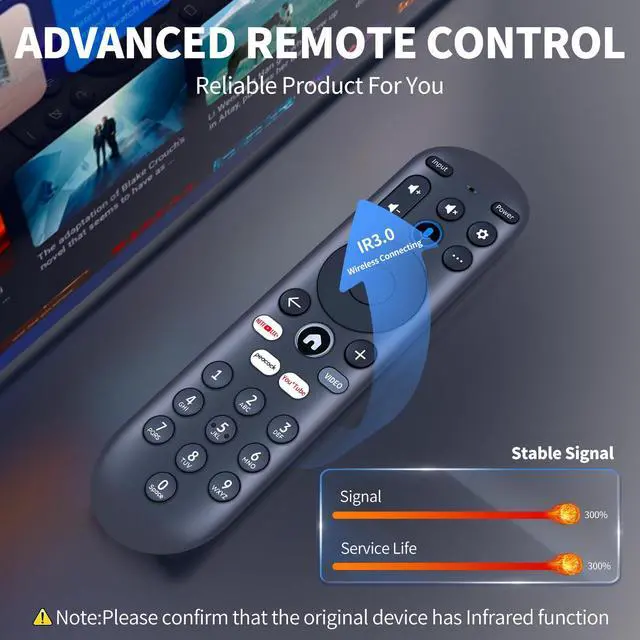
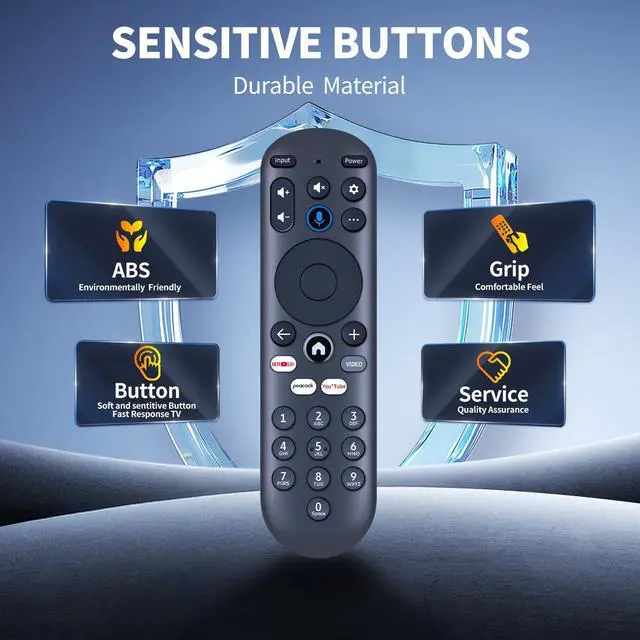


Voice Replacement Remote Control Compatible with Xumo Stream Box 4K UHD Smart Spectrum TV
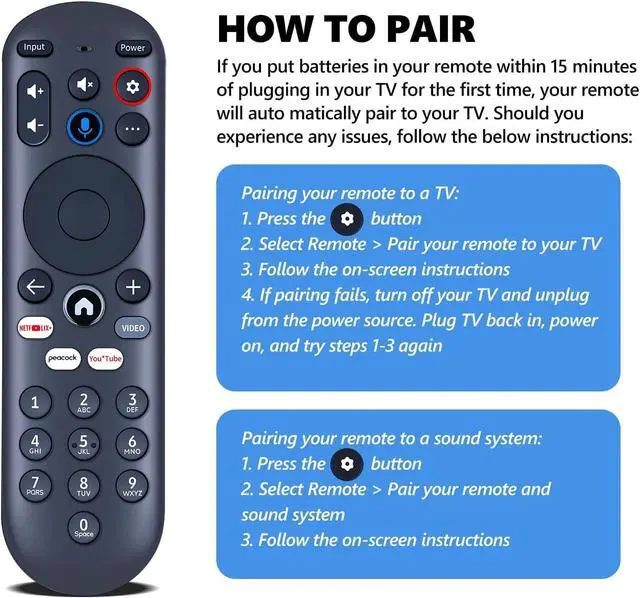
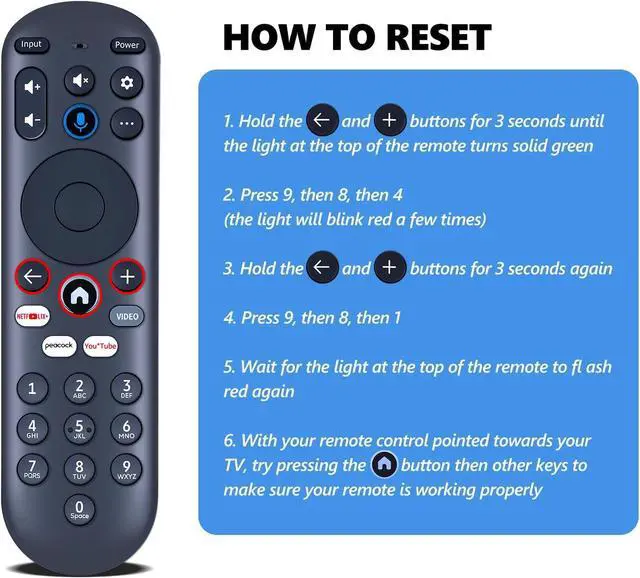
- Perfect Compatibility & ReplacementVoice replacement remote control compatible with Xumo Stream Box 4K UHD Smart Spectrum TV (Please ensure your old remote control is exactly the same as the one shown in the picture before ordering) How to Pair your remote to an existing Xumo TV Press the [SET] buttons. Select Remote Pair your remote to your TV. Follow the on-screen instructions. (Tips: If pairing fails, turn off your TV and unplug from the power source. Plug TV back in, power on, and try steps 1-3 again) How to Pair with Sound System Press the [SET] button. Select Remote Pair your remote and sound system. Follow the on-screen instructions. How To Reset Remote Hold the and buttons for 3 seconds until the light at the top of the remote turns solid green. Press 9, then 8, then 4 (the light will blink red a few times). Hold the and buttons for 3 seconds again. Press 9, then 8, then 1. Wait for the light at the top of the remote to flash red again. With your remote control pointed towards your TV, try pressing the HOME button then other keys to make sure your remote is working properly
+
+
Overview
Specs
Reviews

Any questions? Our AI mode will help you find out quickly.
Try me now
Perfect Compatibility & ReplacementVoice replacement remote control compatible with Xumo Stream Box 4K UHD Smart Spectrum TV (Please ensure your old remote control is exactly the same as the one shown in the picture before ordering) How to Pair your remote to an existing Xumo TV Press the [SET] buttons. Select Remote Pair your remote to your TV. Follow the on-screen instructions.
(Tips: If pairing fails, turn off your TV and unplug from the power source. Plug TV back in, power on, and try steps 1-3 again) How to Pair with Sound System Press the [SET] button. Select Remote Pair your remote and sound system. Follow the on-screen instructions. How To Reset Remote Hold the and buttons for 3 seconds until the light at the top of the remote turns solid green. Press 9, then 8, then 4 (the light will blink red a few times). Hold the and buttons for 3 seconds again. Press 9, then 8, then 1. Wait for the light at the top of the remote to flash red again. With your remote control pointed towards your TV, try pressing the HOME button then other keys to make sure your remote is working properly
(Tips: If pairing fails, turn off your TV and unplug from the power source. Plug TV back in, power on, and try steps 1-3 again) How to Pair with Sound System Press the [SET] button. Select Remote Pair your remote and sound system. Follow the on-screen instructions. How To Reset Remote Hold the and buttons for 3 seconds until the light at the top of the remote turns solid green. Press 9, then 8, then 4 (the light will blink red a few times). Hold the and buttons for 3 seconds again. Press 9, then 8, then 1. Wait for the light at the top of the remote to flash red again. With your remote control pointed towards your TV, try pressing the HOME button then other keys to make sure your remote is working properly
Warranty & Returns
Warranty, Returns, And Additional Information
Warranty
- Please contact the Seller directly for warranty information. Warranty information may also be found on the Manufacturer's website.
- CONTACT
Return Policies
- Return for refund within: 30 days
- Return for replacement within: 30 days
- This item is covered by Muxiju Store Return Policy
Manufacturer Contact Info
- For a directory of all our manufacturers, please click below.
- Manufacturers Directory
LOADING...