Your Browsing History
Meet Your Seller
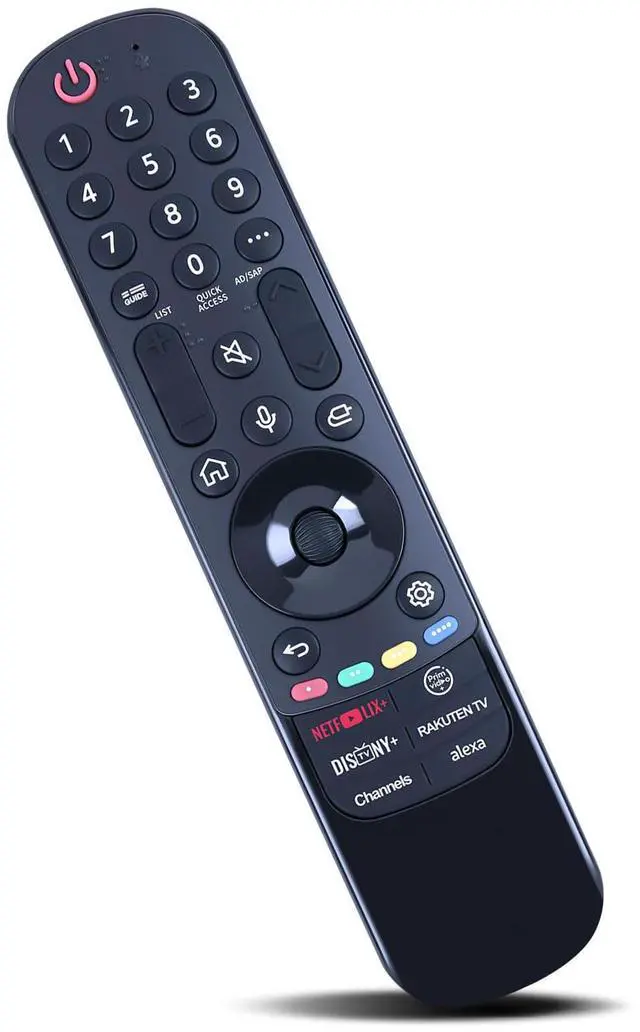
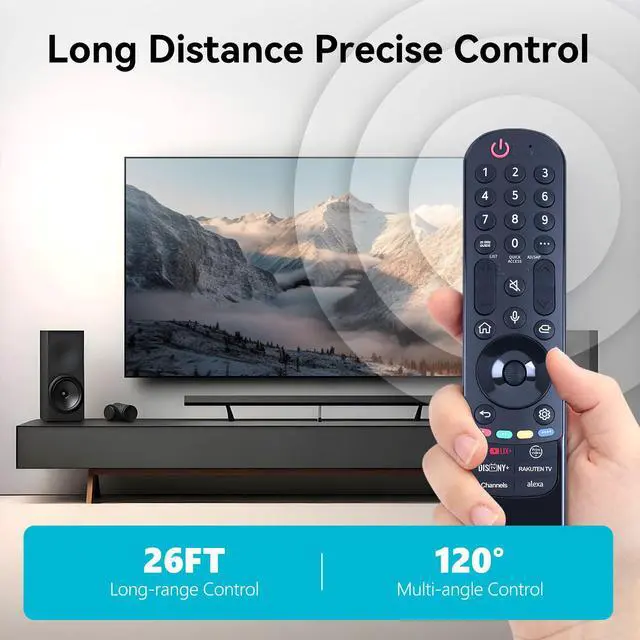
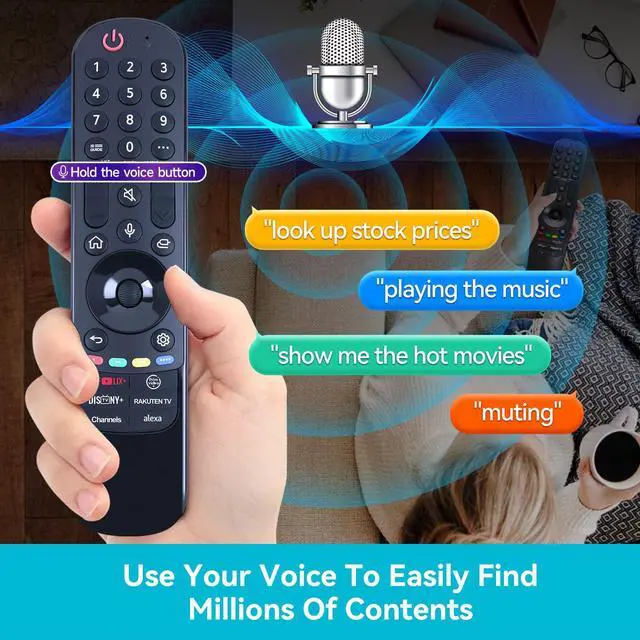
MR23GN Replacement Magic Remote for LG MR24GA with Voice and Pointer for 2023 and 2024 LG TVs AKB76045003 OLED42C4PUA OLED48B4AUA OLED48C4AUA OLED48C4PUA OLED55B4AUA OLED97G4WUA OLED83C4PUA
Limited time offer, ends 09/07 By Muxiju Store
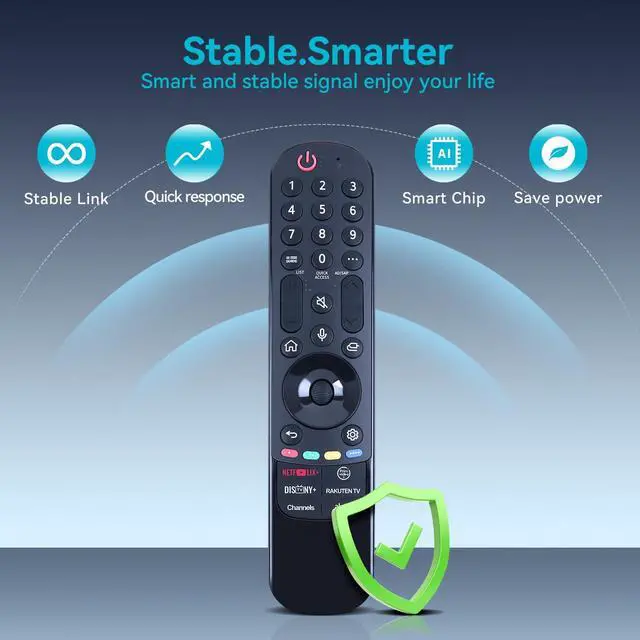
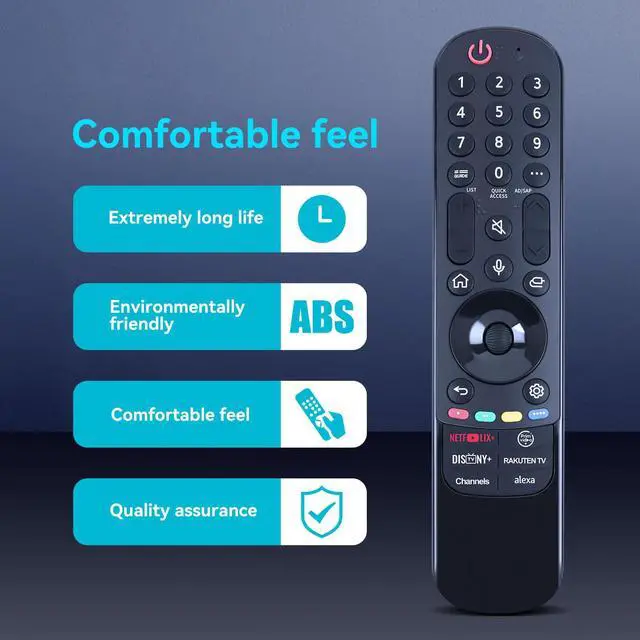
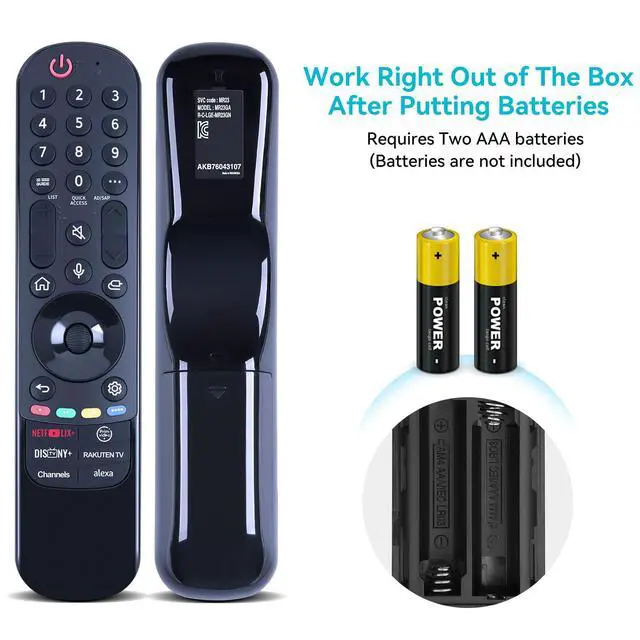
- Compatible with Models: OLED65C4PUA, OLED65G4SUB, OLED77B4AUA, OLED77B4PUA, OLED77C4AUA, OLED77C4PUA, OLED77G4WUA, OLED83C4AUA, OLED83C4PUA, OLED83G4WUA, OLED97G4WUA, OLED42C4AUA, OLED42C4PUA, OLED48B4AUA, OLED48B4PUA, OLED48C4AUA, OLED48C4PUA, OLED55B4AUA, OLED55B4PUA, OLED55C4AUA, OLED55C4PUA, OLED55G4SUB, OLED65B4AUA, OLED65B4PUA, OLED65C4AUA. To use the Magic Remote, first pair it with your TV. Insert batteries into the Magic Remote and switch the TV on. Aim the Magic Remote at the TV and press the Wheel (OK) button. If the TV does not register the remote, turn the TV off and on again, then retry. To unpair the Magic Remote, press and hold the HOME and BACK buttons together for five seconds. To disconnect and re-register the remote at the same time, press and hold the GUIDE button for more than 5 seconds. This remote is constructed from high-quality ABS, offering wear resistance, durability, and a comfortable grip. The package contains 1 remote controller. It operates on AA batteries only (batteries are not included)

+
+
Overview
Specs
Reviews
Any questions? Our AI mode will help you find out quickly.
Try me now
Compatible with
Models: OLED65C4PUA, OLED65G4SUB, OLED77B4AUA, OLED77B4PUA, OLED77C4AUA, OLED77C4PUA, OLED77G4WUA, OLED83C4AUA, OLED83C4PUA, OLED83G4WUA, OLED97G4WUA, OLED42C4AUA, OLED42C4PUA, OLED48B4AUA, OLED48B4PUA, OLED48C4AUA, OLED48C4PUA, OLED55B4AUA, OLED55B4PUA, OLED55C4AUA, OLED55C4PUA, OLED55G4SUB, OLED65B4AUA, OLED65B4PUA, OLED65C4AUA. To use the Magic Remote, first pair it with your TV. Insert batteries into the Magic Remote and switch the TV on. Aim the Magic Remote at the TV and press the Wheel (OK) button. If the TV does not register the remote, turn the TV off and on again, then retry. To unpair the Magic Remote, press and hold the HOME and BACK buttons together for five seconds. To disconnect and re-register the remote at the same time, press and hold the GUIDE button for more than 5 seconds. This remote is constructed from high-quality ABS, offering wear resistance, durability, and a comfortable grip. The package contains 1 remote controller. It operates on AA batteries only (batteries are not included)
Warranty & Returns
Warranty, Returns, And Additional Information
Warranty
- Please contact the Seller directly for warranty information. Warranty information may also be found on the Manufacturer's website.
- CONTACT
Return Policies
- Return for refund within: 30 days
- Return for replacement within: 30 days
- This item is covered by Muxiju Store Return Policy
Manufacturer Contact Info
- For a directory of all our manufacturers, please click below.
- Manufacturers Directory
LOADING...