Your Browsing History
Meet Your Seller
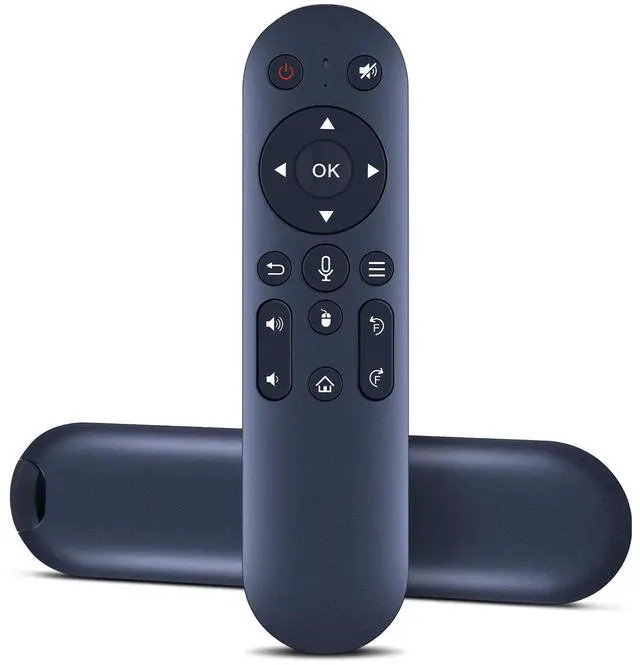
Remote Control for Magcubic/Salange/Feifeaouy/WellSonic Projector | for Magcubic HY310,HY300 Ultra/Salange HY260PRO/feifeaouy HY260Pro/WellSonic Hy260 pro/Alwtniet hy350
Limited time offer, ends 09/07 By Muxiju Store
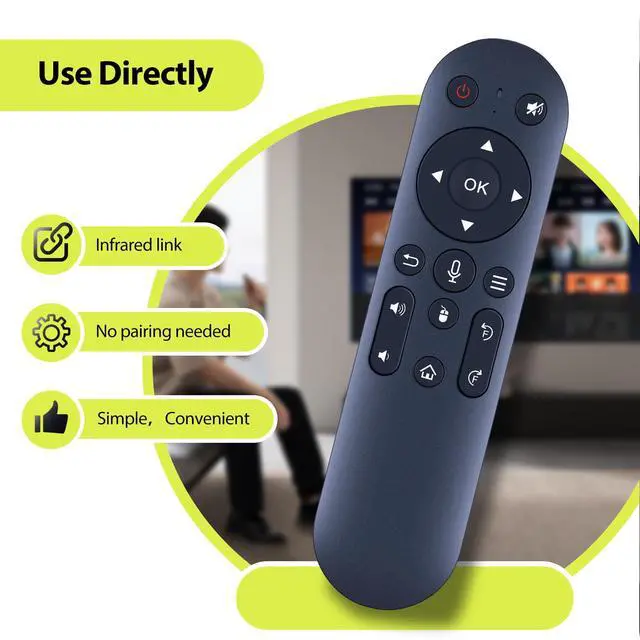
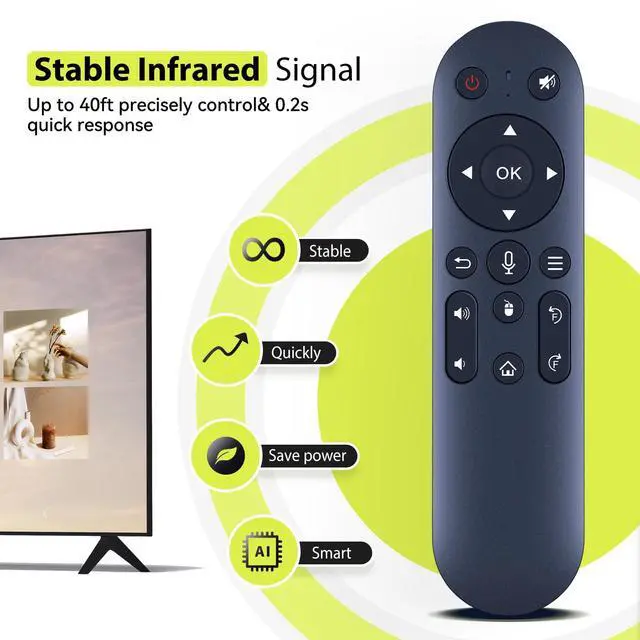
- Remote CompatibilityCompatible with Magcubic HY310, HY300 Ultra, Salange HY260PRO, feifeaouy HY260Pro, WellSonic Hy260 pro, and Alwtniet hy350 Mini Projector. Ergonomic DesignCompact and lightweight, with a comfortable hand feel. The smooth edges and anti-slip surface provide a secure grip and reduce the chance of accidental drops during use. InstructionsBroadcast Name: Remote. Press and hold the [Left] and [Right] buttons simultaneously for more than 3 seconds. The indicator light will flash rapidly, entering pairing mode (within 60 seconds). If the indicator light stays on for 2 seconds and then stops flashing, pairing is successful. If no pairing occurs within 60 seconds, the pairing mode will automatically exit and the red light will turn off. Flashing Mode1. Infrared Mode: A red light turns on when the button is pressed; a long press turns on continuously; a short press turns on flashing. 2. Mode: A red light turns on when the button is pressed; a long press turns on continuously; a short press turns on flashing

+
+
Overview
Specs
Reviews
Any questions? Our AI mode will help you find out quickly.
Try me now
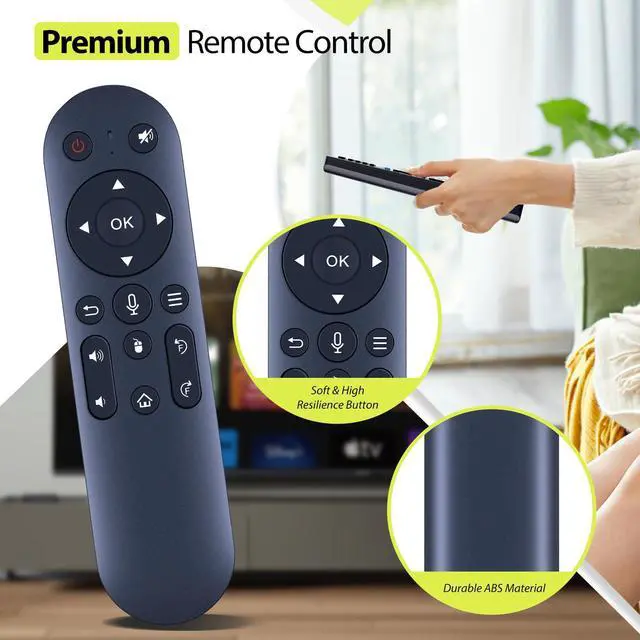
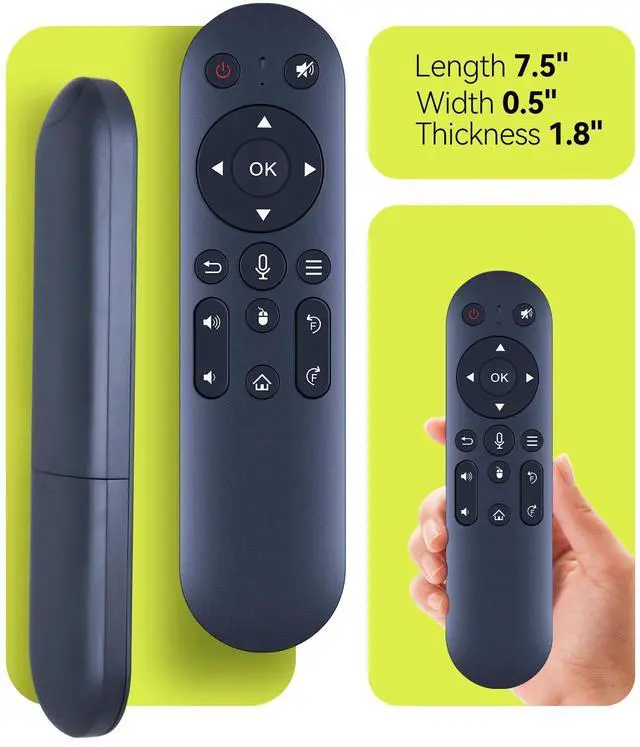
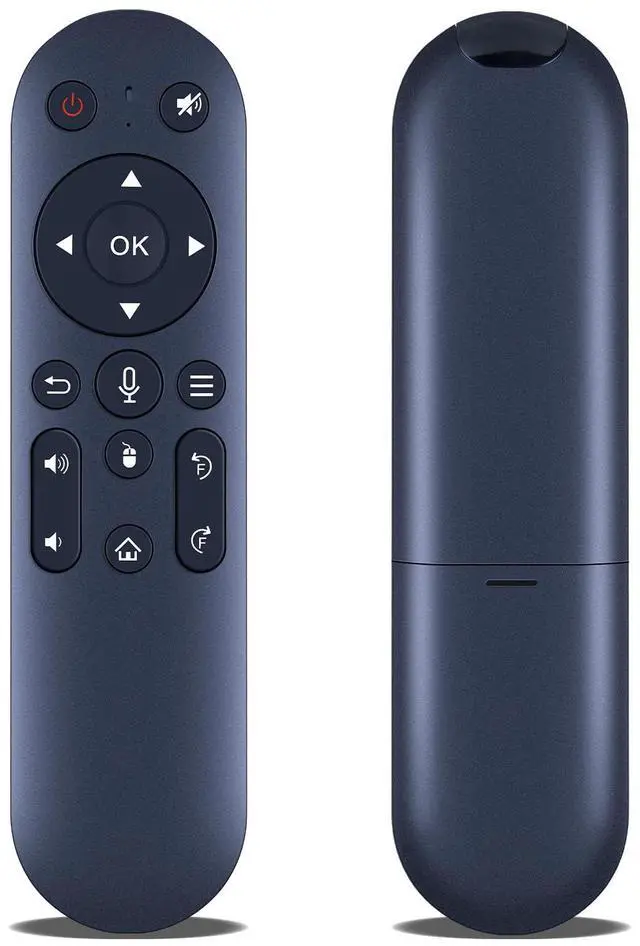
Remote CompatibilityCompatible with Magcubic HY310, HY300 Ultra, Salange HY260PRO, feifeaouy HY260Pro, WellSonic Hy260 pro, and Alwtniet hy350 Mini Projector. Ergonomic DesignCompact and lightweight, with a comfortable hand feel. The smooth edges and anti-slip surface provide a secure grip and reduce the chance of accidental drops during use.
InstructionsBroadcast Name: Remote. Press and hold the [Left] and [Right] buttons simultaneously for more than 3 seconds. The indicator light will flash rapidly, entering pairing mode (within 60 seconds). If the indicator light stays on for 2 seconds and then stops flashing, pairing is successful. If no pairing occurs within 60 seconds, the pairing mode will automatically exit and the red light will turn off. Flashing Mode1.
Infrared Mode: A red light turns on when the button is pressed; a long press turns on continuously; a short press turns on flashing. 2.
Mode: A red light turns on when the button is pressed; a long press turns on continuously; a short press turns on flashing
InstructionsBroadcast Name: Remote. Press and hold the [Left] and [Right] buttons simultaneously for more than 3 seconds. The indicator light will flash rapidly, entering pairing mode (within 60 seconds). If the indicator light stays on for 2 seconds and then stops flashing, pairing is successful. If no pairing occurs within 60 seconds, the pairing mode will automatically exit and the red light will turn off. Flashing Mode1.
Infrared Mode: A red light turns on when the button is pressed; a long press turns on continuously; a short press turns on flashing. 2.
Mode: A red light turns on when the button is pressed; a long press turns on continuously; a short press turns on flashing
Warranty & Returns
Warranty, Returns, And Additional Information
Warranty
- Please contact the Seller directly for warranty information. Warranty information may also be found on the Manufacturer's website.
- CONTACT
Return Policies
- Return for refund within: 30 days
- Return for replacement within: 30 days
- This item is covered by Muxiju Store Return Policy
Manufacturer Contact Info
- For a directory of all our manufacturers, please click below.
- Manufacturers Directory
LOADING...