

Your Browsing History

Meet Your Seller


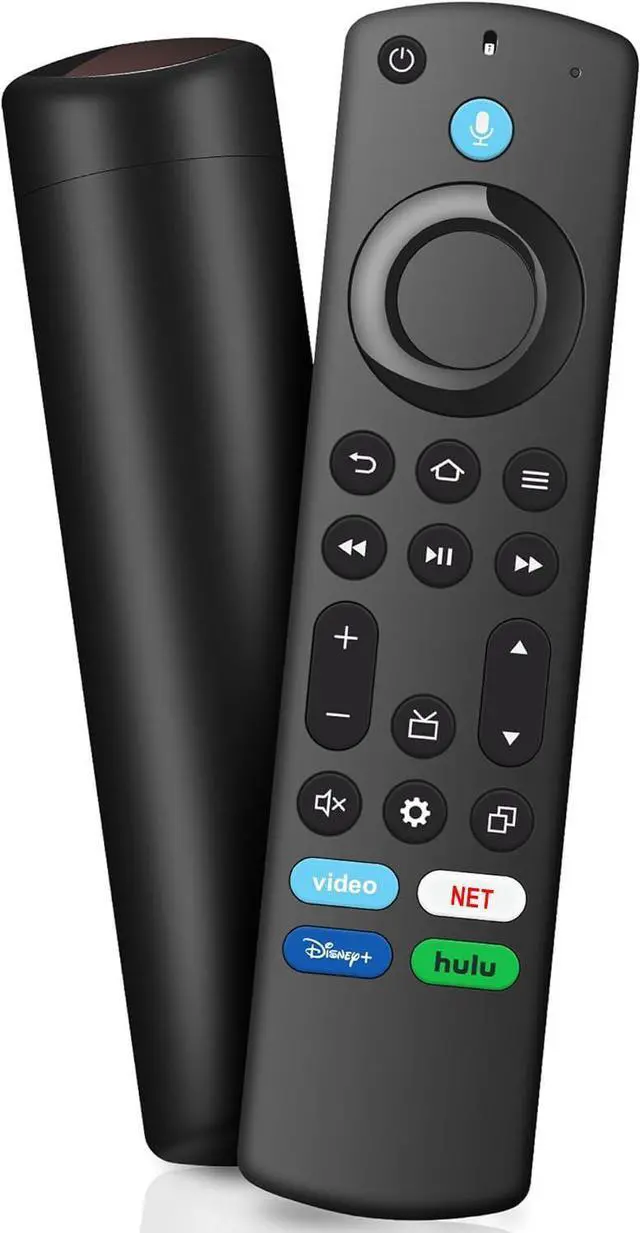
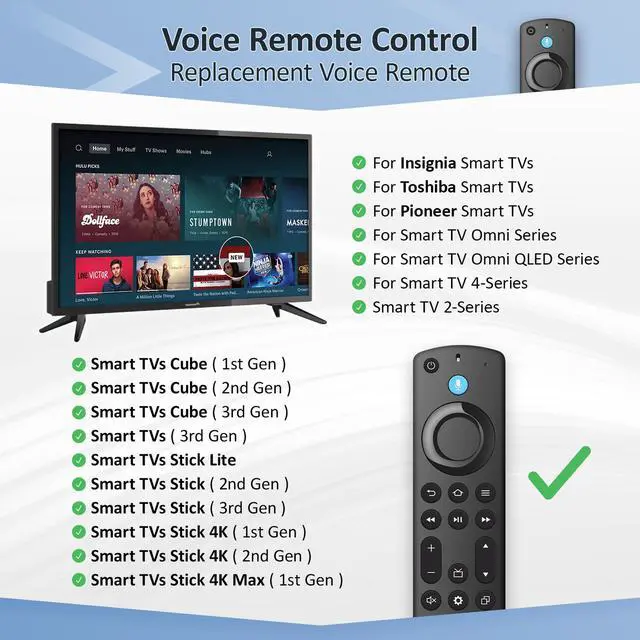
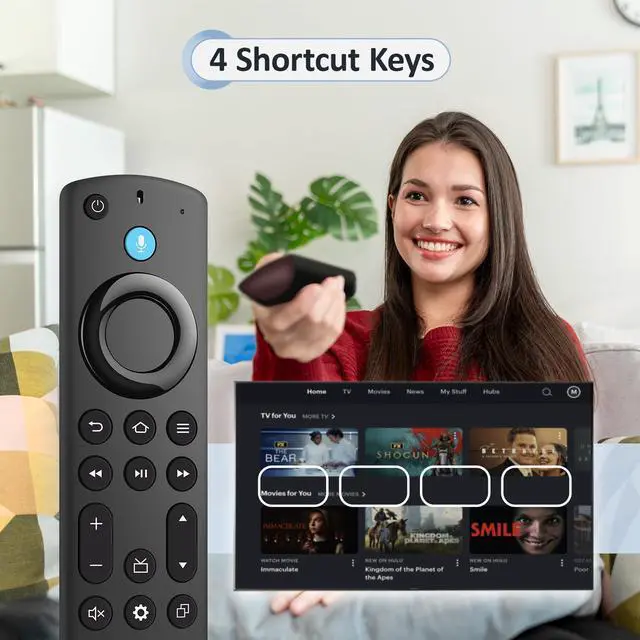
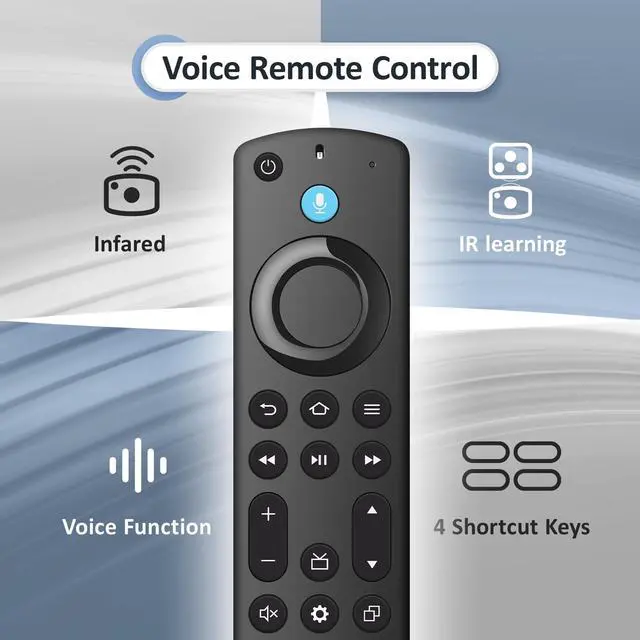
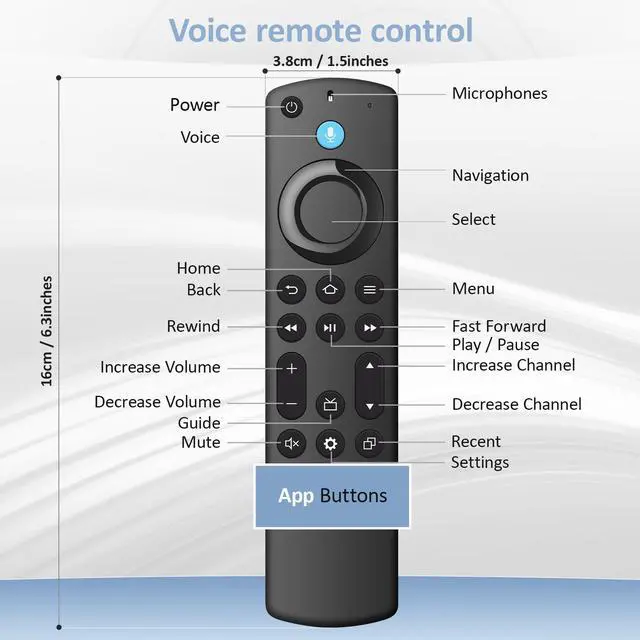
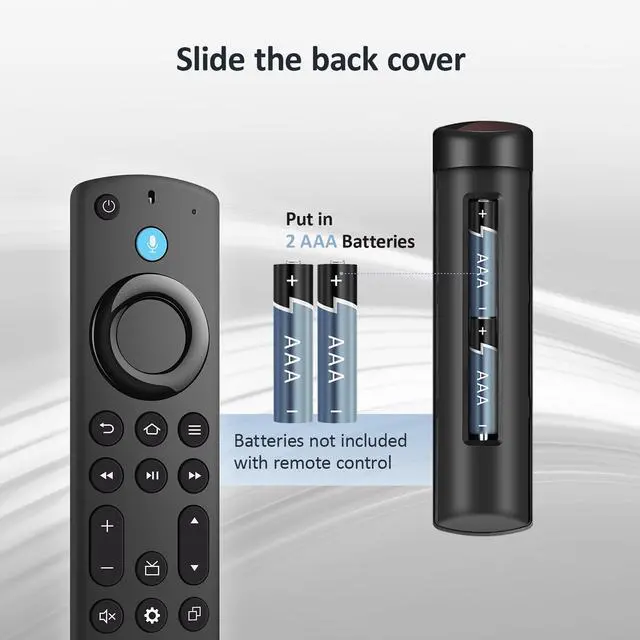


Replacement Voice Remote for All Fire Smart TV Cube, Fit for TV Stick 4K Max/4K, TV Stick(2nd/3rd Gen), TV Stick Lite/HD, Fit for TCL/Insignia/Toshiba/Hisense Smart TVs
- Compatible with: Works with Smart TVs Cube (1st / 2nd / 3rd Gen), Smart TVs Stick 4K Max (1st / 2nd Gen), Smart TVs Stick 4K (1st / 2nd Gen), Smart TVs Stick (2nd / 3rd Gen), Smart TVs Stick Lite, TV Stick HD, Smart TVs (3rd Gen), and is a great fit for Hisense, TCL Smart TV, Omni Mini-LED Series, Omni Series, 4-Series, Insignia, Toshiba, Pioneer Smart TV. Not compatible with Roku or Samsung. Not Compatible: This remote will not work with Smart TVs 1st Gen, Smart TVs 2nd Gen, Smart TVs Stick (1st Gen), or Smart TVs Edition smart TVs. Please check that your device model works with this remote before ordering. With Voice Function: Use voice commands to easily find, launch, and control content, play music, check sports scores, get weather updates, view live camera feeds, and manage compatible smart home devices. Easily jump to your favorite scenes using standard navigation and playback controls. How to Pair: First, remove the stick from your TV and unplug the power from the stick. Then reconnect the power and insert the stick back into the TV. Next, press and hold the Home button for about 10-15 seconds until the LED indicator begins flashing rapidly in amber for 10 seconds. After that, your remote will automatically pair with your device
+
+
Overview
Specs
Reviews

Any questions? Our AI mode will help you find out quickly.
Try me now
Compatible with: Works with Smart TVs Cube (1st / 2nd / 3rd Gen), Smart TVs Stick 4K Max (1st / 2nd Gen), Smart TVs Stick 4K (1st / 2nd Gen), Smart TVs Stick (2nd / 3rd Gen), Smart TVs Stick Lite, TV Stick HD, Smart TVs (3rd Gen), and is a great fit for Hisense, TCL Smart TV, Omni Mini-LED Series, Omni Series, 4-Series, Insignia, Toshiba, Pioneer Smart TV. Not compatible with Roku or Samsung.
Not Compatible: This remote will not work with Smart TVs 1st Gen, Smart TVs 2nd Gen, Smart TVs Stick (1st Gen), or Smart TVs Edition smart TVs. Please check that your device model works with this remote before ordering.
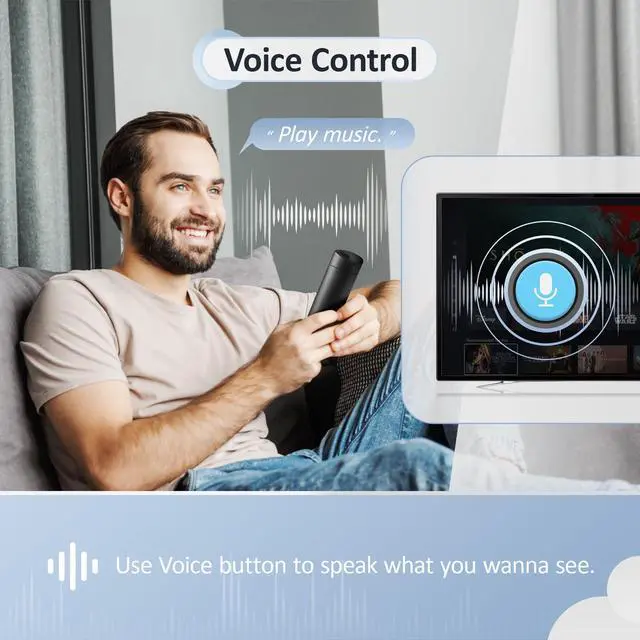
With Voice Function: Use voice commands to easily find, launch, and control content, play music, check sports scores, get weather updates, view live camera feeds, and manage compatible smart home devices. Easily jump to your favorite scenes using standard navigation and playback controls.
How to Pair: First, remove the stick from your TV and unplug the power from the stick. Then reconnect the power and insert the stick back into the TV. Next, press and hold the Home button for about 10-15 seconds until the LED indicator begins flashing rapidly in amber for 10 seconds. After that, your remote will automatically pair with your device
Not Compatible: This remote will not work with Smart TVs 1st Gen, Smart TVs 2nd Gen, Smart TVs Stick (1st Gen), or Smart TVs Edition smart TVs. Please check that your device model works with this remote before ordering.
With Voice Function: Use voice commands to easily find, launch, and control content, play music, check sports scores, get weather updates, view live camera feeds, and manage compatible smart home devices. Easily jump to your favorite scenes using standard navigation and playback controls.
How to Pair: First, remove the stick from your TV and unplug the power from the stick. Then reconnect the power and insert the stick back into the TV. Next, press and hold the Home button for about 10-15 seconds until the LED indicator begins flashing rapidly in amber for 10 seconds. After that, your remote will automatically pair with your device
Warranty & Returns
Warranty, Returns, And Additional Information
Warranty
- Please contact the Seller directly for warranty information. Warranty information may also be found on the Manufacturer's website.
- CONTACT
Return Policies
- Return for refund within: 30 days
- Return for replacement within: 30 days
- This item is covered by Muxiju Store Return Policy
Manufacturer Contact Info
- For a directory of all our manufacturers, please click below.
- Manufacturers Directory
LOADING...