

Your Browsing History

Meet Your Seller

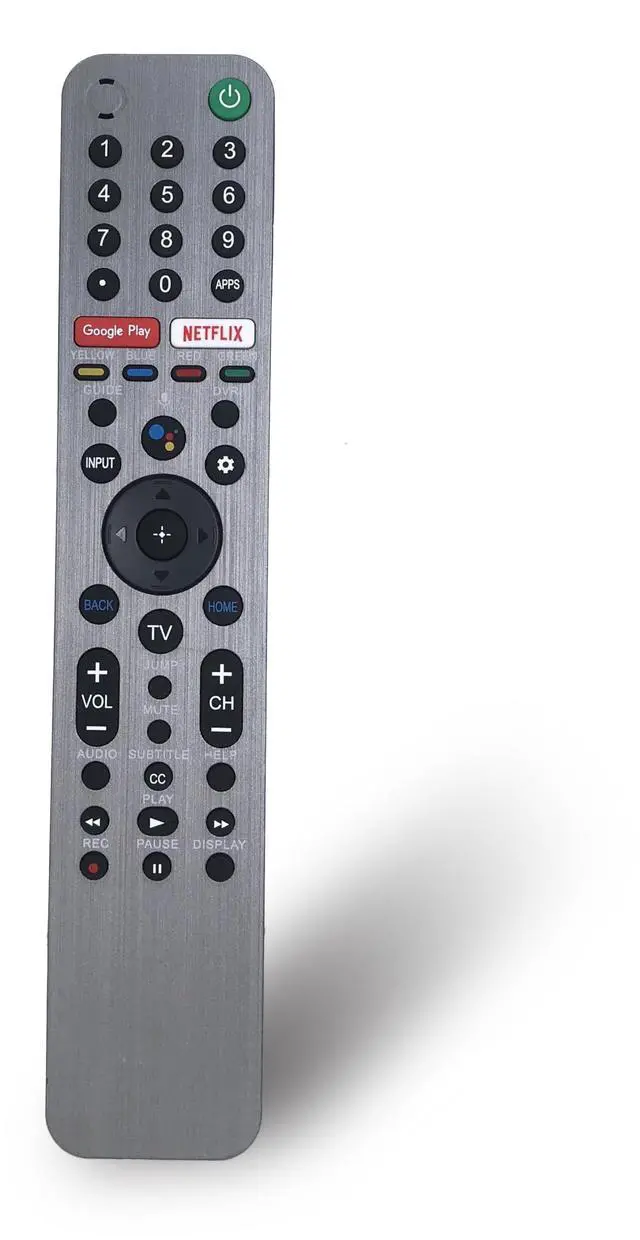
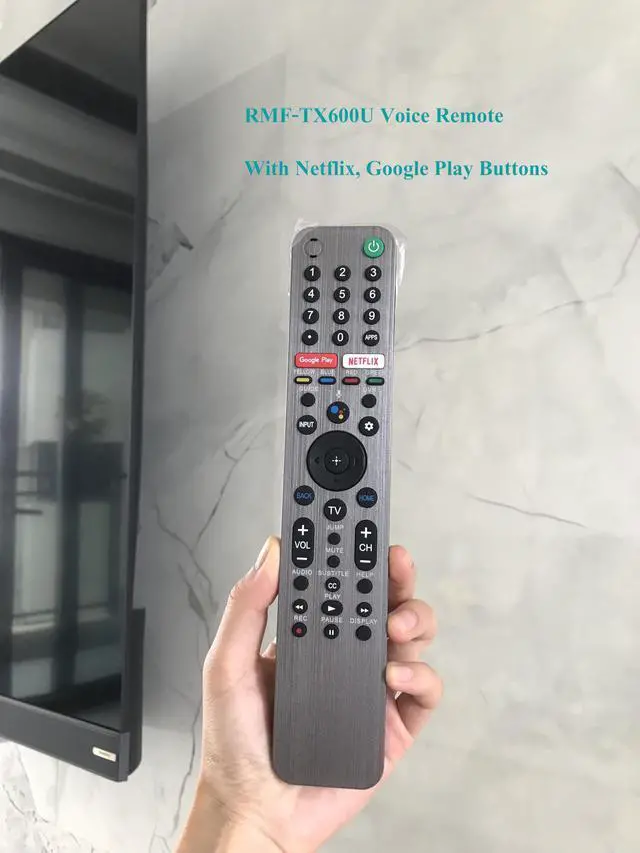
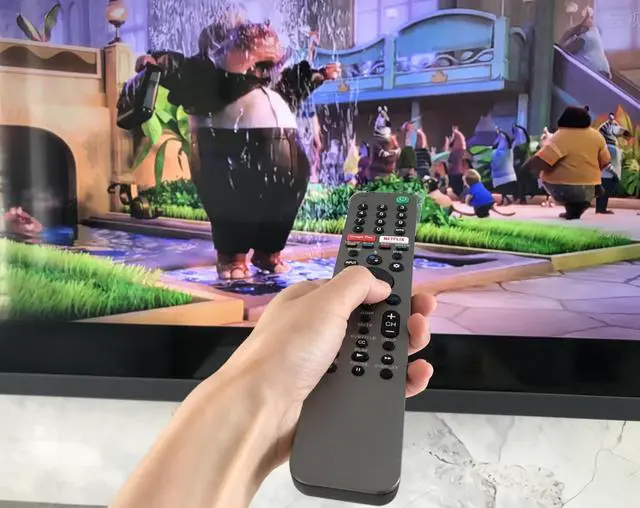
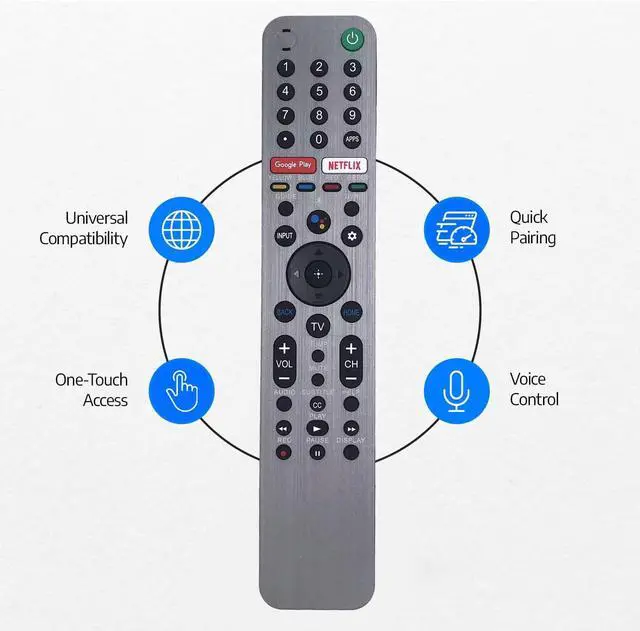


Voice Replacement Remote Control for Sony Bravia Smart TV XBR-A9G XBR-55X950H XBR-55X950G XBR-55X800H XBR-55X900H XBR-65X950G XBR-65A9G XBR-55A9G XBR-77A9G XBR-48A9S XBR-55X850G XBR-75X950G
Limited time offer, ends 09/30 By Brightflag Electronics
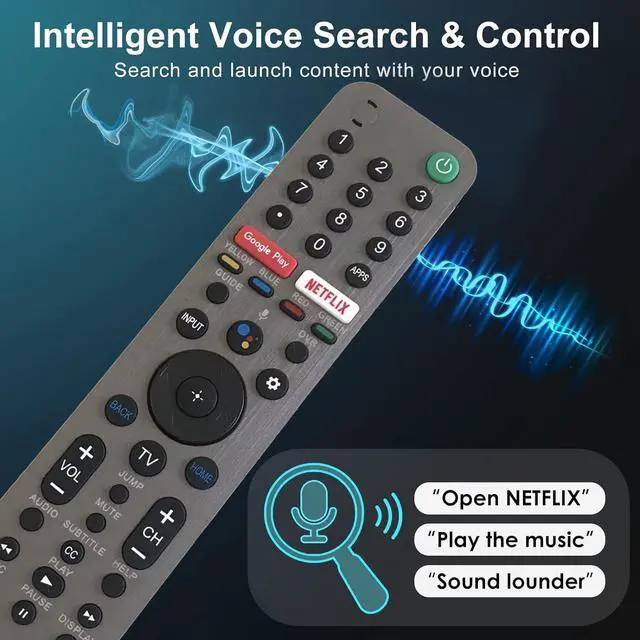
- RMF-TX600U Voice Remote, Designed for Sony Bravia Smart TV models including XBR-A9G, XBR-55X950H, XBR-55X950G, XBR-55X800H, XBR-55X900H, XBR-65X950G, XBR-65A9G, XBR-55A9G, XBR-77A9G, XBR-48A9S, XBR-55X850G, XBR-65X850G, XBR-75X850G, XBR-85X850G, XBR-75X950G, XBR-85X950G, XBR-65X950G, KD-75X75CH, XBR-55A8H, XBR-65A8H, KD-65X750H, XBR-49X950H, XBR-75X900H, and more. 2 function hotkeys for Google Play and Netflix, making it simpler and faster to locate your preferred shows. Voice function enhances your Sony TV, letting you discover programs, play music, check the weather, and more. Package Content: 1 x Remote Control (Manuals and Batteries Not Included). Simply insert 2 AAA batteries (not included) to make it operate. Easy to Pair: hold down the "VOL-" and "Mic" buttons on the remote for 2 seconds, and it will begin pairing with your Sony TV
+
+
Overview
Specs
Reviews

Any questions? Our AI mode will help you find out quickly.
Try me now
RMF-TX600U Voice Remote, Designed for Sony Bravia Smart TV models including XBR-A9G, XBR-55X950H, XBR-55X950G, XBR-55X800H, XBR-55X900H, XBR-65X950G, XBR-65A9G, XBR-55A9G, XBR-77A9G, XBR-48A9S, XBR-55X850G, XBR-65X850G, XBR-75X850G, XBR-85X850G, XBR-75X950G, XBR-85X950G, XBR-65X950G, KD-75X75CH, XBR-55A8H, XBR-65A8H, KD-65X750H, XBR-49X950H, XBR-75X900H, and more. 2 function hotkeys for Google Play and Netflix, making it simpler and faster to locate your preferred shows. Voice function enhances your Sony TV, letting you discover programs, play music, check the weather, and more.
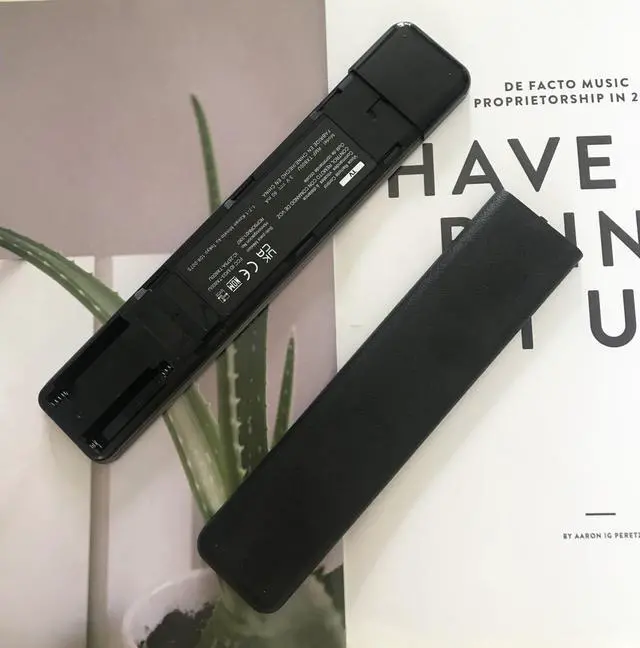
Package Content: 1 x Remote Control (Manuals and Batteries Not Included). Simply insert 2 AAA batteries (not included) to make it operate.
Easy to Pair: hold down the "VOL-" and "Mic" buttons on the remote for 2 seconds, and it will begin pairing with your Sony TV
Package Content: 1 x Remote Control (Manuals and Batteries Not Included). Simply insert 2 AAA batteries (not included) to make it operate.
Easy to Pair: hold down the "VOL-" and "Mic" buttons on the remote for 2 seconds, and it will begin pairing with your Sony TV
Warranty & Returns
Warranty, Returns, And Additional Information
Warranty
- Please contact the Seller directly for warranty information. Warranty information may also be found on the Manufacturer's website.
- CONTACT
Return Policies
- Return for refund within: 30 days
- Return for replacement within: 30 days
- This item is covered by Brightflag Electronics Return Policy
Manufacturer Contact Info
- For a directory of all our manufacturers, please click below.
- Manufacturers Directory
LOADING...