

Your Browsing History

Meet Your Seller

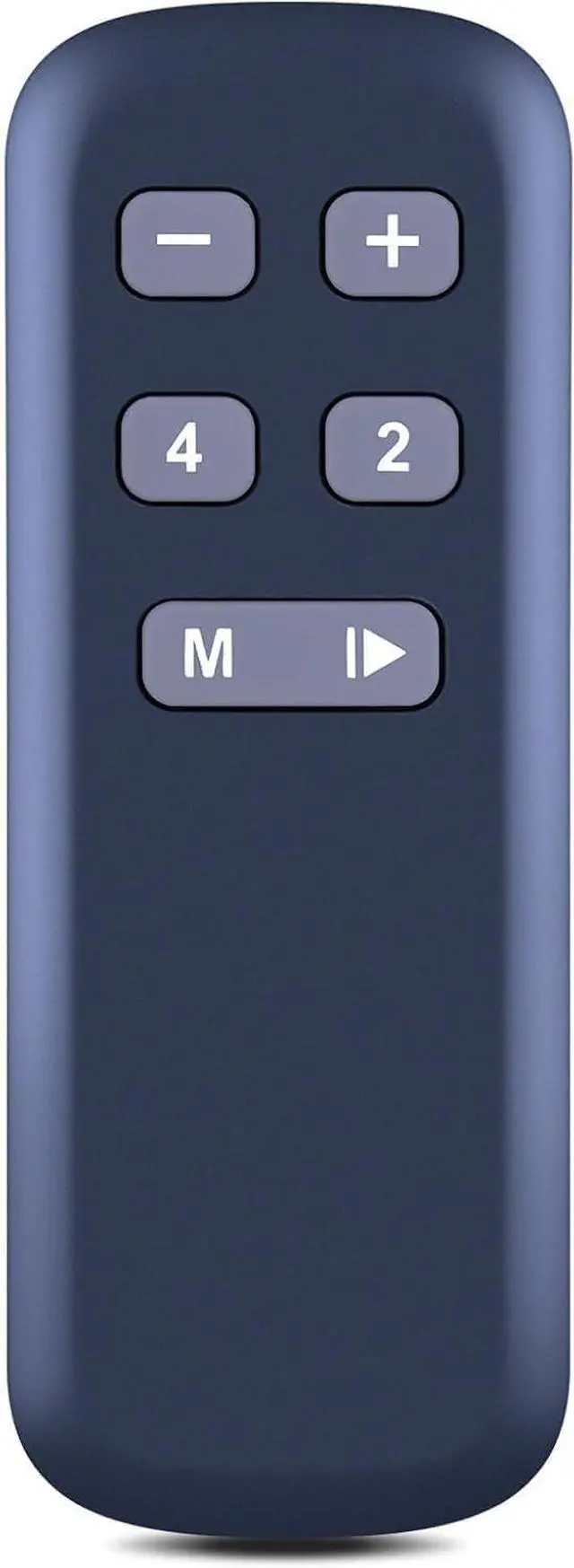
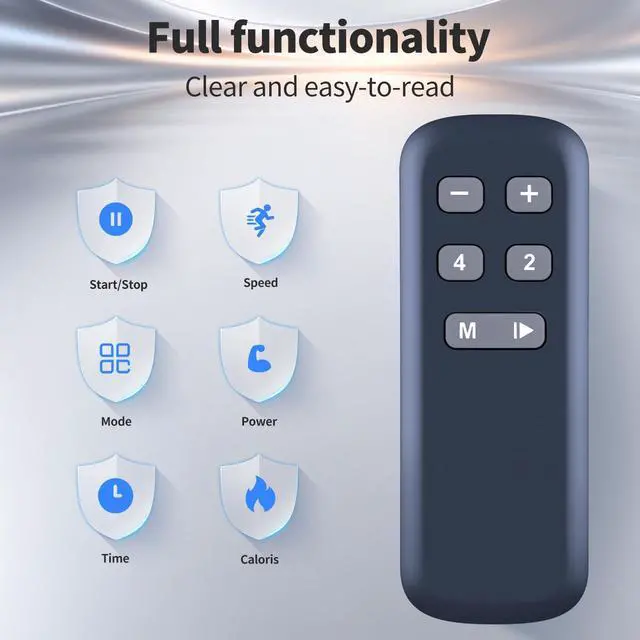
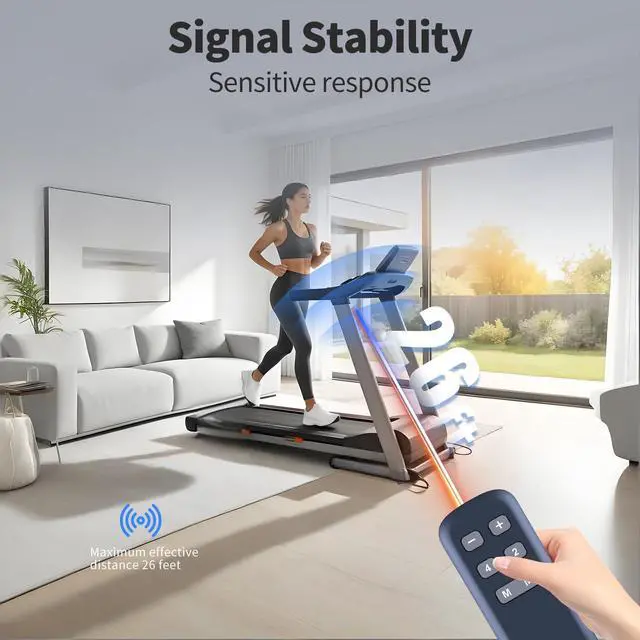
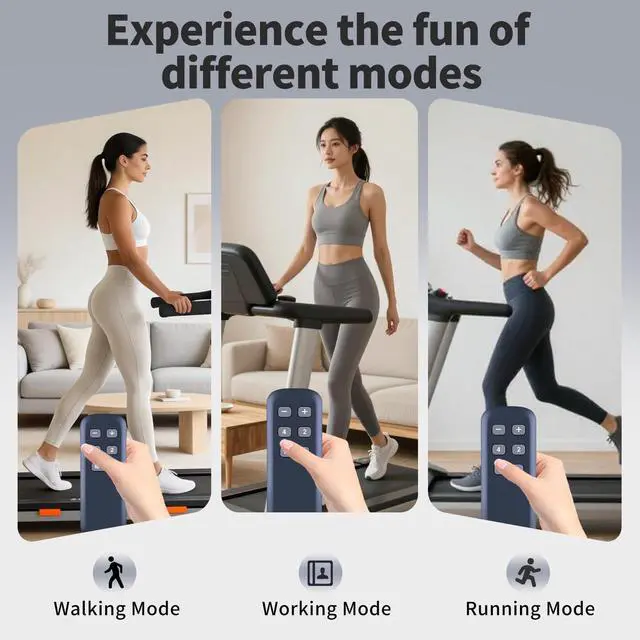
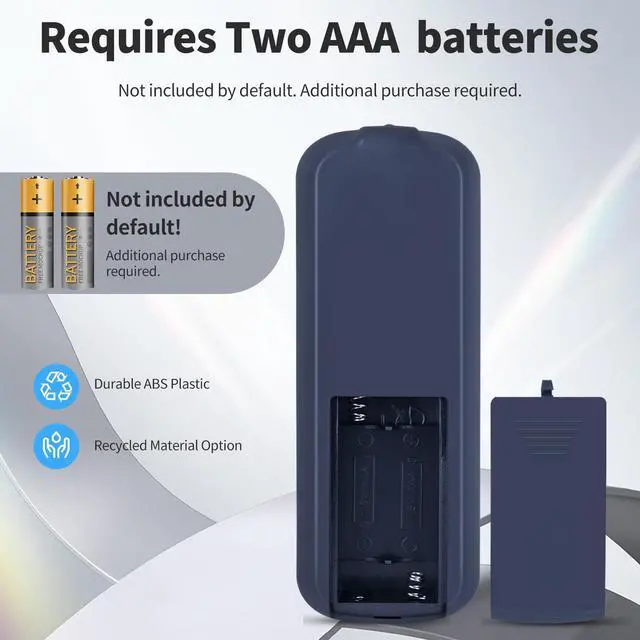


Replacement Remote Control for Buztrio Walking Pad Treadmill LF-X2D
Limited time offer, ends 09/30 By Brightflag Electronics
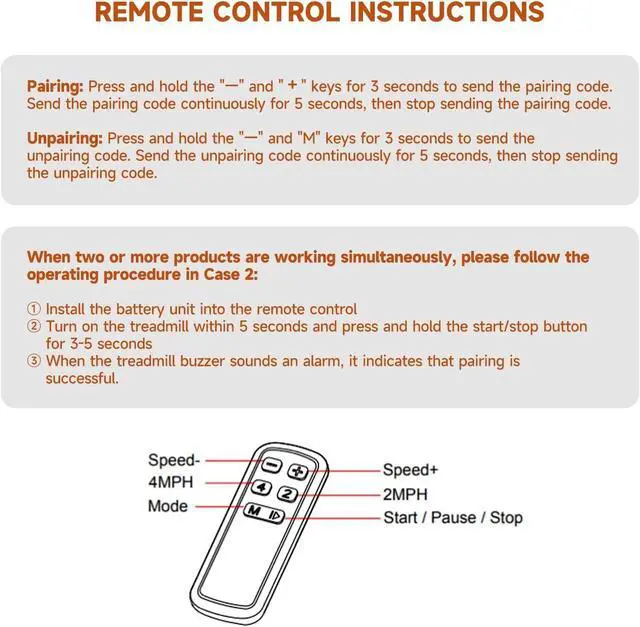
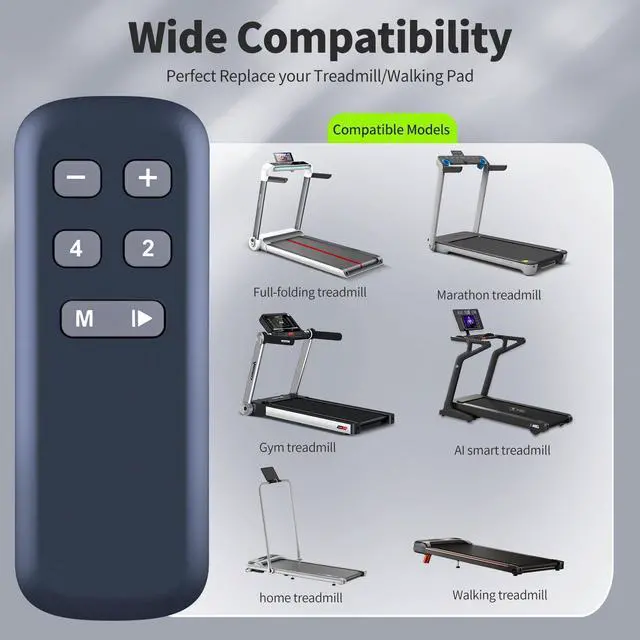
- Perfect Compatibility & ReplacementDesigned for use with the LF-X2D Walking Pad Treadmill. NoteIf two or more units are operated at the same time, kindly follow the procedure - Insert the battery unit into the remote control. Switch on the treadmill within 5 seconds, then press and hold the start/stop button for 3-5 seconds. When the treadmill buzzer emits an alarm, the pairing has been completed successfully. Easy to Pair Press and hold the "-" and "+" buttons for 3 seconds to transmit the pairing signal. Keep transmitting the pairing signal for 5 seconds, then cease transmission. Unpaired MethodPress and hold the "-" and "M" buttons for 3 seconds to transmit the unpairing signal. Keep transmitting the unpairing signal for 5 seconds, then cease transmission
+
+
Overview
Specs
Reviews

Any questions? Our AI mode will help you find out quickly.
Try me now
Perfect Compatibility & ReplacementDesigned for use with the LF-X2D Walking Pad Treadmill. NoteIf two or more units are operated at the same time, kindly follow the procedure - Insert the battery unit into the remote control. Switch on the treadmill within 5 seconds, then press and hold the start/stop button for 3-5 seconds. When the treadmill buzzer emits an alarm, the pairing has been completed successfully. Easy to Pair Press and hold the "-" and "+" buttons for 3 seconds to transmit the pairing signal. Keep transmitting the pairing signal for 5 seconds, then cease transmission.
Unpaired MethodPress and hold the "-" and "M" buttons for 3 seconds to transmit the unpairing signal. Keep transmitting the unpairing signal for 5 seconds, then cease transmission
Unpaired MethodPress and hold the "-" and "M" buttons for 3 seconds to transmit the unpairing signal. Keep transmitting the unpairing signal for 5 seconds, then cease transmission
Warranty & Returns
Warranty, Returns, And Additional Information
Warranty
- Please contact the Seller directly for warranty information. Warranty information may also be found on the Manufacturer's website.
- CONTACT
Return Policies
- Return for refund within: 30 days
- Return for replacement within: 30 days
- This item is covered by Brightflag Electronics Return Policy
Manufacturer Contact Info
- For a directory of all our manufacturers, please click below.
- Manufacturers Directory
LOADING...