

Your Browsing History

Meet Your Seller

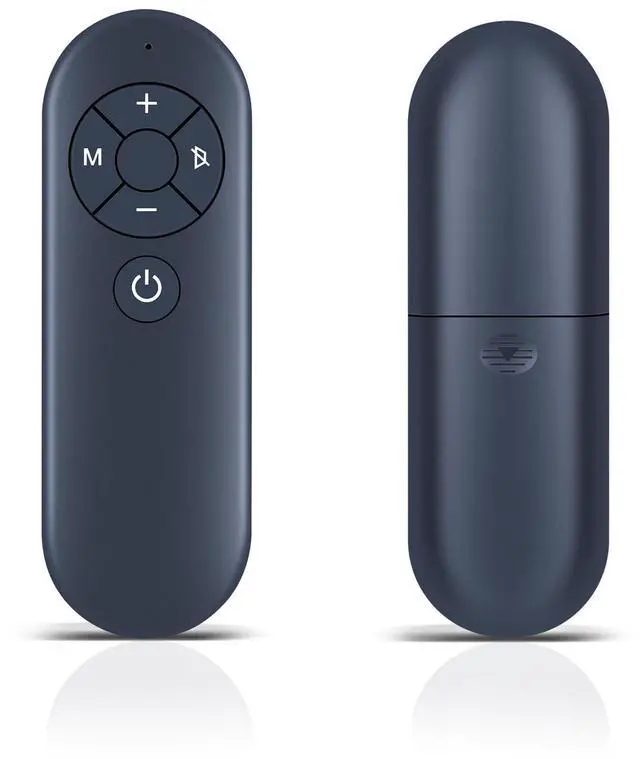

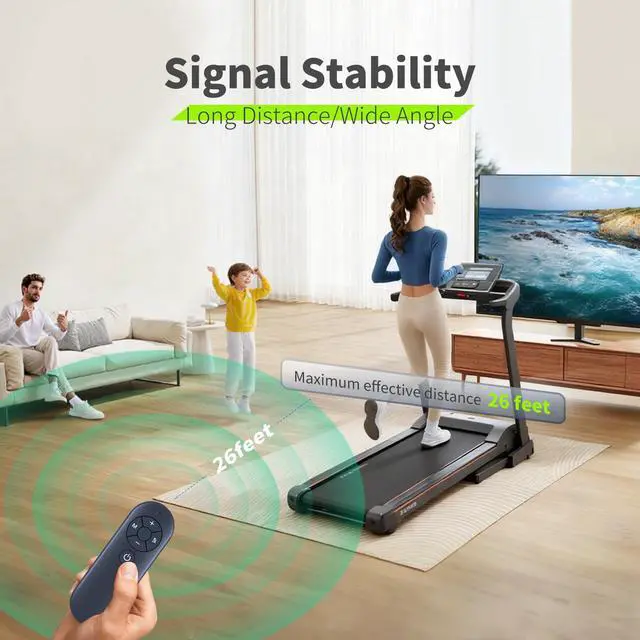
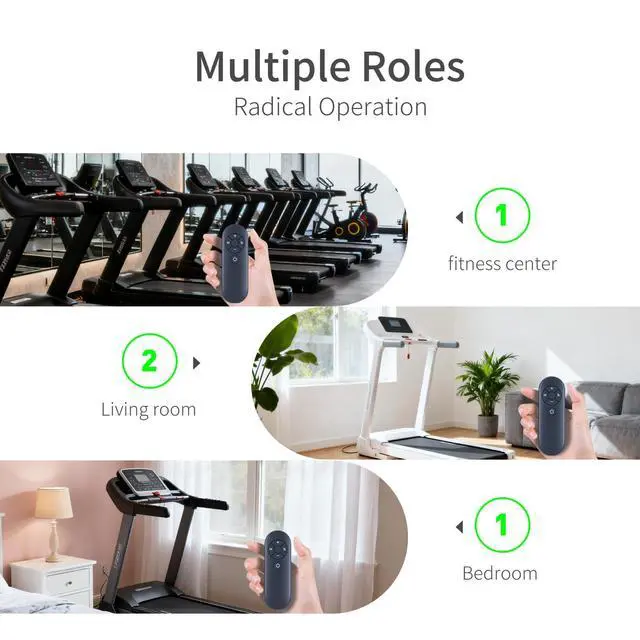


Replacement Remote for HOWHAI Walking Pad Under Desk Treadmill | Easy pairing,Responsive control
Limited time offer, ends 09/30 By Brightflag Electronics
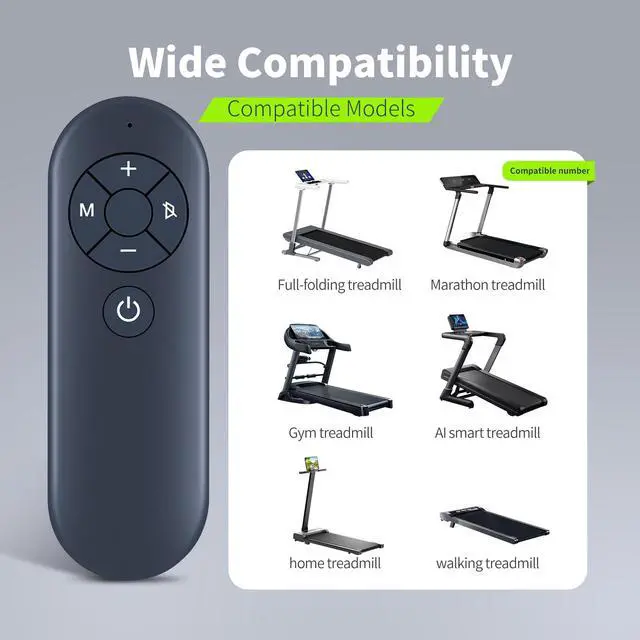
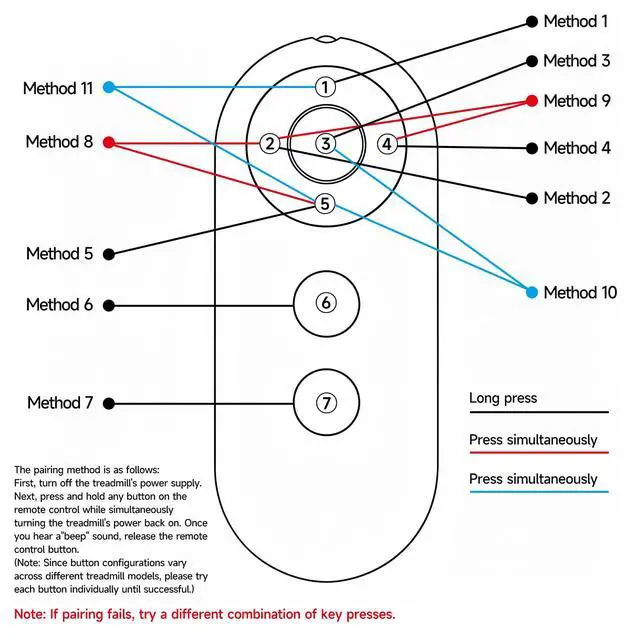
- Perfect CompatibilityTake full control of your workouts with this genuine replacement remote designed specifically for QK3002 and QK3016 Walking Pad Treadmills. This quality remote ensures seamless operation with your treadmill, offering complete command over speed adjustments, start/stop functions, and program selection. No programming required - it works perfectly with your walking pad right out of the box. Intuitive Speed ControlEnhance your walking routine with this user-friendly remote featuring responsive buttons for effortless speed adjustments. Easily increase or decrease your pace with the +/- buttons, pause your workout, or switch between preset programs - all while working or watching TV. The compact, lightweight design fits comfortably in your hand for convenient control during use. How to set up:METHOD 1: Insert a suitable battery. Reconnect the power, turn on the device, and wait 10 seconds. Press and hold the power/+/- button on the remote control (this may vary depending on the device; please try each one individually). It will emit a long beep, indicating a successful connection. How to set up:METHOD 2: Insert batteries. Press and hold the power button/+/- sign (this may vary depending on the device; please try each one individually). Turn on the treadmill's power switch. It will emit a long beep, indicating a successful connection
+
+
Overview
Specs
Reviews

Any questions? Our AI mode will help you find out quickly.
Try me now
Perfect CompatibilityTake full control of your workouts with this genuine replacement remote designed specifically for QK3002 and QK3016 Walking Pad Treadmills. This quality remote ensures seamless operation with your treadmill, offering complete command over speed adjustments, start/stop functions, and program selection. No programming required - it works perfectly with your walking pad right out of the box. Intuitive Speed ControlEnhance your walking routine with this user-friendly remote featuring responsive buttons for effortless speed adjustments. Easily increase or decrease your pace with the +/- buttons, pause your workout, or switch between preset programs - all while working or watching TV.
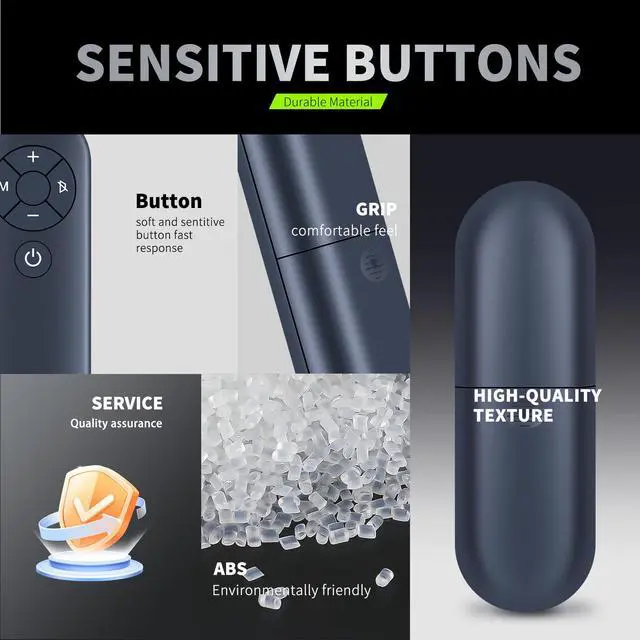
The compact, lightweight design fits comfortably in your hand for convenient control during use.
How to set up: METHOD
1: Insert a suitable battery. Reconnect the power, turn on the device, and wait 10 seconds. Press and hold the power/+/- button on the remote control (this may vary depending on the device; please try each one individually). It will emit a long beep, indicating a successful connection.
How to set up: METHOD
2: Insert batteries. Press and hold the power button/+/- sign (this may vary depending on the device; please try each one individually). Turn on the treadmill's power switch. It will emit a long beep, indicating a successful connection
The compact, lightweight design fits comfortably in your hand for convenient control during use.
How to set up: METHOD
1: Insert a suitable battery. Reconnect the power, turn on the device, and wait 10 seconds. Press and hold the power/+/- button on the remote control (this may vary depending on the device; please try each one individually). It will emit a long beep, indicating a successful connection.
How to set up: METHOD
2: Insert batteries. Press and hold the power button/+/- sign (this may vary depending on the device; please try each one individually). Turn on the treadmill's power switch. It will emit a long beep, indicating a successful connection
Warranty & Returns
Warranty, Returns, And Additional Information
Warranty
- Please contact the Seller directly for warranty information. Warranty information may also be found on the Manufacturer's website.
- CONTACT
Return Policies
- Return for refund within: 30 days
- Return for replacement within: 30 days
- This item is covered by Brightflag Electronics Return Policy
Manufacturer Contact Info
- For a directory of all our manufacturers, please click below.
- Manufacturers Directory
LOADING...