

Your Browsing History

Meet Your Seller


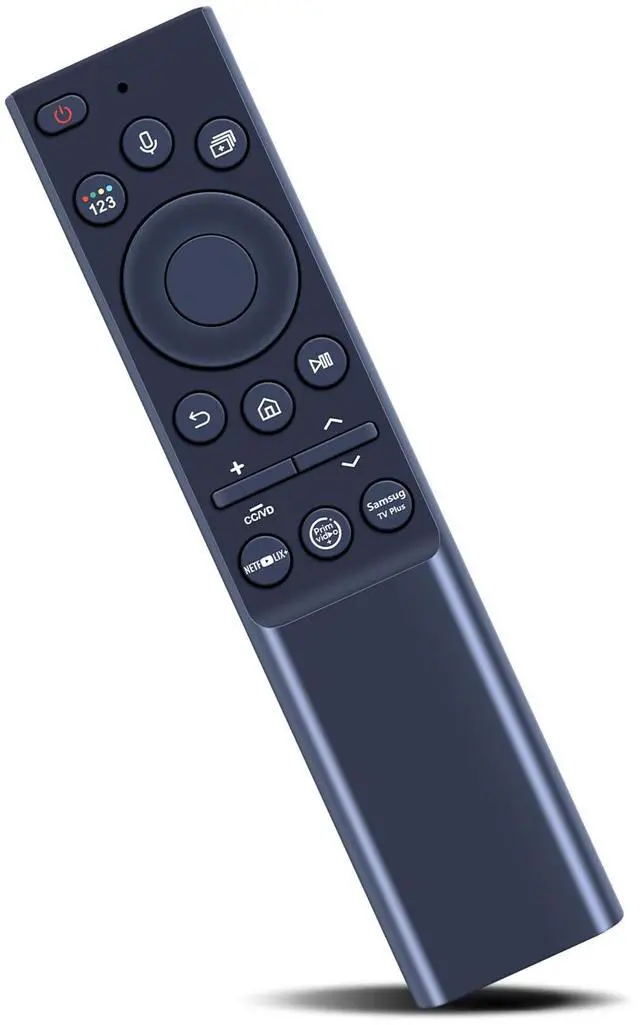
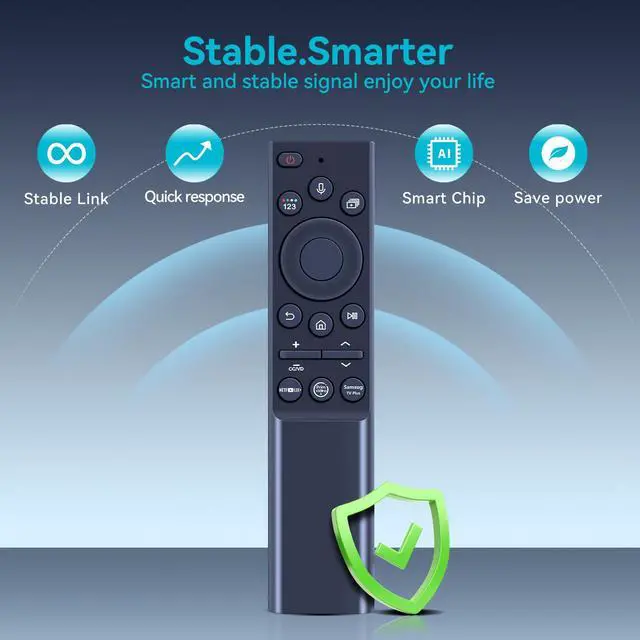
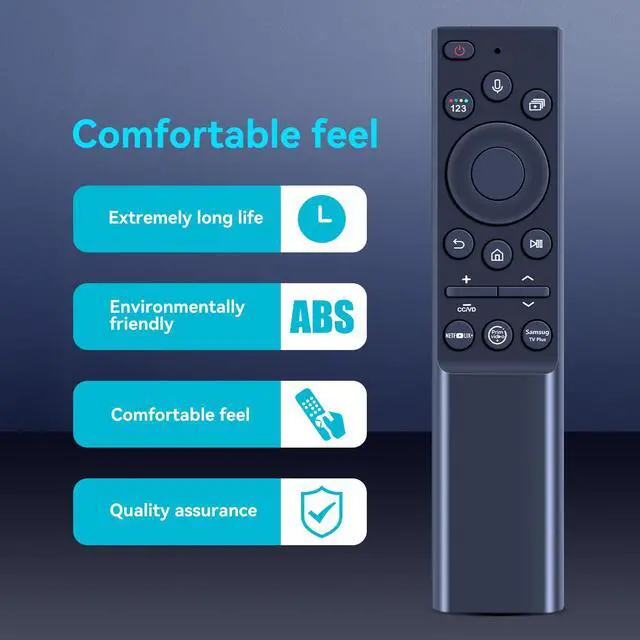
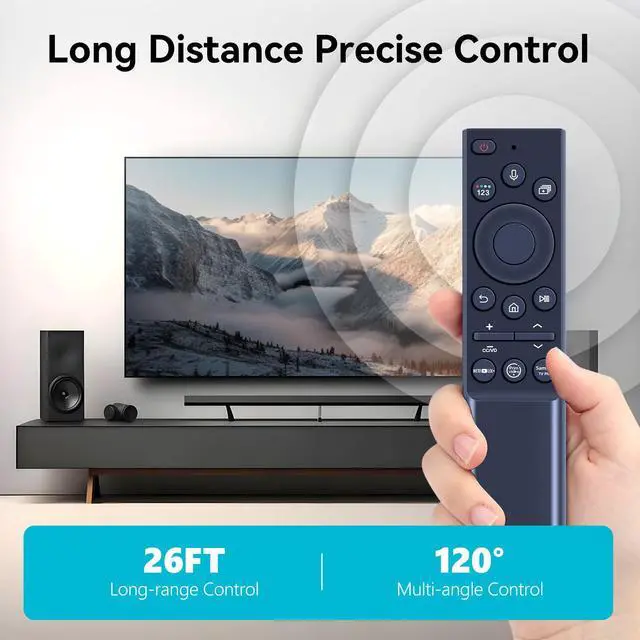
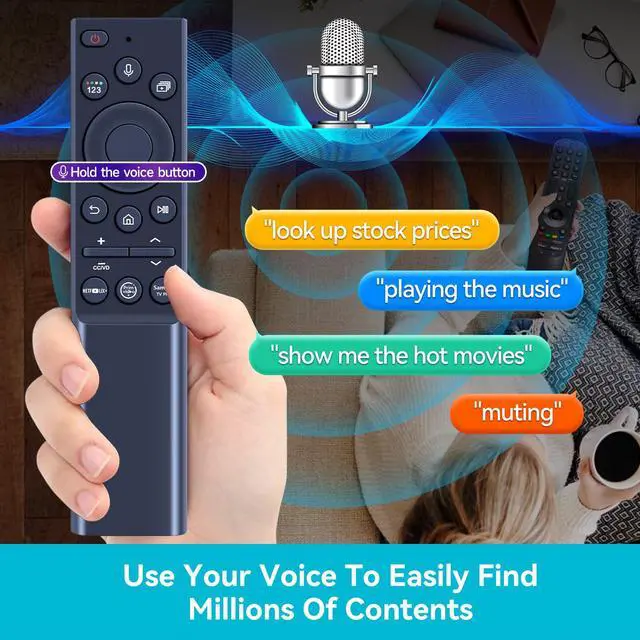


BN59-01357A Replacement Voice Remote Control fit for Samsung Smart TVs | Compatible with Samsung QLED Series Smart TV Also BN59-01357F BN59-01357P TM2180E Full Function Replacement
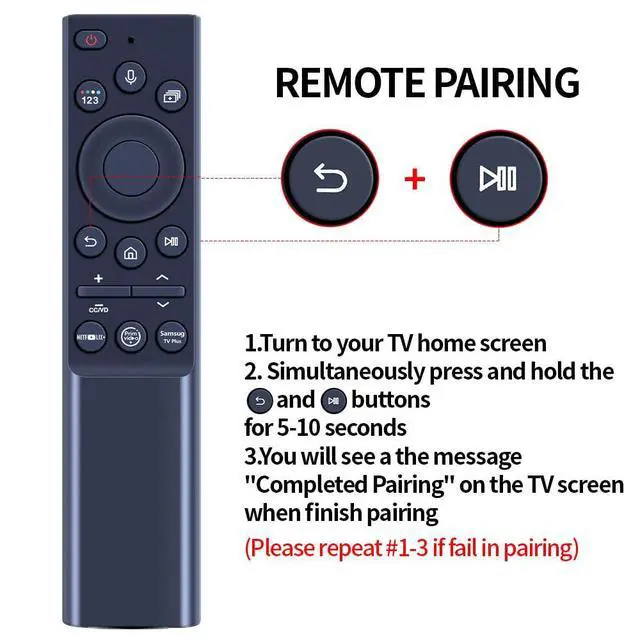
- Compatible with TV Models: 2021 Q60A Series: QN32Q60AAFXZA QN43Q60AAFXZA QN50Q60AAFXZA QN55Q60AAFXZA QN60Q60AAFXZA QN65Q60AAFXZA QN70Q60AAFXZA QN75Q60AAFXZA QN85Q60AAFXZA. 2021 Q70A Series: QN55Q70AAFXZA QN65Q70AAFXZA QN75Q70AAFXZA QN85Q70AAFXZA. 2021 Q80A Series: QN50Q80AAFXZA QN55Q80AAFXZA QN65Q80AAFXZA QN75Q80AAFXZA QN85Q80AAFXZA. 2021 QN90A Series: QN50QN90AAFXZA QN55QN90AAFXZA QN65QN90AAFXZA QN75QN90AAFXZA QN85QN90AAFXZA. 2021 QN800A Series: QN65QN800AFXZA QN75QN800AFXZA QN85QN800AFXZA. 2021 QN85A Series: QN55QN85AAFXZA QN65QN85AAFXZA QN75QN85AAFXZA QN85QN85AAFXZA. 2021 The Frame QLED 4K Smart TV Series: QN43LS03AAFXZA QN50LS03AAFXZA QN55LS03AAFXZA QN65LS03AAFXZA QN75LS03AAFXZA QN32LS03TDFXZA QN43LS03ADFXZA QN50LS03ADFXZA QN55LS03ADFXZA QN65LS03ADFXZA QN75LS03ADFXZA QN32Q60AAFXZA QN43Q6DAAFXZA QN50Q6DAAFXZA QN55Q6DAAFXZA QN60Q6DAAFXZA QN65Q6DAAFXZA QN70Q6DAAFXZA QN75Q6DAAFXZA QN85Q6DAAFXZA QN55Q7DAAFXZA. Simple Pairing: Press and hold the "Return" and "Play/Pause" buttons on the remote simultaneously for over 3 seconds until the TV screen shows a pairing message. Then follow the on-screen instructions to add a new remote. Convenient Operation: Pairing or setup is straightforward. After inserting the battery (not included), just follow the pairing steps until it succeeds, and it will seamlessly take the place of your original remote
+
+
Overview
Specs
Reviews

Any questions? Our AI mode will help you find out quickly.
Try me now
Compatible with
TV Models: 2021
Q60A Series: QN32Q60AAFXZA QN43Q60AAFXZA QN50Q60AAFXZA QN55Q60AAFXZA QN60Q60AAFXZA QN65Q60AAFXZA QN70Q60AAFXZA QN75Q60AAFXZA QN85Q60AAFXZA.
2021 Q70A Series: QN55Q70AAFXZA QN65Q70AAFXZA QN75Q70AAFXZA QN85Q70AAFXZA.
2021 Q80A Series: QN50Q80AAFXZA QN55Q80AAFXZA QN65Q80AAFXZA QN75Q80AAFXZA QN85Q80AAFXZA.
2021 QN90A Series: QN50QN90AAFXZA QN55QN90AAFXZA QN65QN90AAFXZA QN75QN90AAFXZA QN85QN90AAFXZA.
2021 QN800A Series: QN65QN800AFXZA QN75QN800AFXZA QN85QN800AFXZA.
2021 QN85A Series: QN55QN85AAFXZA QN65QN85AAFXZA QN75QN85AAFXZA QN85QN85AAFXZA. 2021 The Frame QLED 4K
Smart TV Series: QN43LS03AAFXZA QN50LS03AAFXZA QN55LS03AAFXZA QN65LS03AAFXZA QN75LS03AAFXZA QN32LS03TDFXZA QN43LS03ADFXZA QN50LS03ADFXZA QN55LS03ADFXZA QN65LS03ADFXZA QN75LS03ADFXZA QN32Q60AAFXZA QN43Q6DAAFXZA QN50Q6DAAFXZA QN55Q6DAAFXZA QN60Q6DAAFXZA QN65Q6DAAFXZA QN70Q6DAAFXZA QN75Q6DAAFXZA QN85Q6DAAFXZA QN55Q7DAAFXZA.
Simple Pairing: Press and hold the "Return" and "Play/Pause" buttons on the remote simultaneously for over 3 seconds until the TV screen shows a pairing message. Then follow the on-screen instructions to add a new remote.
Convenient Operation: Pairing or setup is straightforward. After inserting the battery (not included), just follow the pairing steps until it succeeds, and it will seamlessly take the place of your original remote
TV Models: 2021
Q60A Series: QN32Q60AAFXZA QN43Q60AAFXZA QN50Q60AAFXZA QN55Q60AAFXZA QN60Q60AAFXZA QN65Q60AAFXZA QN70Q60AAFXZA QN75Q60AAFXZA QN85Q60AAFXZA.
2021 Q70A Series: QN55Q70AAFXZA QN65Q70AAFXZA QN75Q70AAFXZA QN85Q70AAFXZA.
2021 Q80A Series: QN50Q80AAFXZA QN55Q80AAFXZA QN65Q80AAFXZA QN75Q80AAFXZA QN85Q80AAFXZA.
2021 QN90A Series: QN50QN90AAFXZA QN55QN90AAFXZA QN65QN90AAFXZA QN75QN90AAFXZA QN85QN90AAFXZA.
2021 QN800A Series: QN65QN800AFXZA QN75QN800AFXZA QN85QN800AFXZA.
2021 QN85A Series: QN55QN85AAFXZA QN65QN85AAFXZA QN75QN85AAFXZA QN85QN85AAFXZA. 2021 The Frame QLED 4K
Smart TV Series: QN43LS03AAFXZA QN50LS03AAFXZA QN55LS03AAFXZA QN65LS03AAFXZA QN75LS03AAFXZA QN32LS03TDFXZA QN43LS03ADFXZA QN50LS03ADFXZA QN55LS03ADFXZA QN65LS03ADFXZA QN75LS03ADFXZA QN32Q60AAFXZA QN43Q6DAAFXZA QN50Q6DAAFXZA QN55Q6DAAFXZA QN60Q6DAAFXZA QN65Q6DAAFXZA QN70Q6DAAFXZA QN75Q6DAAFXZA QN85Q6DAAFXZA QN55Q7DAAFXZA.
Simple Pairing: Press and hold the "Return" and "Play/Pause" buttons on the remote simultaneously for over 3 seconds until the TV screen shows a pairing message. Then follow the on-screen instructions to add a new remote.
Convenient Operation: Pairing or setup is straightforward. After inserting the battery (not included), just follow the pairing steps until it succeeds, and it will seamlessly take the place of your original remote
Warranty & Returns
Warranty, Returns, And Additional Information
Warranty
- Please contact the Seller directly for warranty information. Warranty information may also be found on the Manufacturer's website.
- CONTACT
Return Policies
- Return for refund within: 30 days
- Return for replacement within: 30 days
- This item is covered by Brightflag Electronics Return Policy
Manufacturer Contact Info
- For a directory of all our manufacturers, please click below.
- Manufacturers Directory
LOADING...